A job you have to study first
Requirements, a priced study, a project that carries the scope, tasks, materials bought against the job, and the margin it actually made.
48 étapes
Le parcours complet, sans commentaire audio.
1 · The enquiry
A cold store wants its building insulated. Nobody can price that from a catalogue.
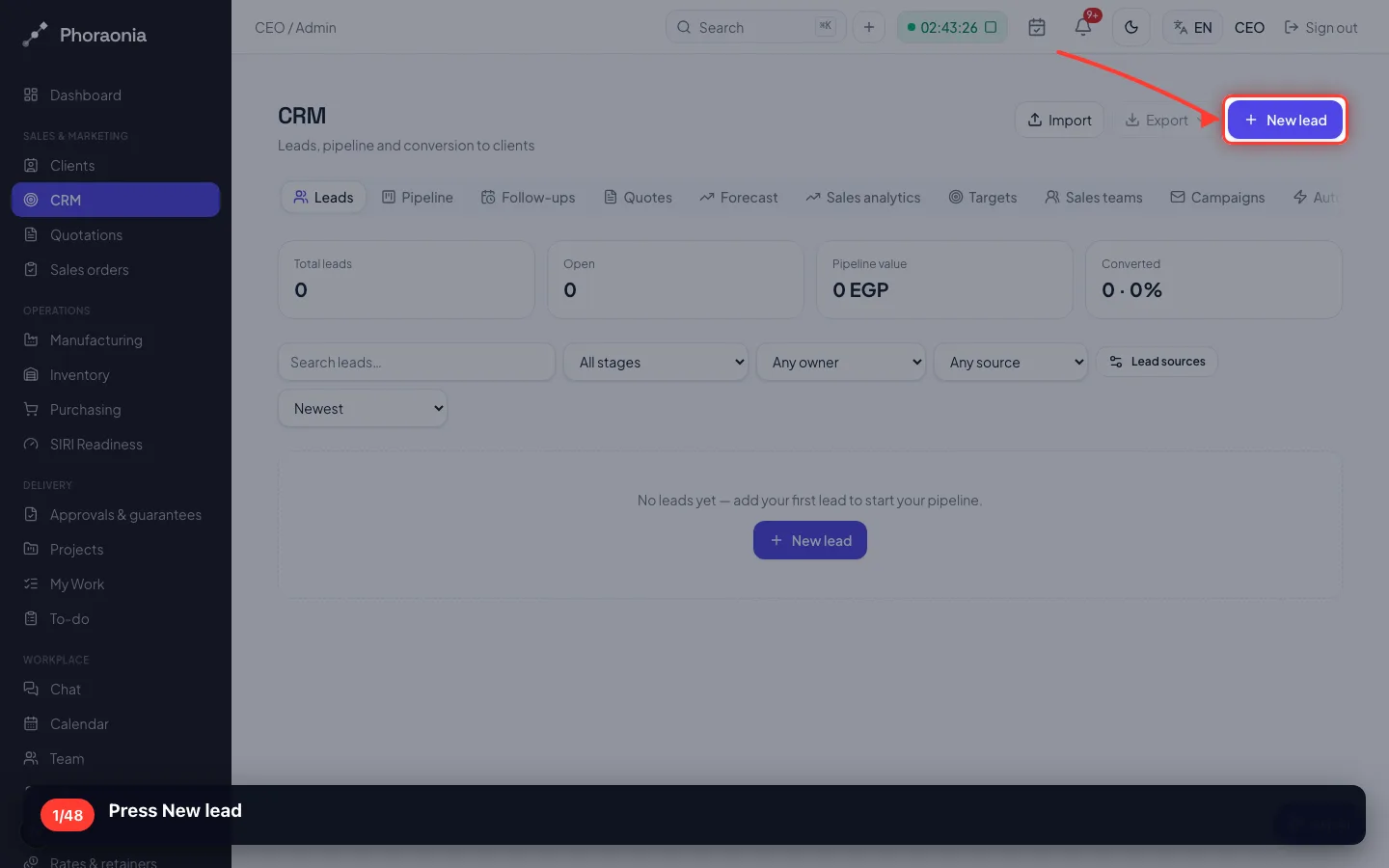
1Press New lead
- 2
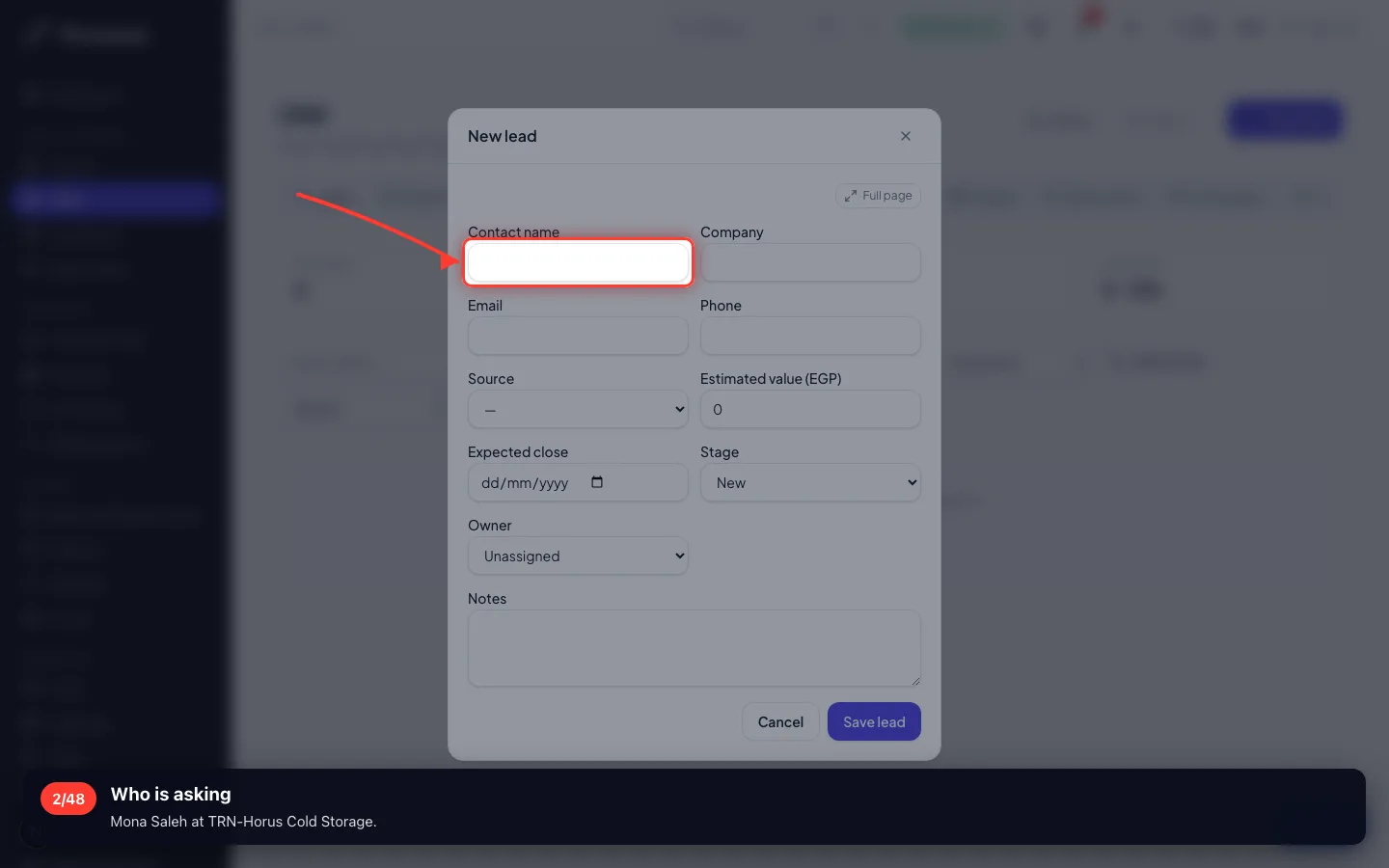
Who is asking
Mona Saleh at TRN-Horus Cold Storage.
- 3
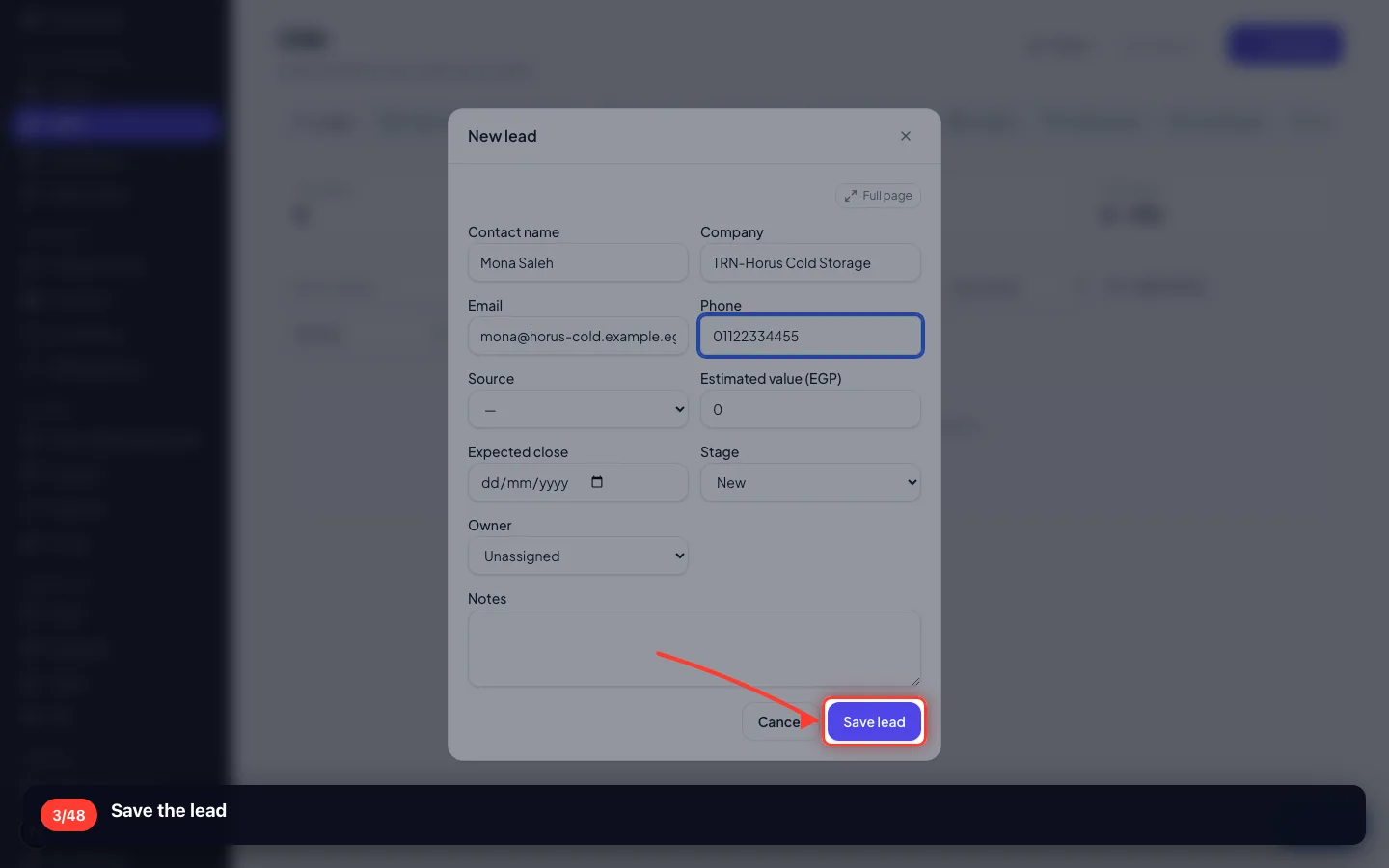
Save the lead
2 · Writing the requirements down
Before any price: what exactly are we being asked to deliver, and how will we know it is done.
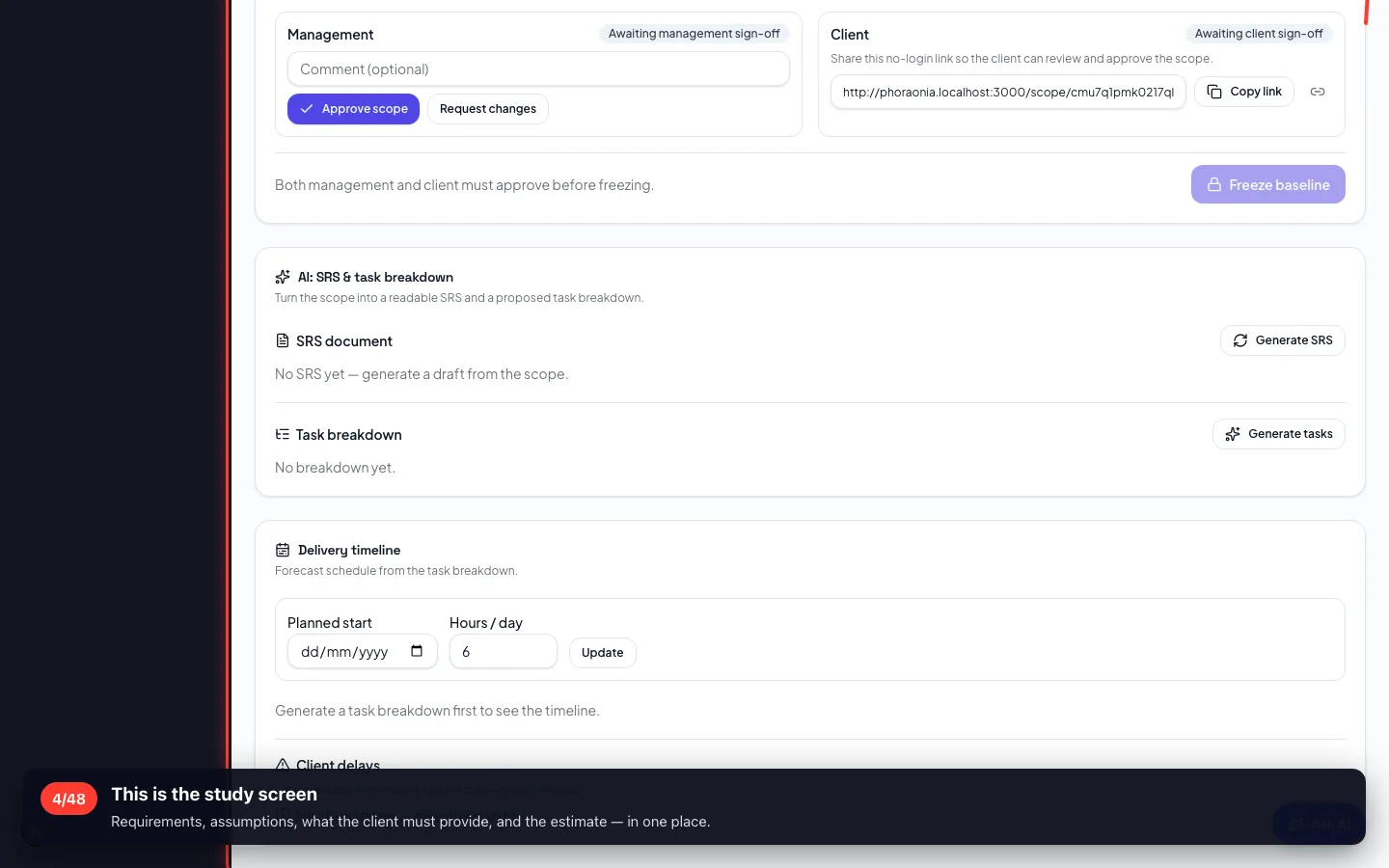
4This is the study screen
Requirements, assumptions, what the client must provide, and the estimate — in one place.
- 5
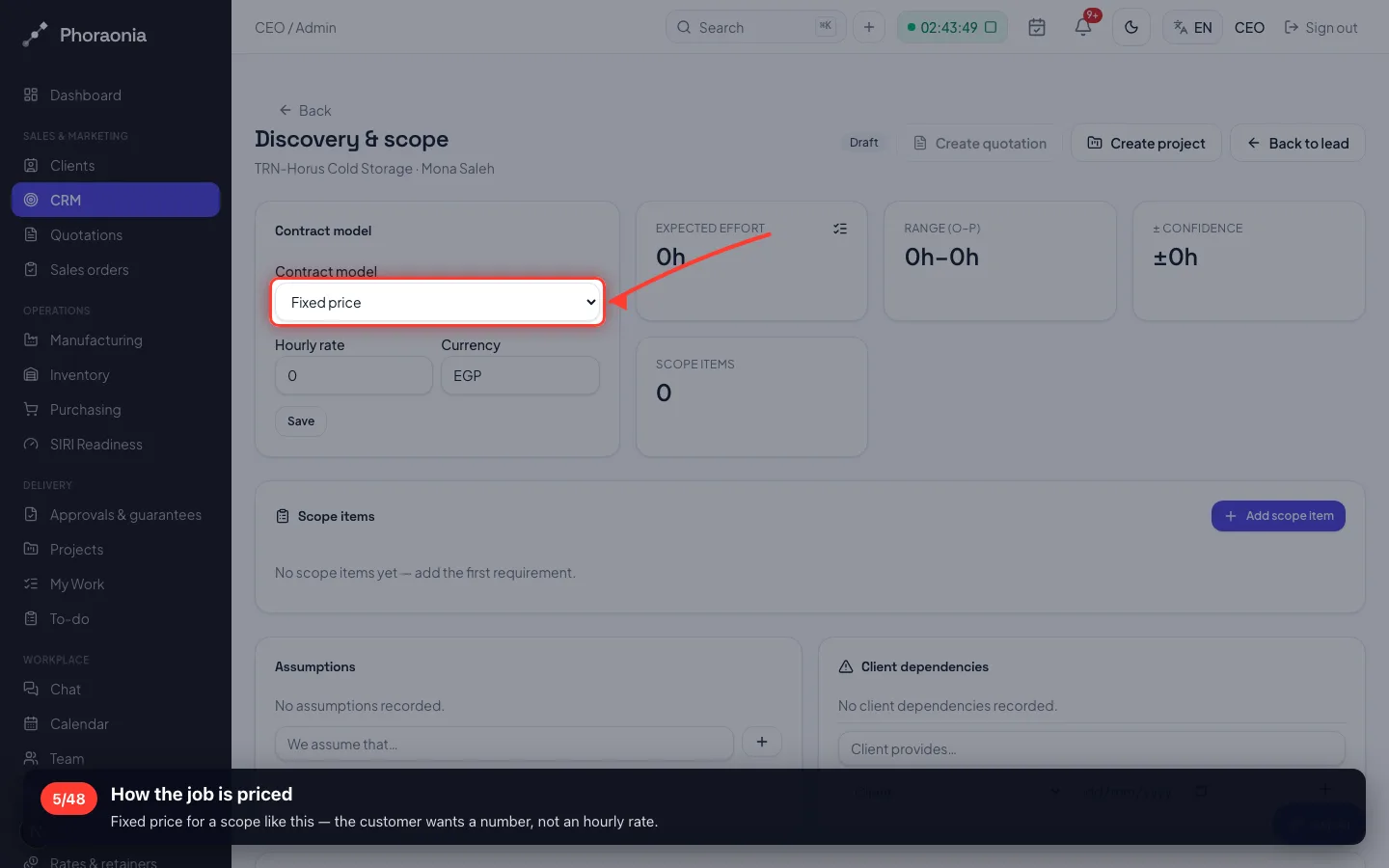
How the job is priced
Fixed price for a scope like this — the customer wants a number, not an hourly rate.
- 6
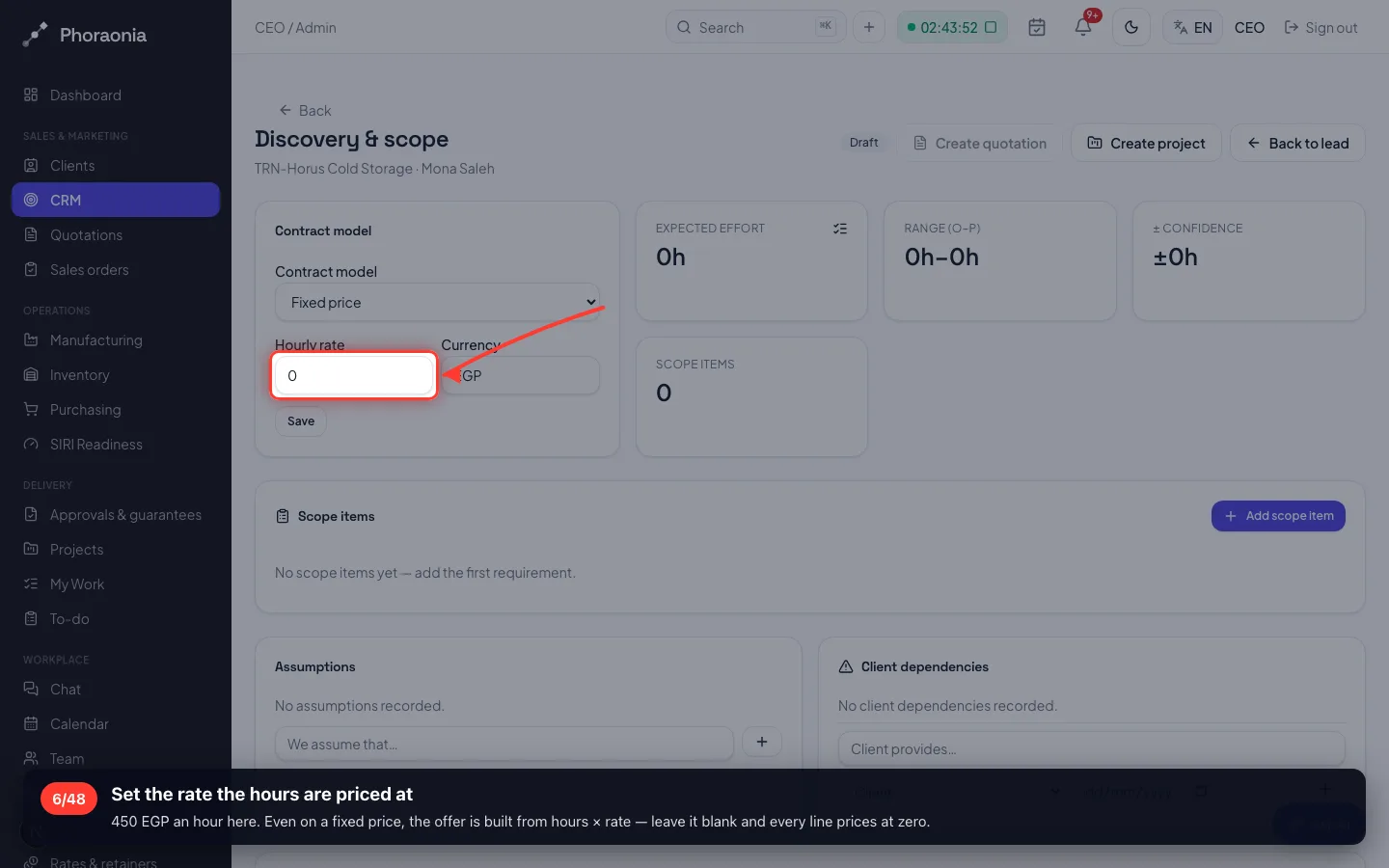
Set the rate the hours are priced at
450 EGP an hour here. Even on a fixed price, the offer is built from hours × rate — leave it blank and every line prices at zero.
- 7
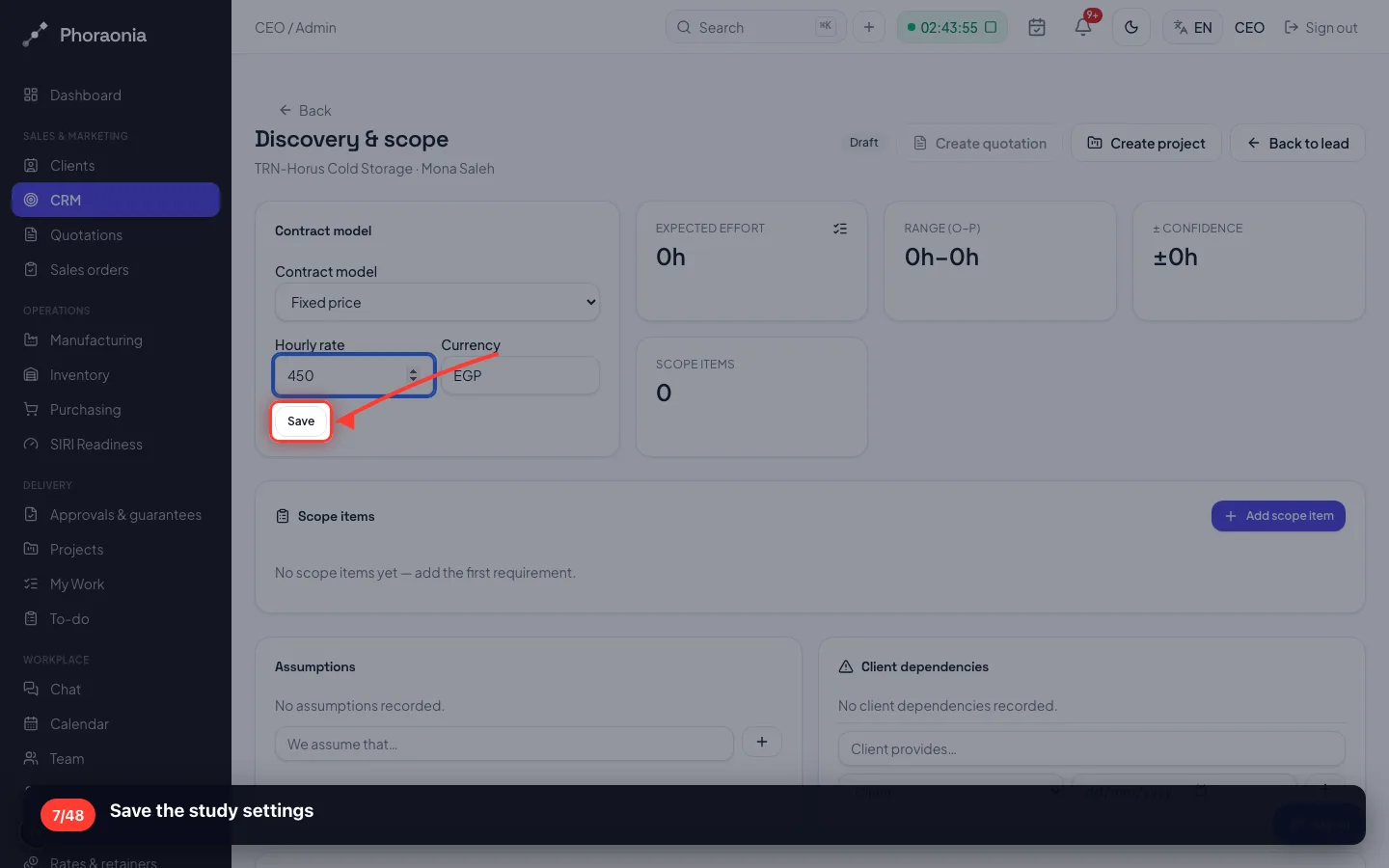
Save the study settings
- 8
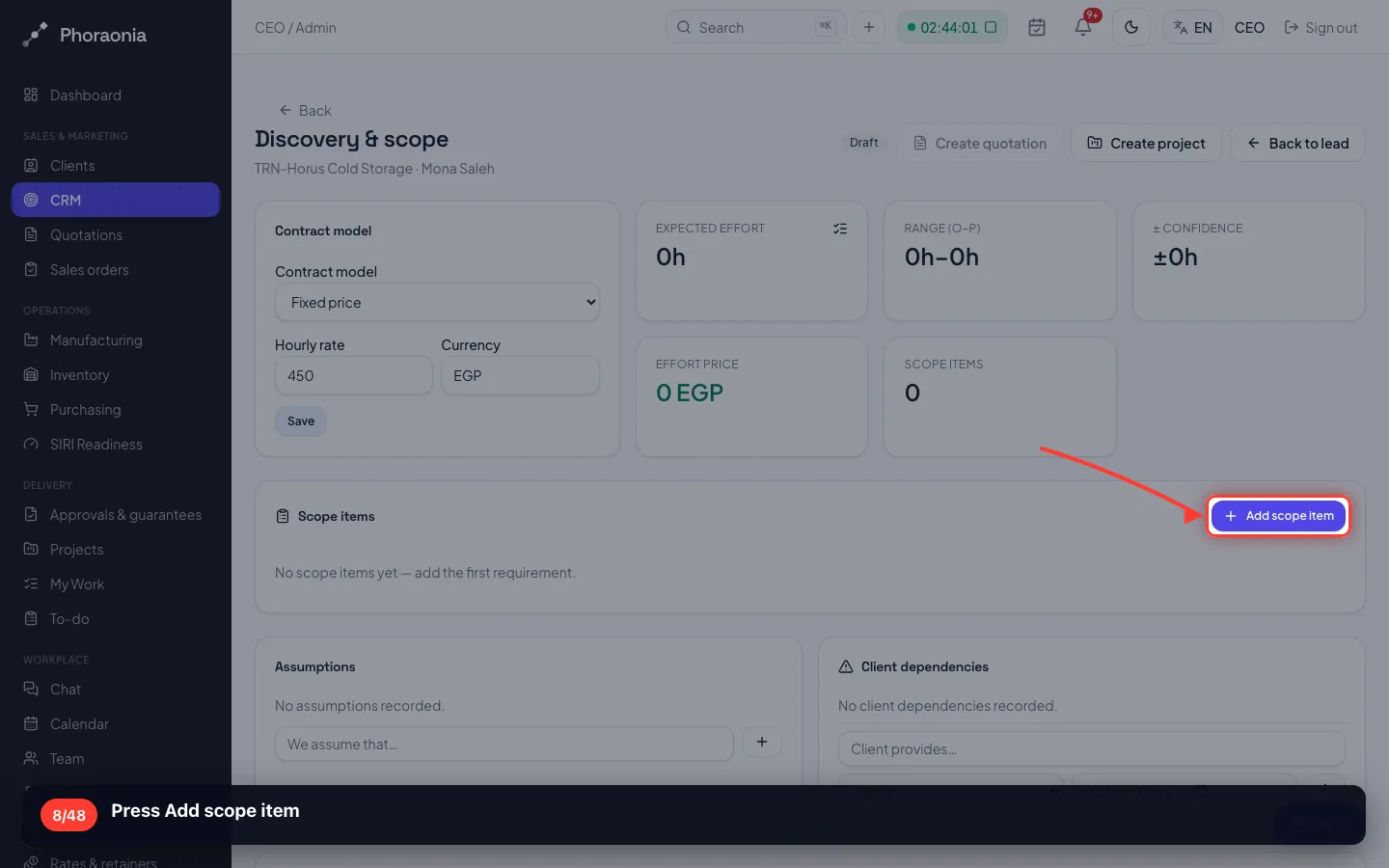
Press Add scope item
- 9
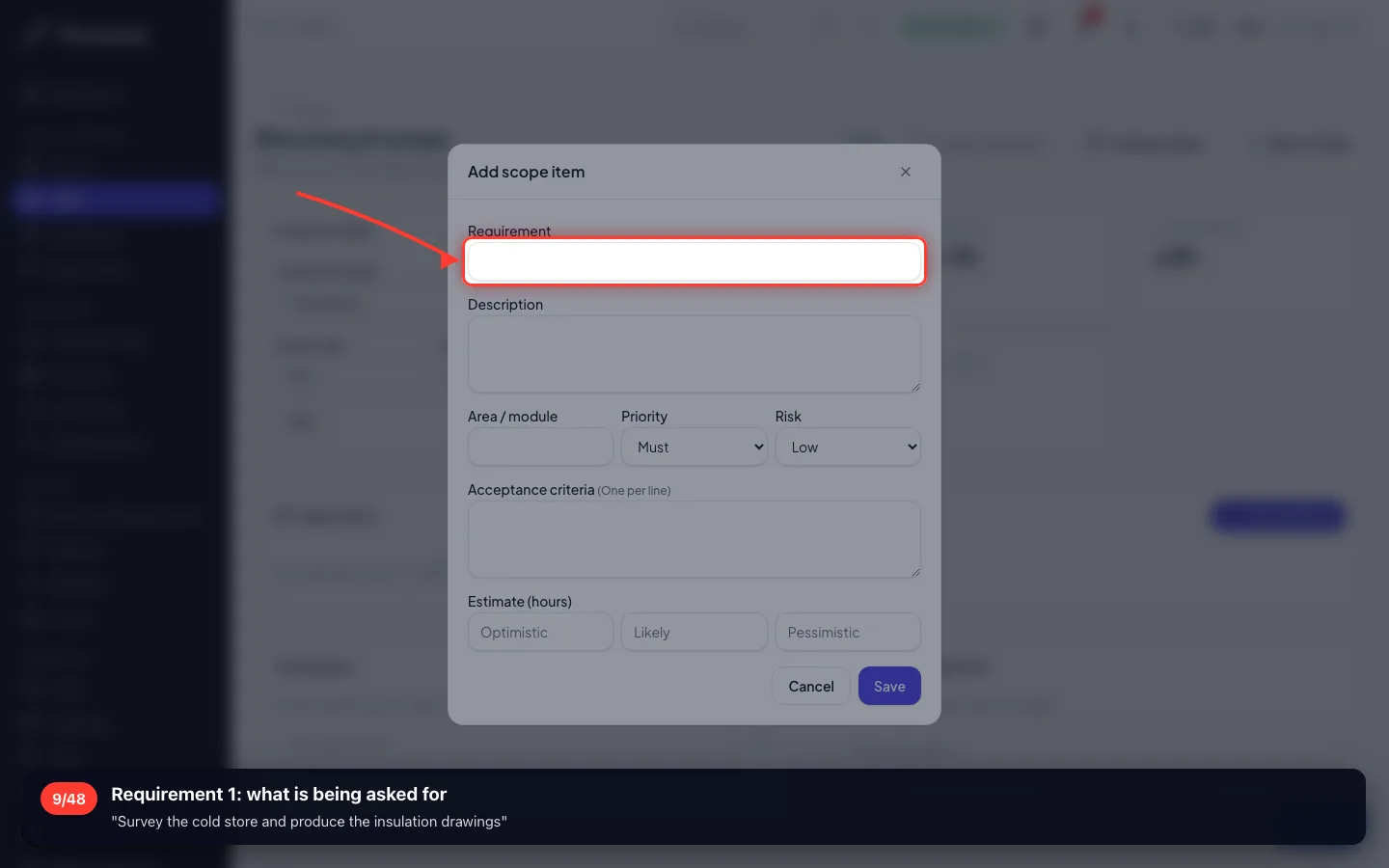
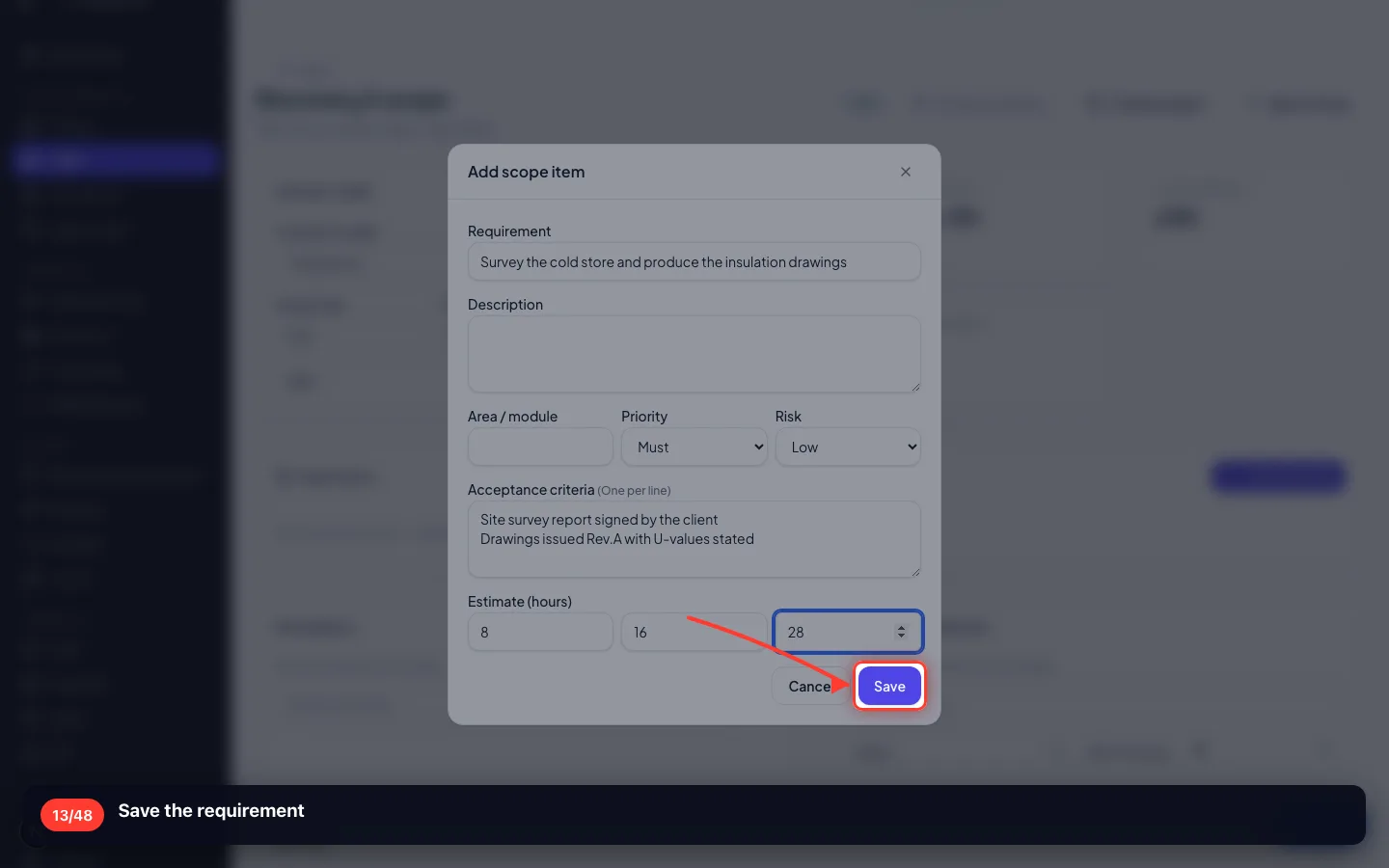
Requirement 1: what is being asked for
"Survey the cold store and produce the insulation drawings"
- 10
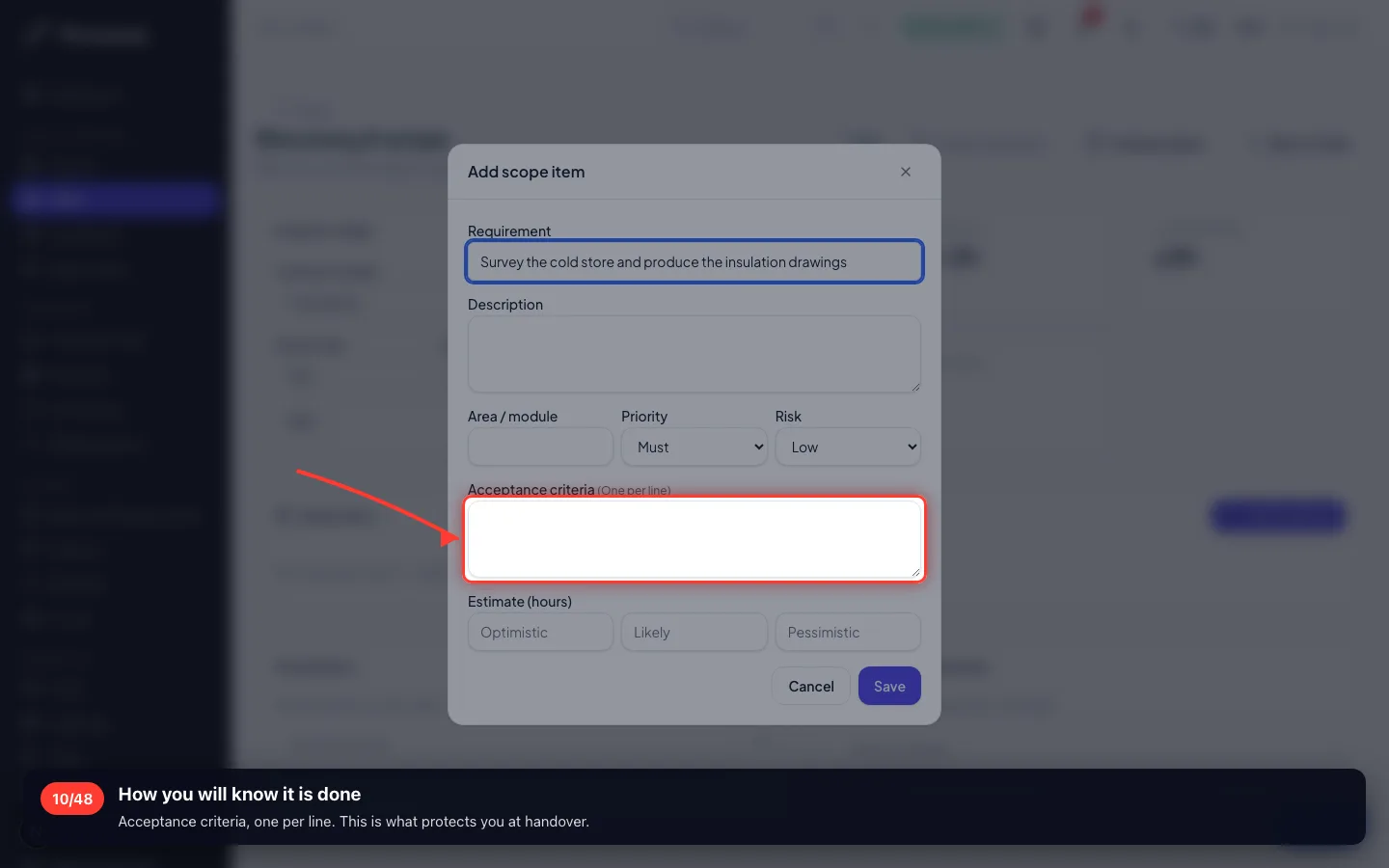
How you will know it is done
Acceptance criteria, one per line. This is what protects you at handover.
- 11
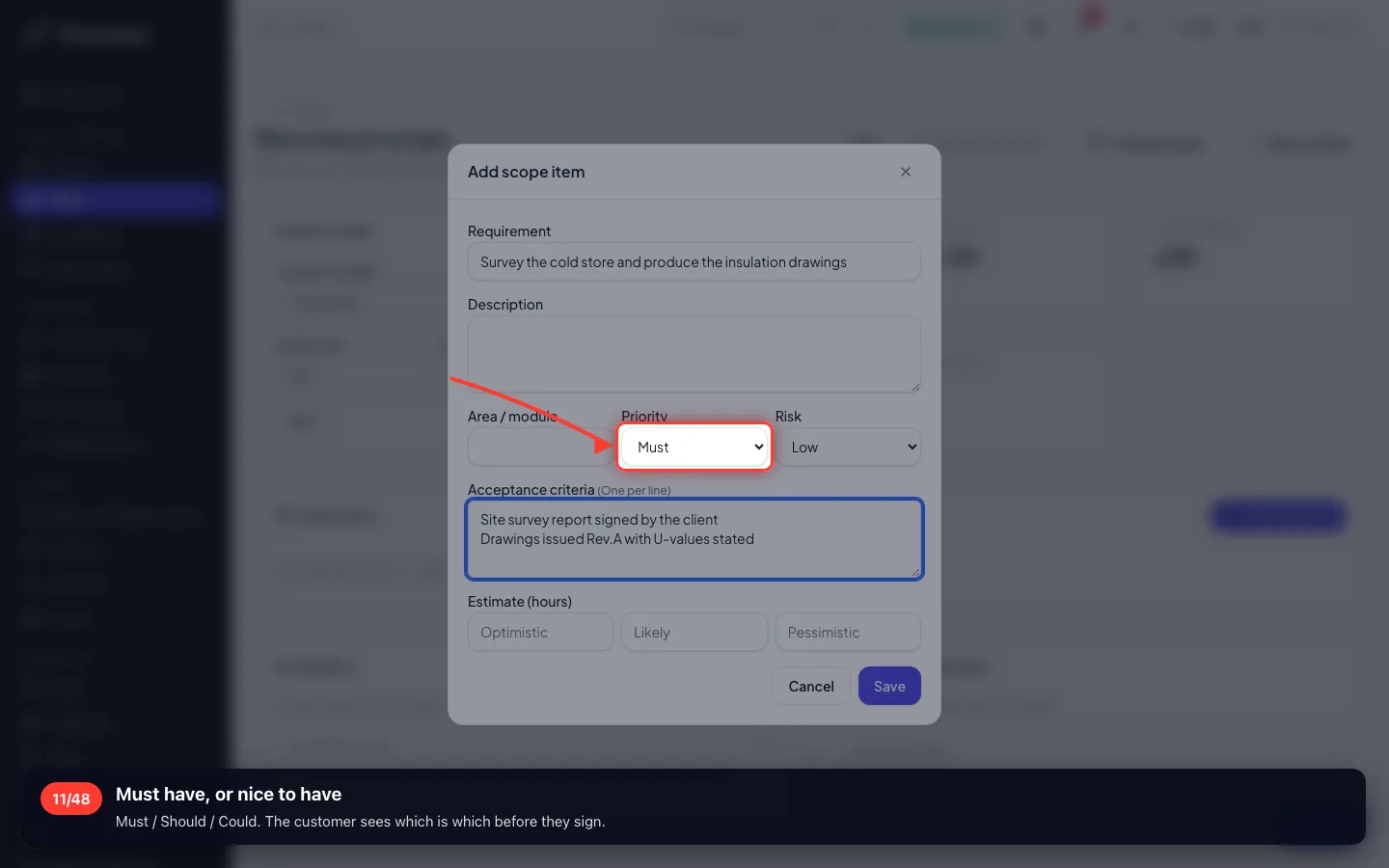
Must have, or nice to have
Must / Should / Could. The customer sees which is which before they sign.
- 12
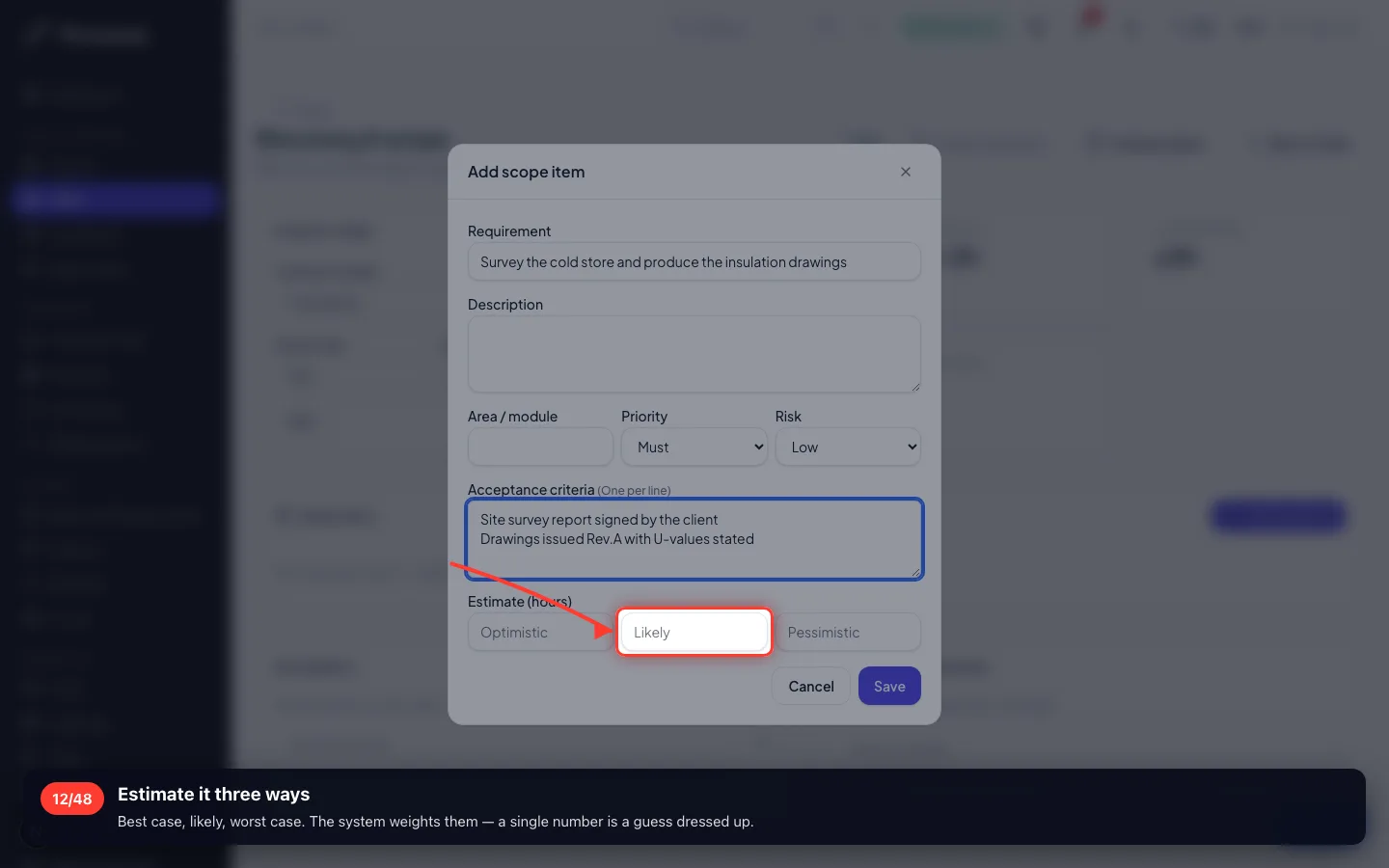
Estimate it three ways
Best case, likely, worst case. The system weights them — a single number is a guess dressed up.
- 13
Save the requirement
- 14
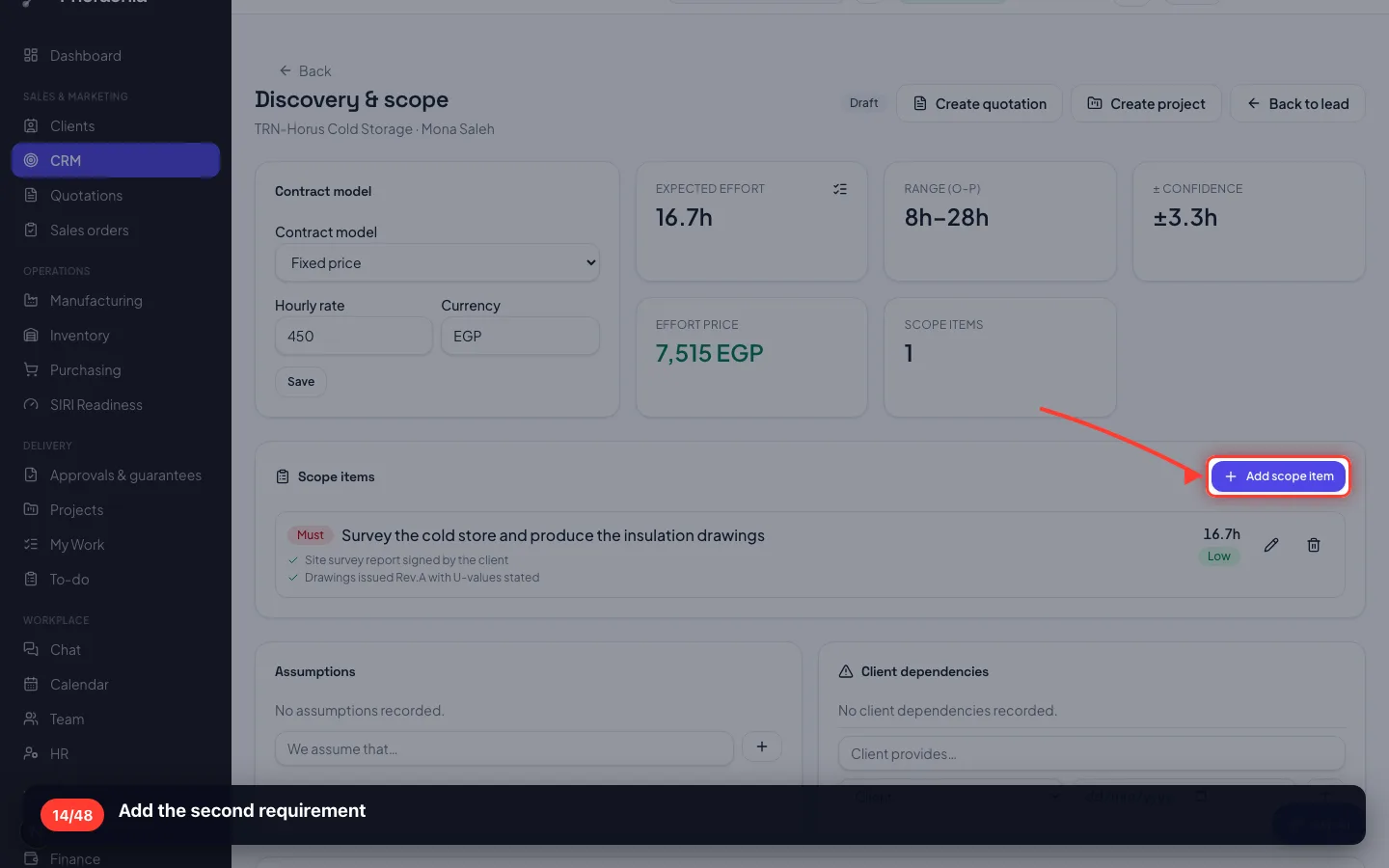
Add the second requirement
- 15
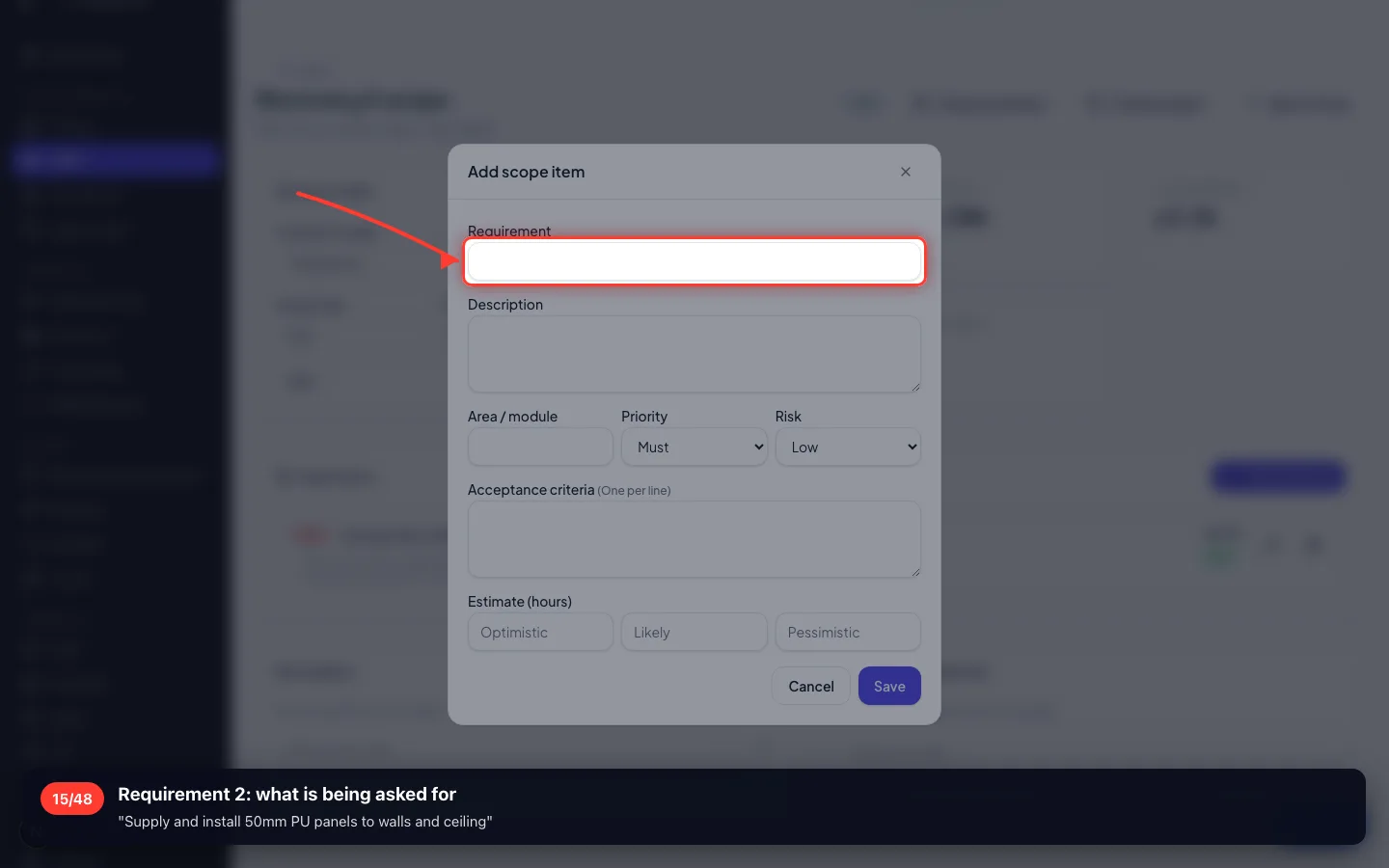
Requirement 2: what is being asked for
"Supply and install 50mm PU panels to walls and ceiling"
- 16
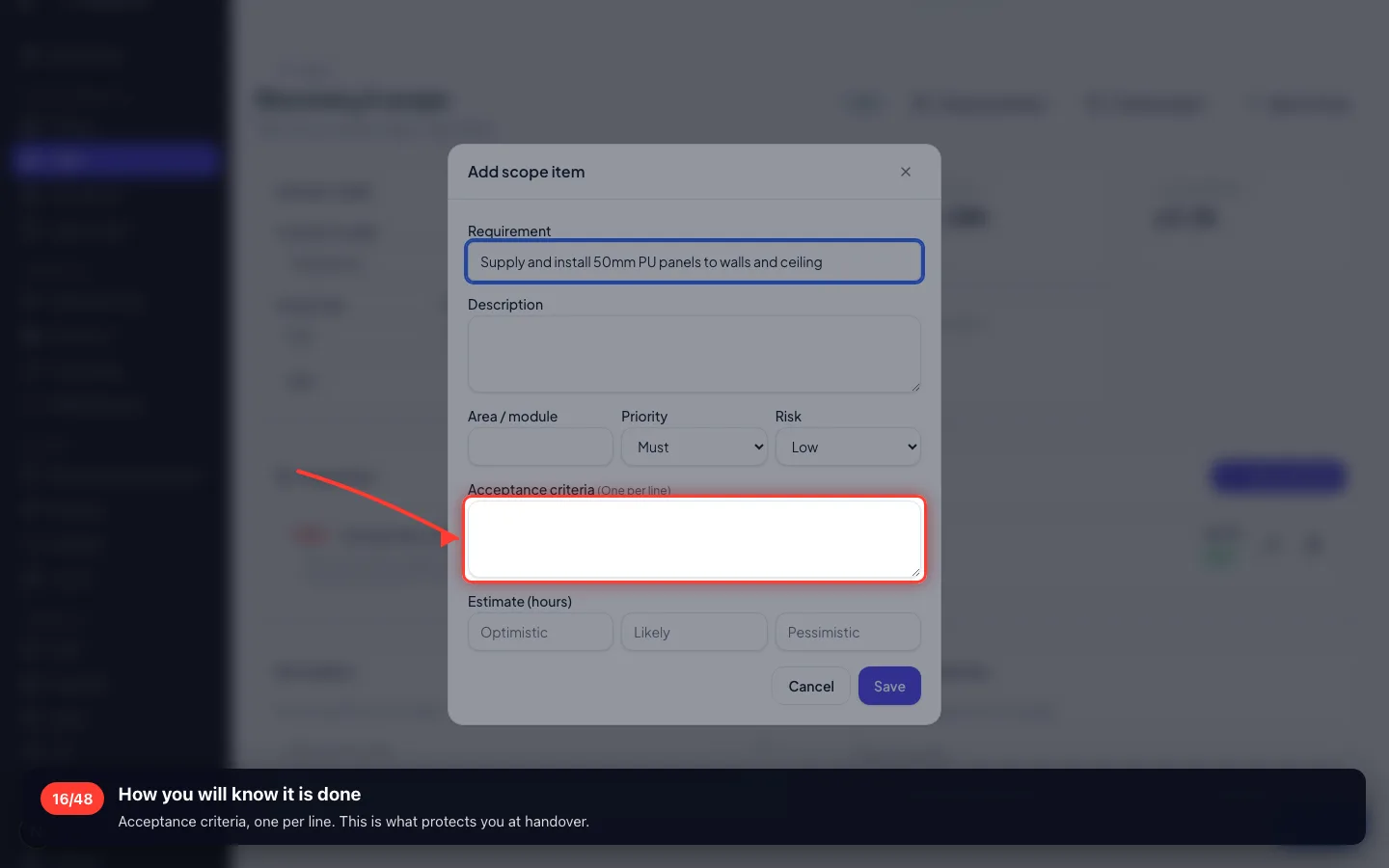
How you will know it is done
Acceptance criteria, one per line. This is what protects you at handover.
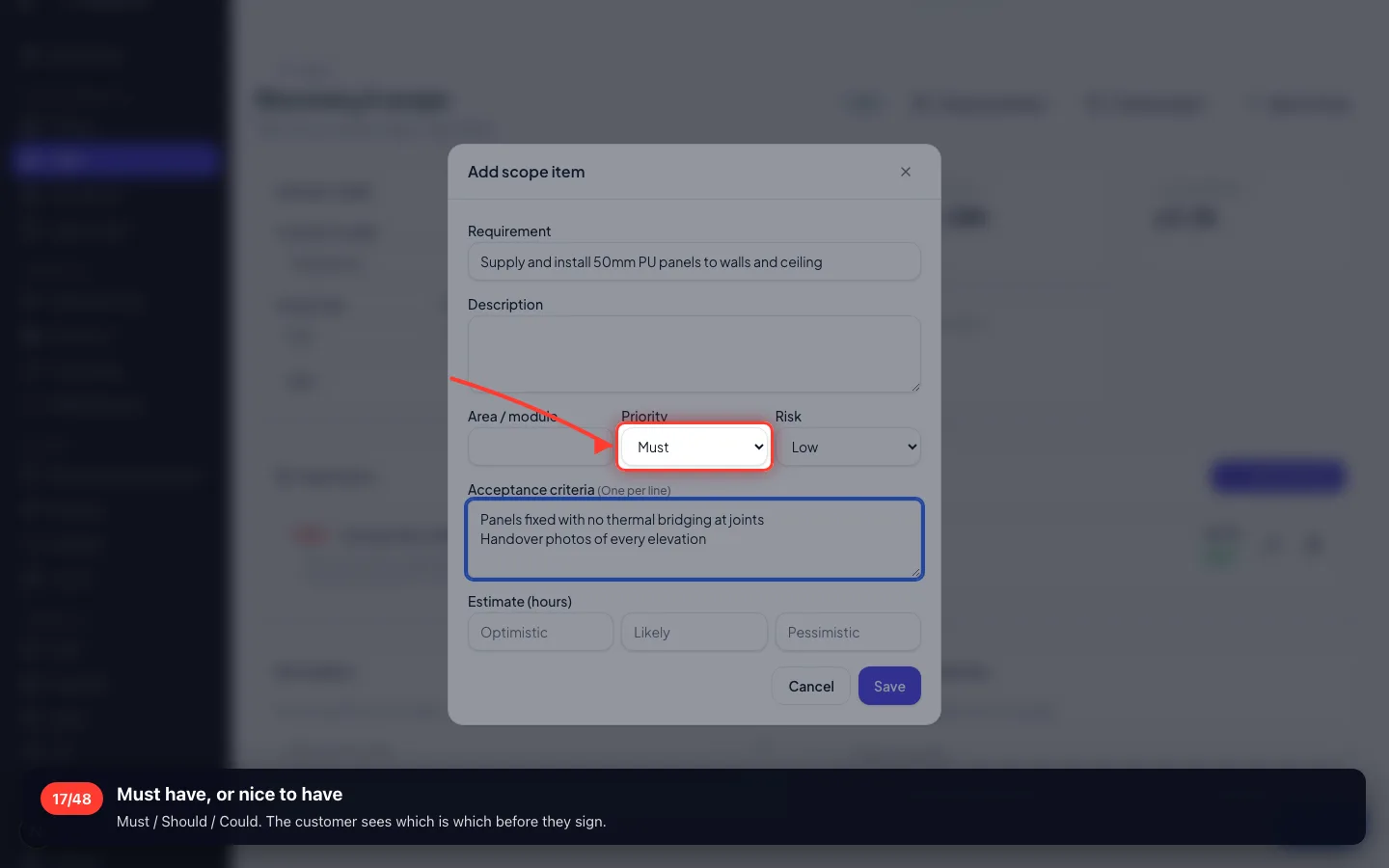
- 17
Must have, or nice to have
Must / Should / Could. The customer sees which is which before they sign.
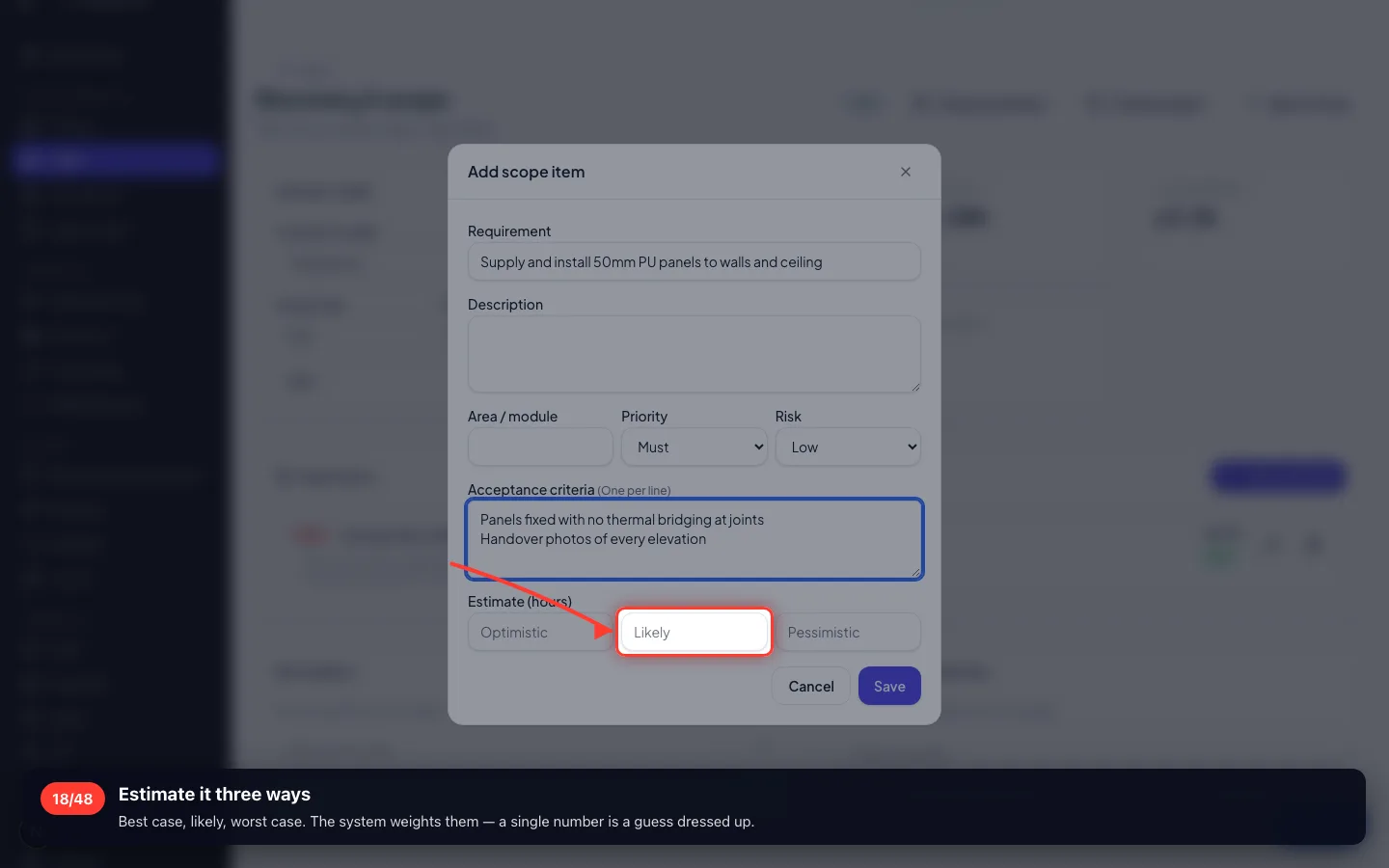
- 18
Estimate it three ways
Best case, likely, worst case. The system weights them — a single number is a guess dressed up.
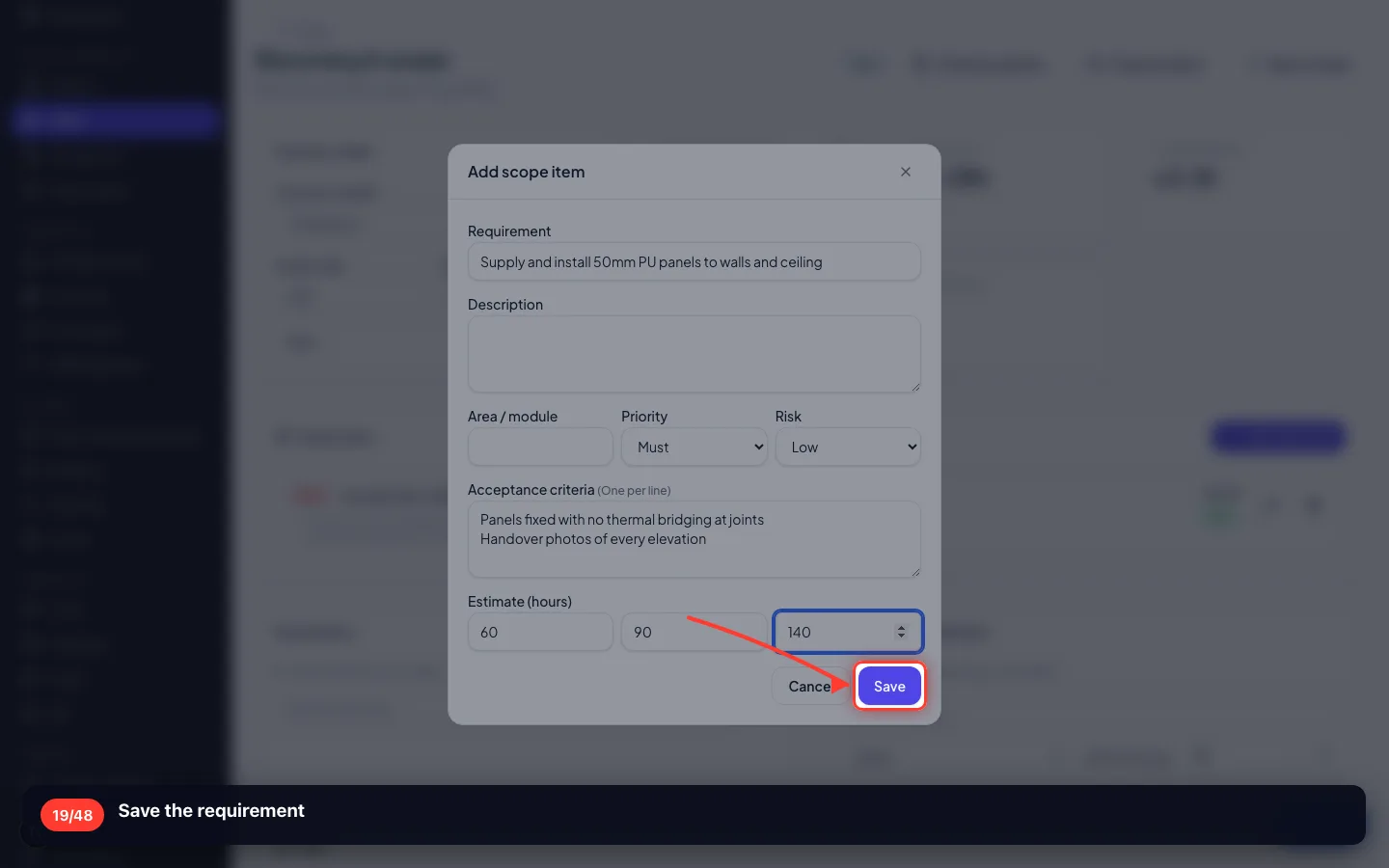
- 19
Save the requirement
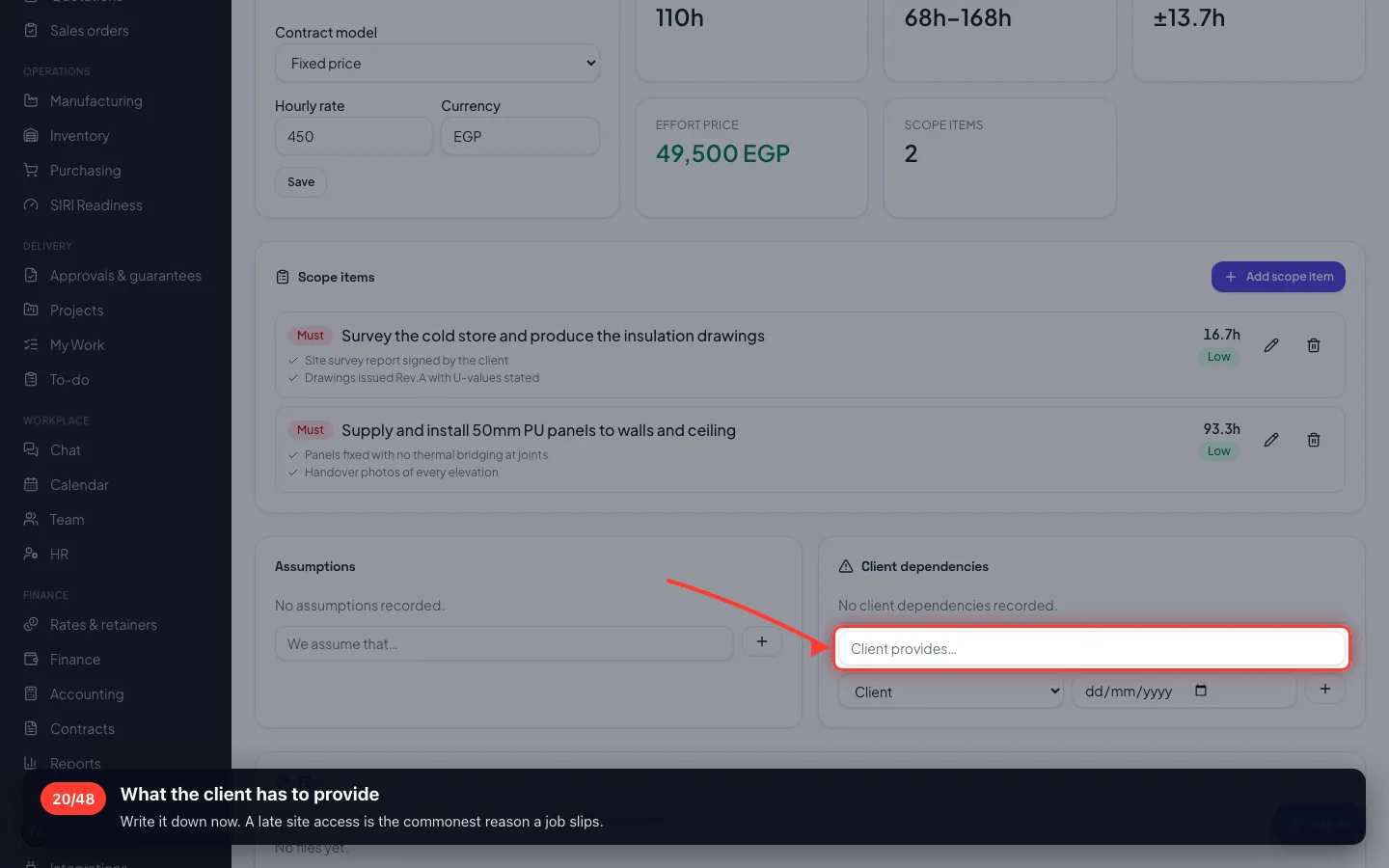
- 20
What the client has to provide
Write it down now. A late site access is the commonest reason a job slips.
3 · Agreeing the scope, then pricing it
The scope is approved and frozen first — so the price is for something both sides have read.
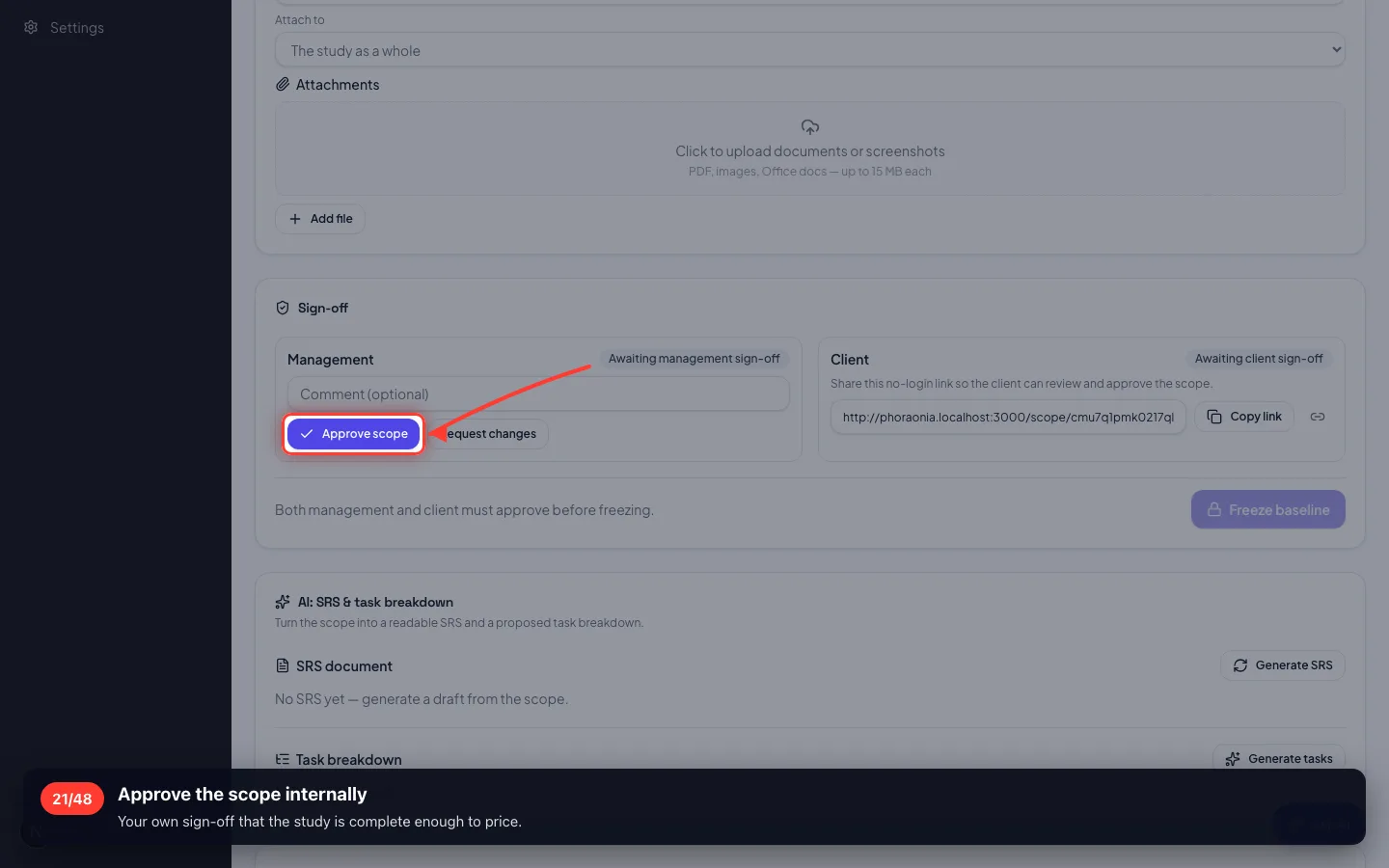
21Approve the scope internally
Your own sign-off that the study is complete enough to price.
- 22
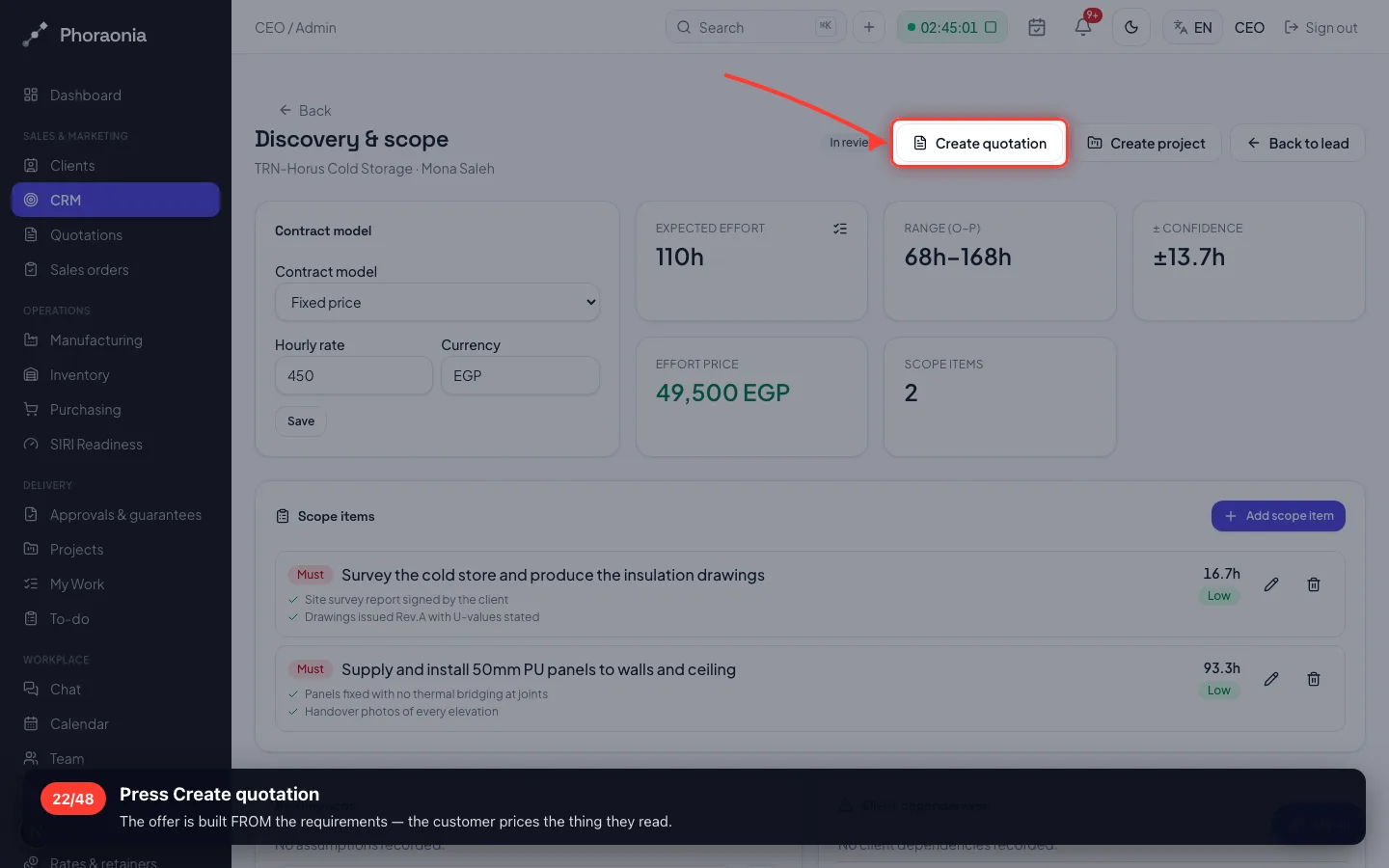
Press Create quotation
The offer is built FROM the requirements — the customer prices the thing they read.
- 23
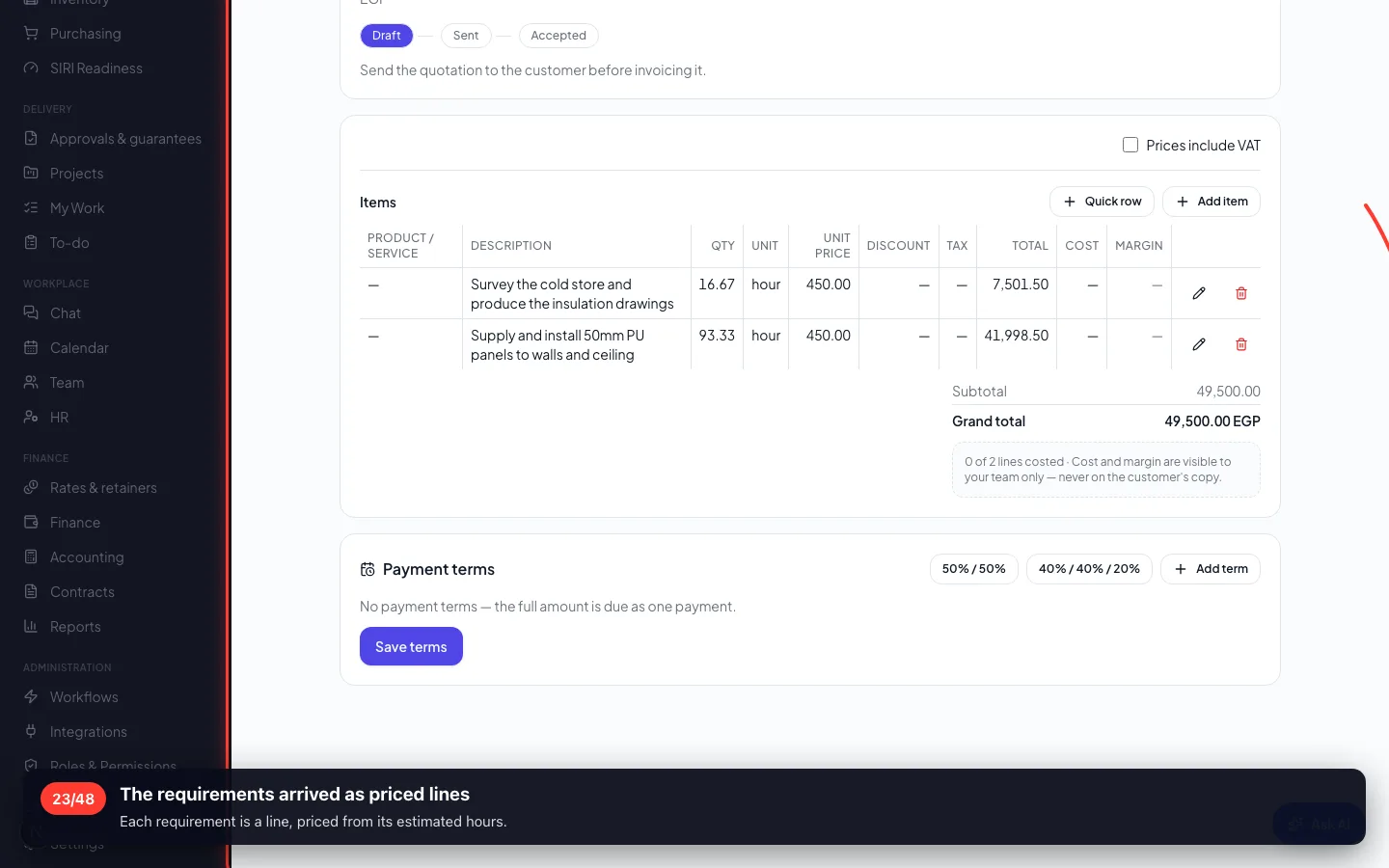
The requirements arrived as priced lines
Each requirement is a line, priced from its estimated hours.
- 24
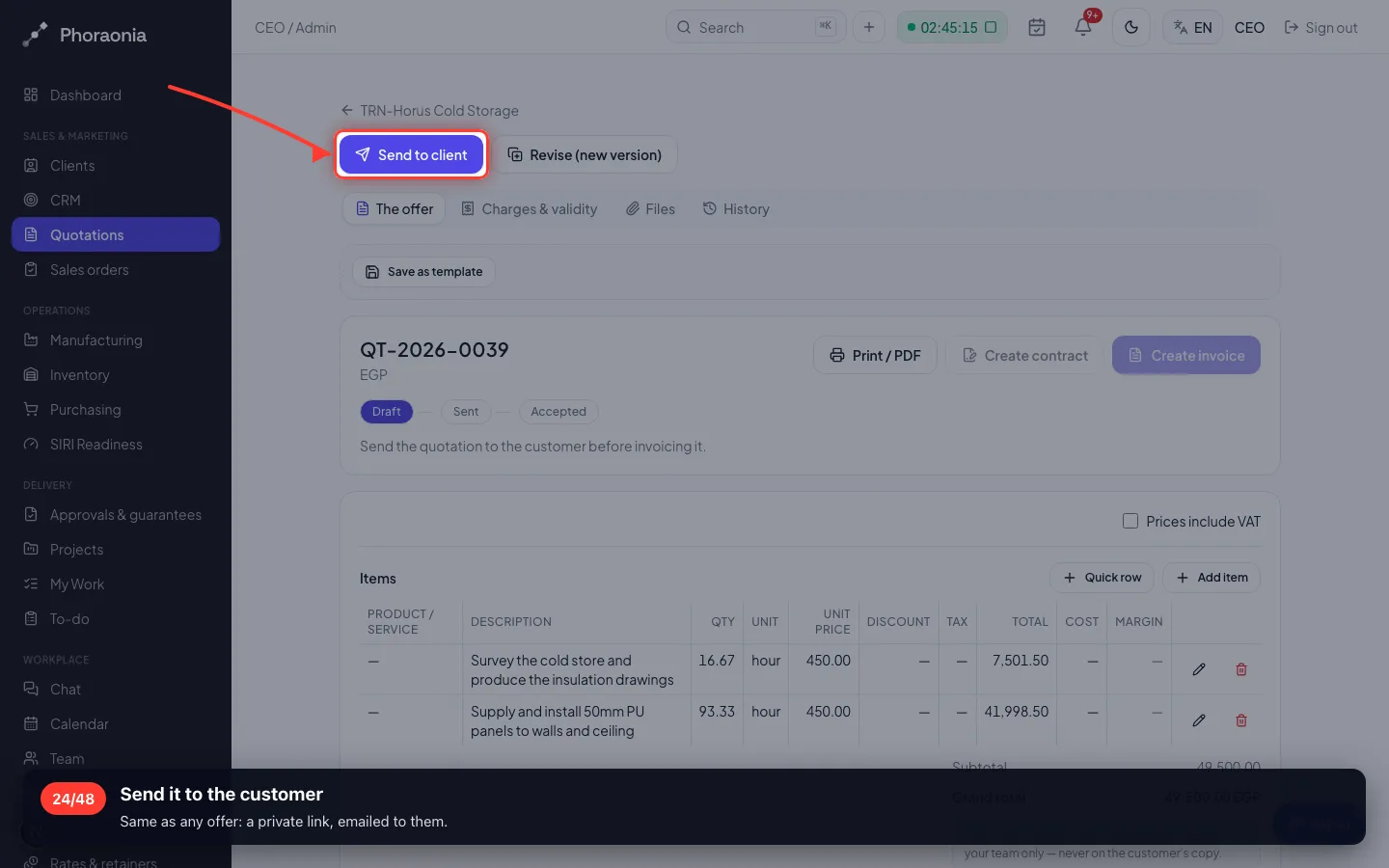
Send it to the customer
Same as any offer: a private link, emailed to them.
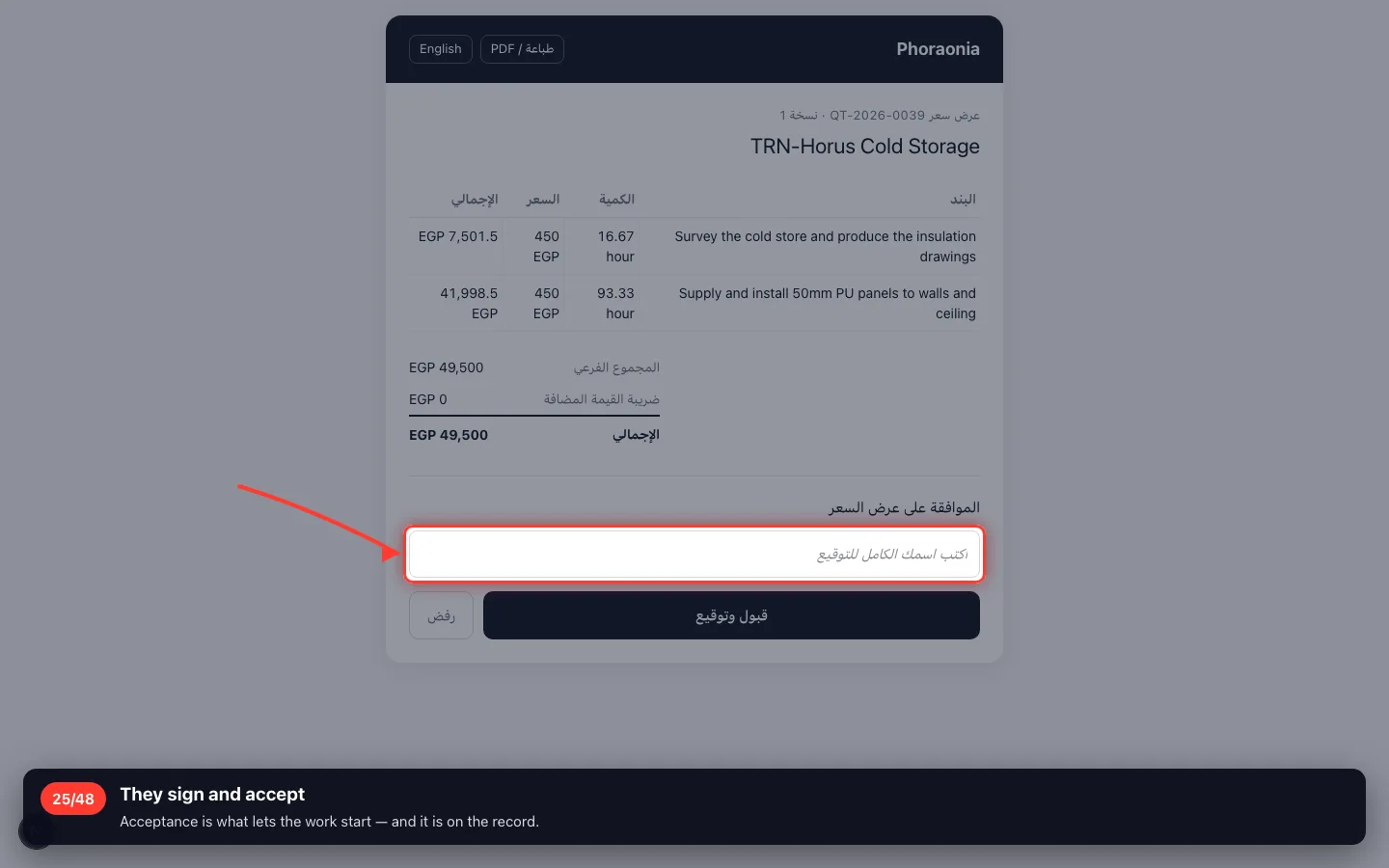
4 · The customer answers
Same private link as any other offer — no login for them.
25They sign and accept
Acceptance is what lets the work start — and it is on the record.
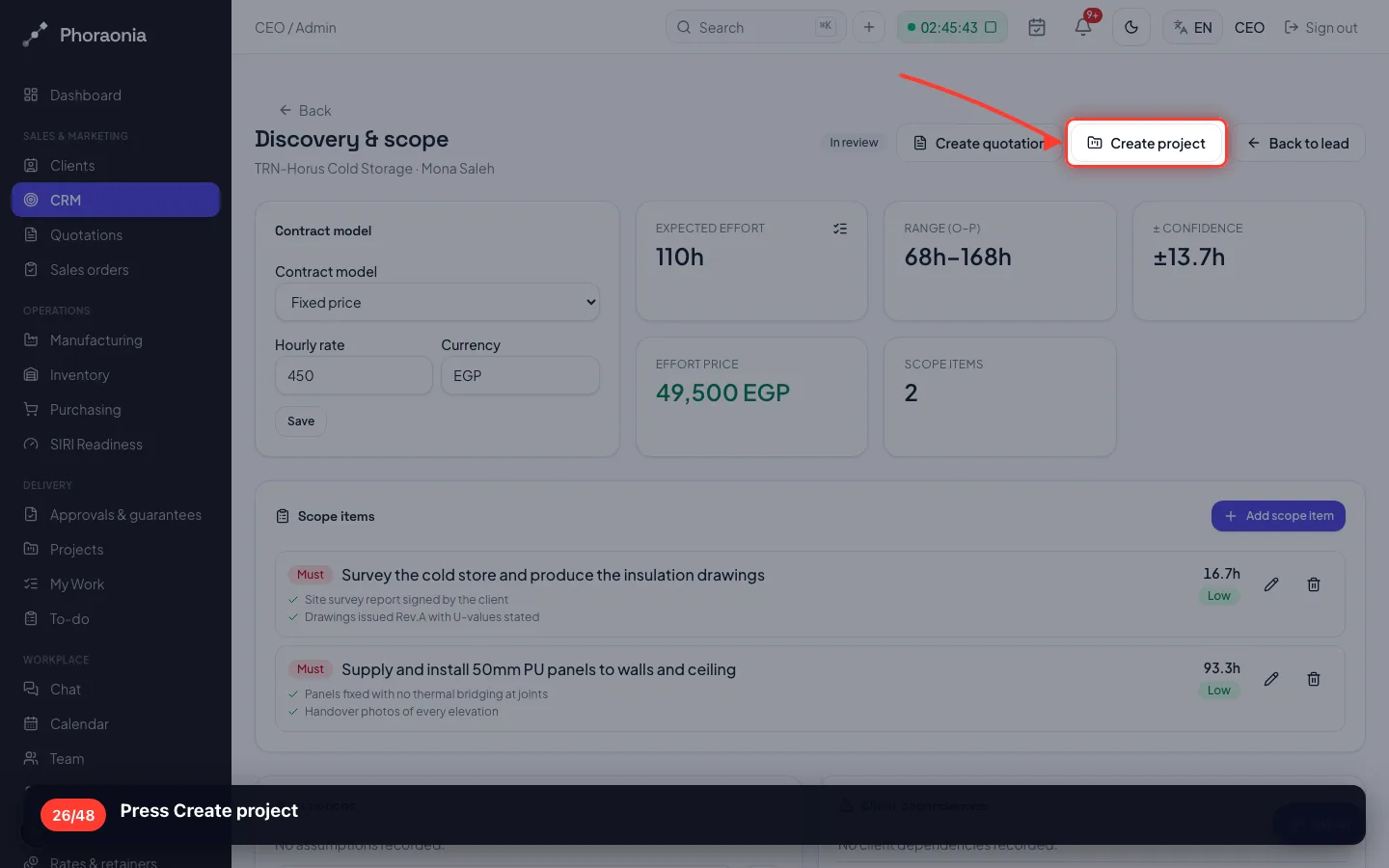
5 · The study becomes a project
One press carries the requirements, their acceptance criteria and their estimates across.
26Press Create project
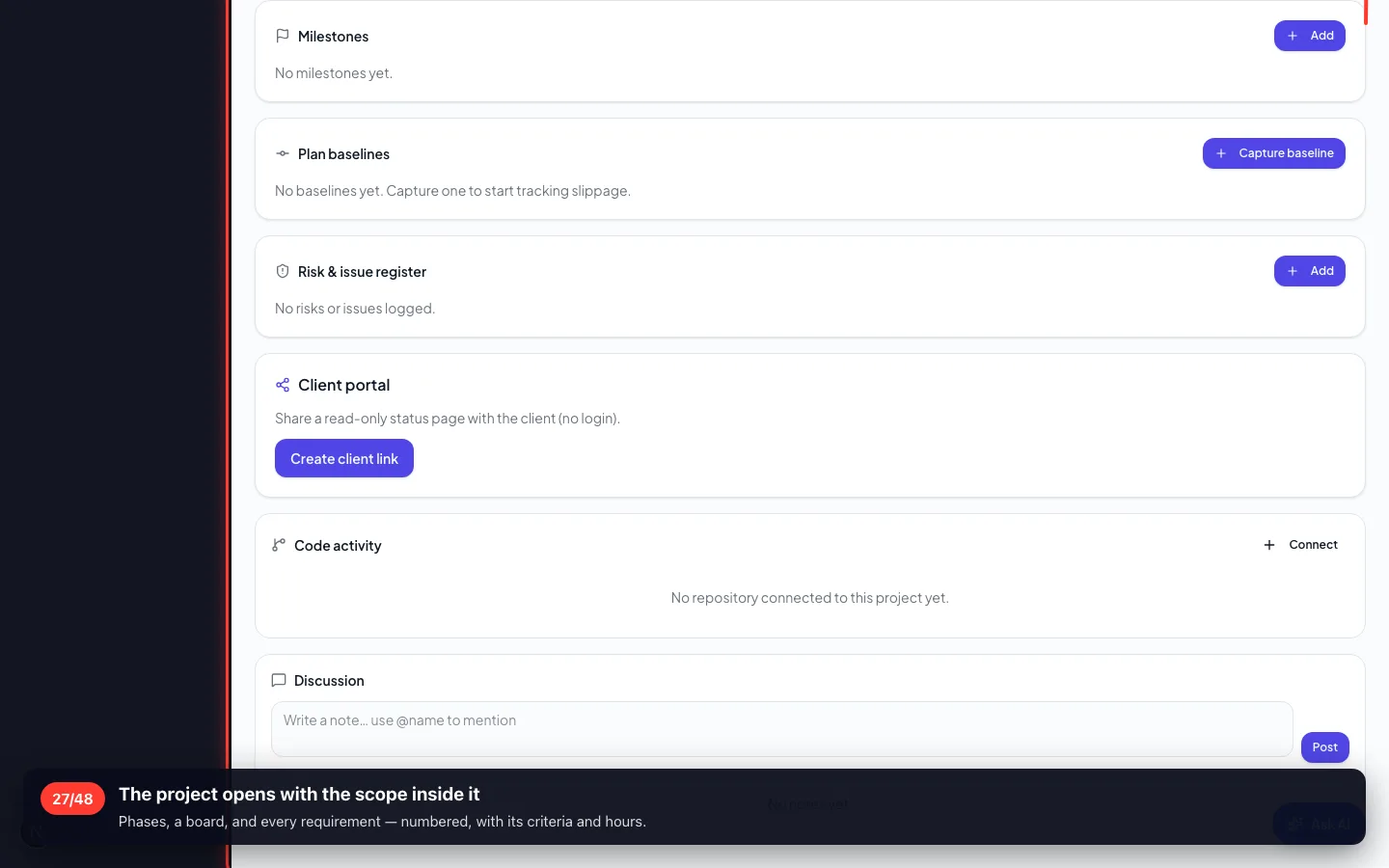
- 27
The project opens with the scope inside it
Phases, a board, and every requirement — numbered, with its criteria and hours.
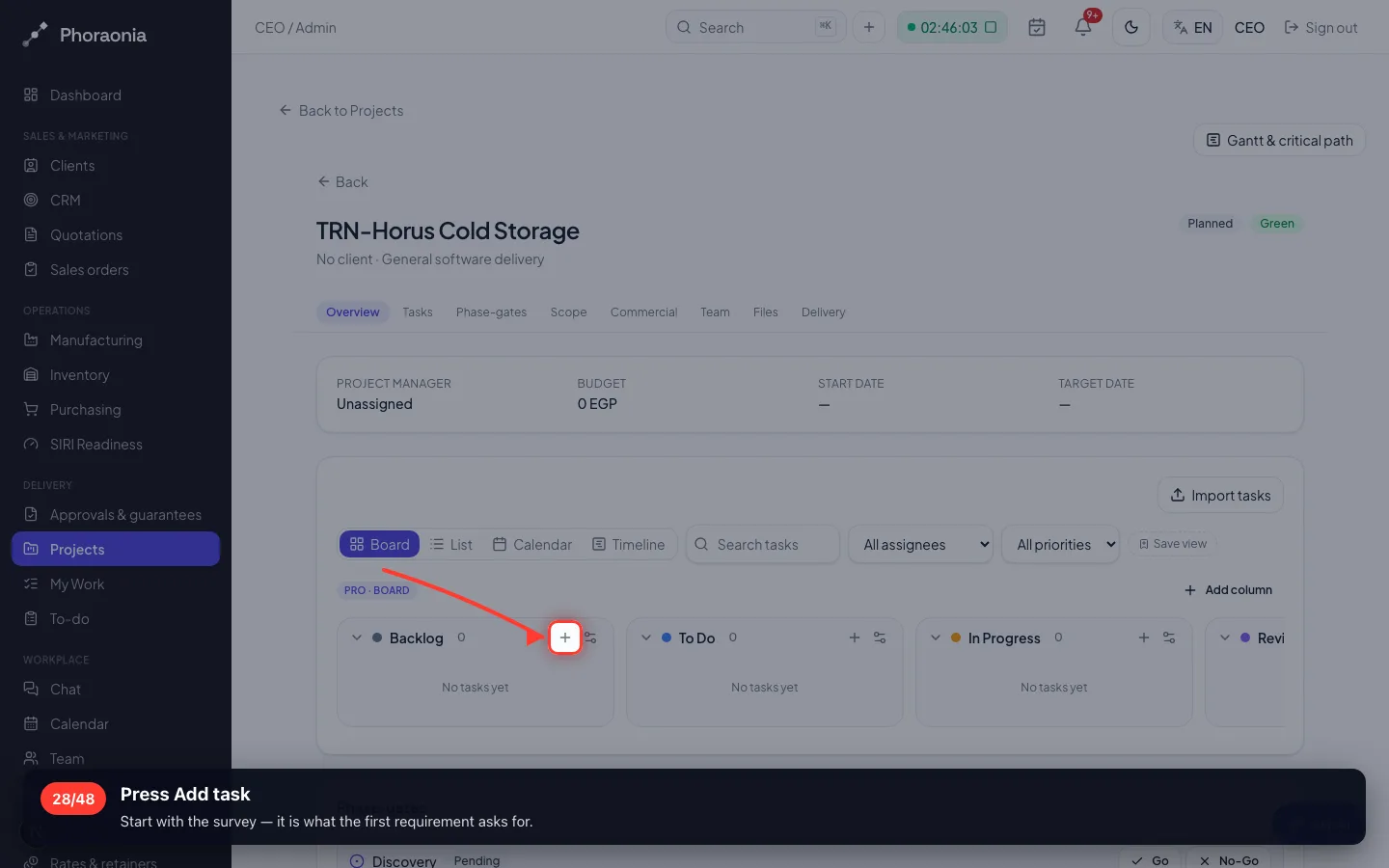
6 · Working the project
The board is how the work moves. Each card is somebody's next job.
28Press Add task
Start with the survey — it is what the first requirement asks for.
- 29
What has to be done
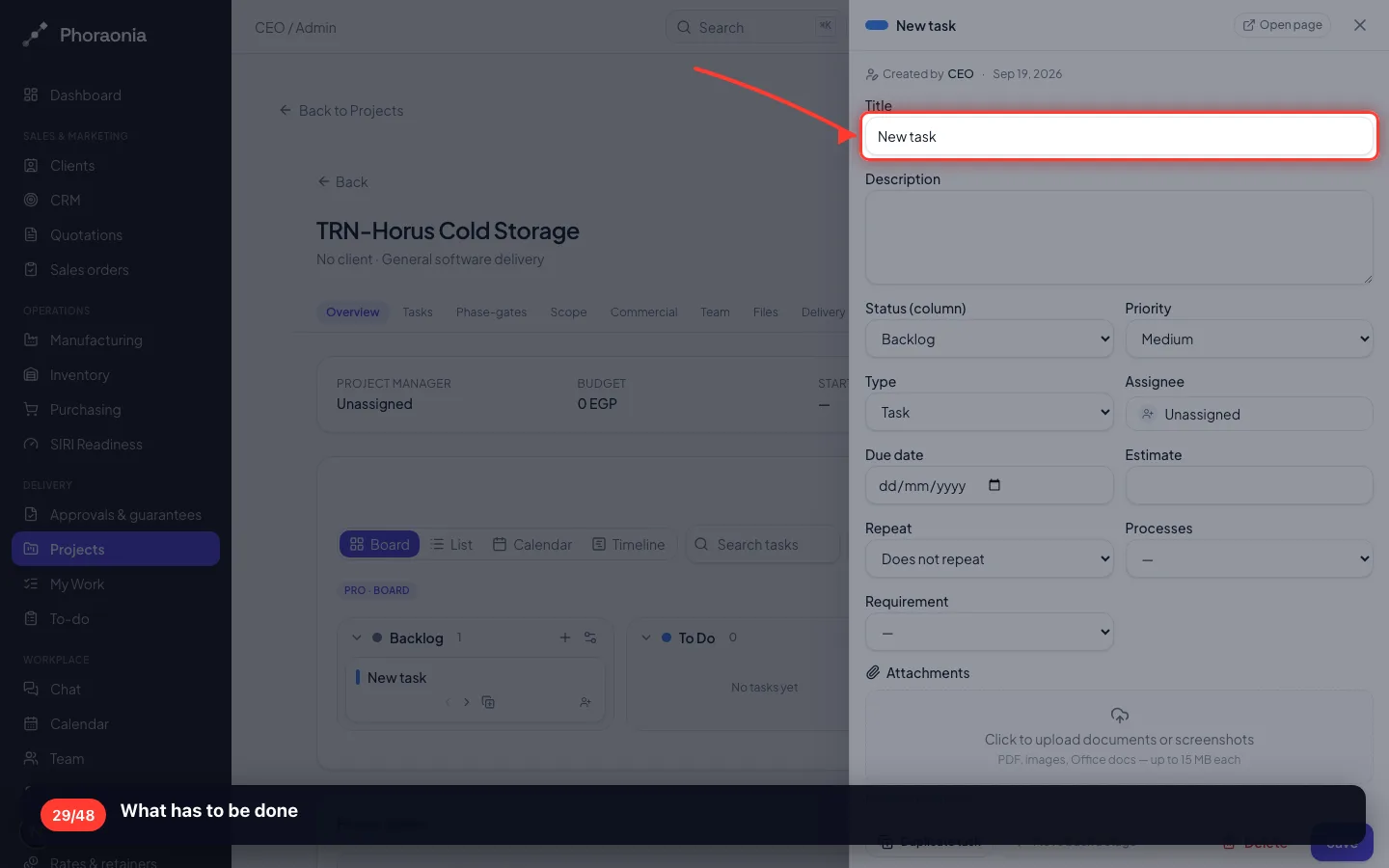
- 30
Tie the task to the requirement it serves
This is the link that lets you prove at handover that every requirement was delivered.
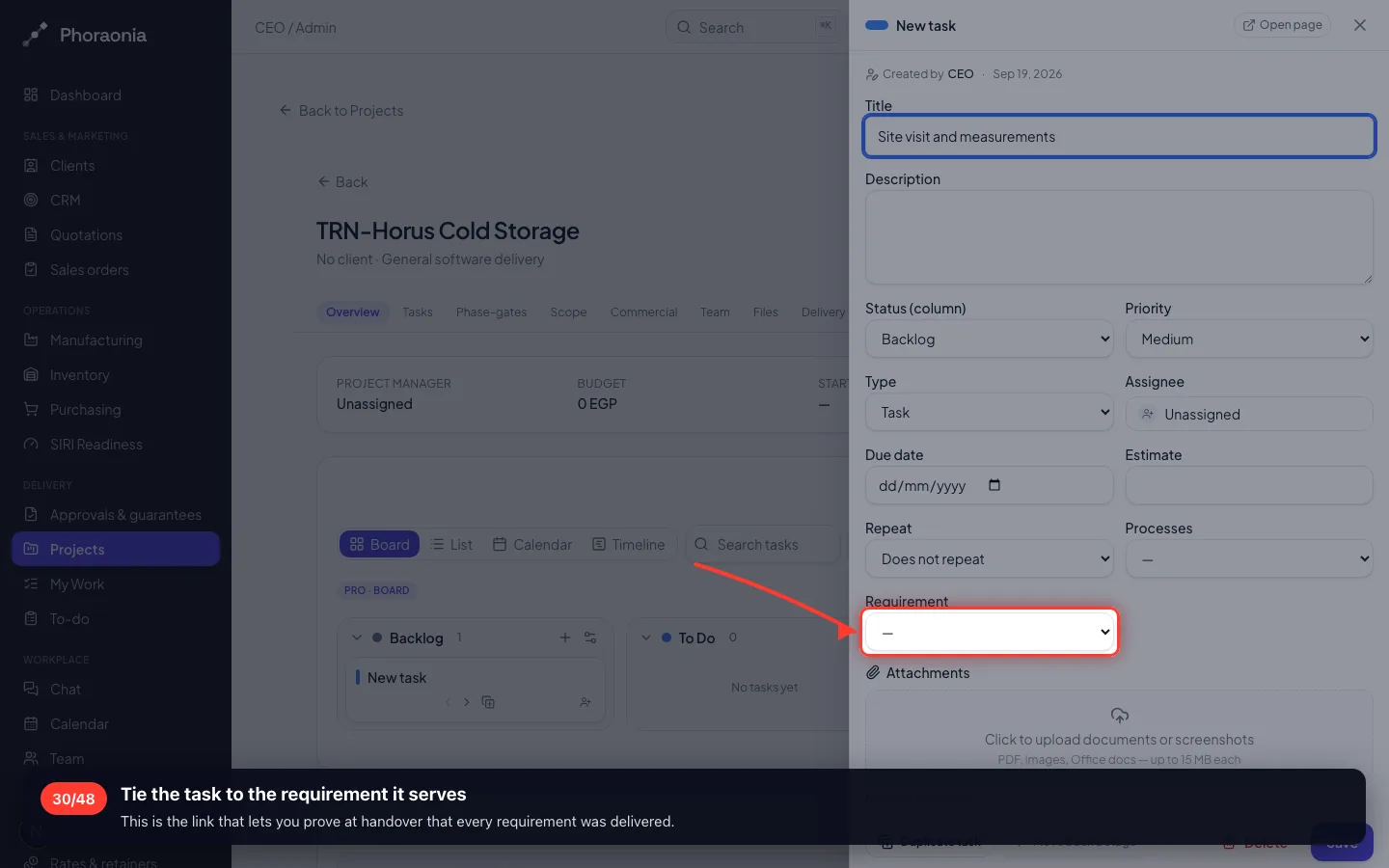
- 31
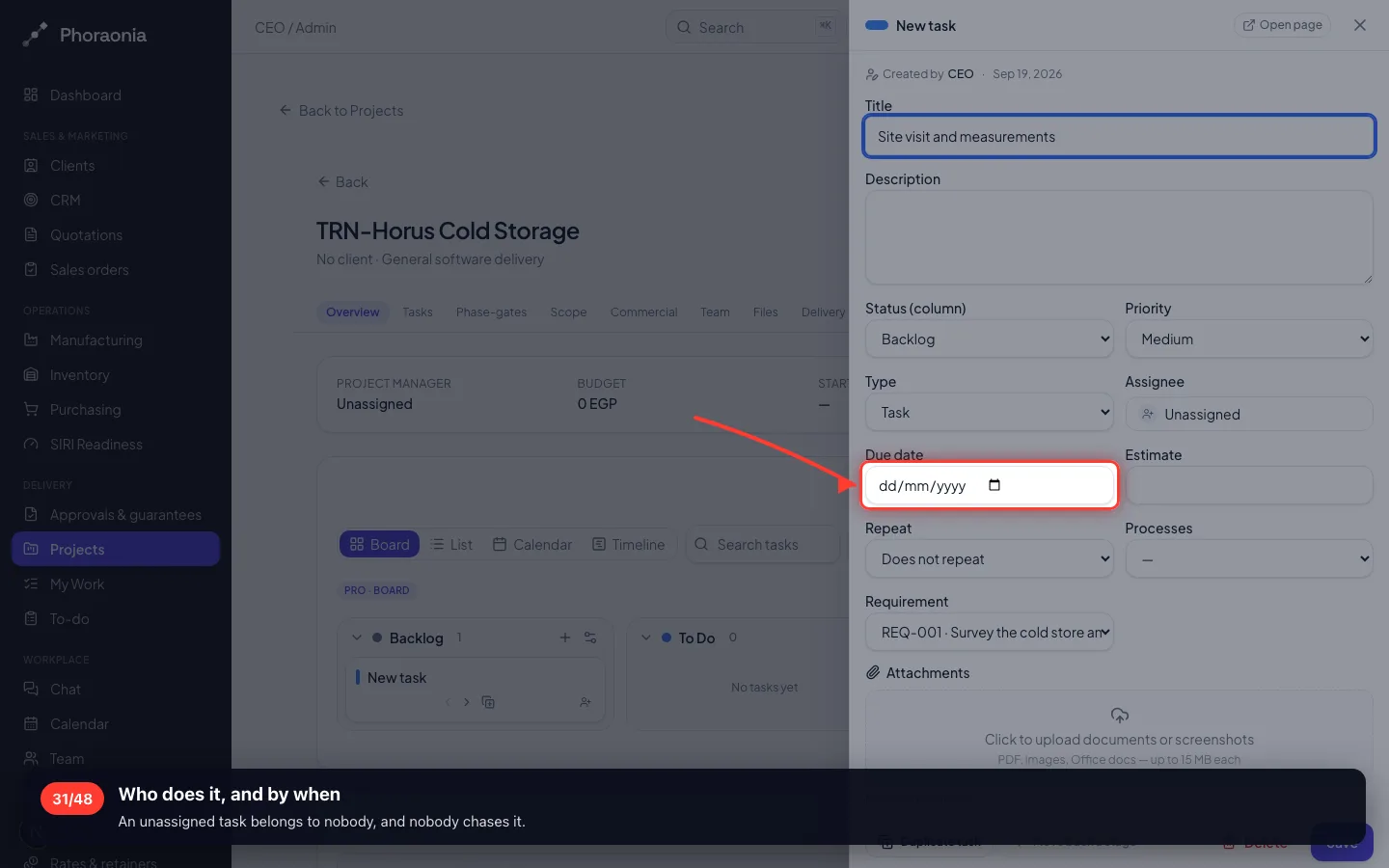
Who does it, and by when
An unassigned task belongs to nobody, and nobody chases it.
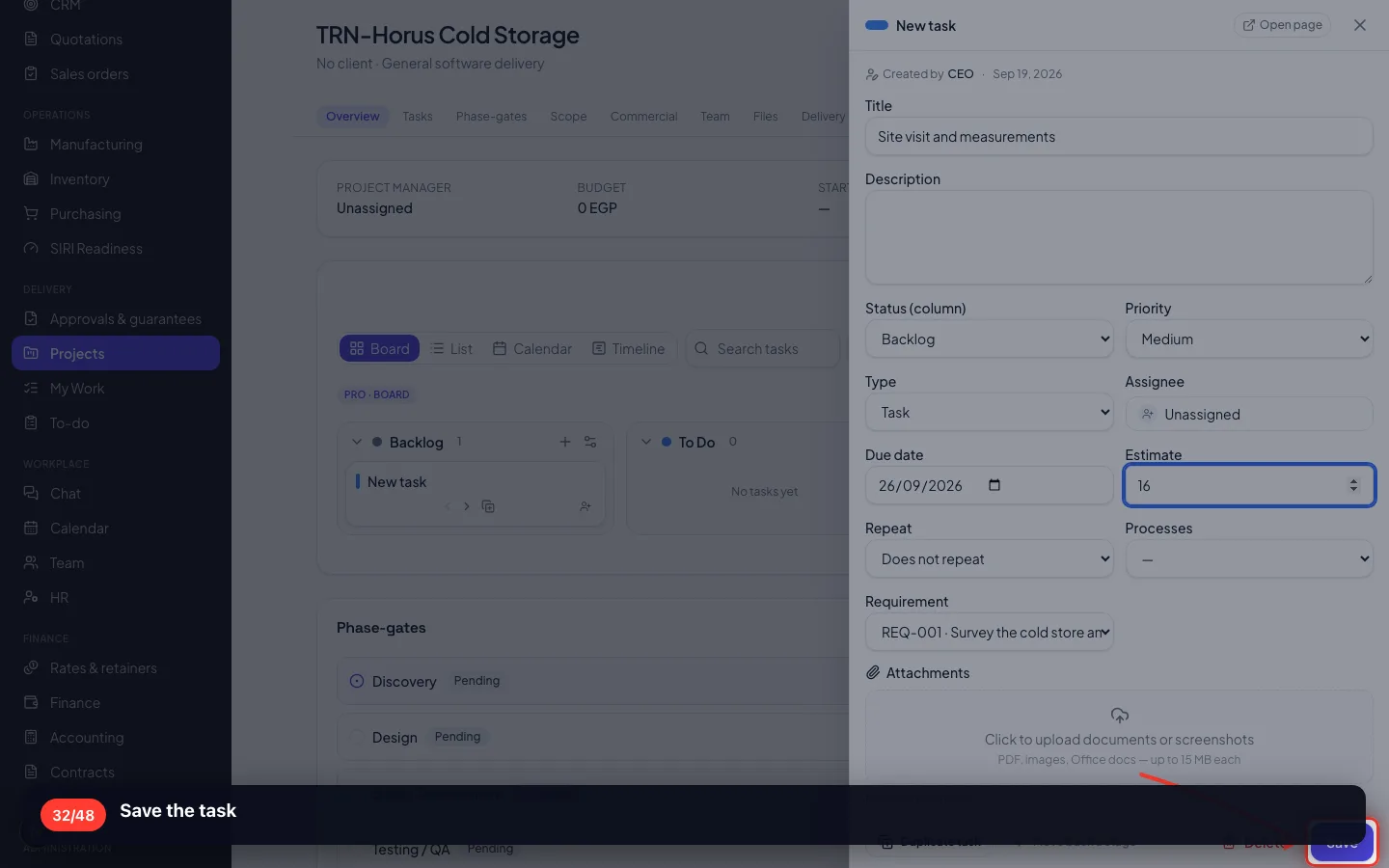
- 32
Save the task
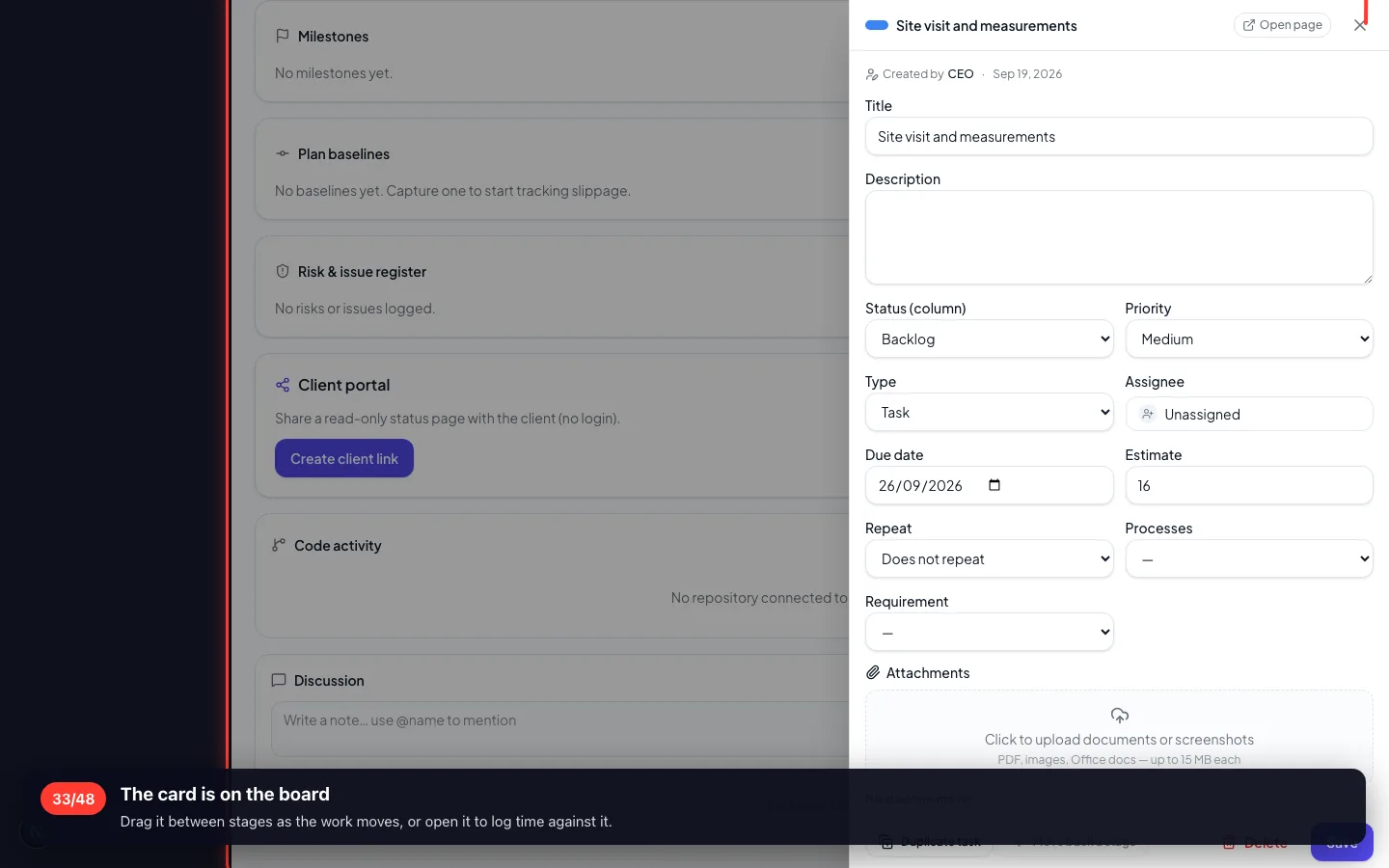
- 33
The card is on the board
Drag it between stages as the work moves, or open it to log time against it.
7 · Buying materials against this job
A purchase booked to the project is what makes the job cost real at the end.
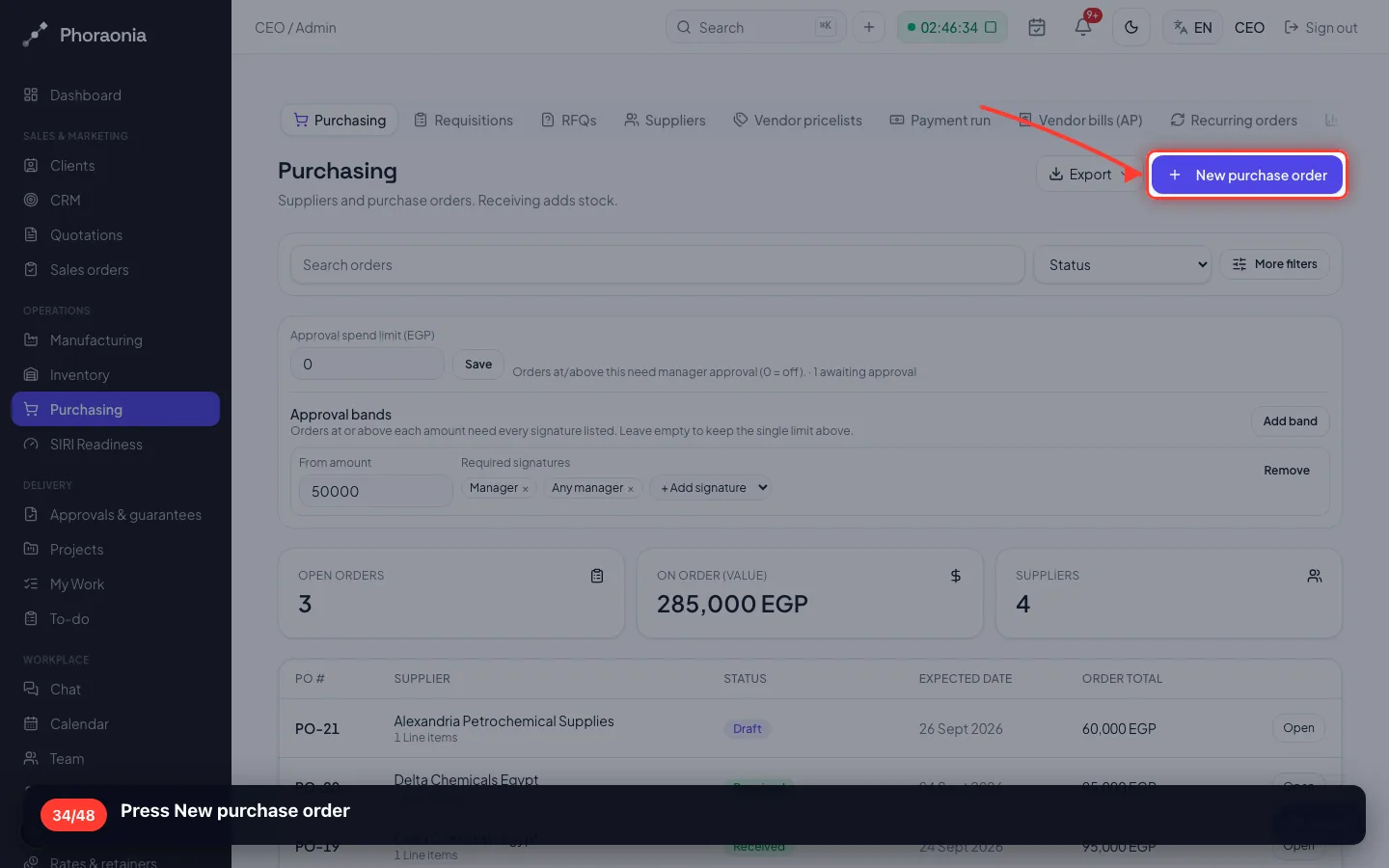
34Press New purchase order
- 35
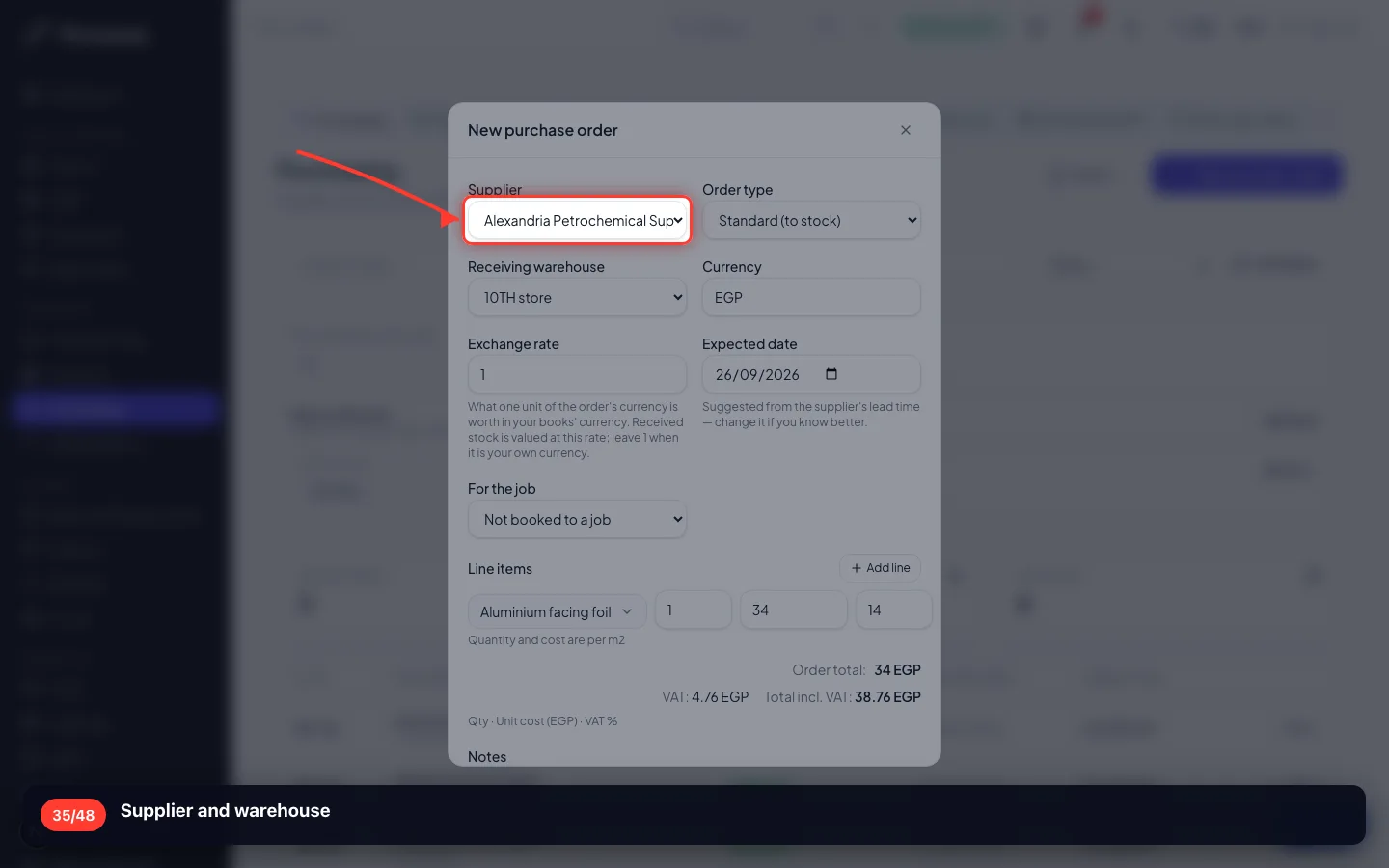
Supplier and warehouse
- 36
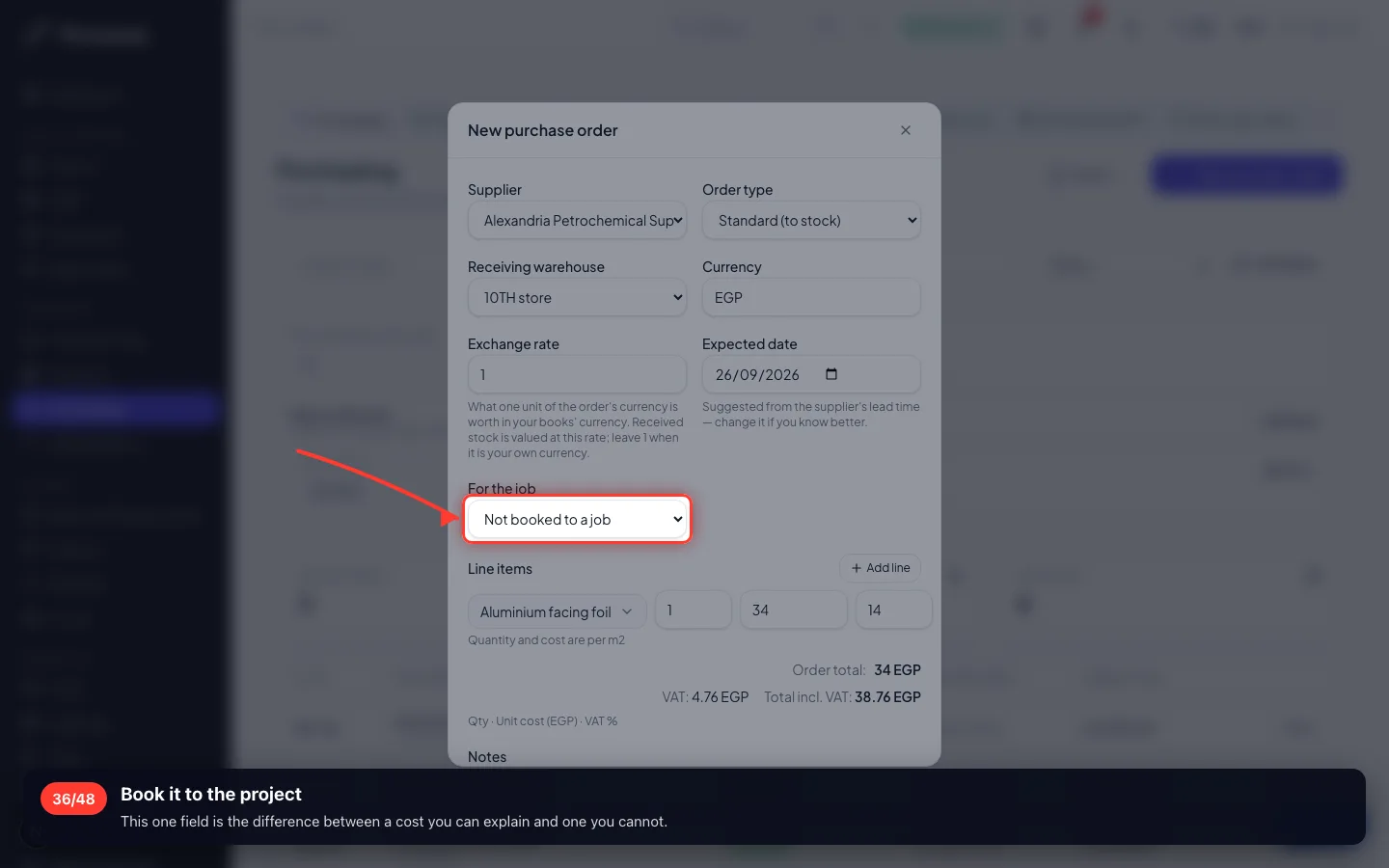
Book it to the project
This one field is the difference between a cost you can explain and one you cannot.
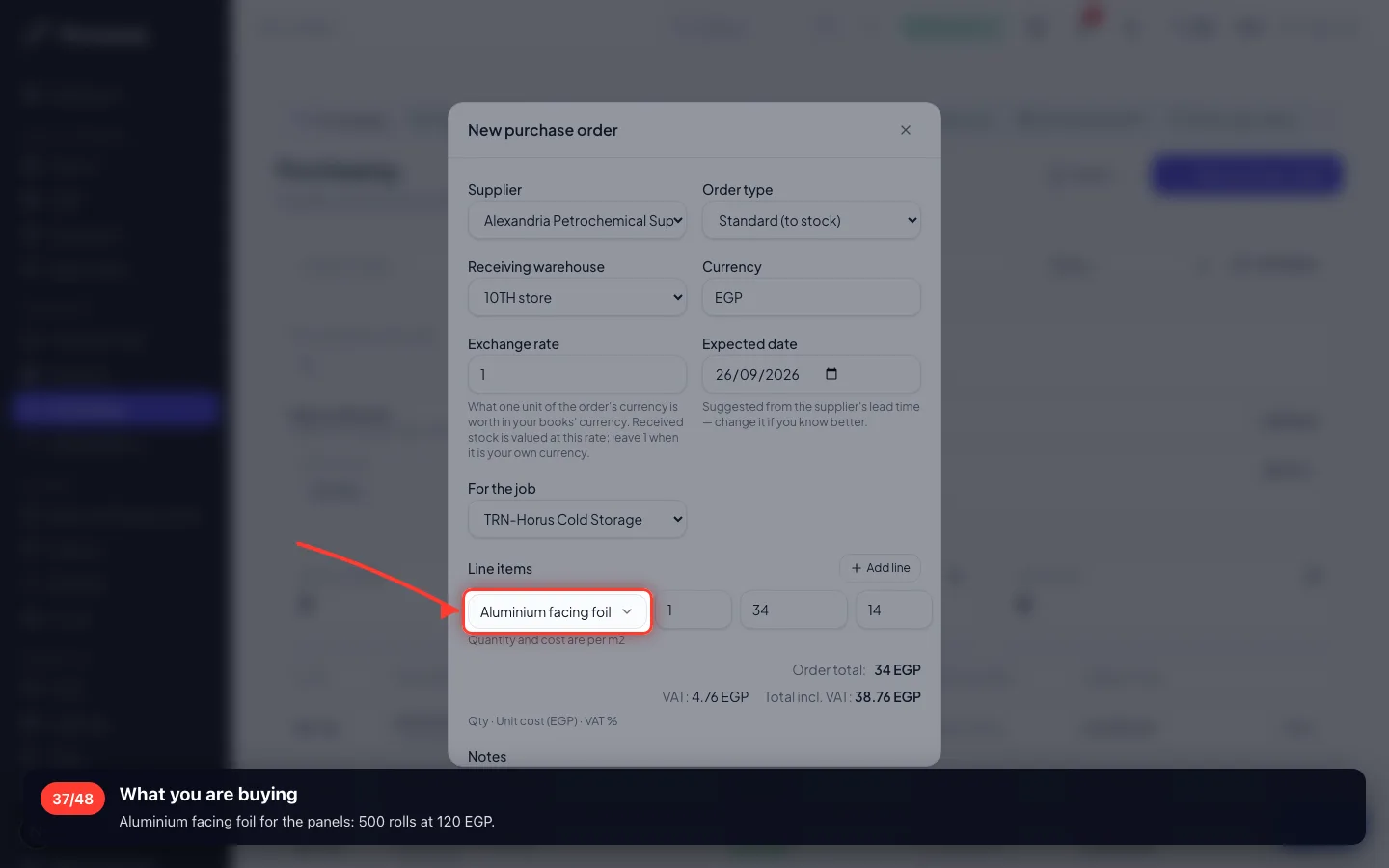
- 37
What you are buying
Aluminium facing foil for the panels: 500 rolls at 120 EGP.
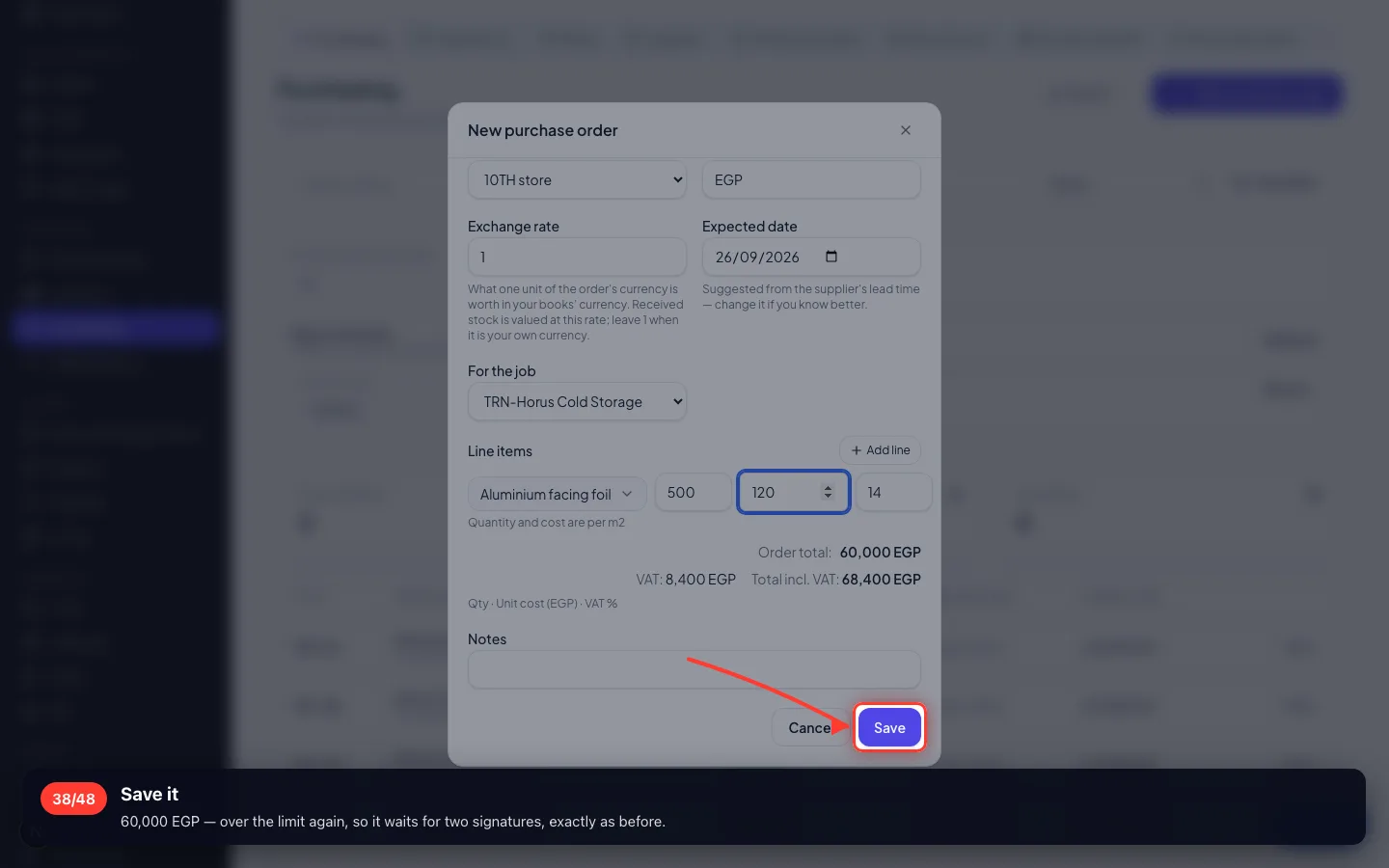
- 38
Save it
60,000 EGP — over the limit again, so it waits for two signatures, exactly as before.
8 · What the job actually cost
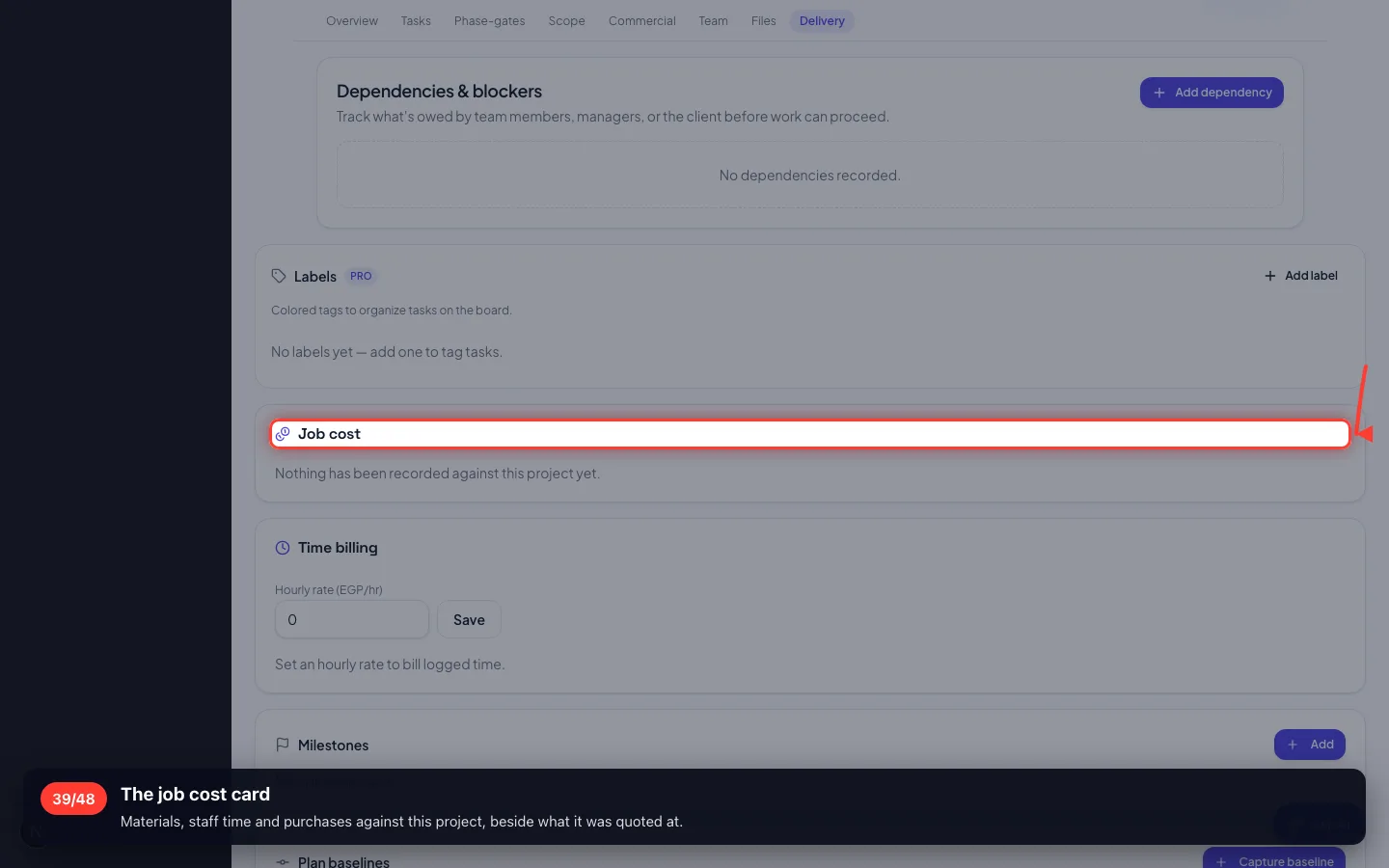
Revenue, cost and margin for this job — from the documents, not from a spreadsheet.
39The job cost card
Materials, staff time and purchases against this project, beside what it was quoted at.
9 · The contract
A project of this size is signed. The contract carries the scope and the payment terms from the offer.
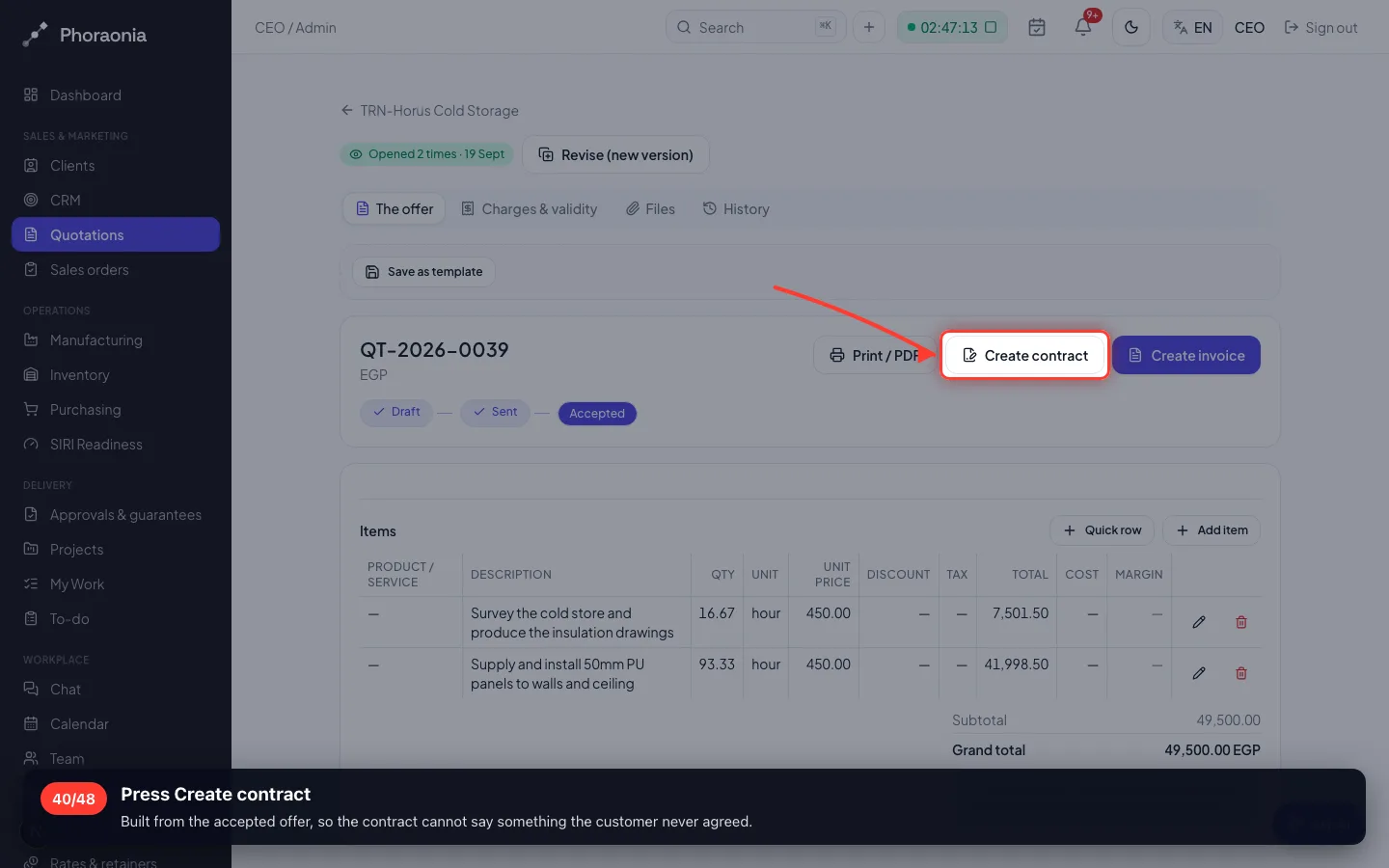
40Press Create contract
Built from the accepted offer, so the contract cannot say something the customer never agreed.
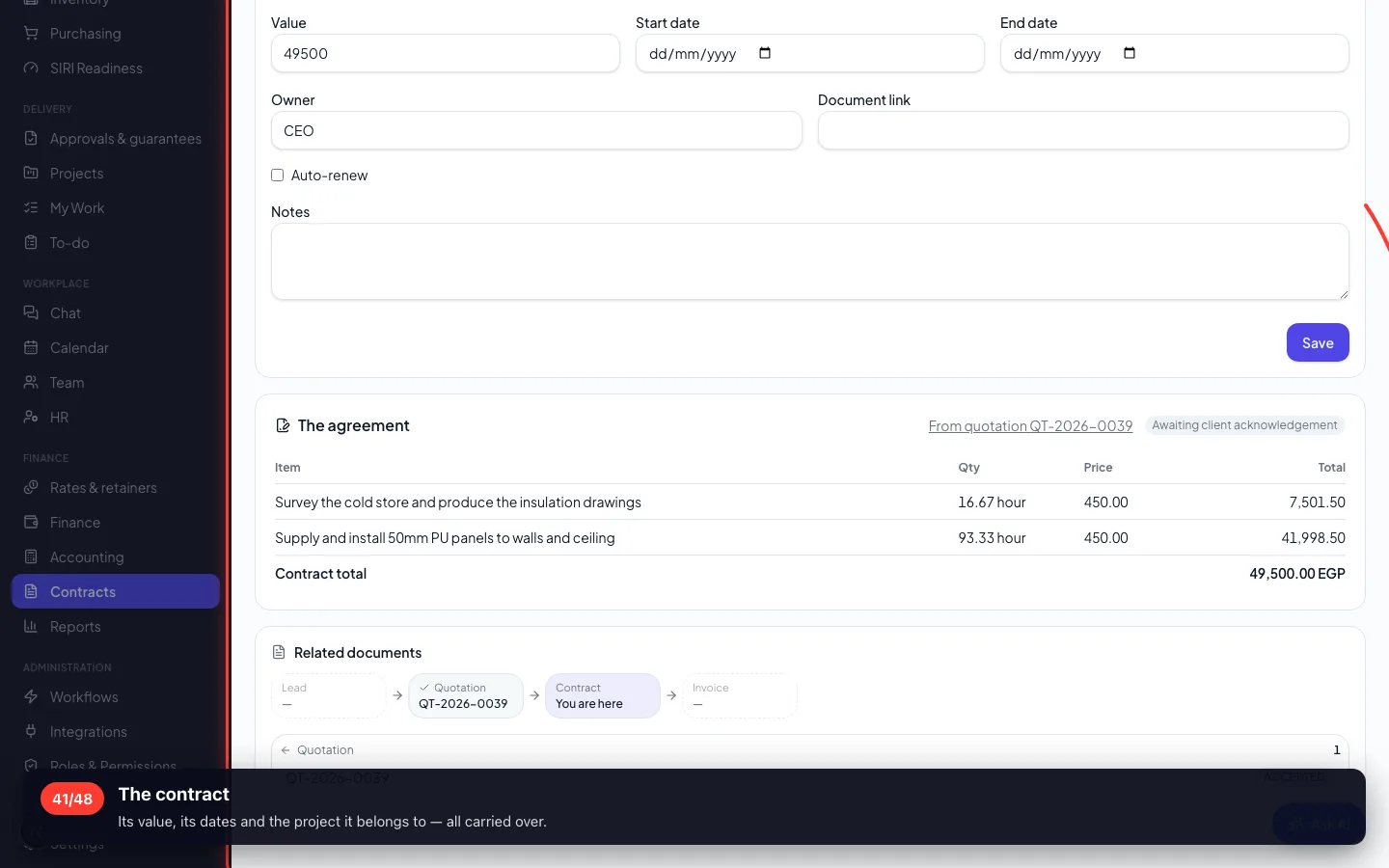
- 41
The contract
Its value, its dates and the project it belongs to — all carried over.
10 · Billing the first stage
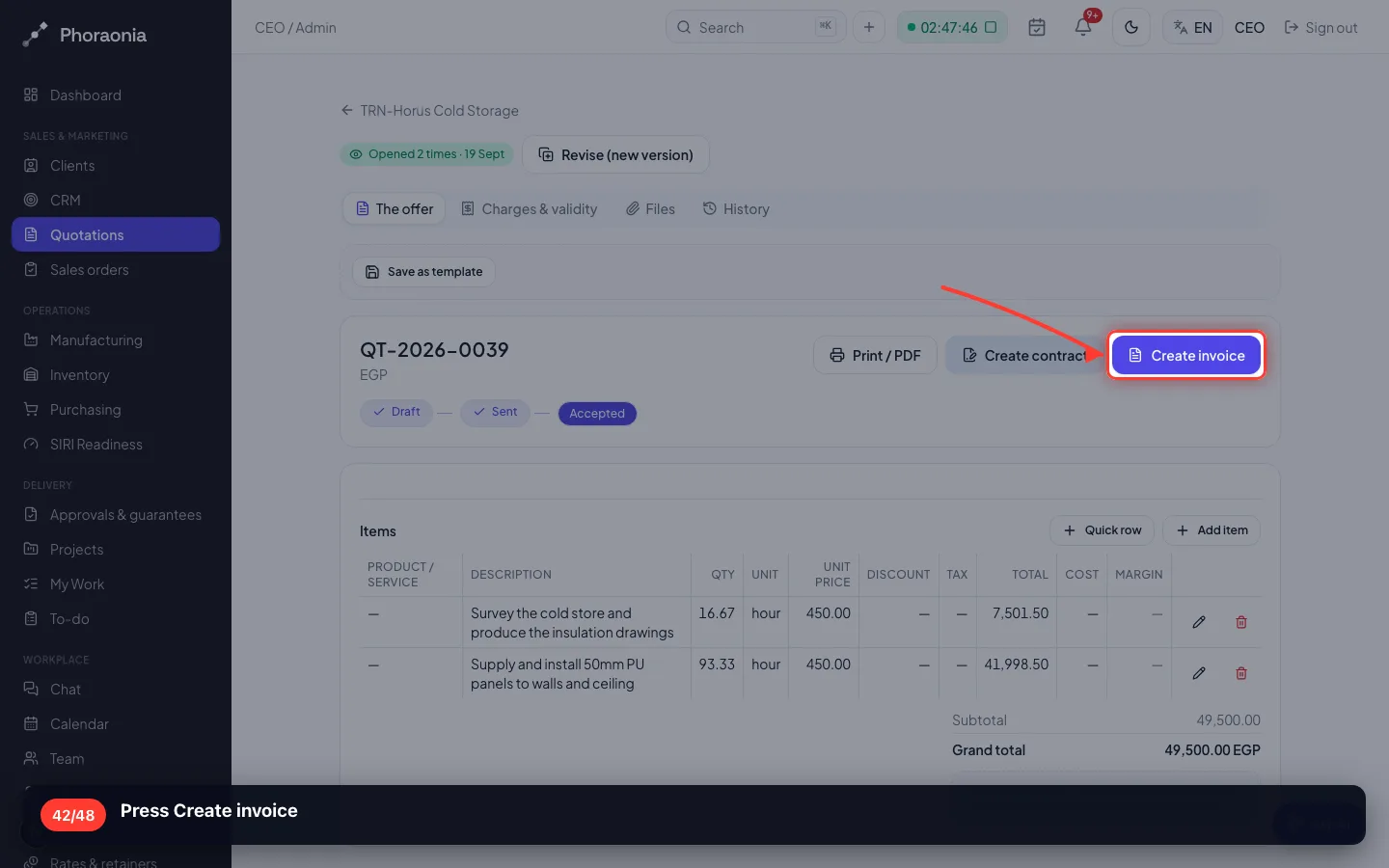
The offer said 50% on acceptance. That is what you bill now.
42Press Create invoice
- 43
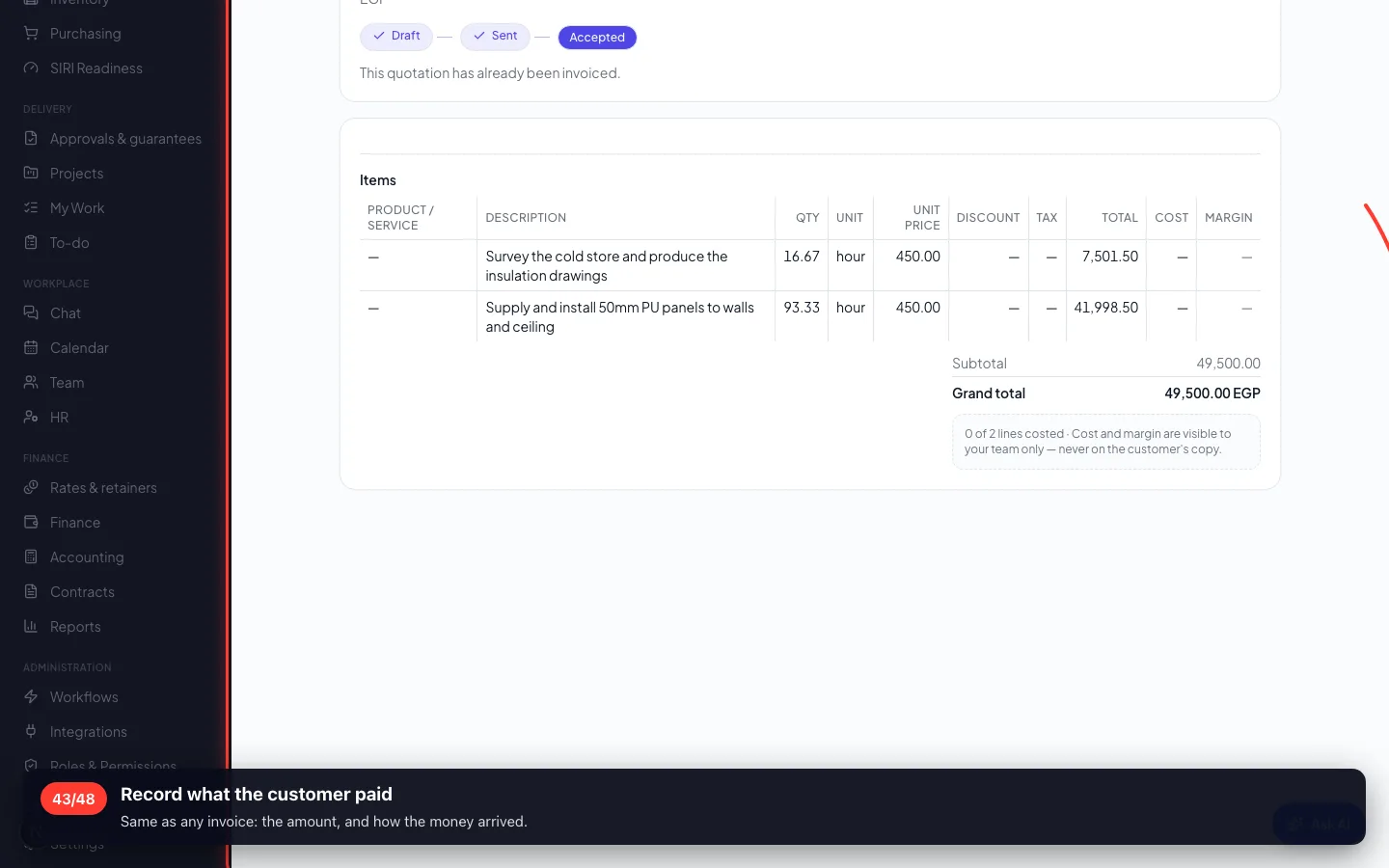
Record what the customer paid
Same as any invoice: the amount, and how the money arrived.
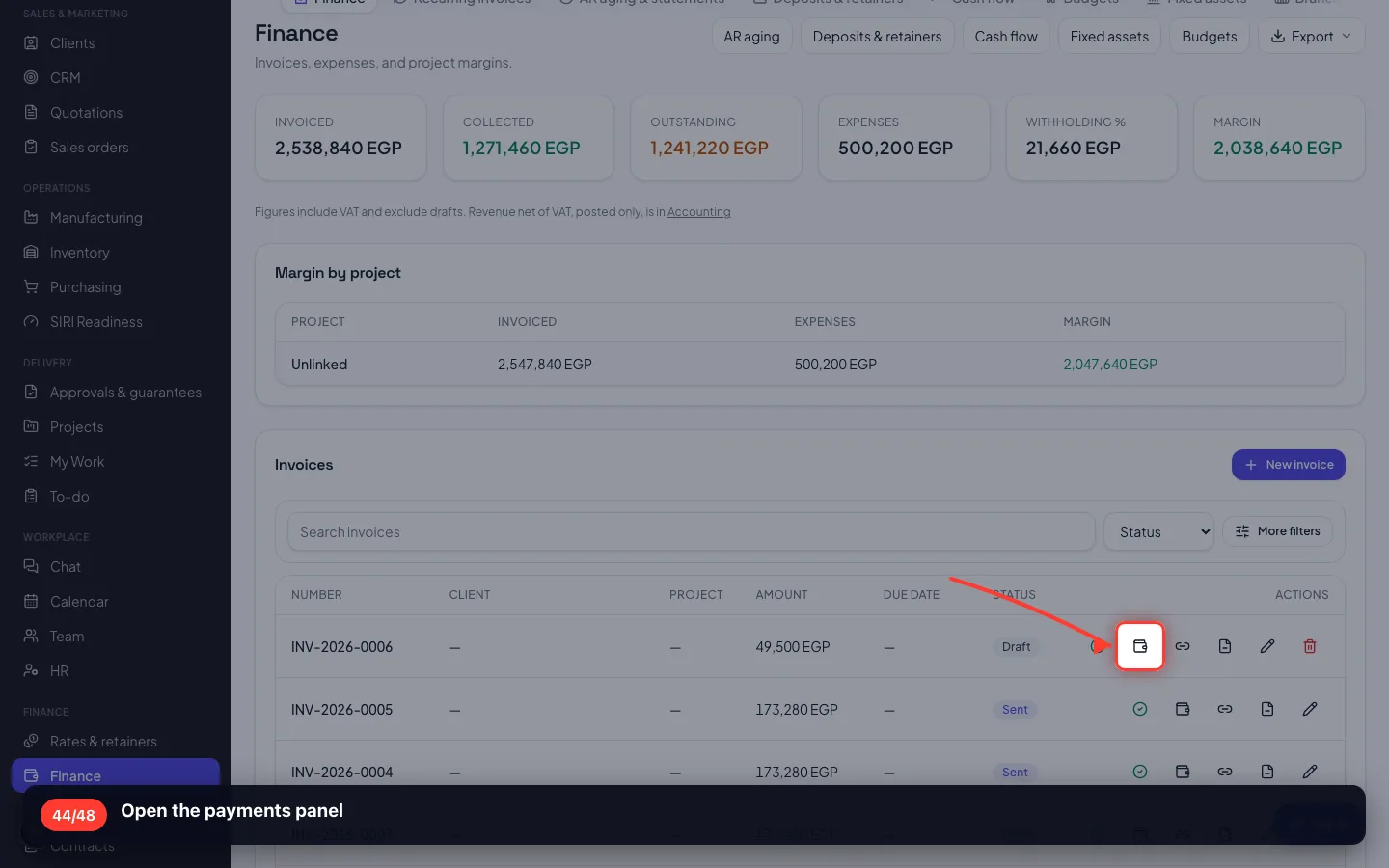
- 44
Open the payments panel
- 45
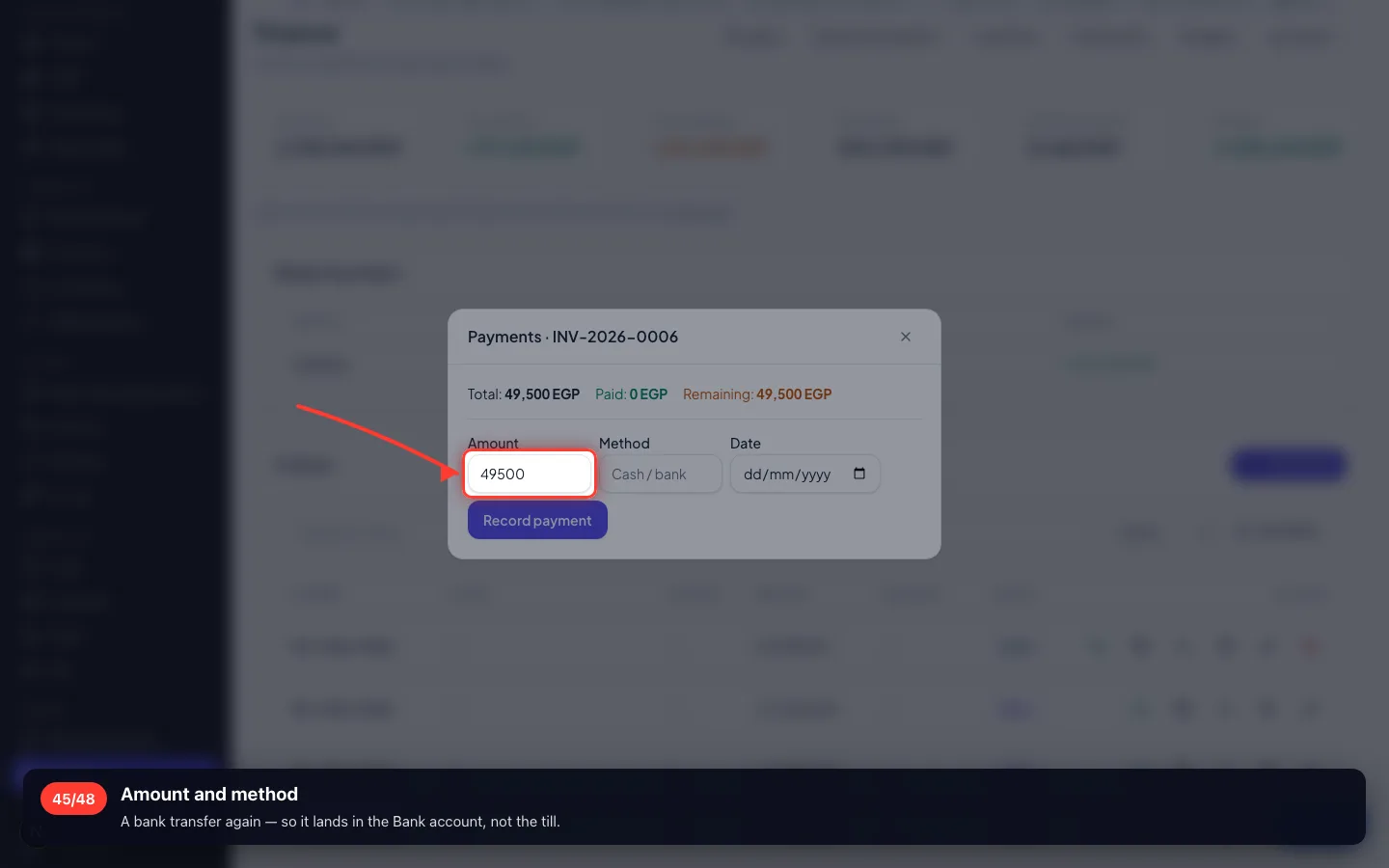
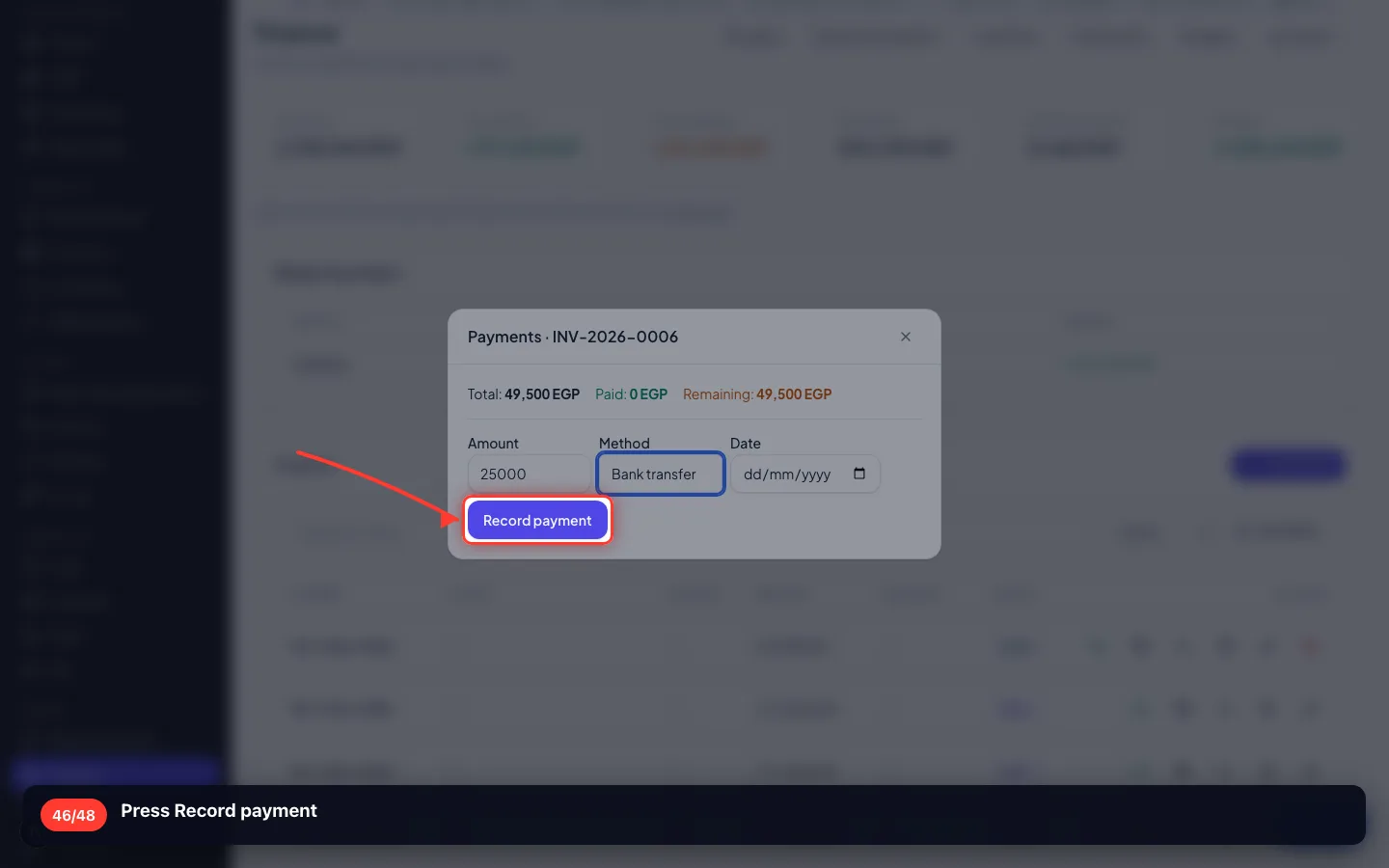
Amount and method
A bank transfer again — so it lands in the Bank account, not the till.
- 46
Press Record payment
11 · The books, and what the job made
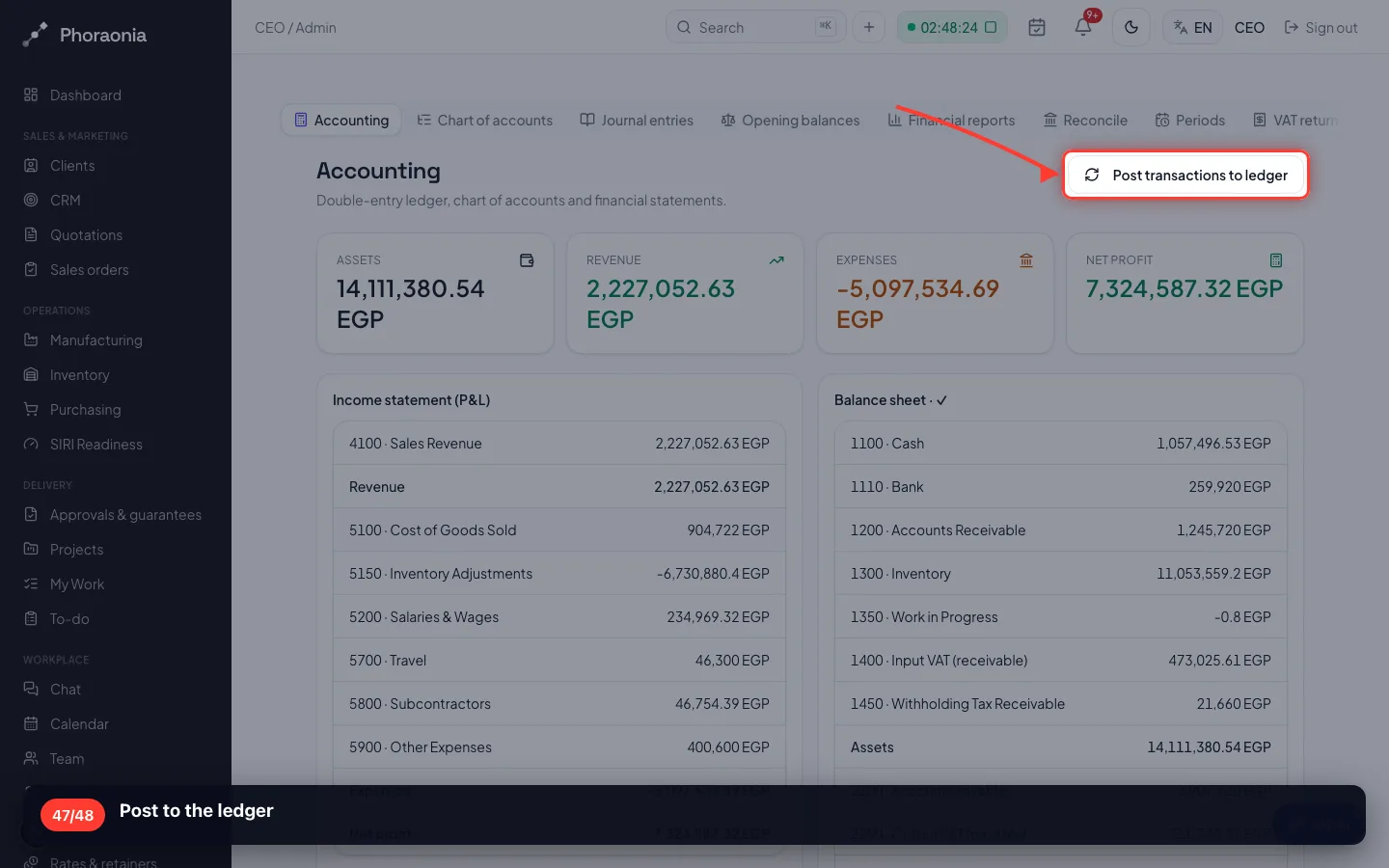
Posting turns the documents into entries. Nothing is retyped.
47Post to the ledger
- 48
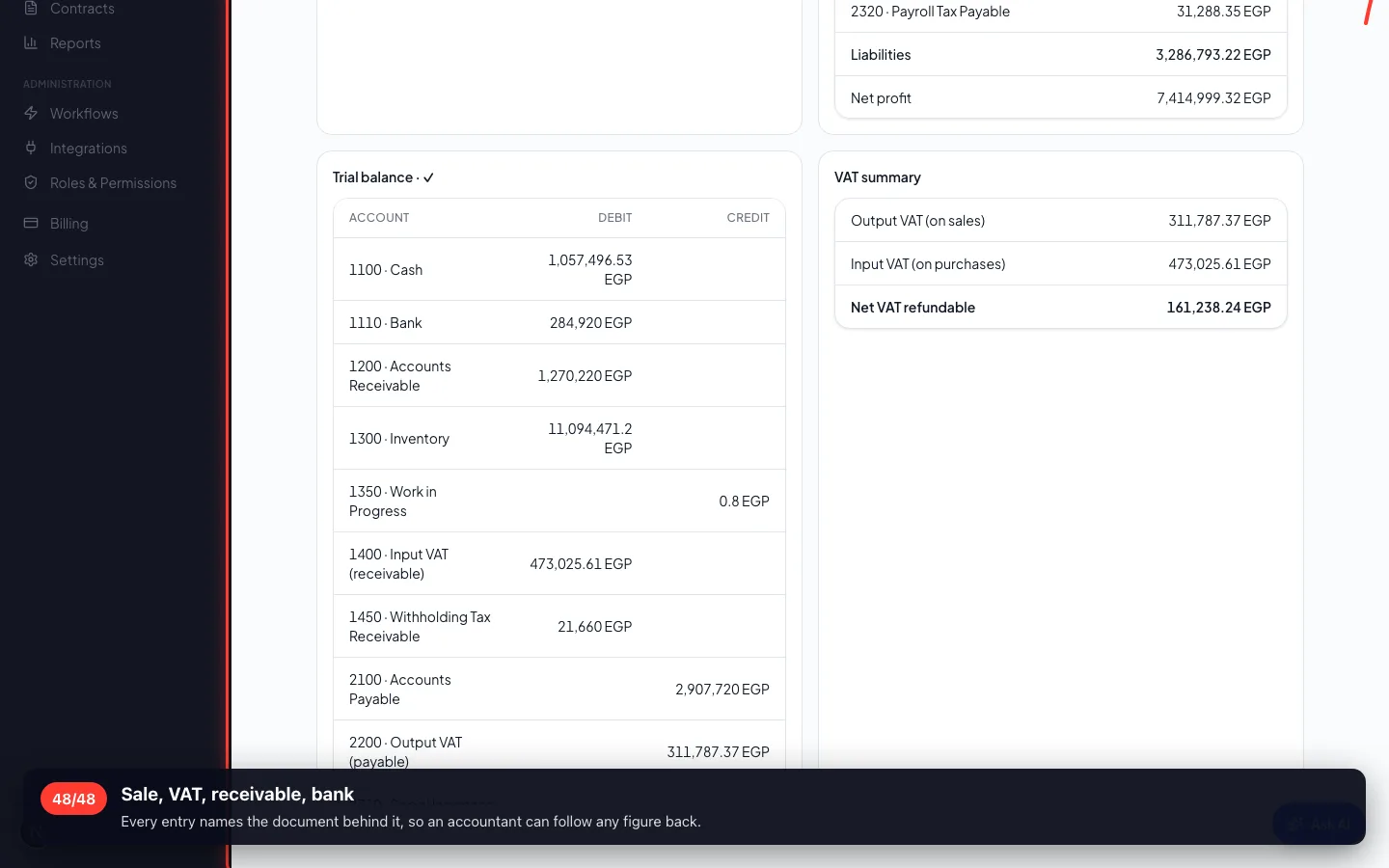
Sale, VAT, receivable, bank
Every entry names the document behind it, so an accountant can follow any figure back.
Enregistré sur un espace de démonstration. Les chiffres sont fictifs, les écrans sont réels.