The Manufacturing module
Bills of materials, work centres and routing, work orders on the floor, the production schedule, and changing a recipe without losing what was built before.
16 étapes
Le parcours complet, sans commentaire audio.
1 · What the module holds
Six screens: what things are made of, what is being made, when it will be ready, where it is made, and how recipes change.
1The manufacturing home
How many products have a recipe, how many orders are open, and whether any change is waiting.
2 · Bills of materials
Every product you assemble, what goes into one unit, what it costs to build one, and how many you could build right now.
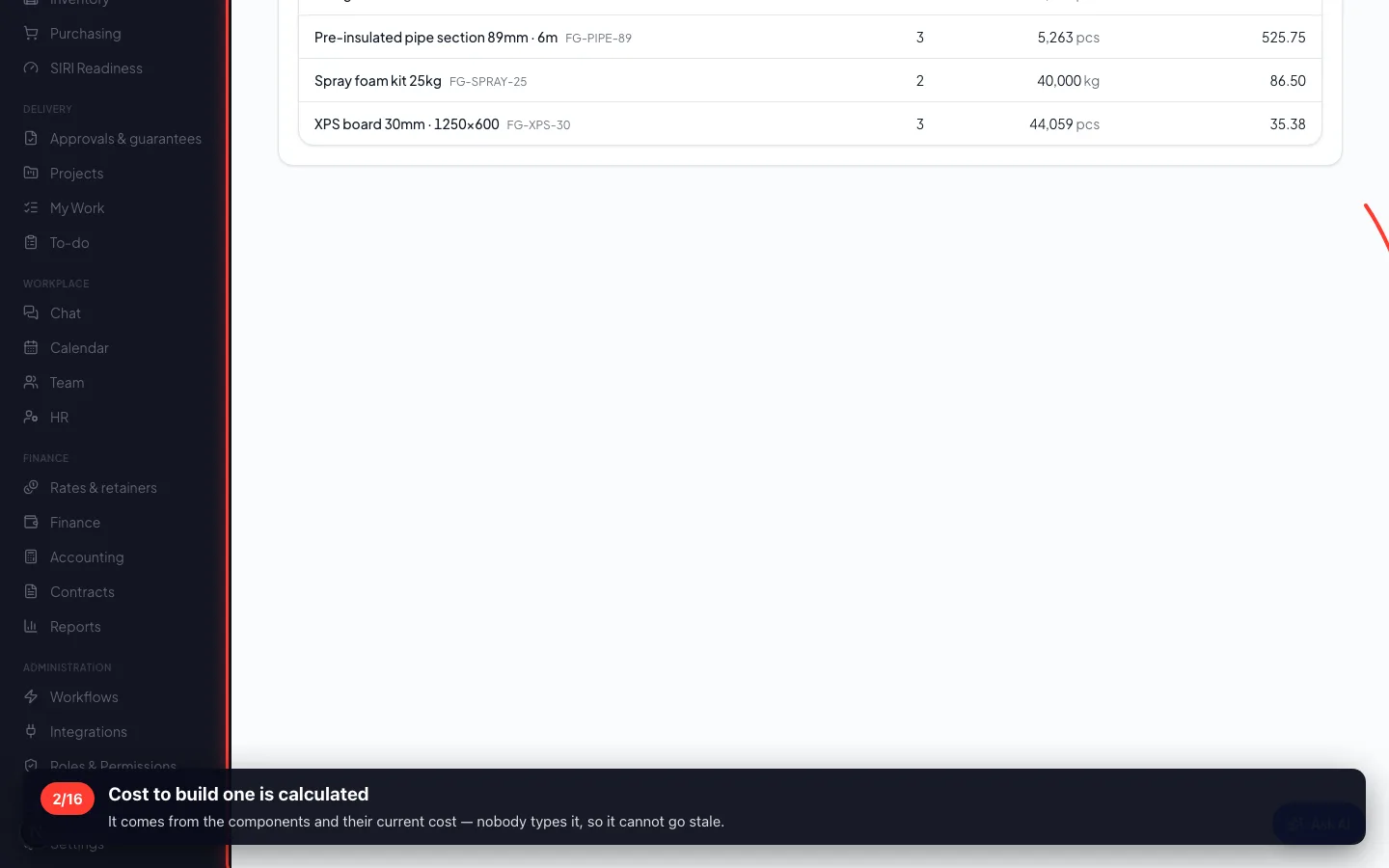
2Cost to build one is calculated
It comes from the components and their current cost — nobody types it, so it cannot go stale.
3 · Where things are made
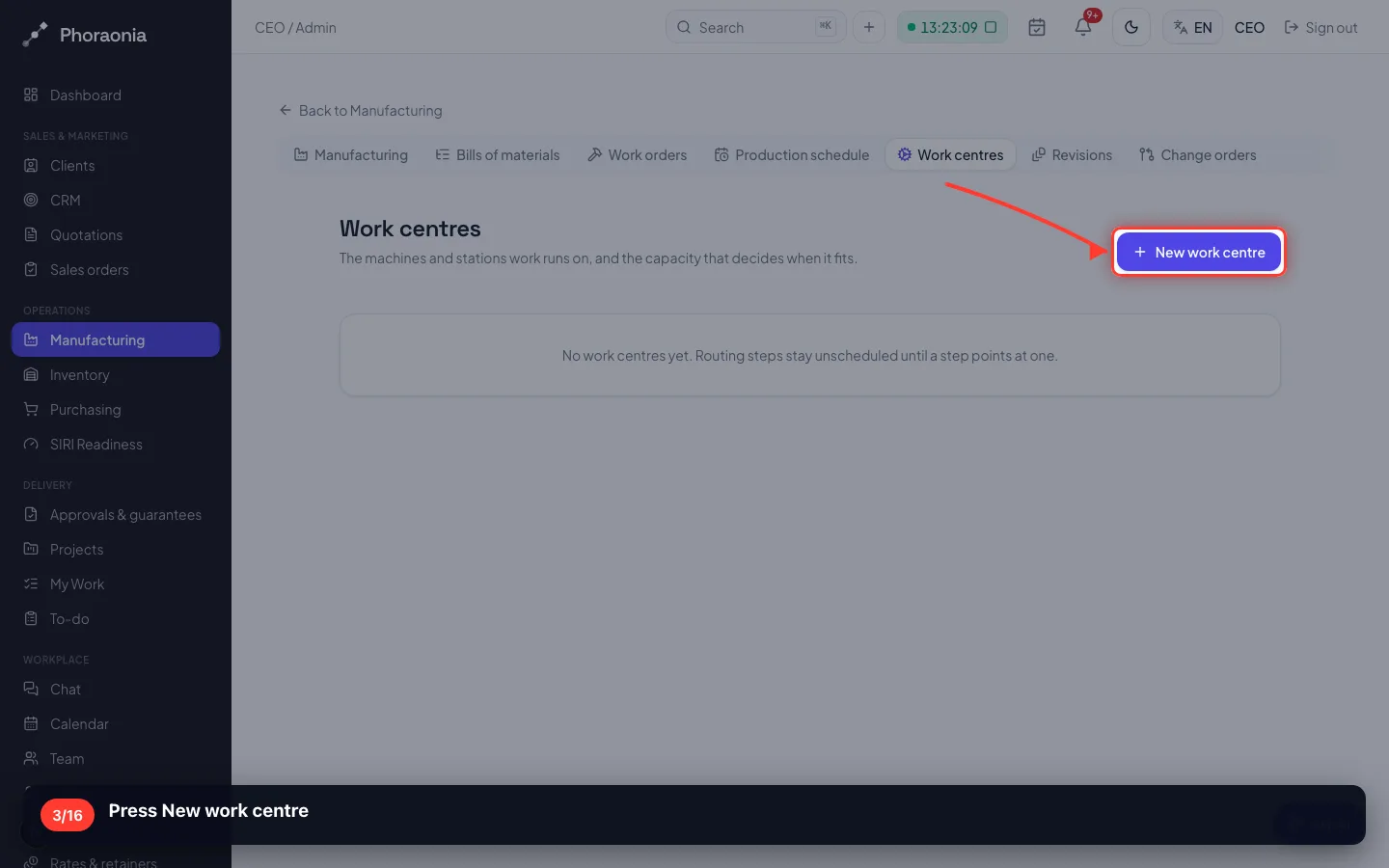
A work centre is a machine, a line or a bench: its working minutes a day, how many jobs at once, and its cost per hour.
3Press New work centre
- 4
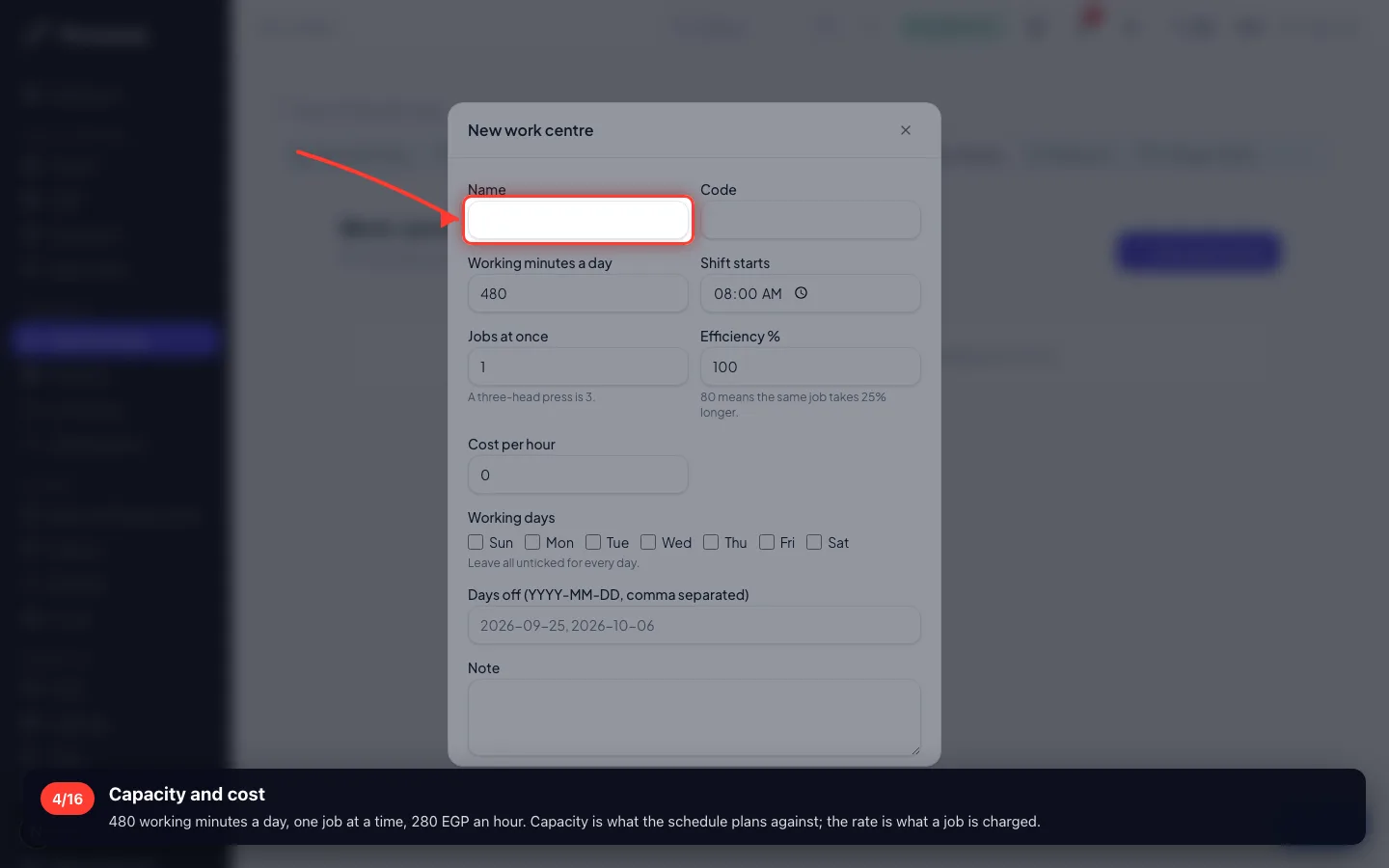
Capacity and cost
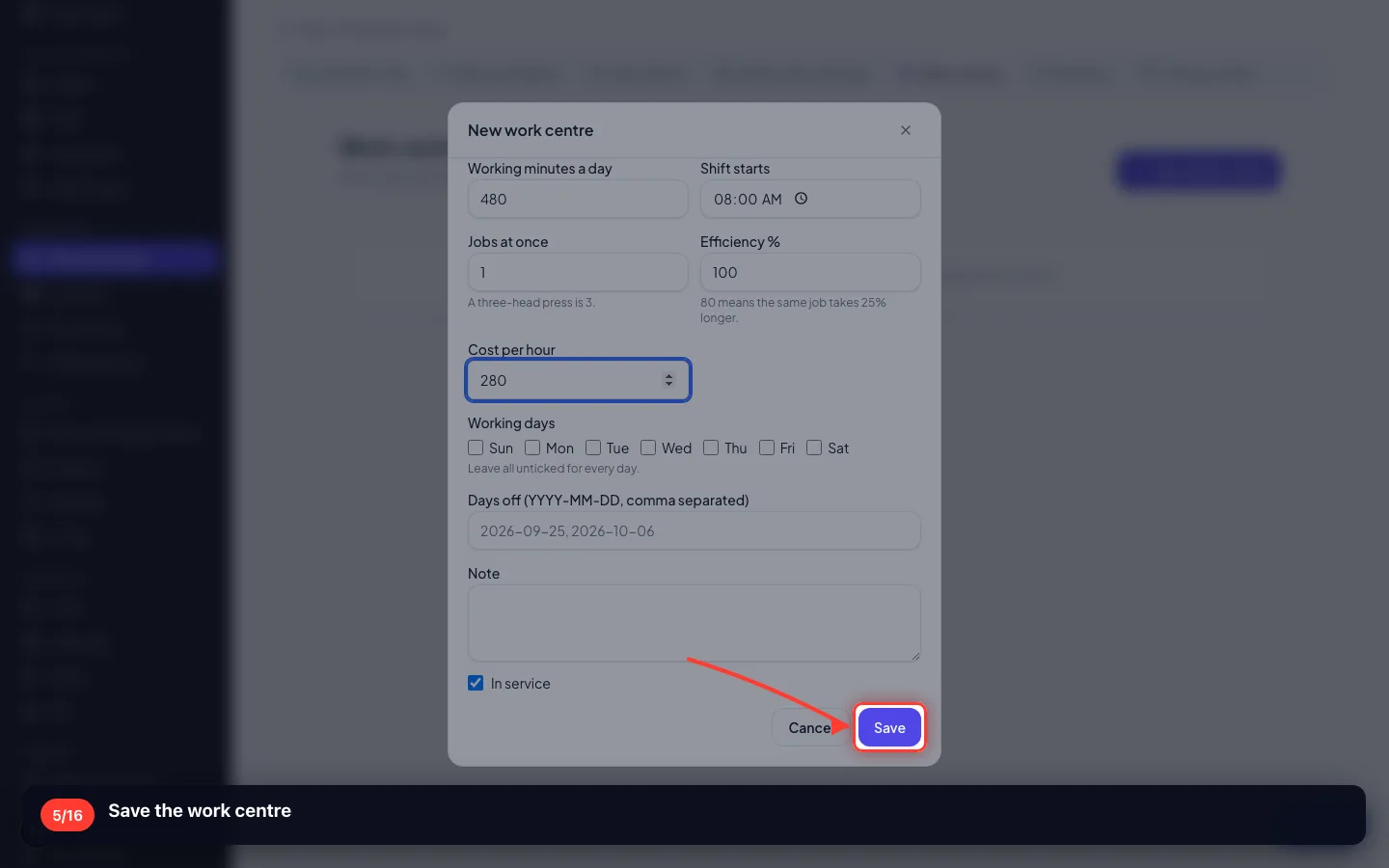
480 working minutes a day, one job at a time, 280 EGP an hour. Capacity is what the schedule plans against; the rate is what a job is charged.
- 5
Save the work centre
4 · A work order
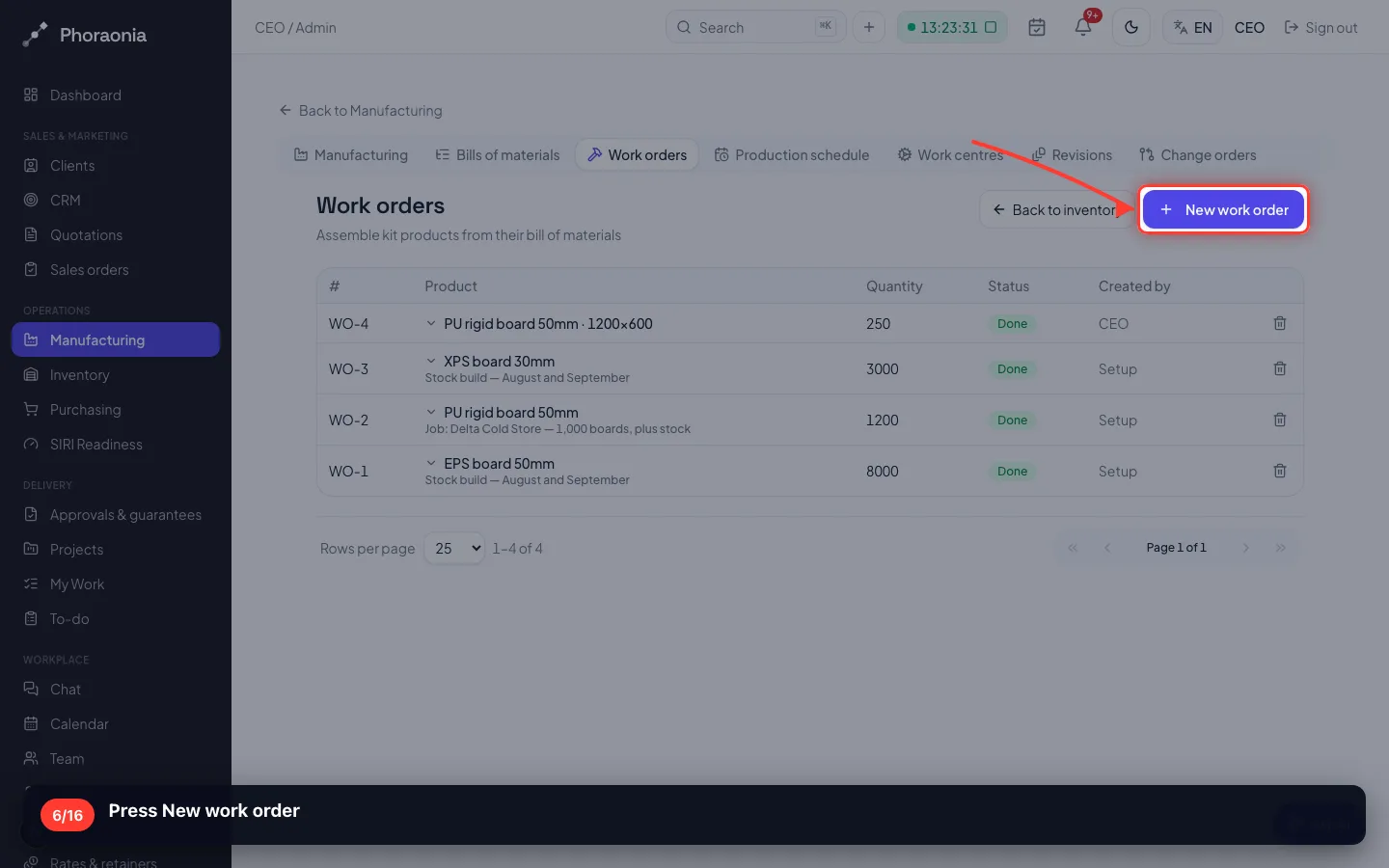
One product, one quantity, one warehouse. A confirmed sales order raises these by itself; this is the manual case.
6Press New work order
- 7
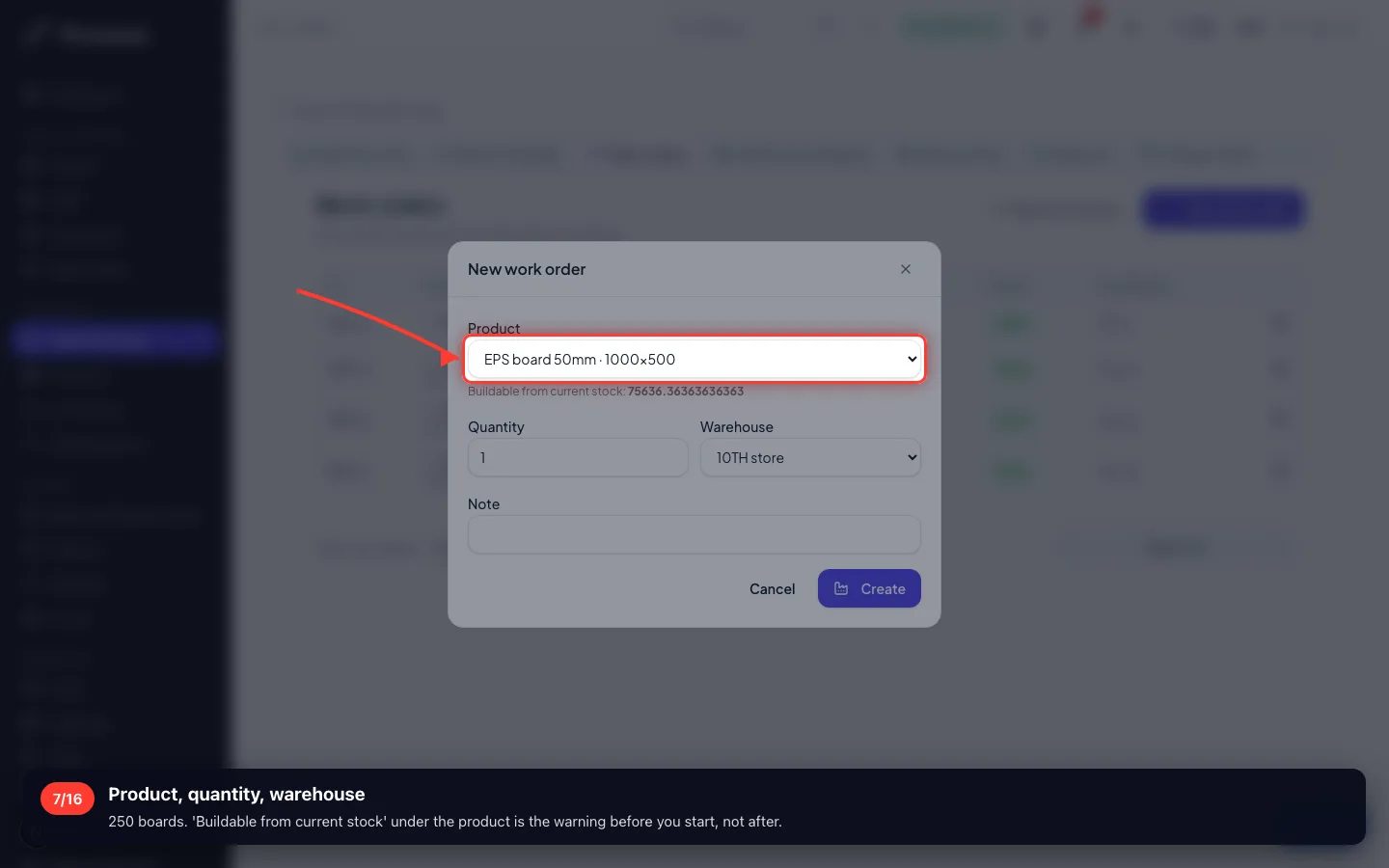
Product, quantity, warehouse
250 boards. 'Buildable from current stock' under the product is the warning before you start, not after.
- 8
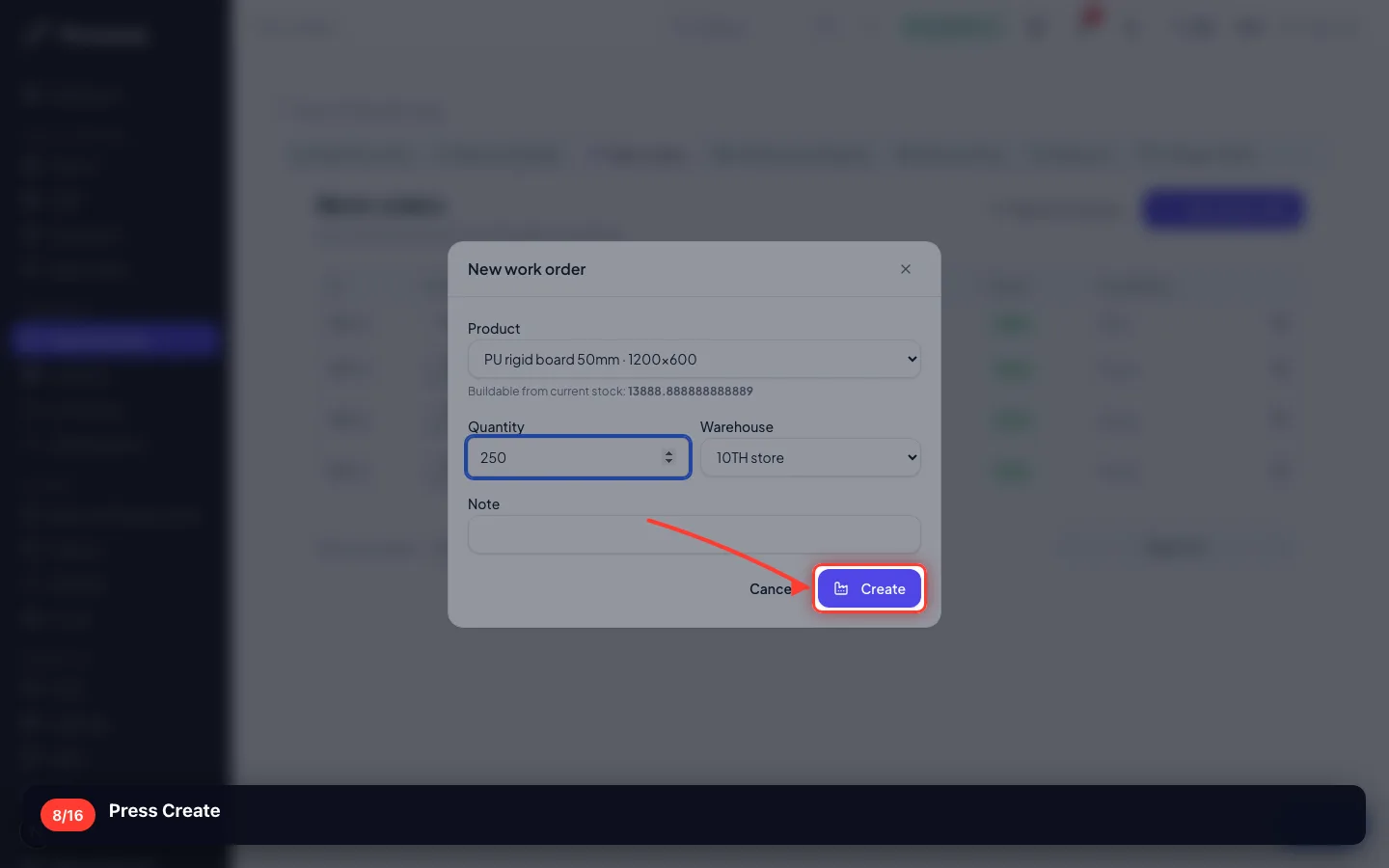
Press Create
- 9
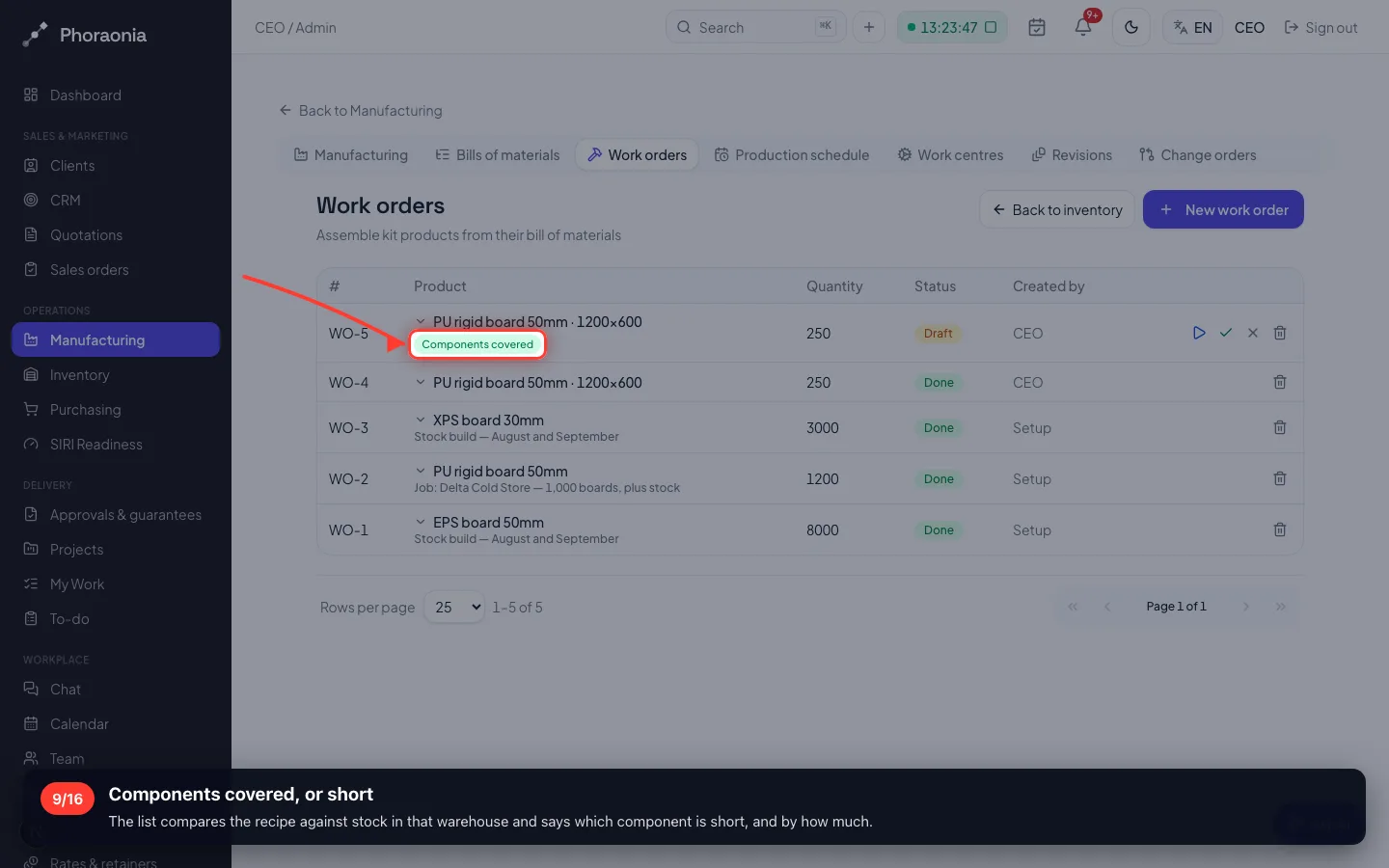
Components covered, or short
The list compares the recipe against stock in that warehouse and says which component is short, and by how much.
- 10
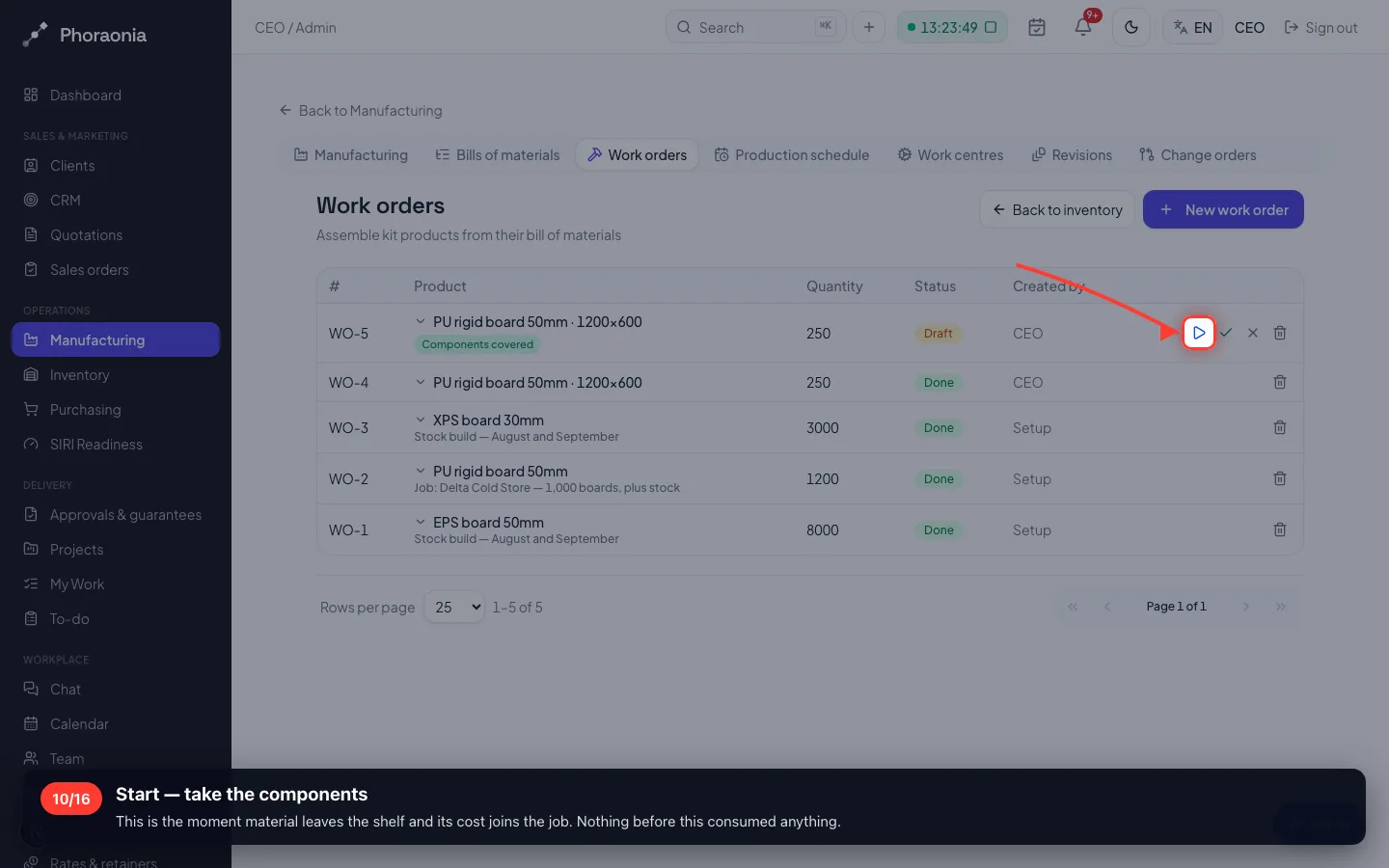
Start — take the components
This is the moment material leaves the shelf and its cost joins the job. Nothing before this consumed anything.
- 11
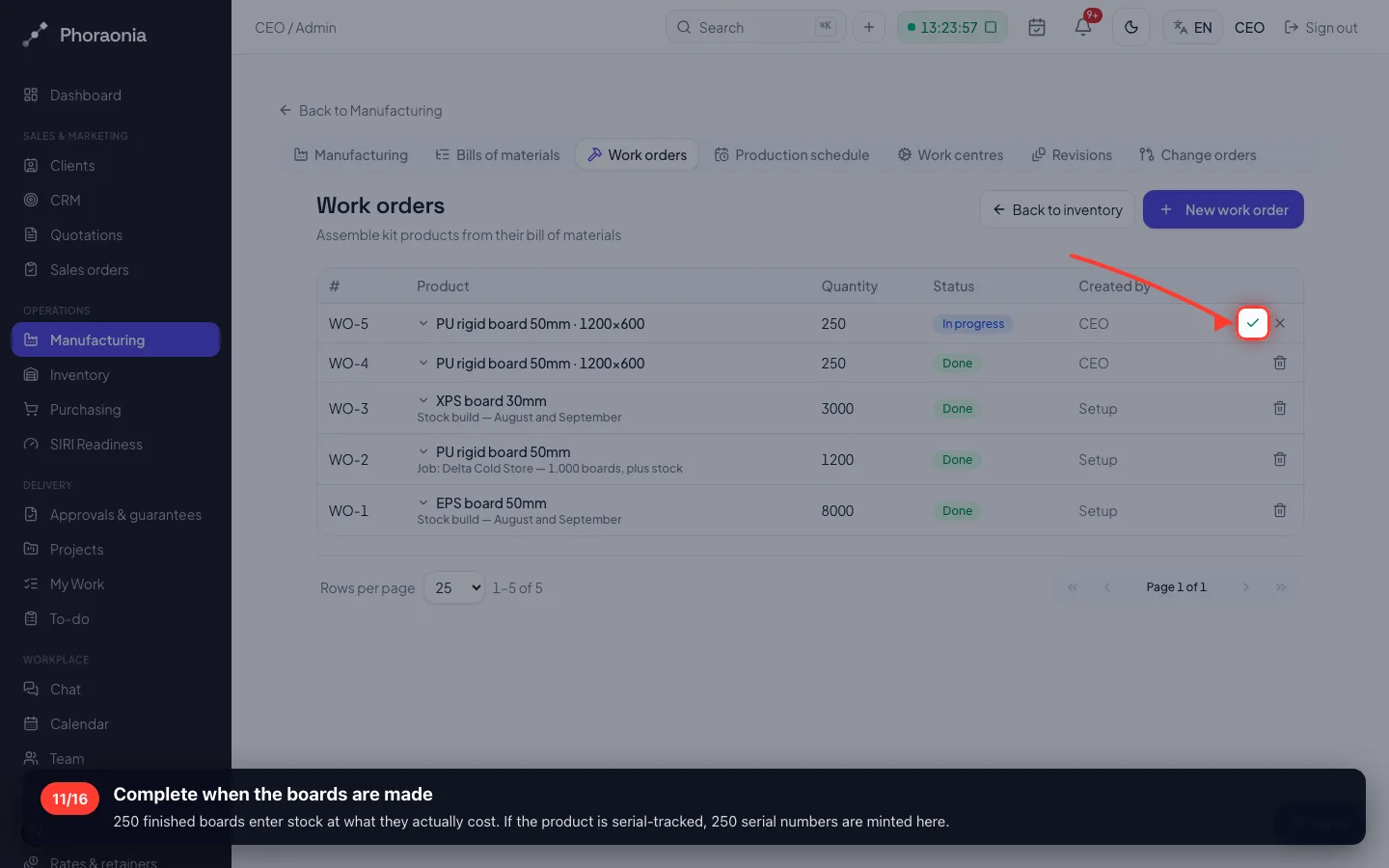
Complete when the boards are made
250 finished boards enter stock at what they actually cost. If the product is serial-tracked, 250 serial numbers are minted here.
5 · When will it be ready?
The schedule places every open order on the capacity that actually exists — not on a wish.
12The production schedule
Set-up minutes plus minutes per unit, against each work centre's day. Add an order and the finish dates move.
6 · Changing a recipe properly
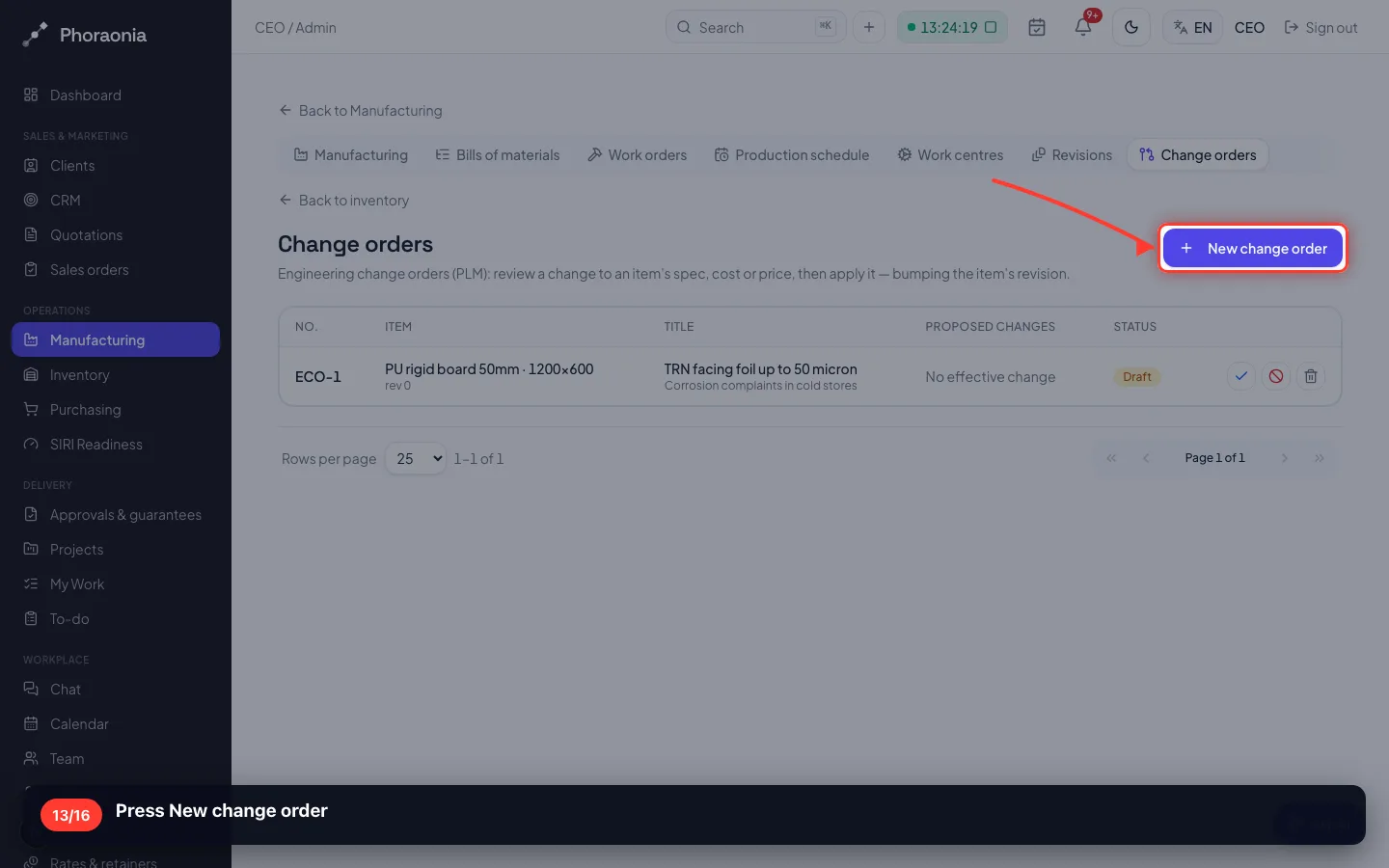
Never edit a recipe quietly: a panel built last month must still show the recipe it was really built from.
13Press New change order
- 14
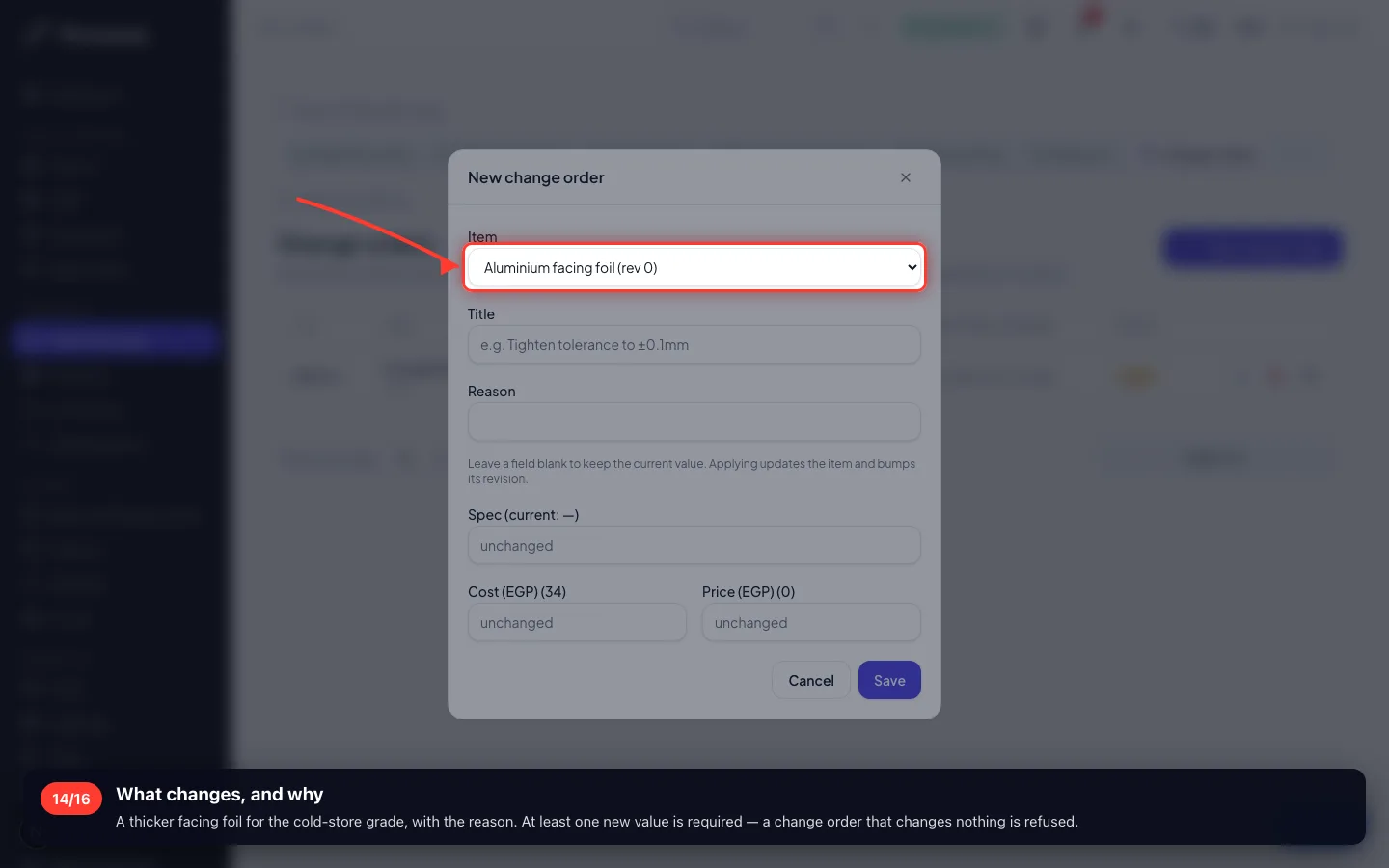
What changes, and why
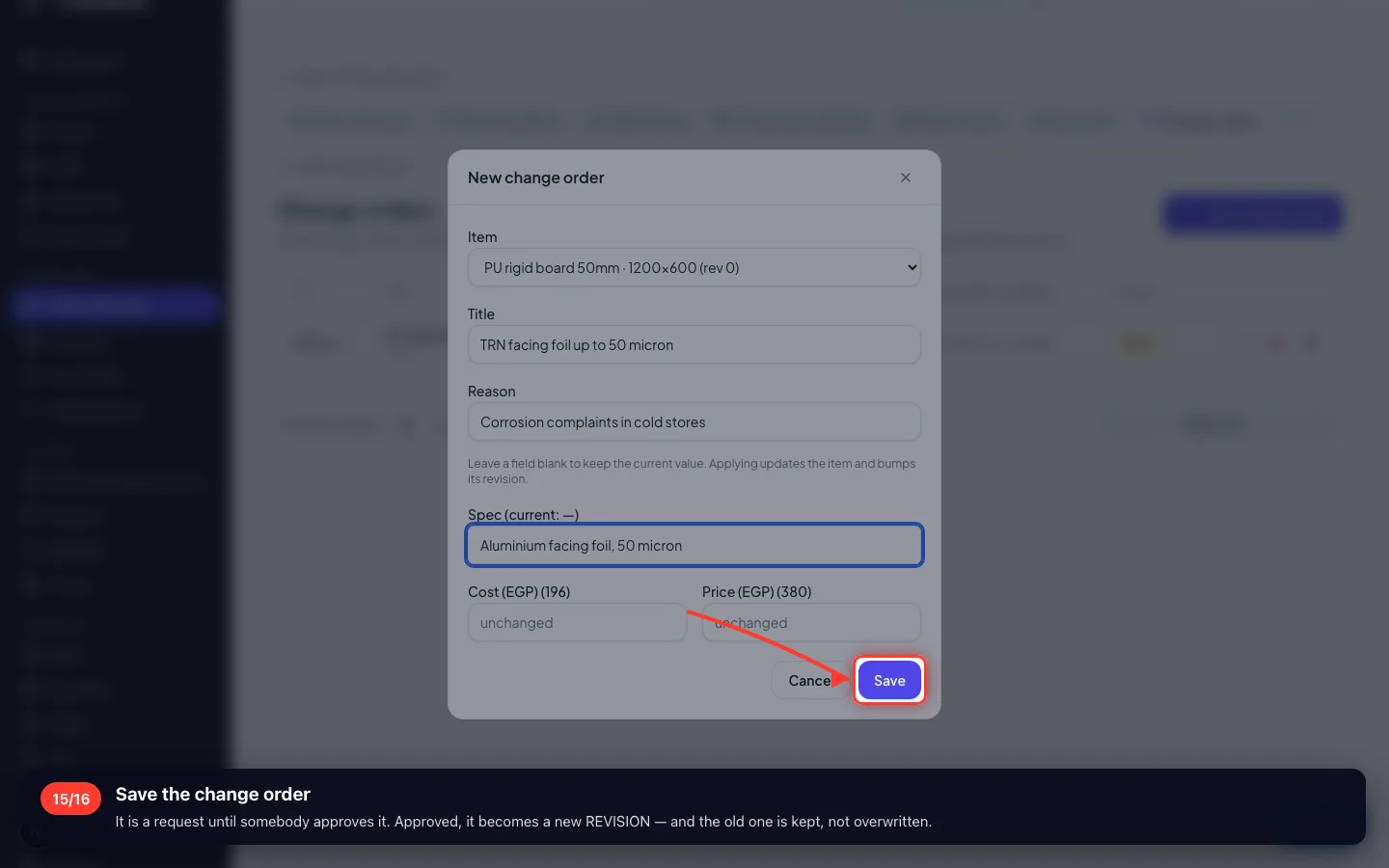
A thicker facing foil for the cold-store grade, with the reason. At least one new value is required — a change order that changes nothing is refused.
- 15
Save the change order
It is a request until somebody approves it. Approved, it becomes a new REVISION — and the old one is kept, not overwritten.
- 16
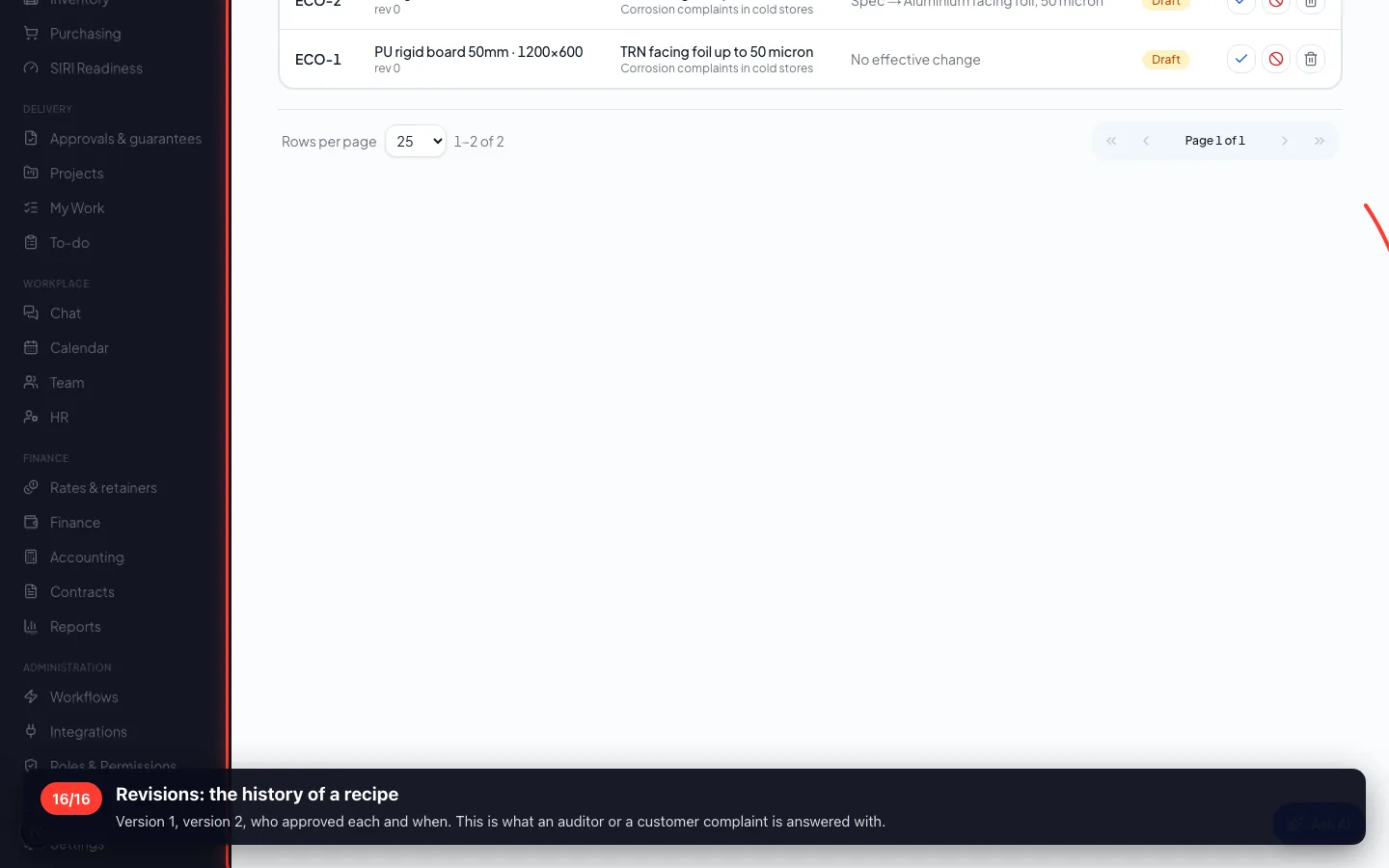
Revisions: the history of a recipe
Version 1, version 2, who approved each and when. This is what an auditor or a customer complaint is answered with.
Enregistré sur un espace de démonstration. Les chiffres sont fictifs, les écrans sont réels.