Administration
Roles and permissions, workflows that act by themselves, integrations, contracts, reports, and the settings that change how the workspace behaves.
13 étapes
Le parcours complet, sans commentaire audio.
1 · Who can see what
Permissions are role-first: pick a role, then tweak one person if you must. Every screen and every action is checked on the SERVER, not just hidden.
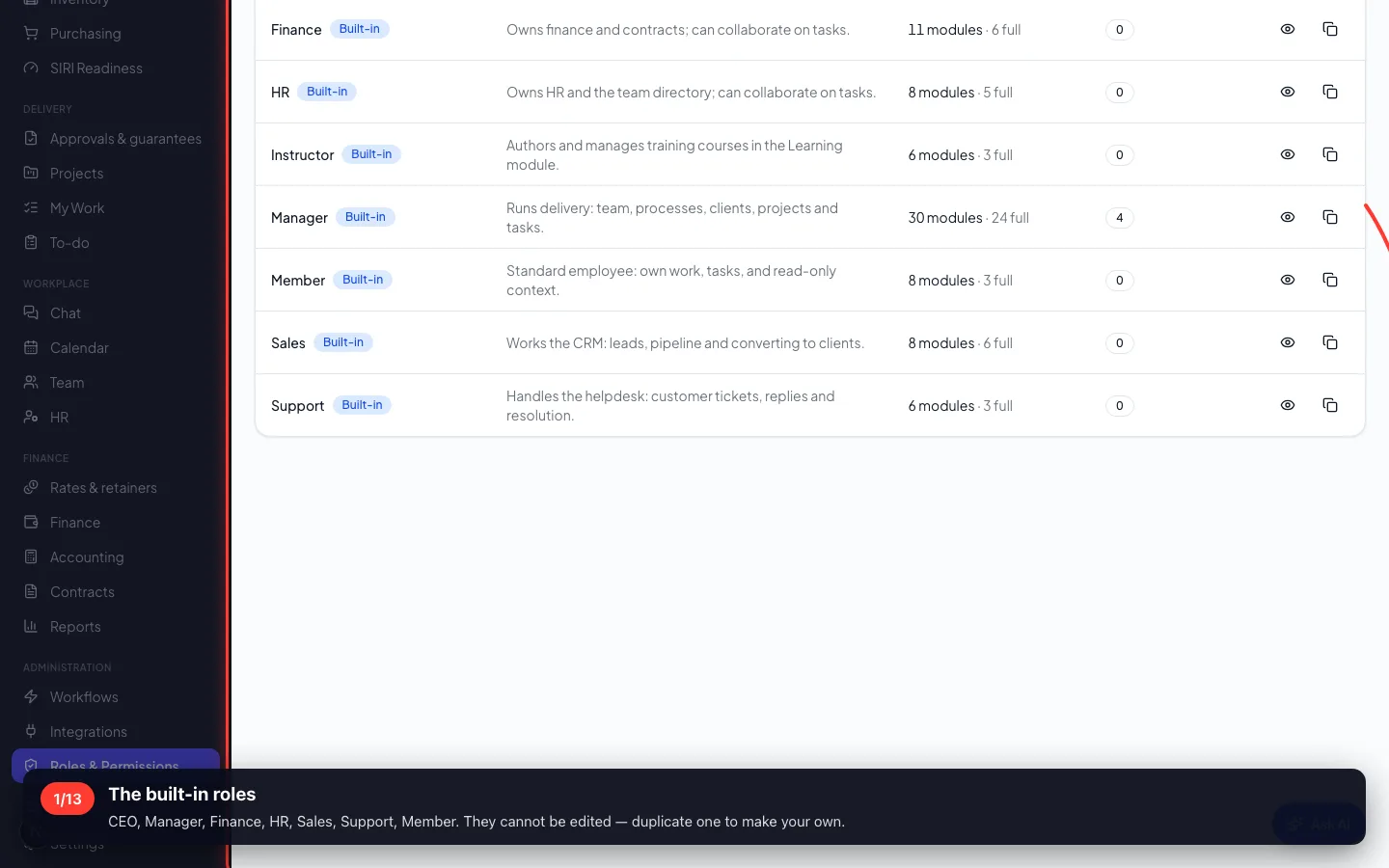
1The built-in roles
CEO, Manager, Finance, HR, Sales, Support, Member. They cannot be edited — duplicate one to make your own.
- 2
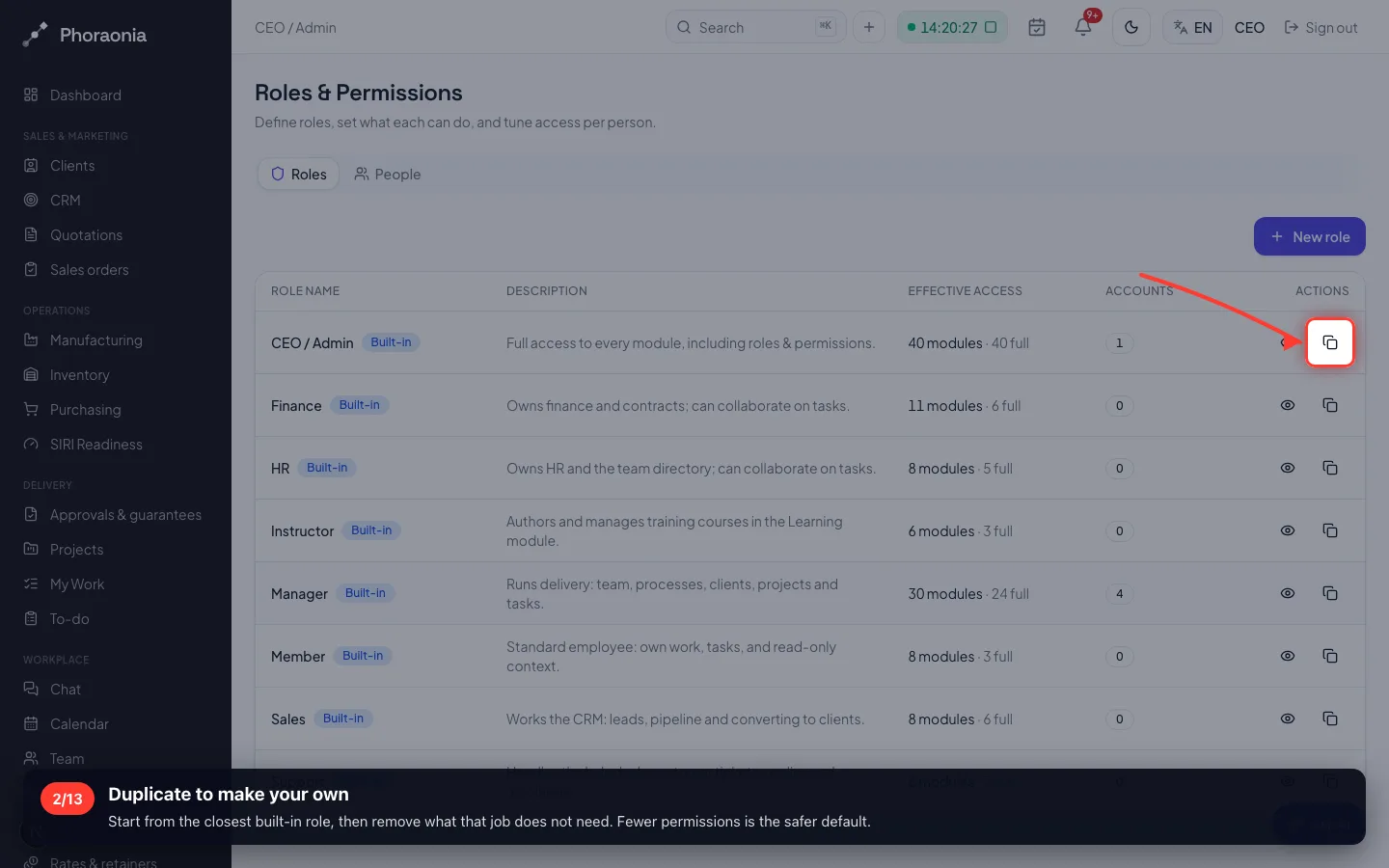
Duplicate to make your own
Start from the closest built-in role, then remove what that job does not need. Fewer permissions is the safer default.
- 3
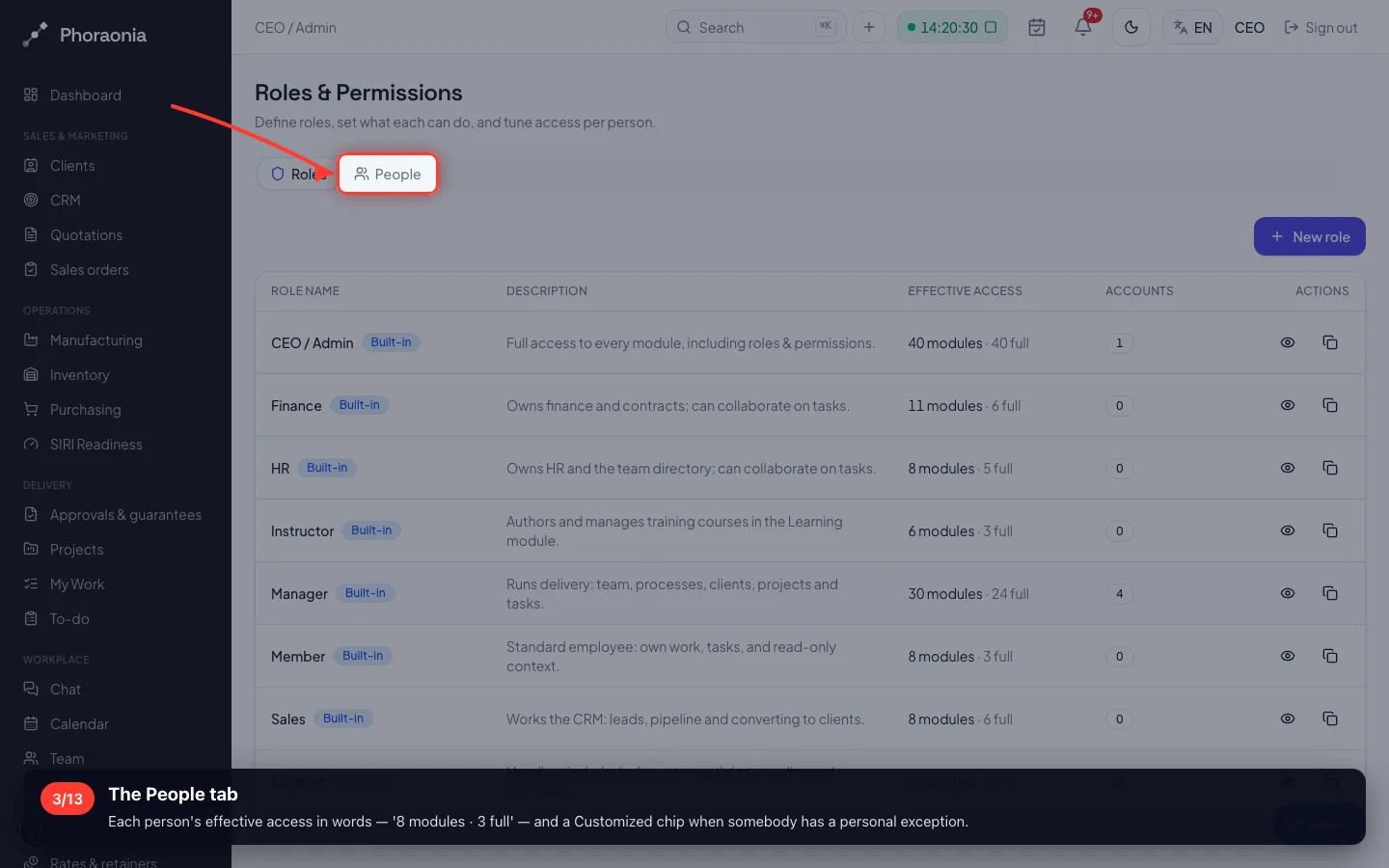
The People tab
Each person's effective access in words — '8 modules · 3 full' — and a Customized chip when somebody has a personal exception.
2 · Work that happens by itself
A workflow is: when THIS happens, check THAT, then do these things. No code, and it runs whether anybody is logged in or not.
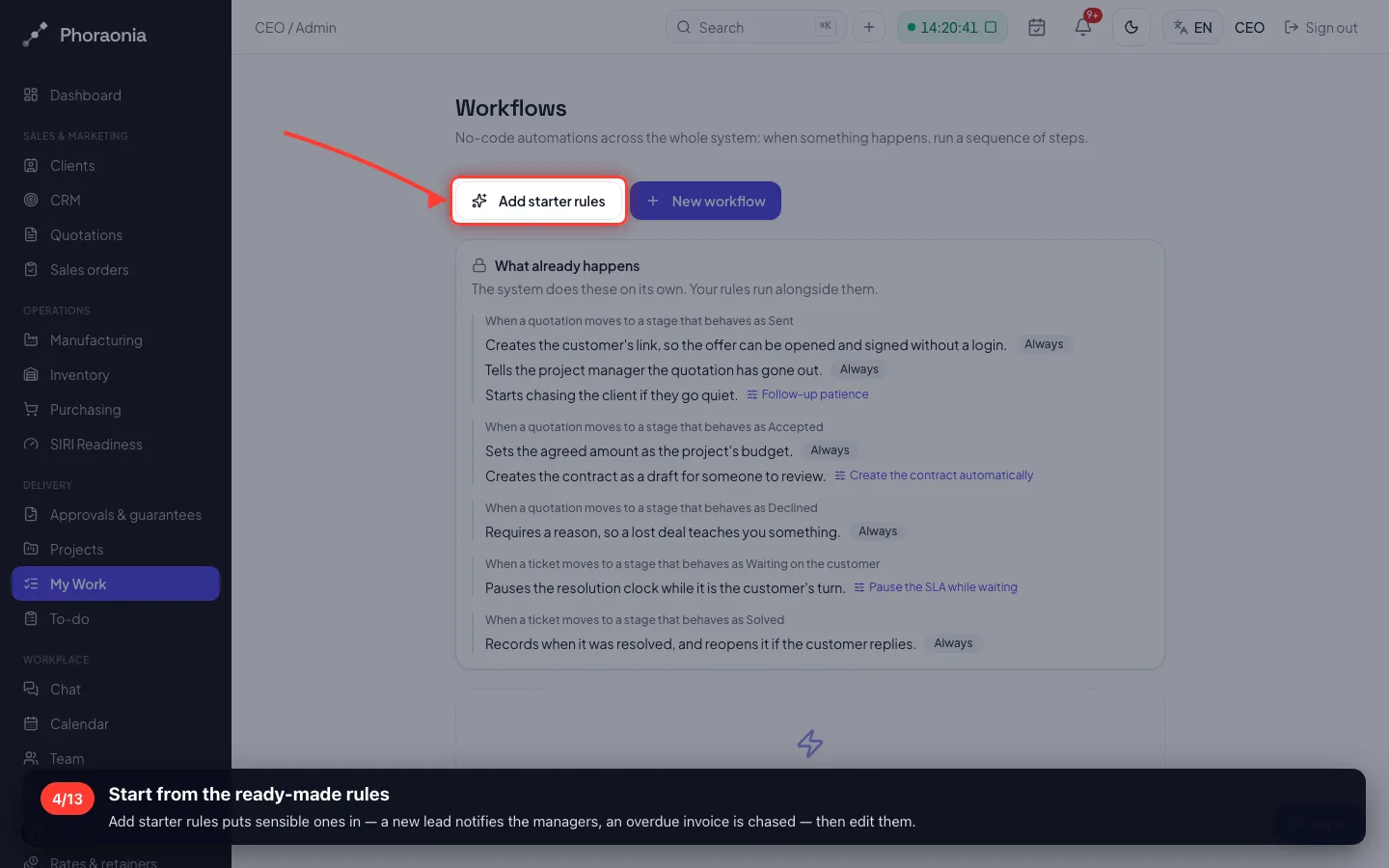
4Start from the ready-made rules
Add starter rules puts sensible ones in — a new lead notifies the managers, an overdue invoice is chased — then edit them.
- 5
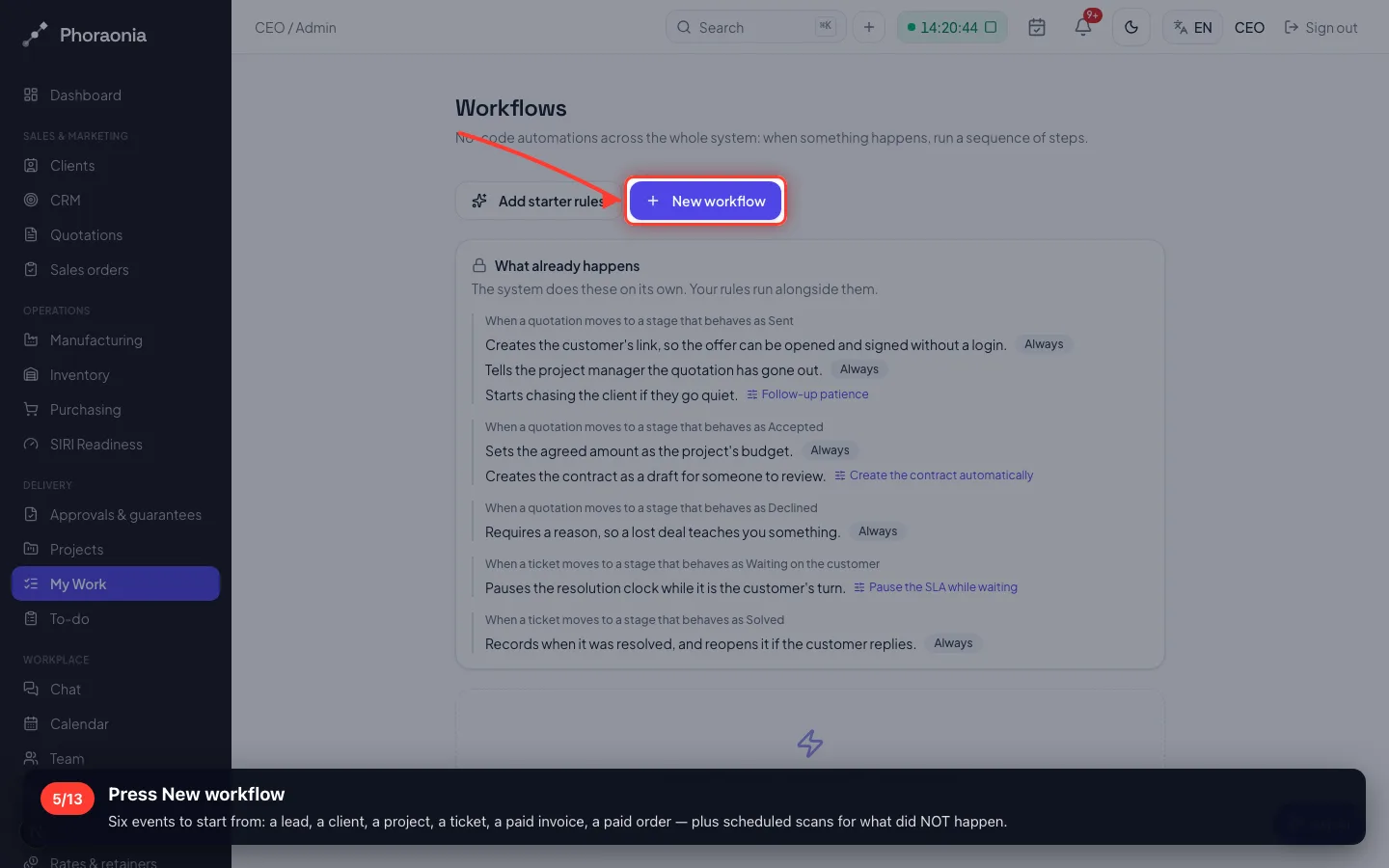
Press New workflow
Six events to start from: a lead, a client, a project, a ticket, a paid invoice, a paid order — plus scheduled scans for what did NOT happen.
- 6
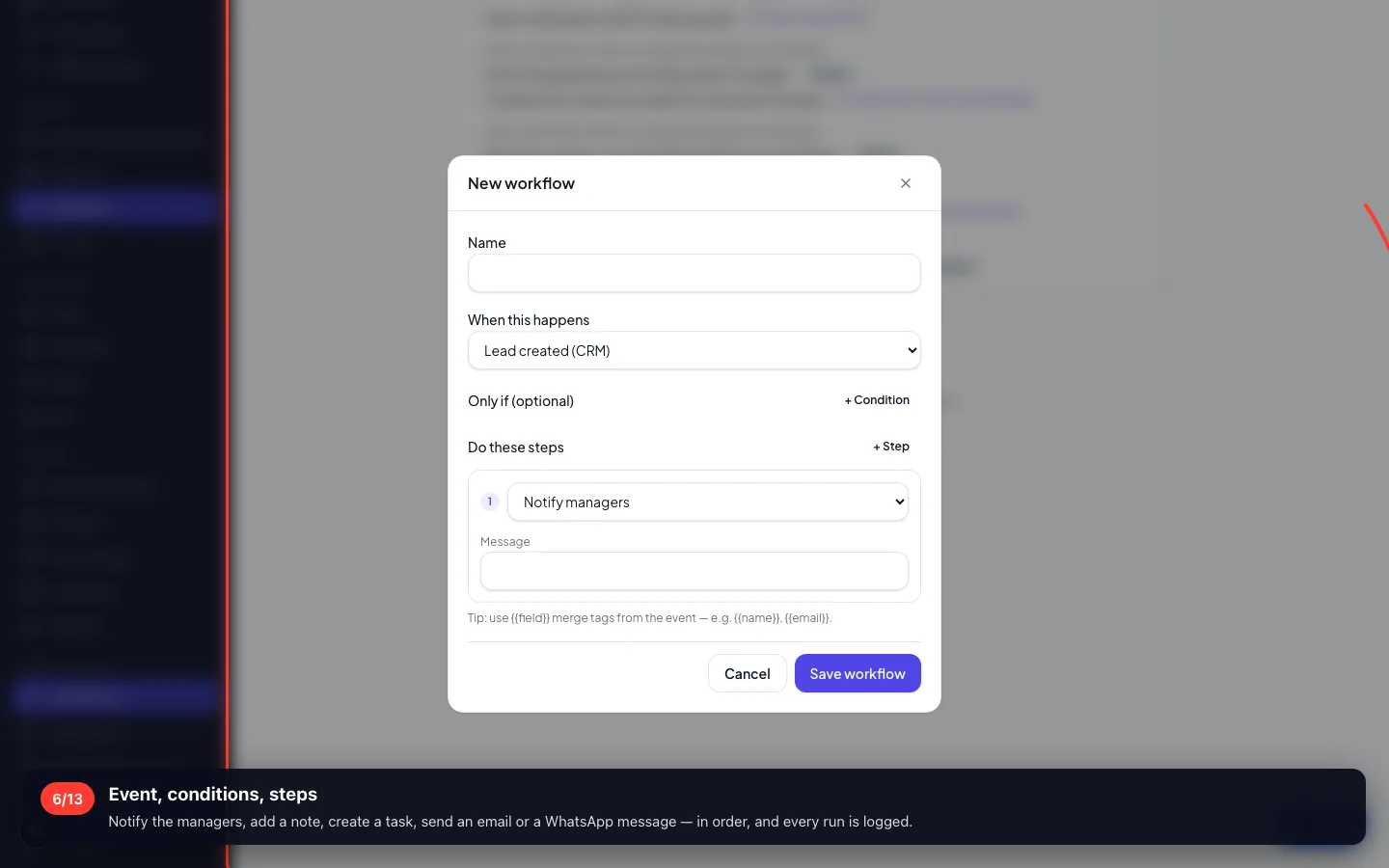
Event, conditions, steps
Notify the managers, add a note, create a task, send an email or a WhatsApp message — in order, and every run is logged.
3 · What the workspace talks to
Email, WhatsApp, SMS, payment gateways, shipping, e-invoicing and AI — each a card you fill with your own keys.
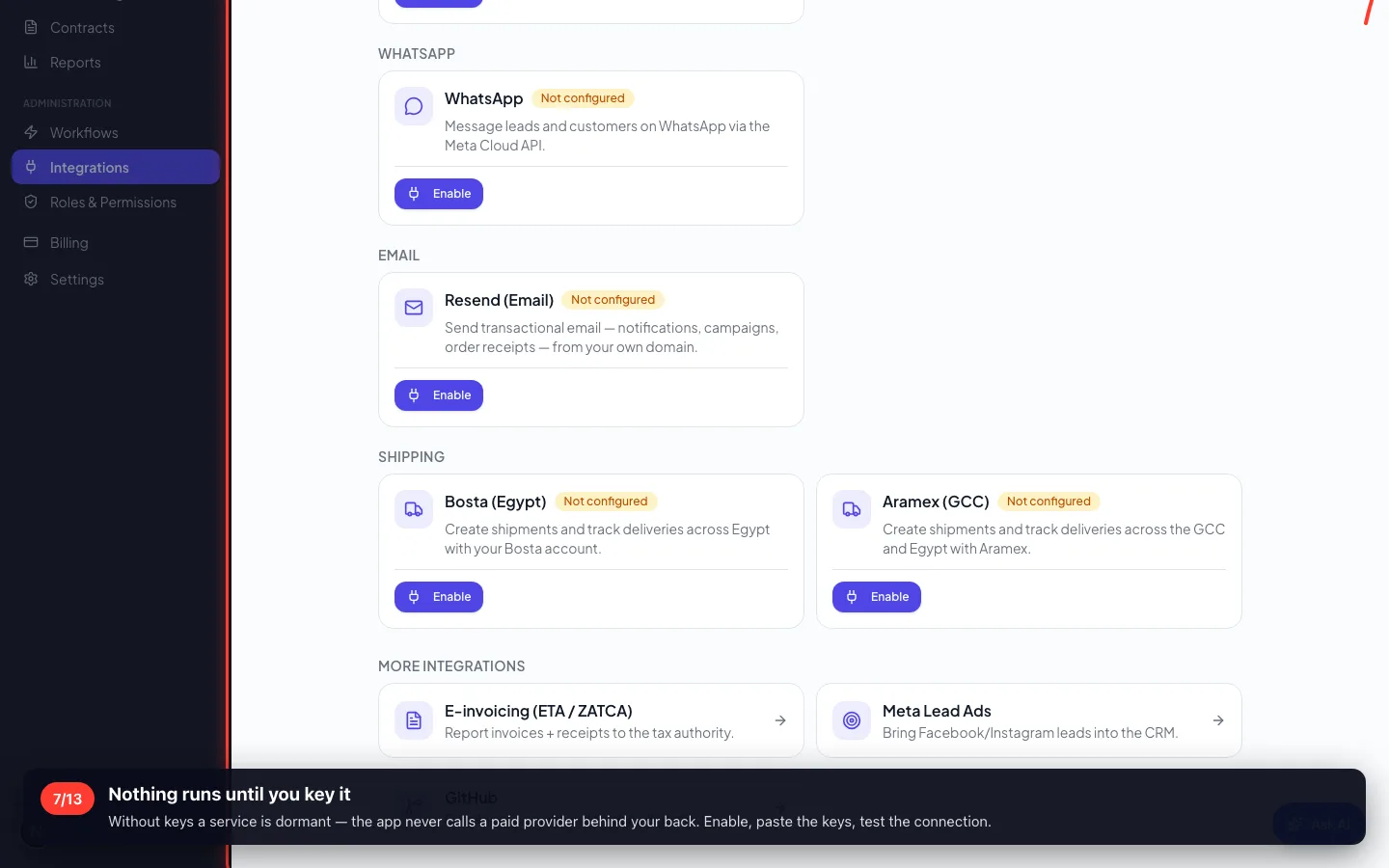
7Nothing runs until you key it
Without keys a service is dormant — the app never calls a paid provider behind your back. Enable, paste the keys, test the connection.
- 8
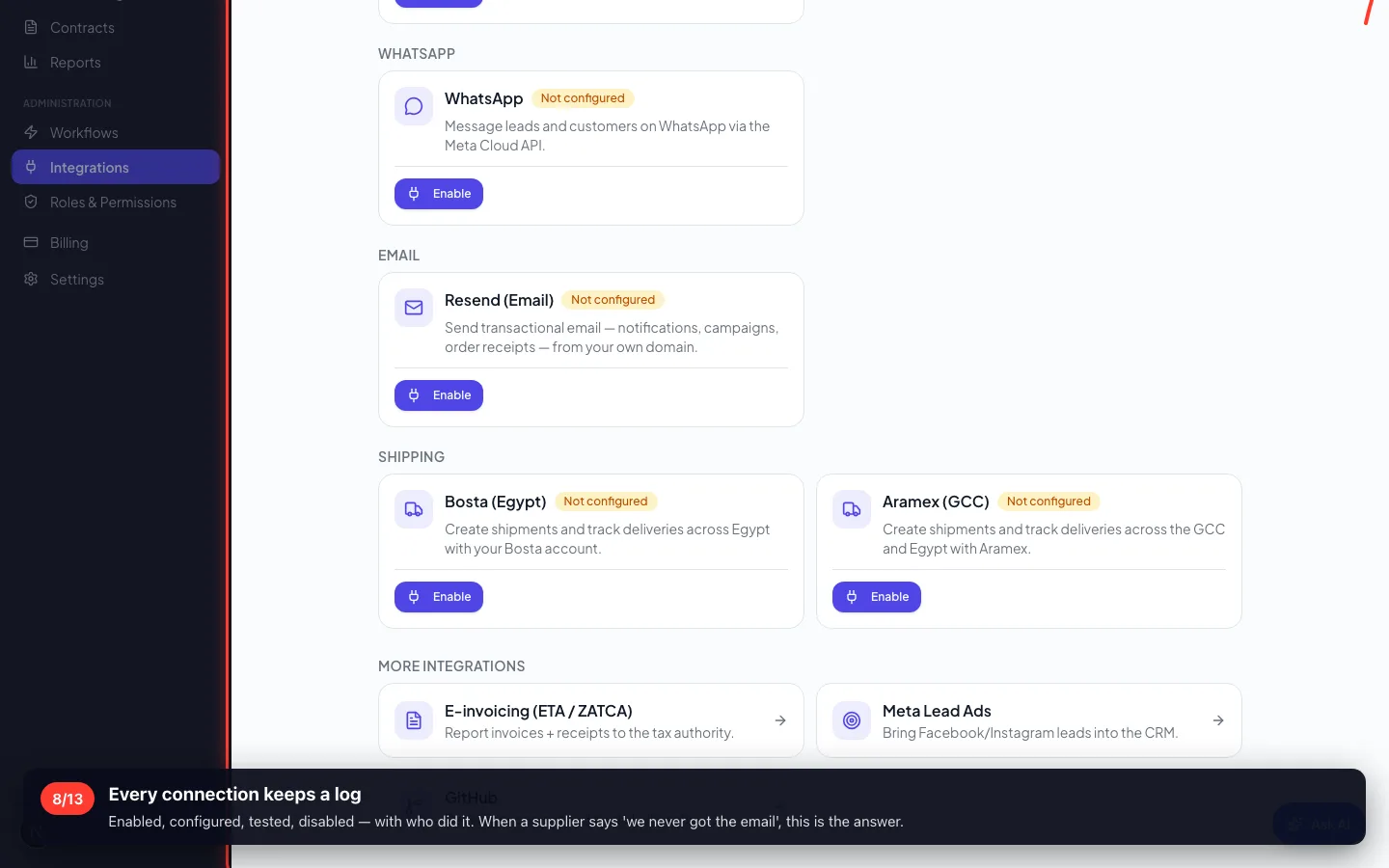
Every connection keeps a log
Enabled, configured, tested, disabled — with who did it. When a supplier says 'we never got the email', this is the answer.
4 · Contracts
The agreement behind the work: its value, its dates, the client and the project — and a renewal that does not creep up on you.
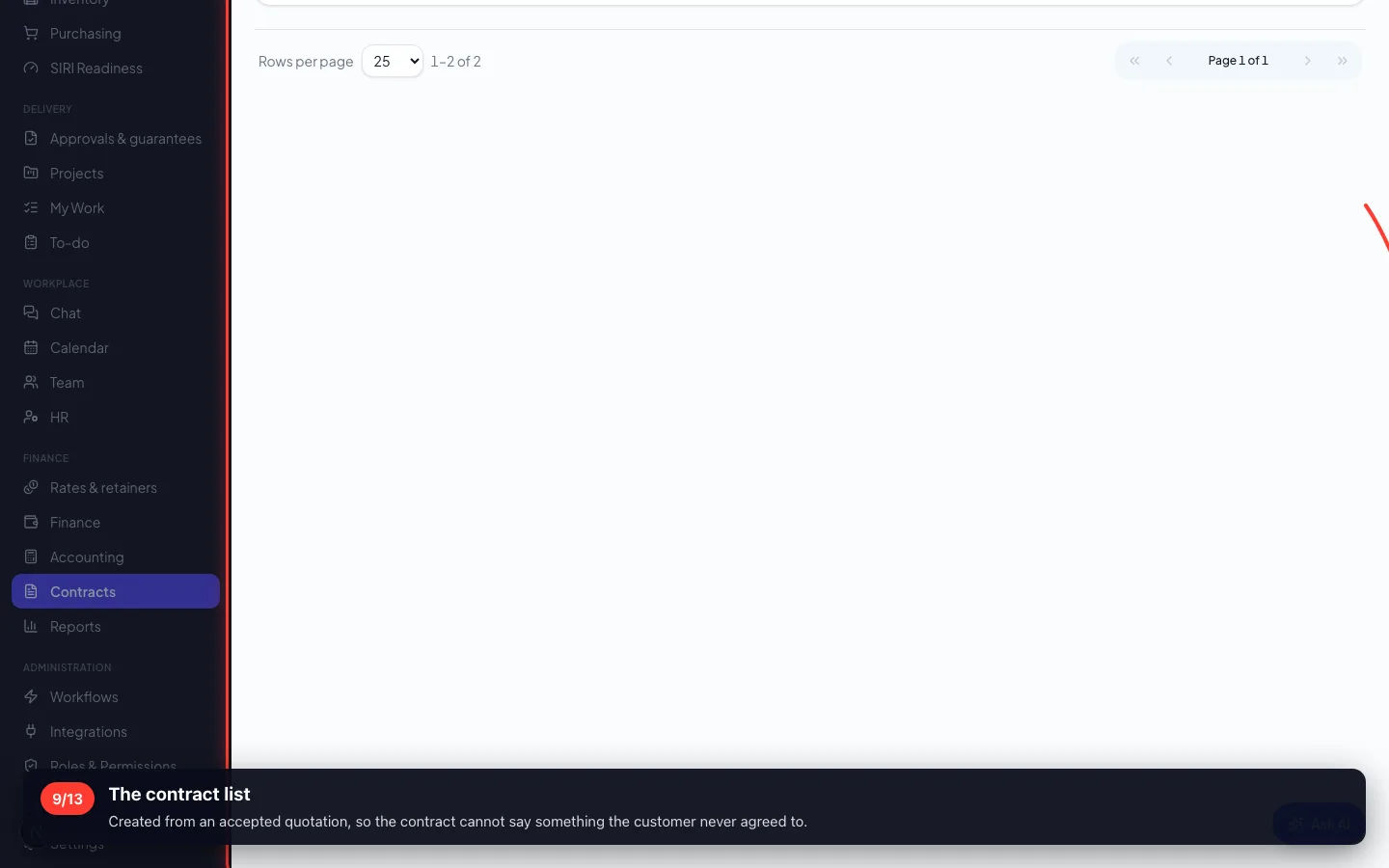
9The contract list
Created from an accepted quotation, so the contract cannot say something the customer never agreed to.
5 · Reports
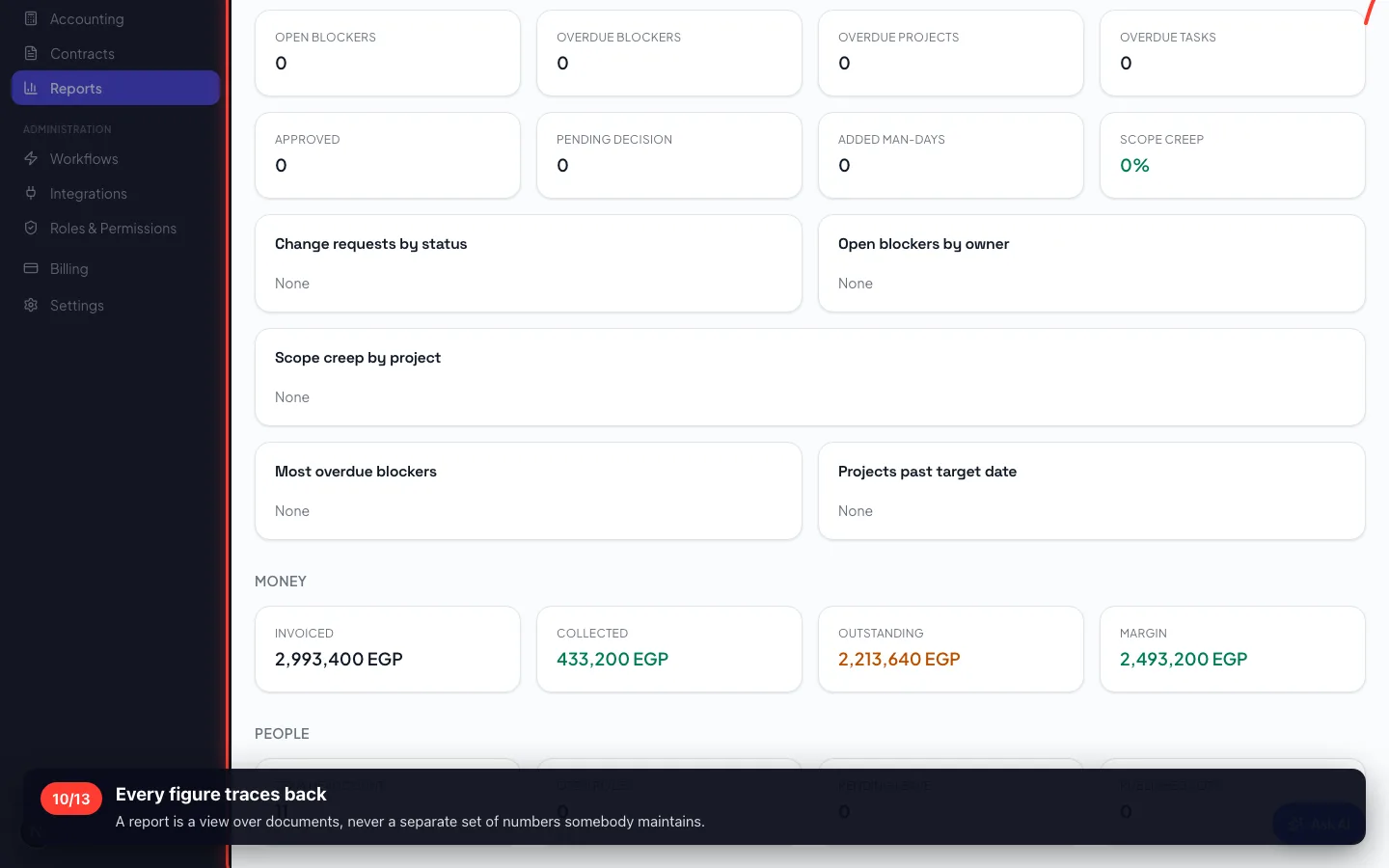
The cross-module questions: revenue by month, project margins, team workload, sales performance — each exportable to Excel or PDF.
10Every figure traces back
A report is a view over documents, never a separate set of numbers somebody maintains.
6 · Settings that change the rules
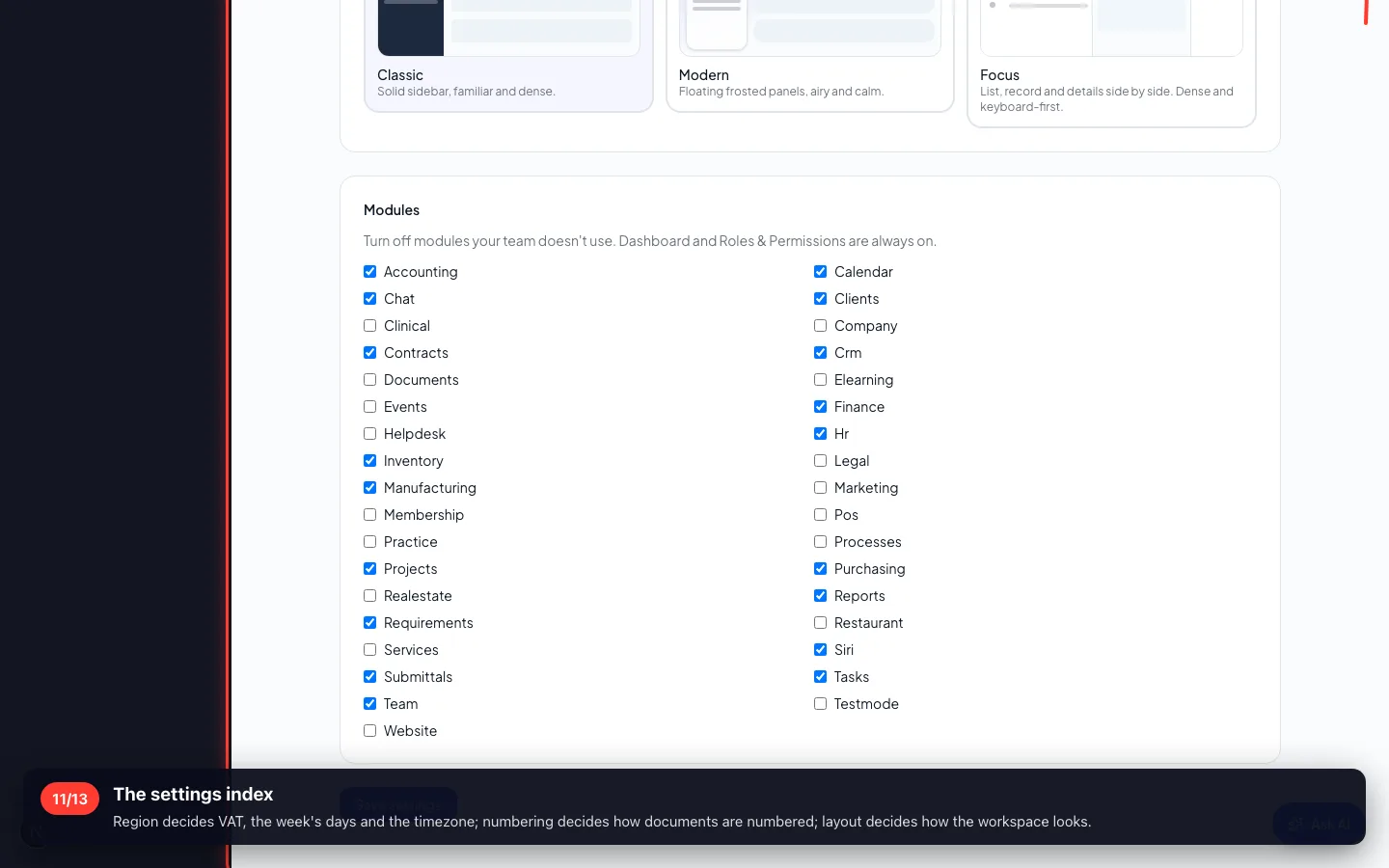
Branding, language, the country and currency, which modules are visible, the sales cycle switches, numbering series and the approval limits.
11The settings index
Region decides VAT, the week's days and the timezone; numbering decides how documents are numbered; layout decides how the workspace looks.
- 12
The recycle bin
Deleting is recoverable: what was deleted, by whom, when — and one press to restore it with its children.
- 13
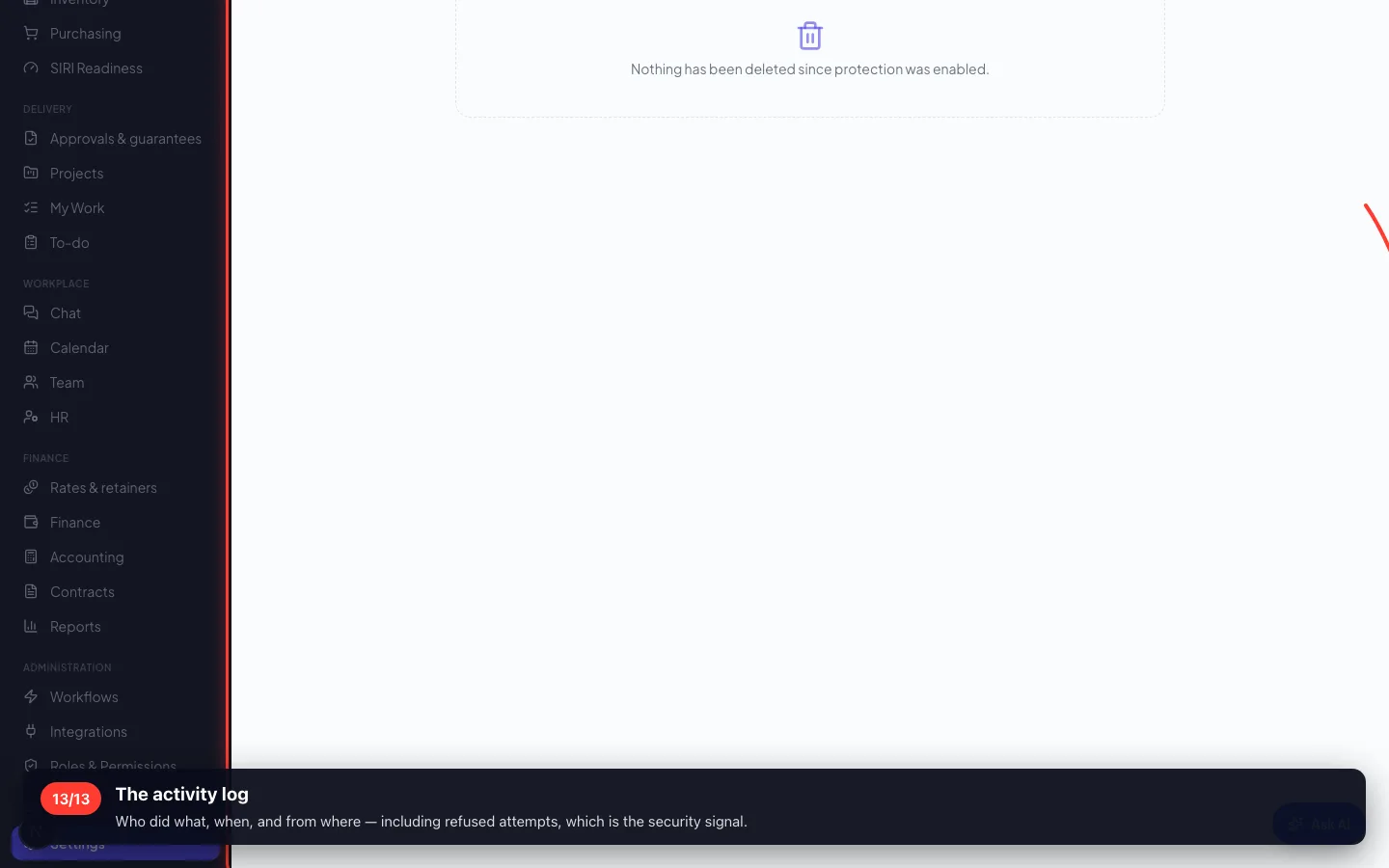
The activity log
Who did what, when, and from where — including refused attempts, which is the security signal.
Enregistré sur un espace de démonstration. Les chiffres sont fictifs, les écrans sont réels.