The Inventory module
The catalogue, the warehouses, every movement and its reason, counts, reorder planning and what the stock is worth — followed on one material.
19 steps
The whole walkthrough, no narration — the captions are on the screen.
1 · One catalogue for everything
Raw materials, finished goods, spares — all items in one list. What differs is what each one is FOR.
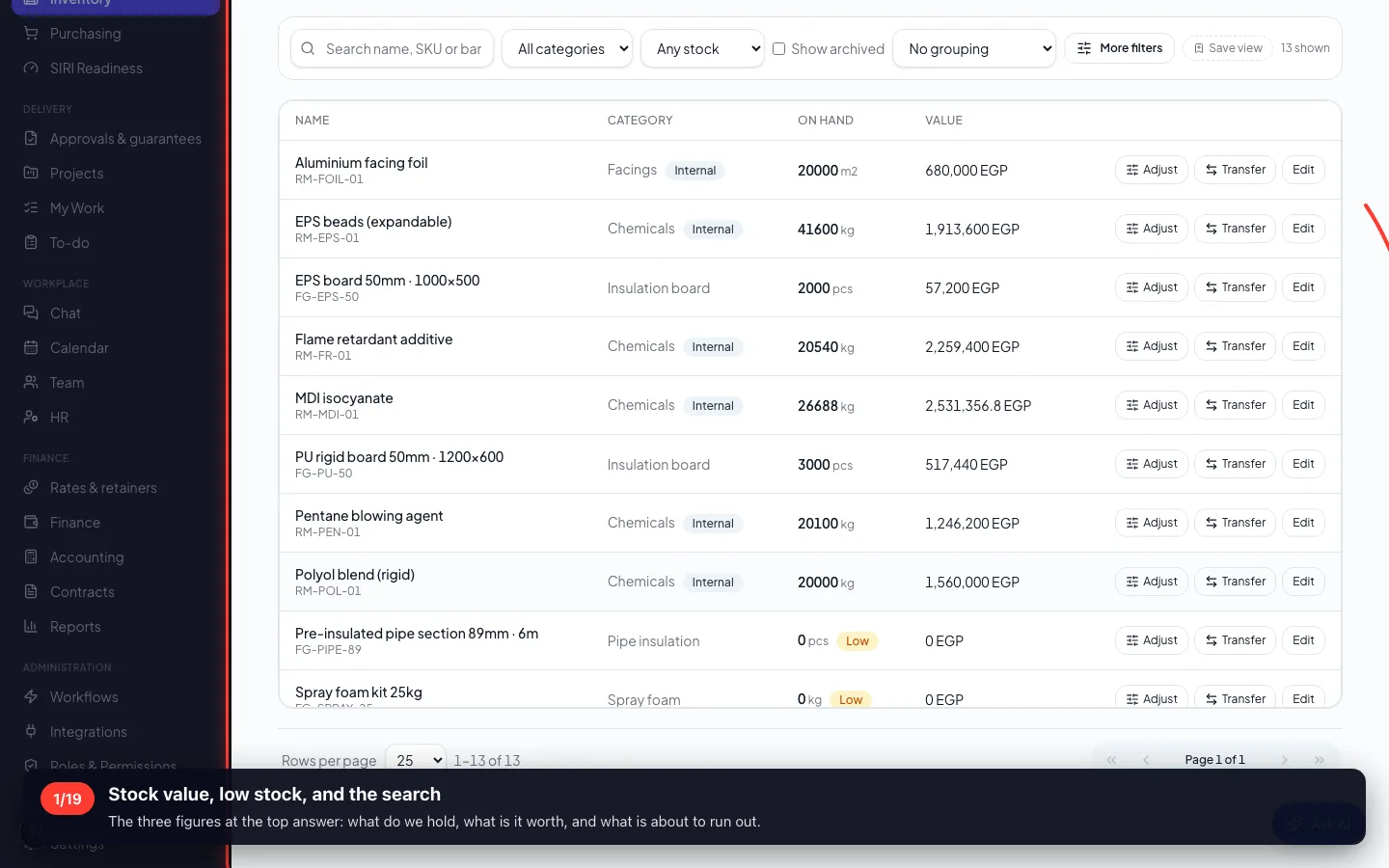
1Stock value, low stock, and the search
The three figures at the top answer: what do we hold, what is it worth, and what is about to run out.
- 2
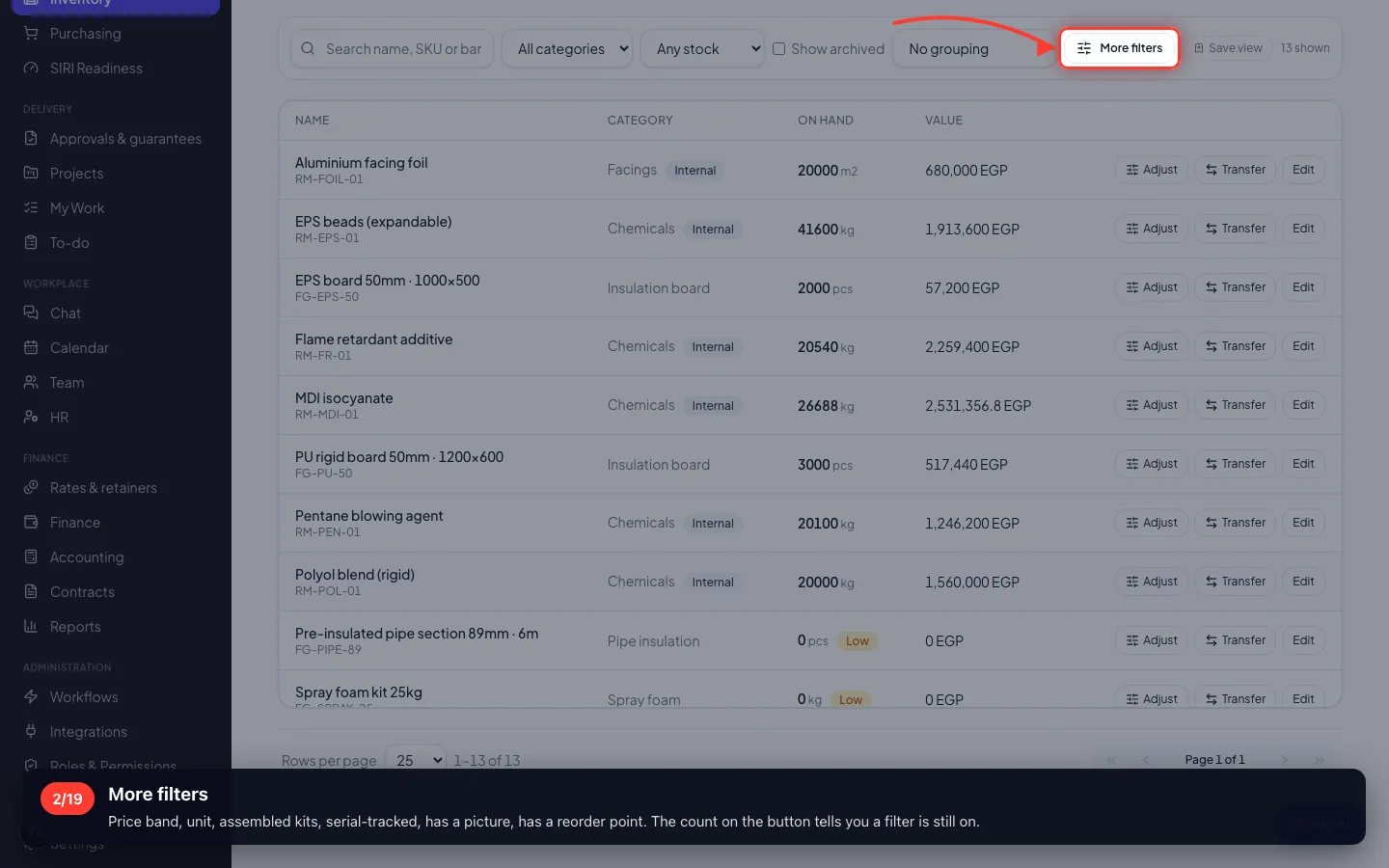
More filters
Price band, unit, assembled kits, serial-tracked, has a picture, has a reorder point. The count on the button tells you a filter is still on.
2 · Where things are
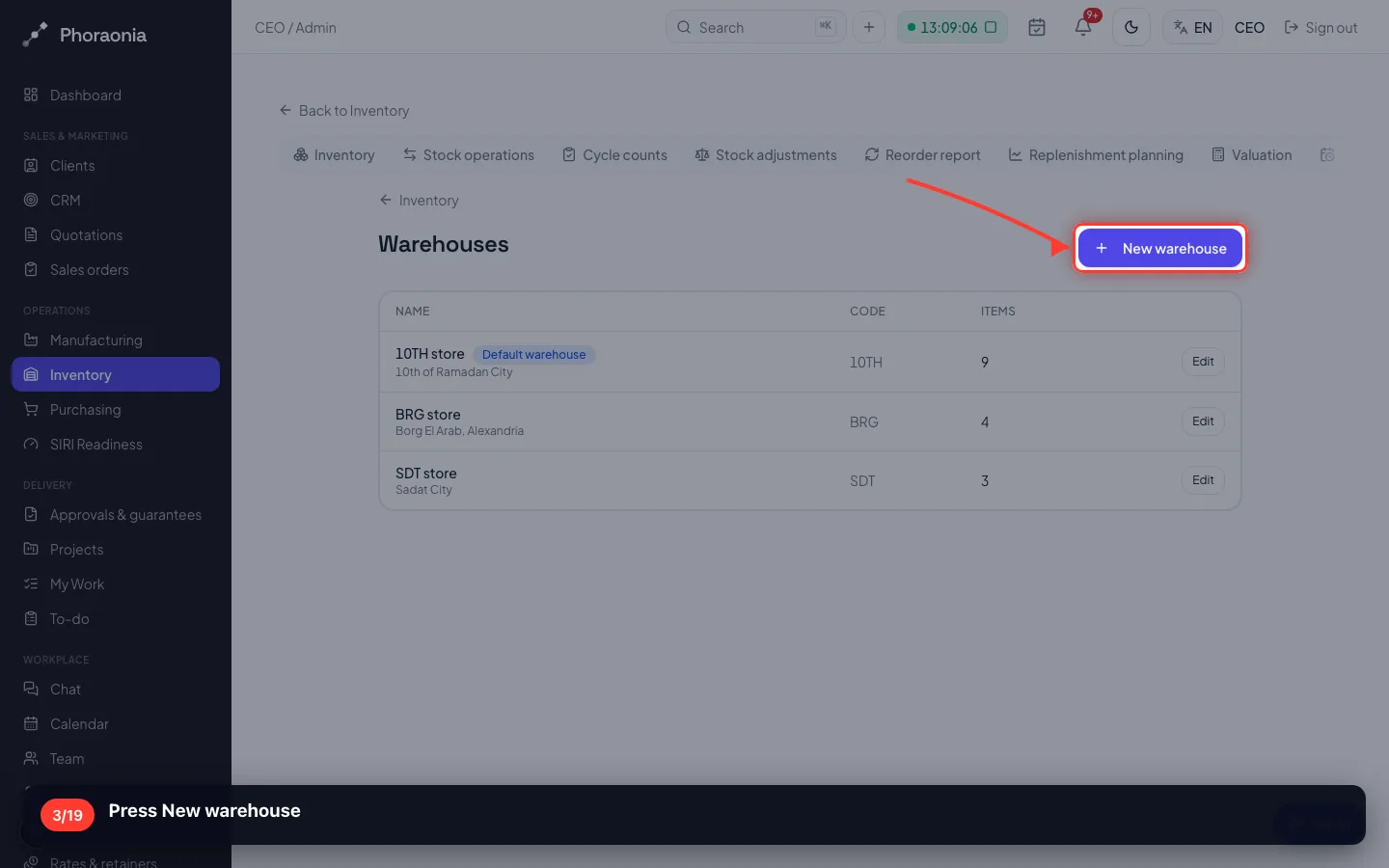
Stock is per warehouse, never one company-wide number — that is what stops you promising goods that are in another city.
3Press New warehouse
- 4
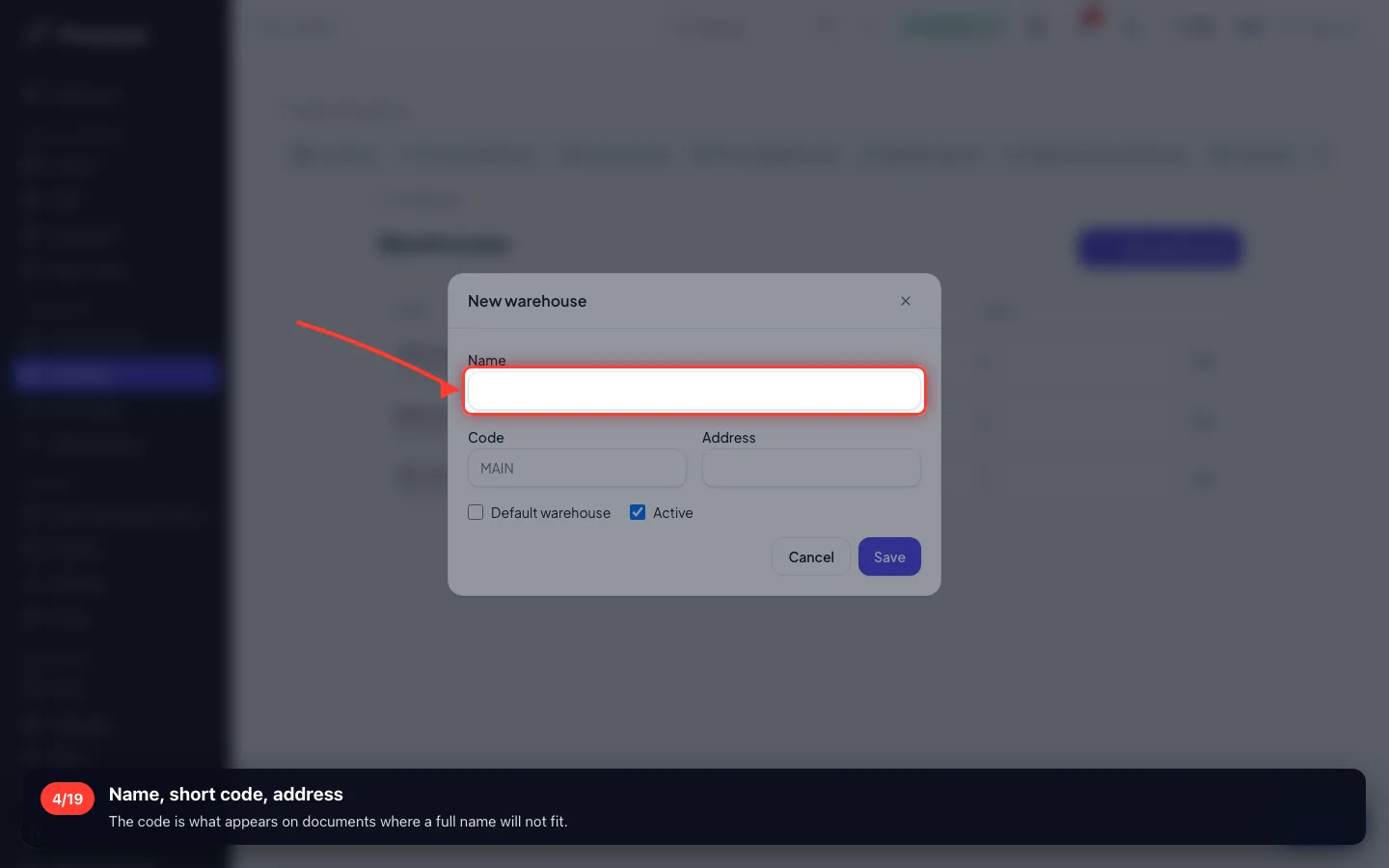
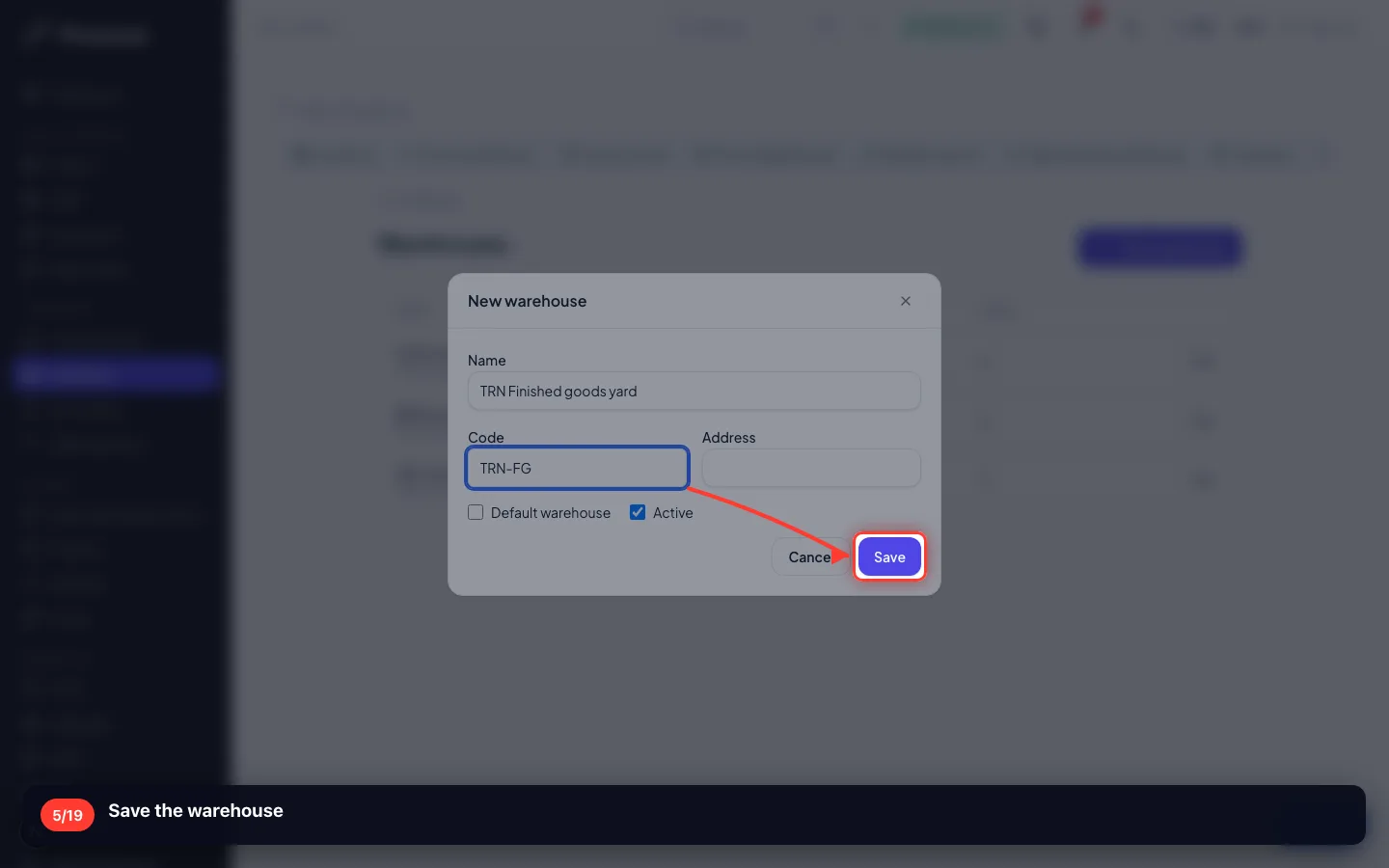
Name, short code, address
The code is what appears on documents where a full name will not fit.
- 5
Save the warehouse
- 6
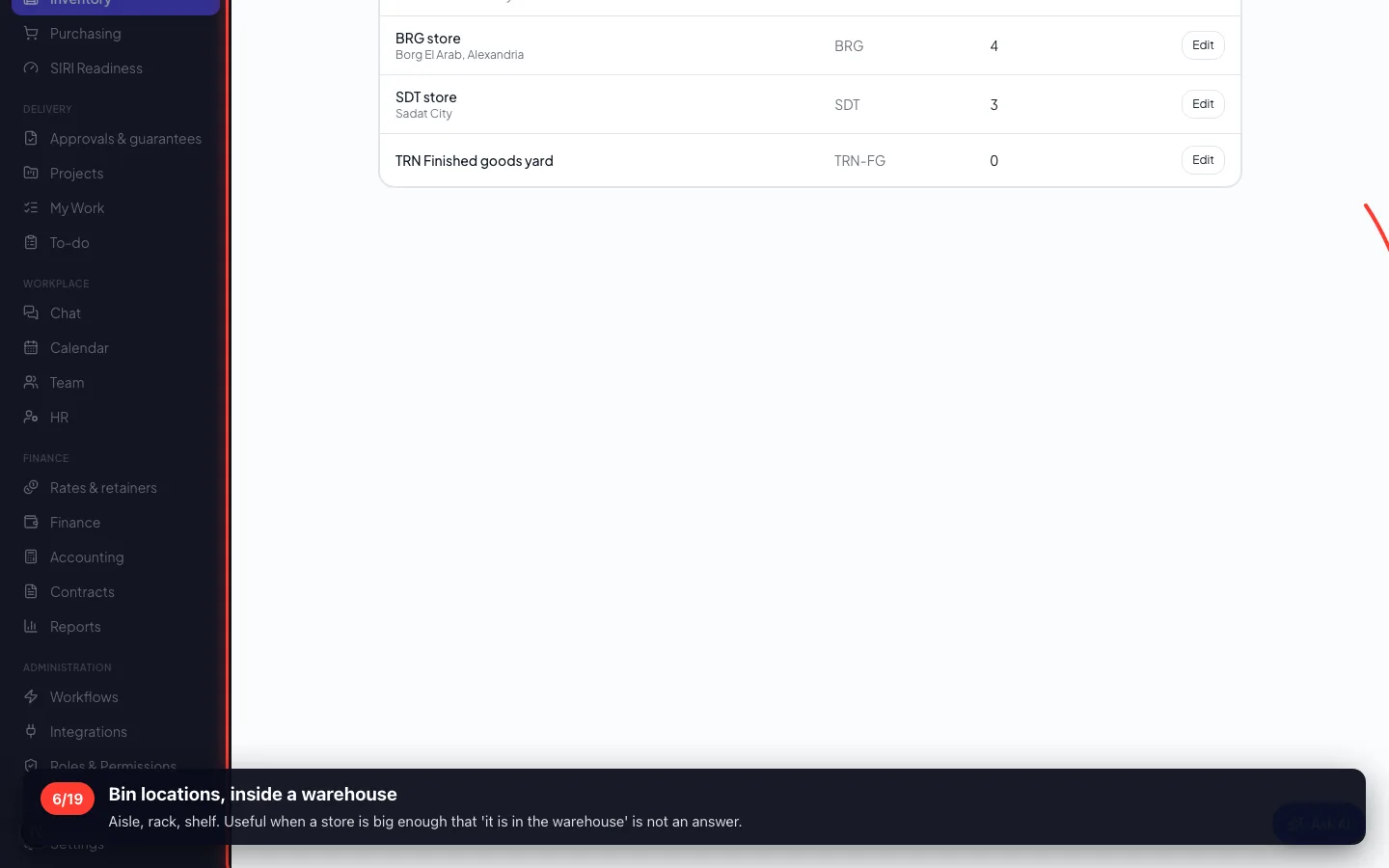
Bin locations, inside a warehouse
Aisle, rack, shelf. Useful when a store is big enough that 'it is in the warehouse' is not an answer.
3 · Moving stock between stores
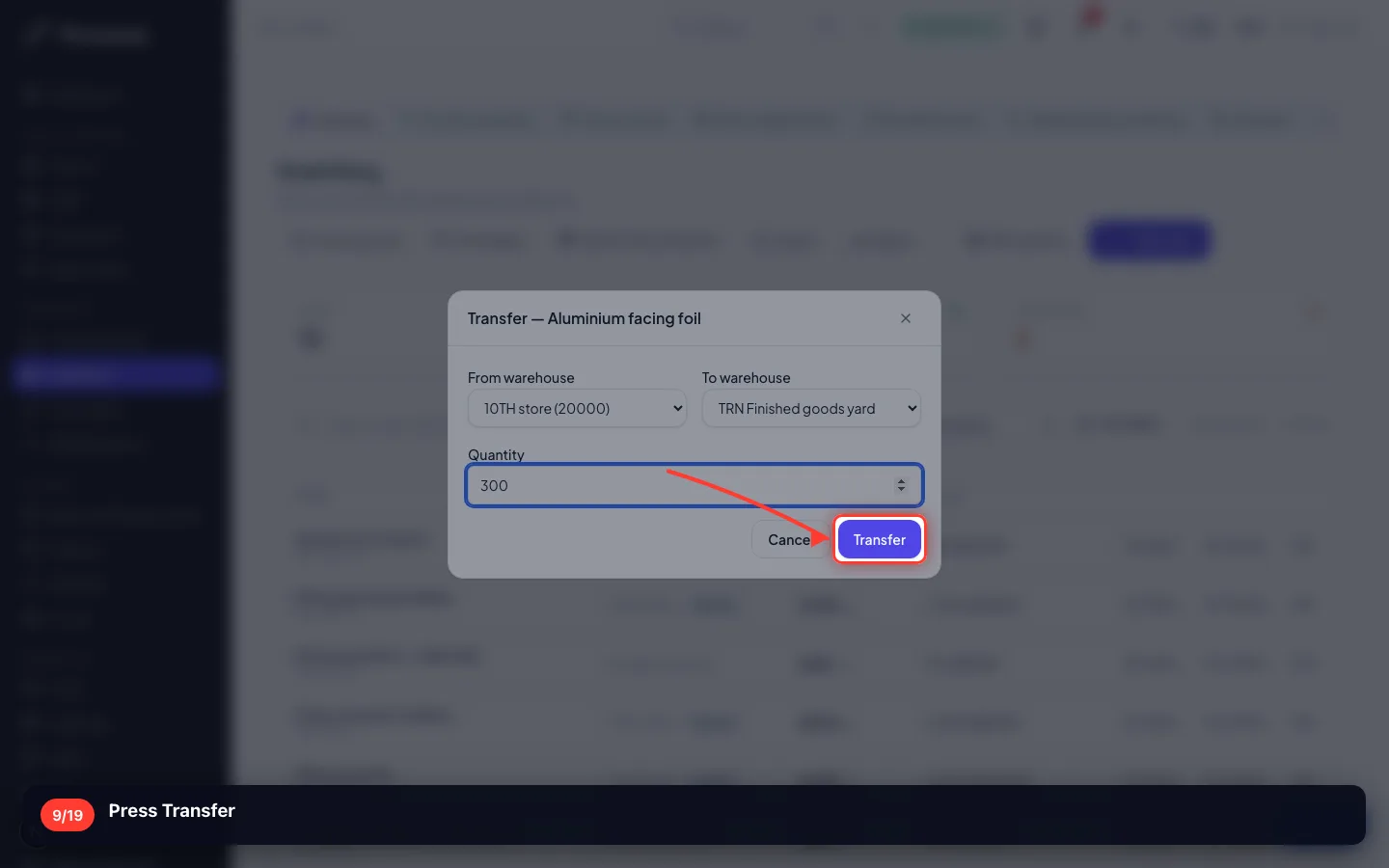
A transfer is two movements in one action: out of one store, into the other, at the same instant.
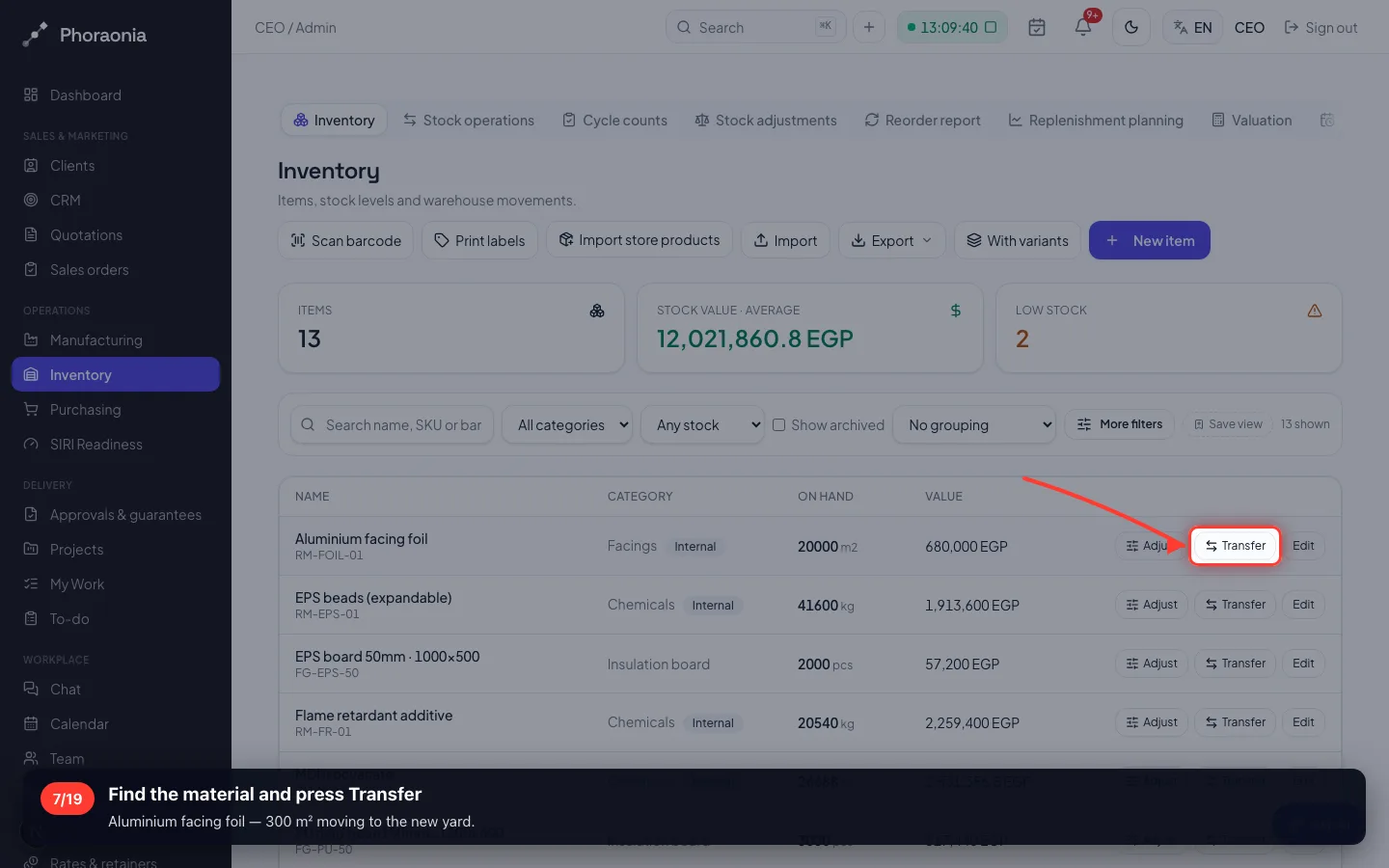
7Find the material and press Transfer
Aluminium facing foil — 300 m² moving to the new yard.
- 8
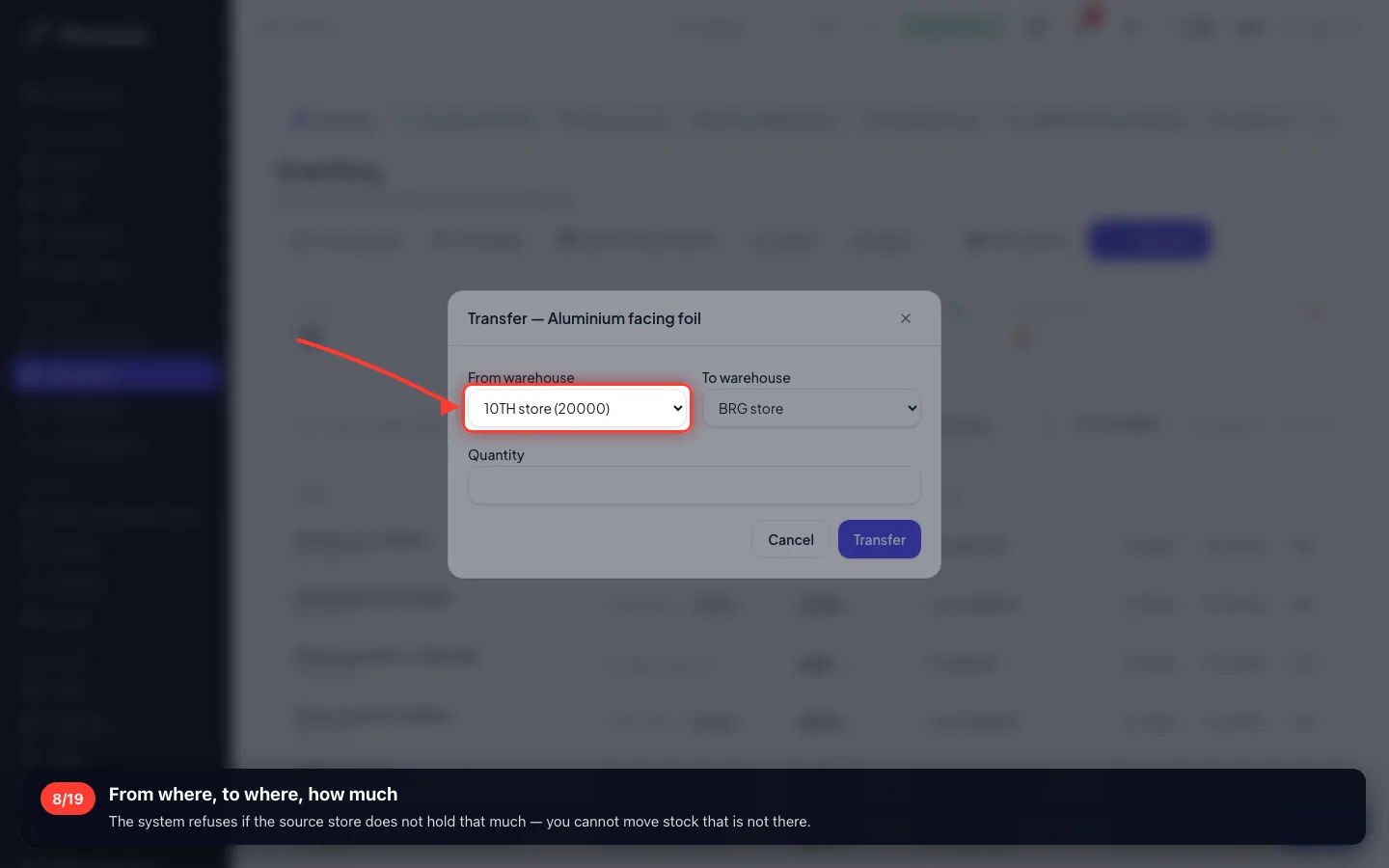
From where, to where, how much
The system refuses if the source store does not hold that much — you cannot move stock that is not there.
- 9
Press Transfer
4 · Every movement, and why
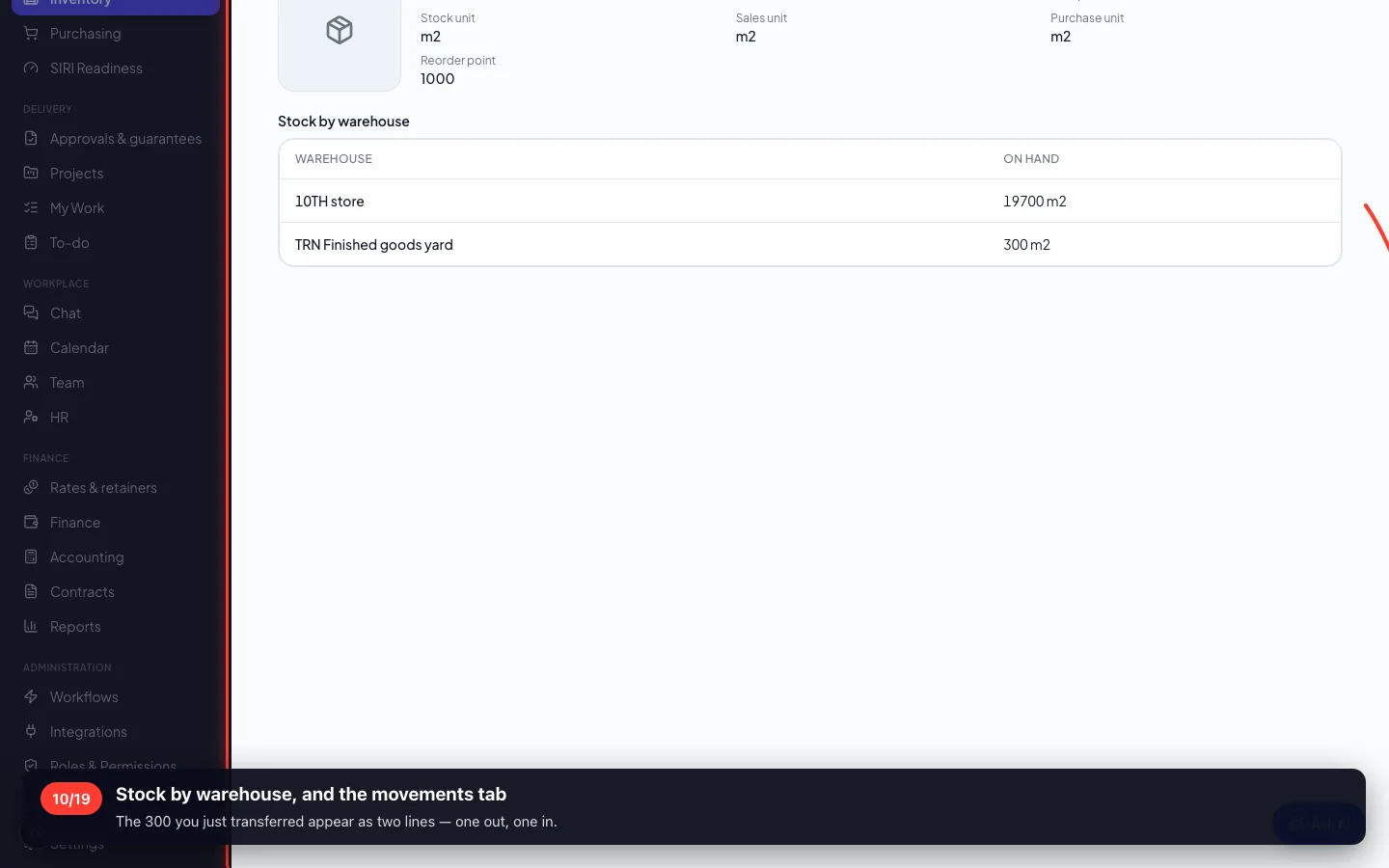
Open an item and you see its whole history: received, consumed, sold, adjusted — each with the document behind it.
10Stock by warehouse, and the movements tab
The 300 you just transferred appear as two lines — one out, one in.
5 · Counting what is really there
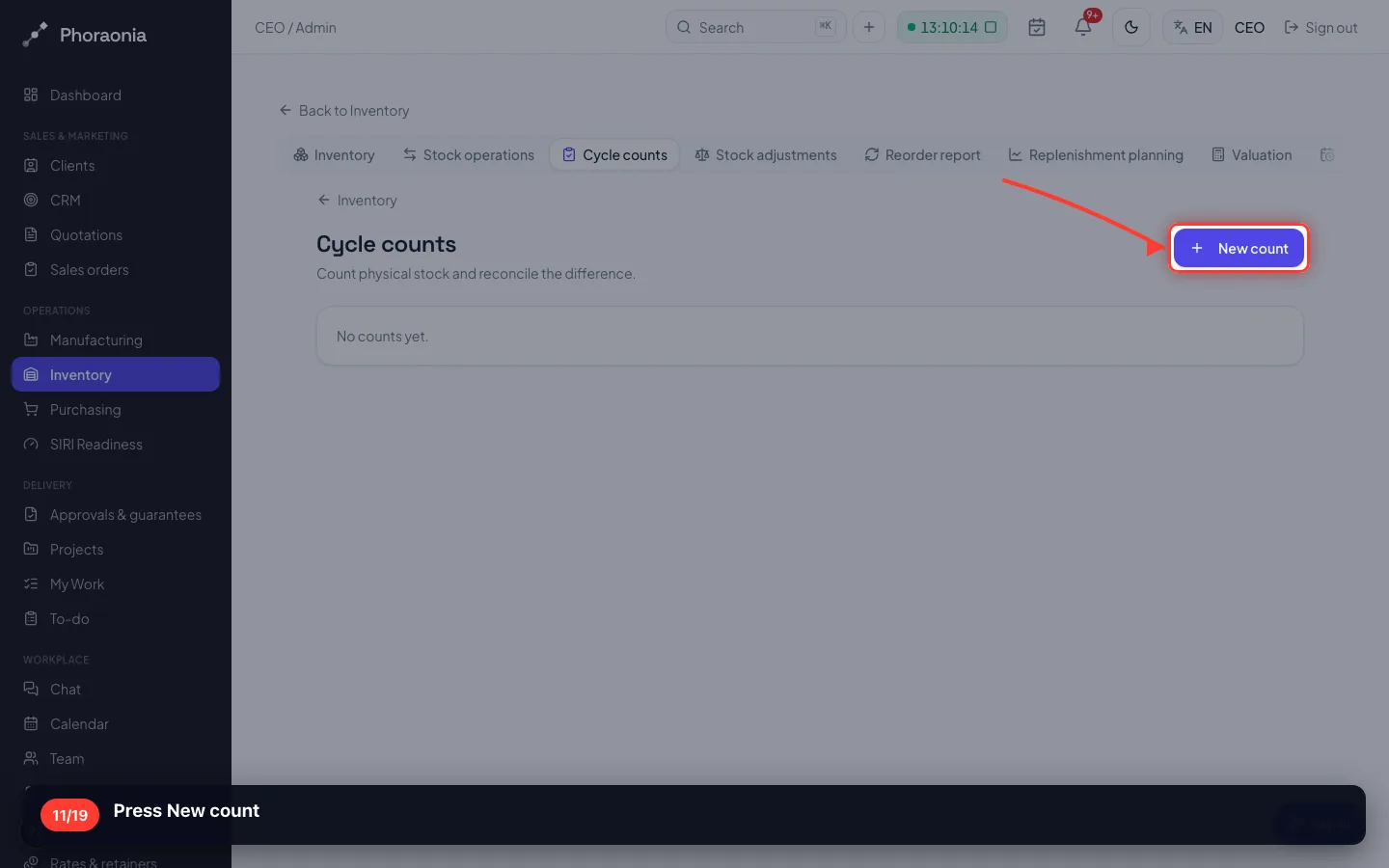
Books say one thing, the shelf says another. A count is how you find out — and it writes the difference as a movement, not a silent edit.
11Press New count
- 12
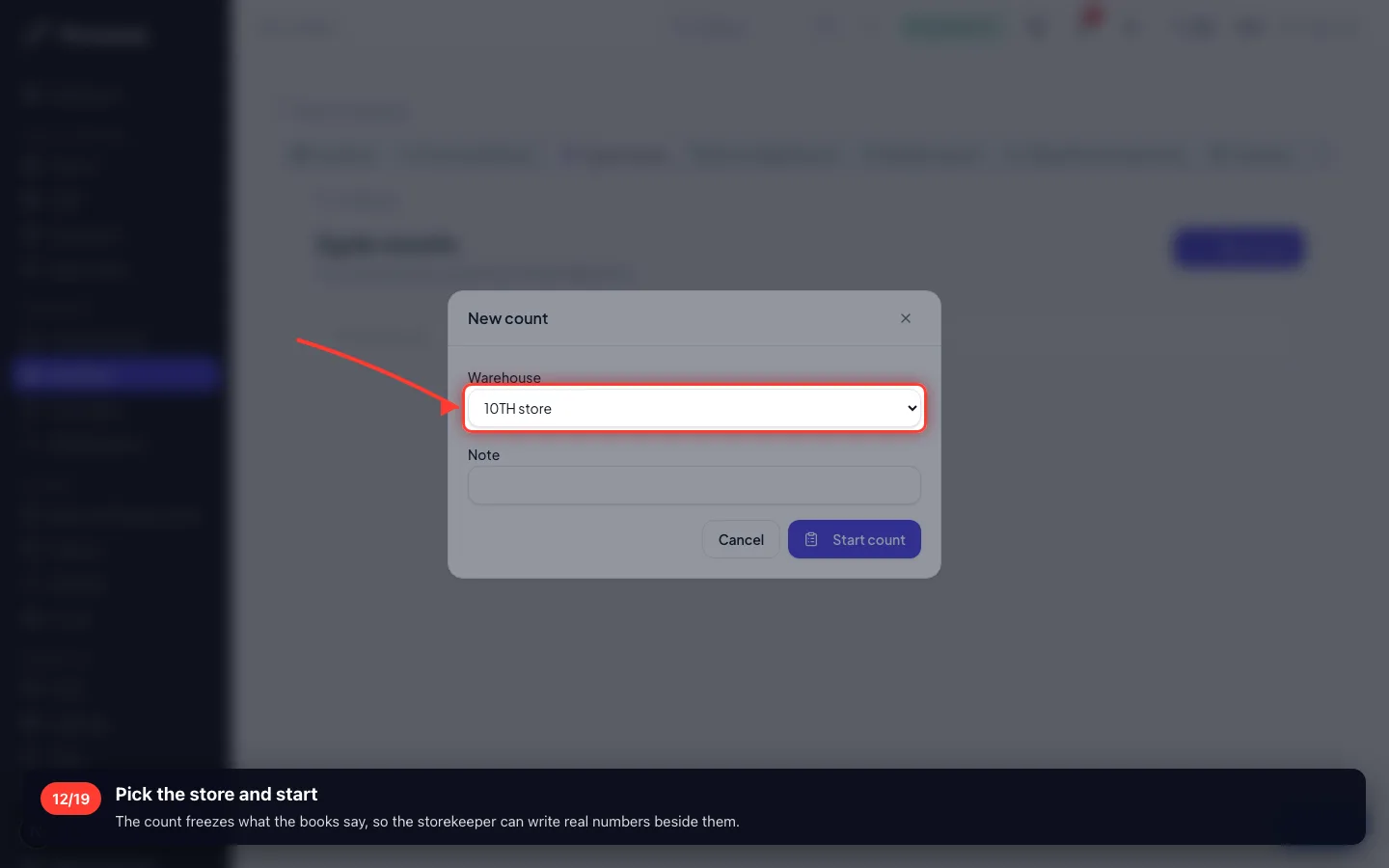
Pick the store and start
The count freezes what the books say, so the storekeeper can write real numbers beside them.
- 13
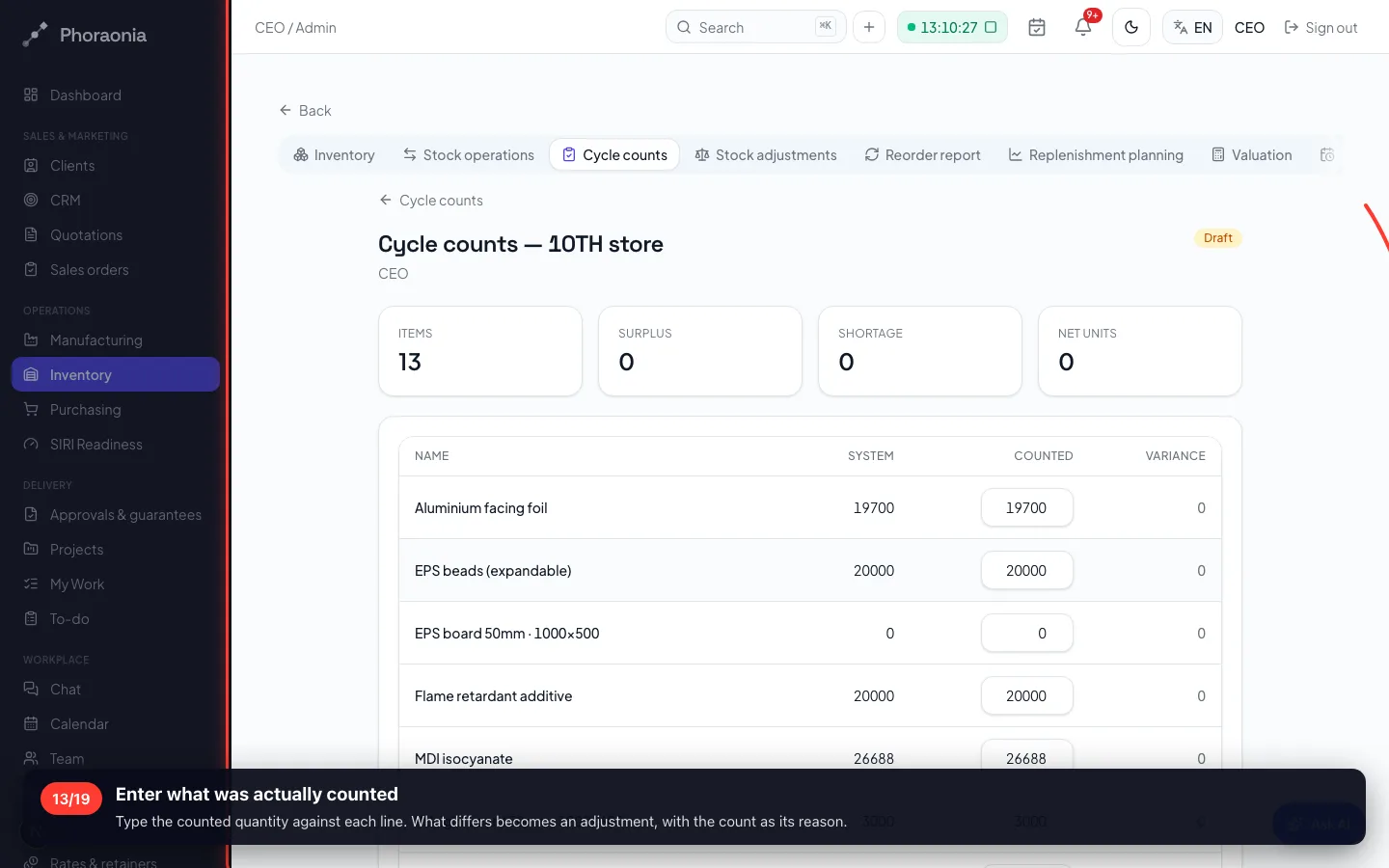
Enter what was actually counted
Type the counted quantity against each line. What differs becomes an adjustment, with the count as its reason.
6 · Adjustments and what they cost
Every adjustment carries a reason: count correction, damage, expiry, theft, sample, return, opening balance.
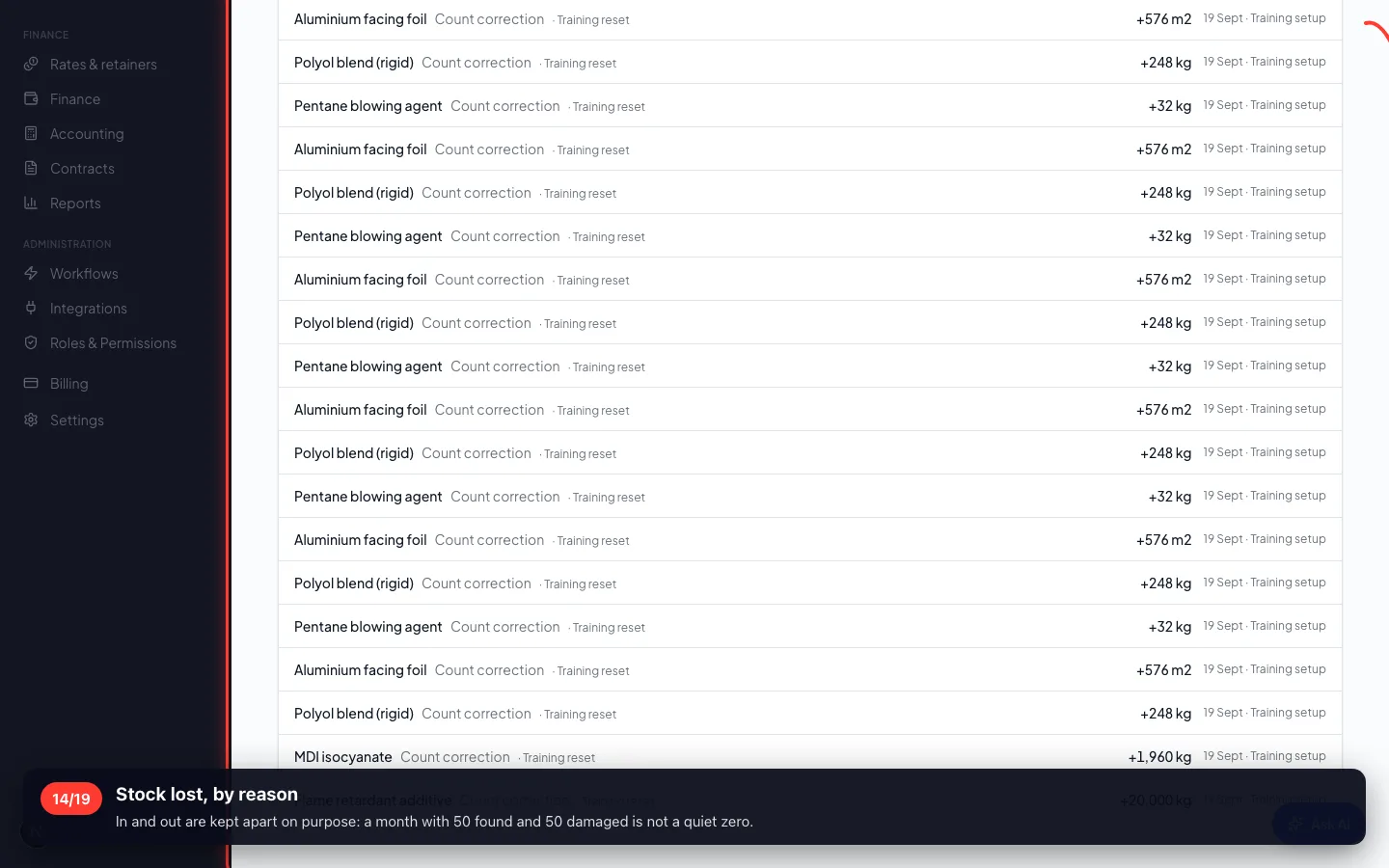
14Stock lost, by reason
In and out are kept apart on purpose: a month with 50 found and 50 damaged is not a quiet zero.
7 · Buying before you run out
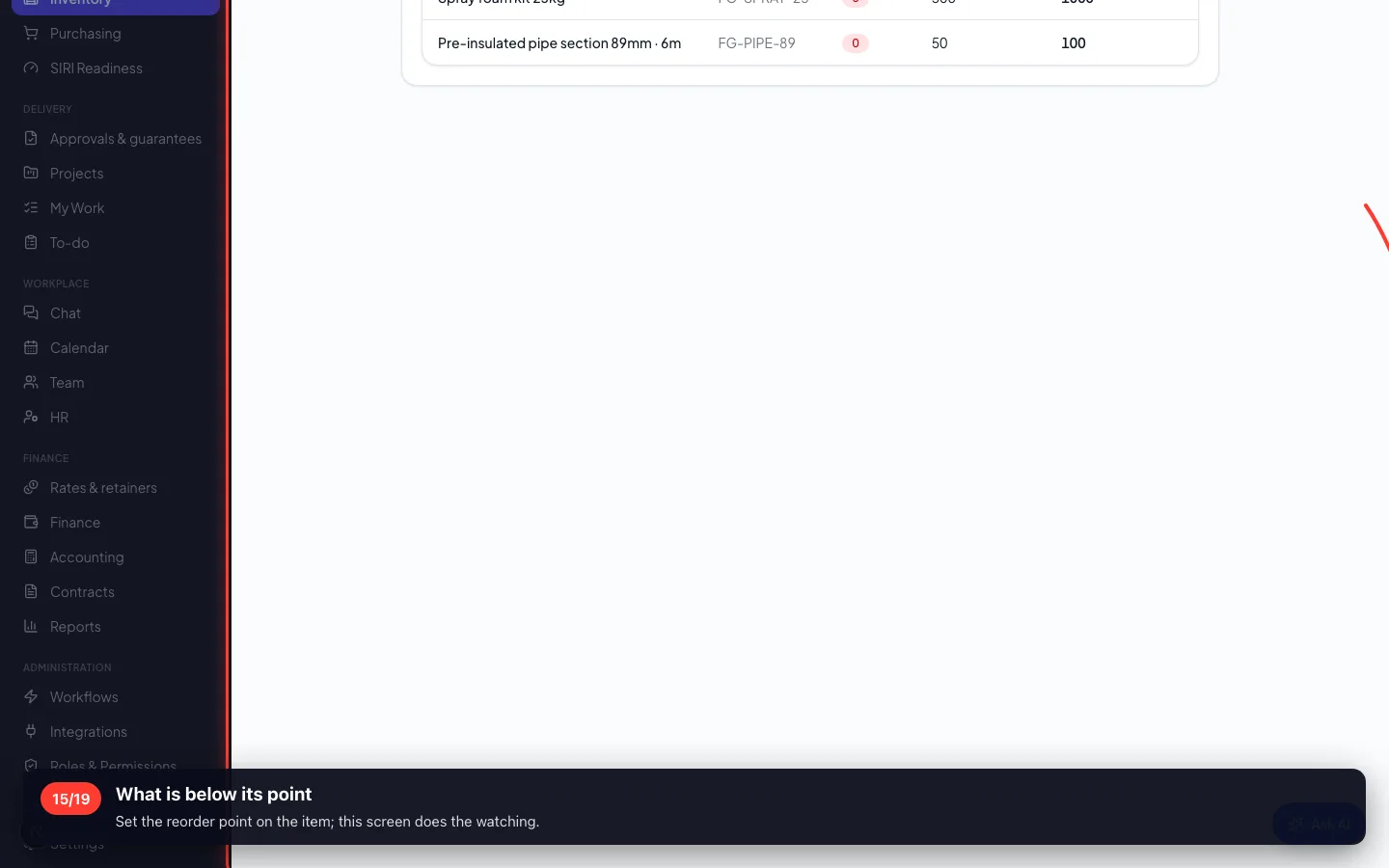
The reorder report is the list purchasing works from — anything under its reorder point, with how much to buy.
15What is below its point
Set the reorder point on the item; this screen does the watching.
- 16
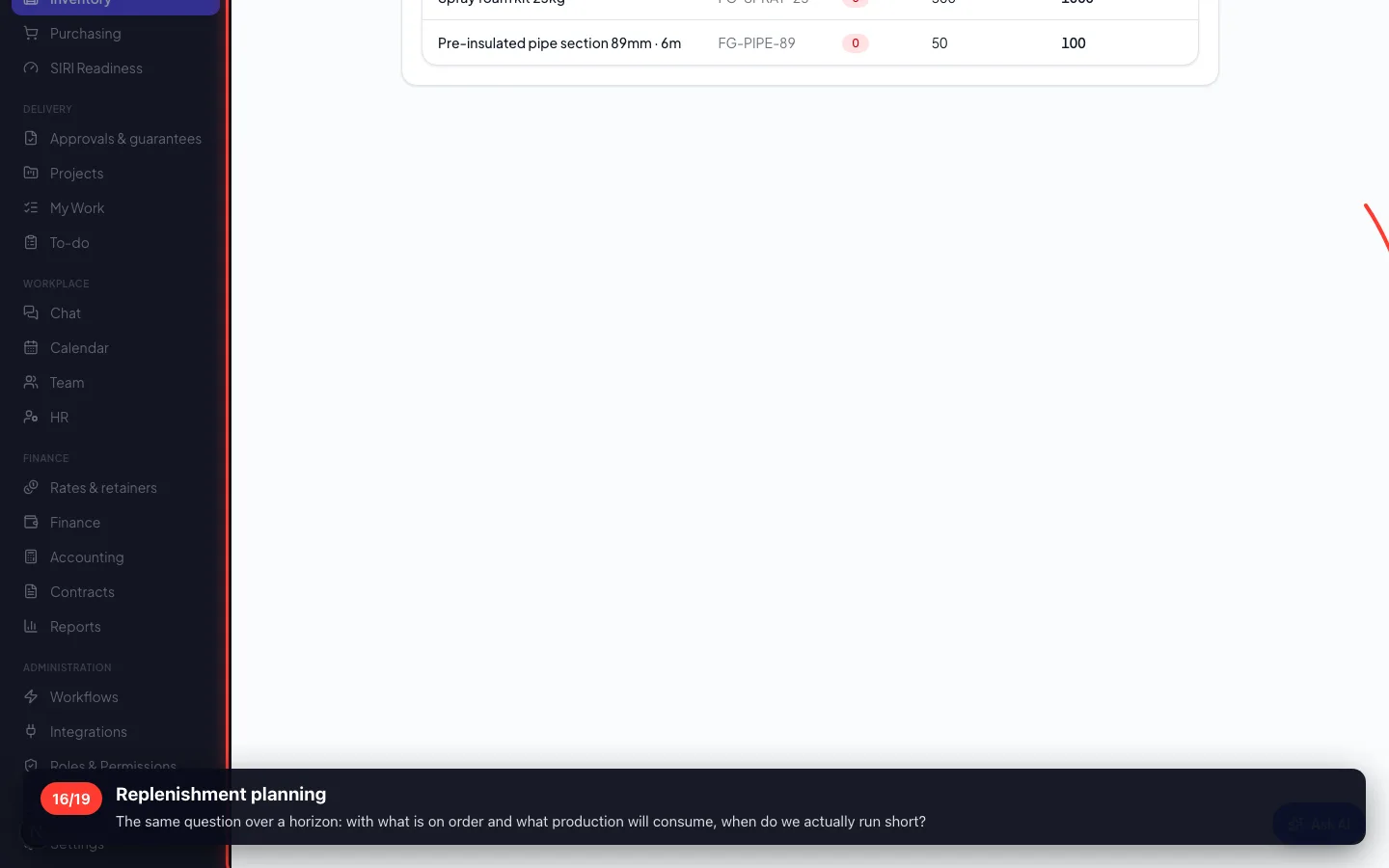
Replenishment planning
The same question over a horizon: with what is on order and what production will consume, when do we actually run short?
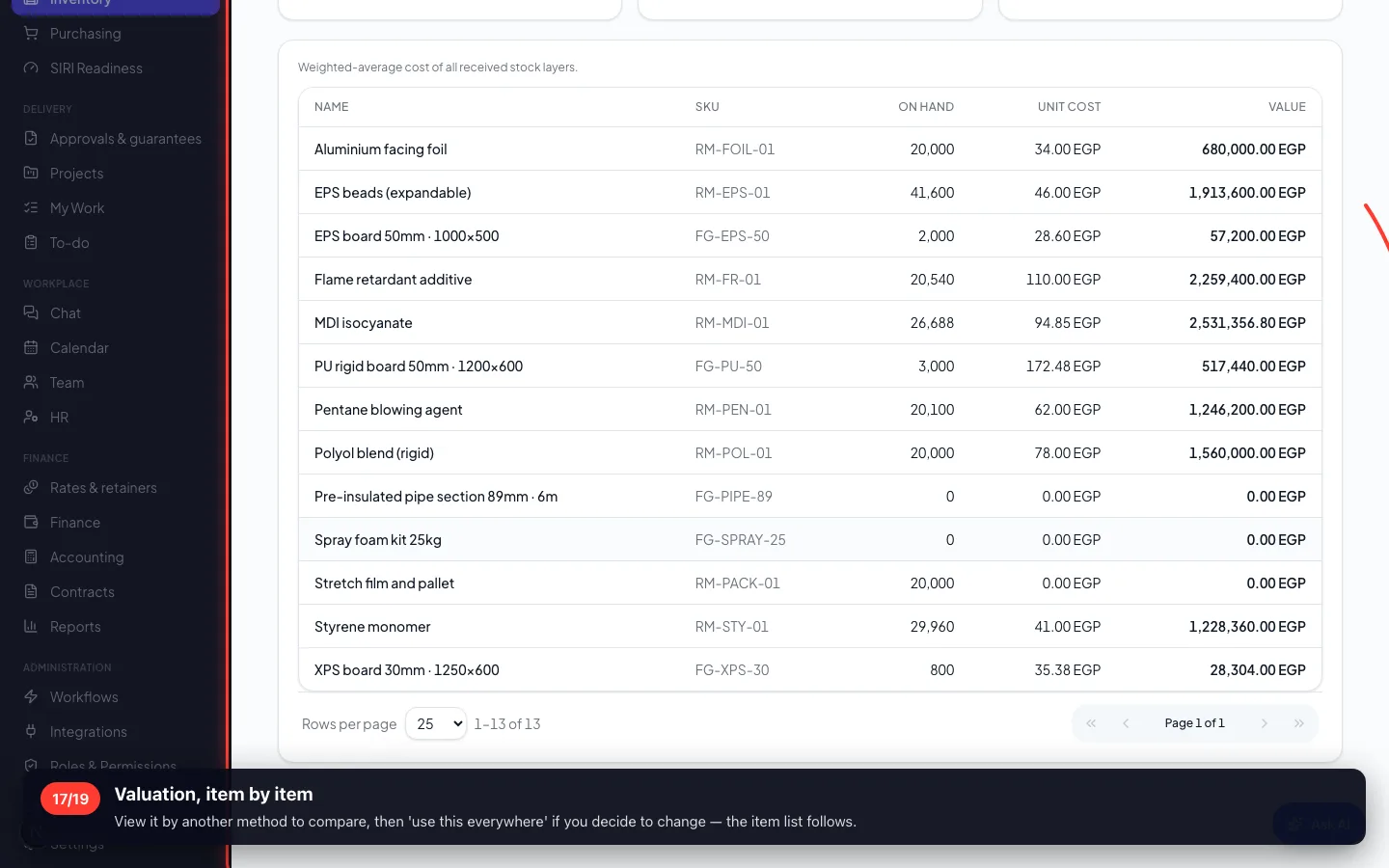
8 · What the stock is worth
One method for the whole workspace — average, FIFO or standard — so the list and the report can never disagree.
17Valuation, item by item
View it by another method to compare, then 'use this everywhere' if you decide to change — the item list follows.
9 · Goods with a shelf life, and goods that are checked
Batches with expiry dates, and quality checks that stop material being used before it is passed.
18Expiry tracking
What expires soonest leaves first, and what has expired is flagged rather than quietly used.
- 19
Quality checks
A supplier marked 'requires inspection' means received goods wait here before anyone can consume them.
Recorded on a demo workspace. The company and the figures are invented; the screens are the real product.