Setting up a product you make
The raw material, the finished product, the recipe that says what goes into one unit, the work centre and the routing — then a production run that proves it.
38 steps
The whole walkthrough, no narration — the captions are on the screen.
1 · The raw material
Everything you buy or make is an item. Start with what goes IN.
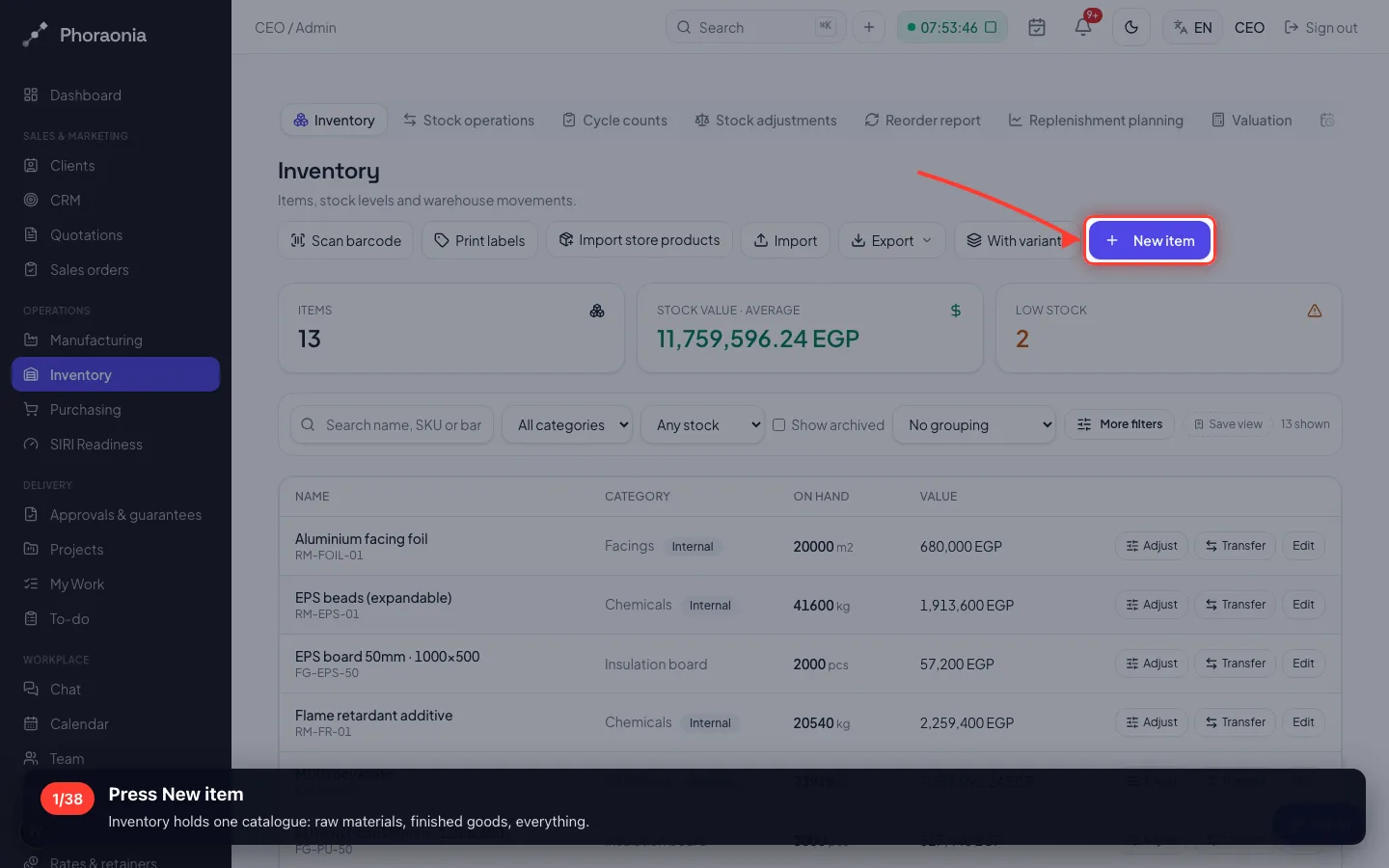
1Press New item
Inventory holds one catalogue: raw materials, finished goods, everything.
- 2
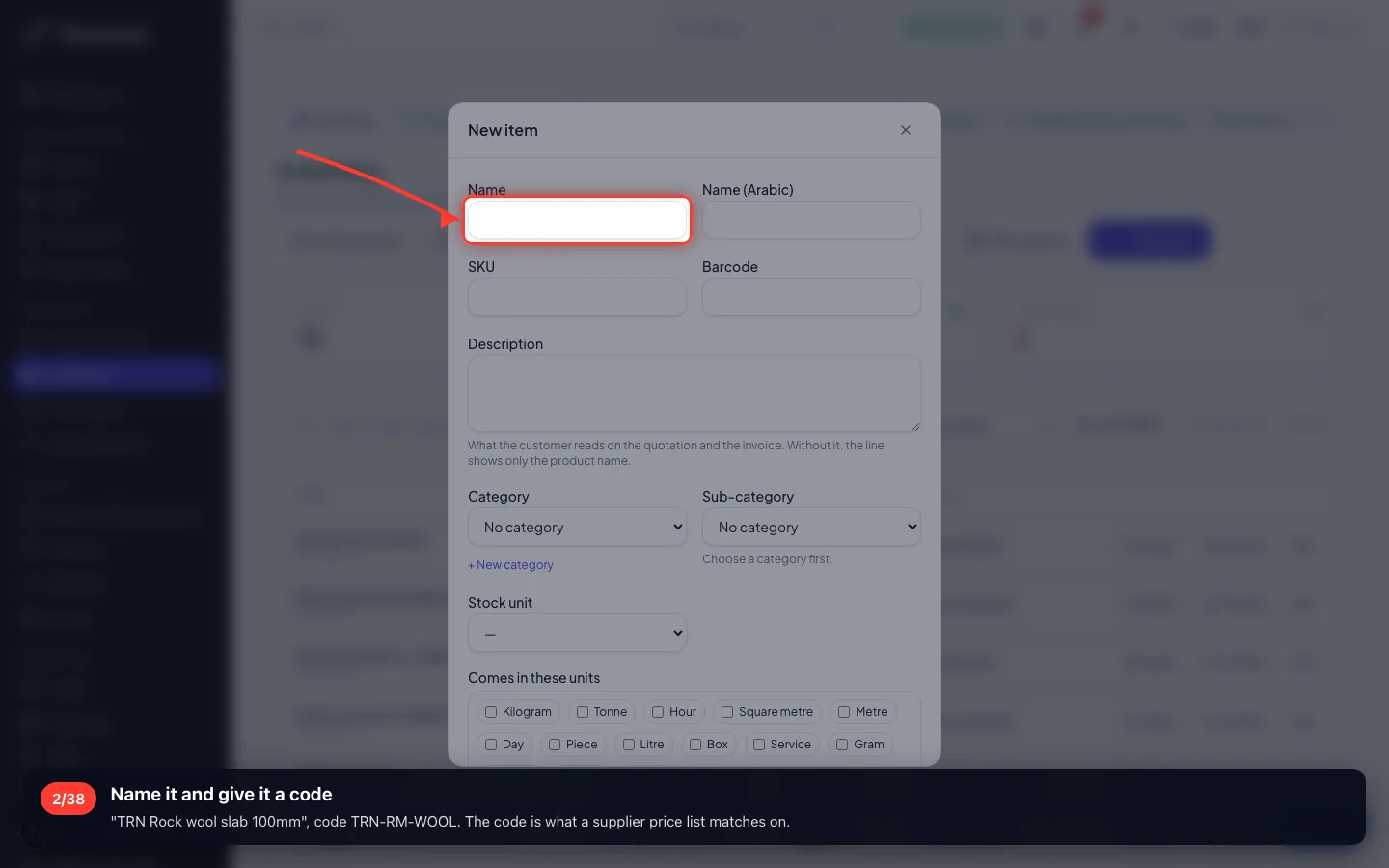
Name it and give it a code
"TRN Rock wool slab 100mm", code TRN-RM-WOOL. The code is what a supplier price list matches on.
- 3
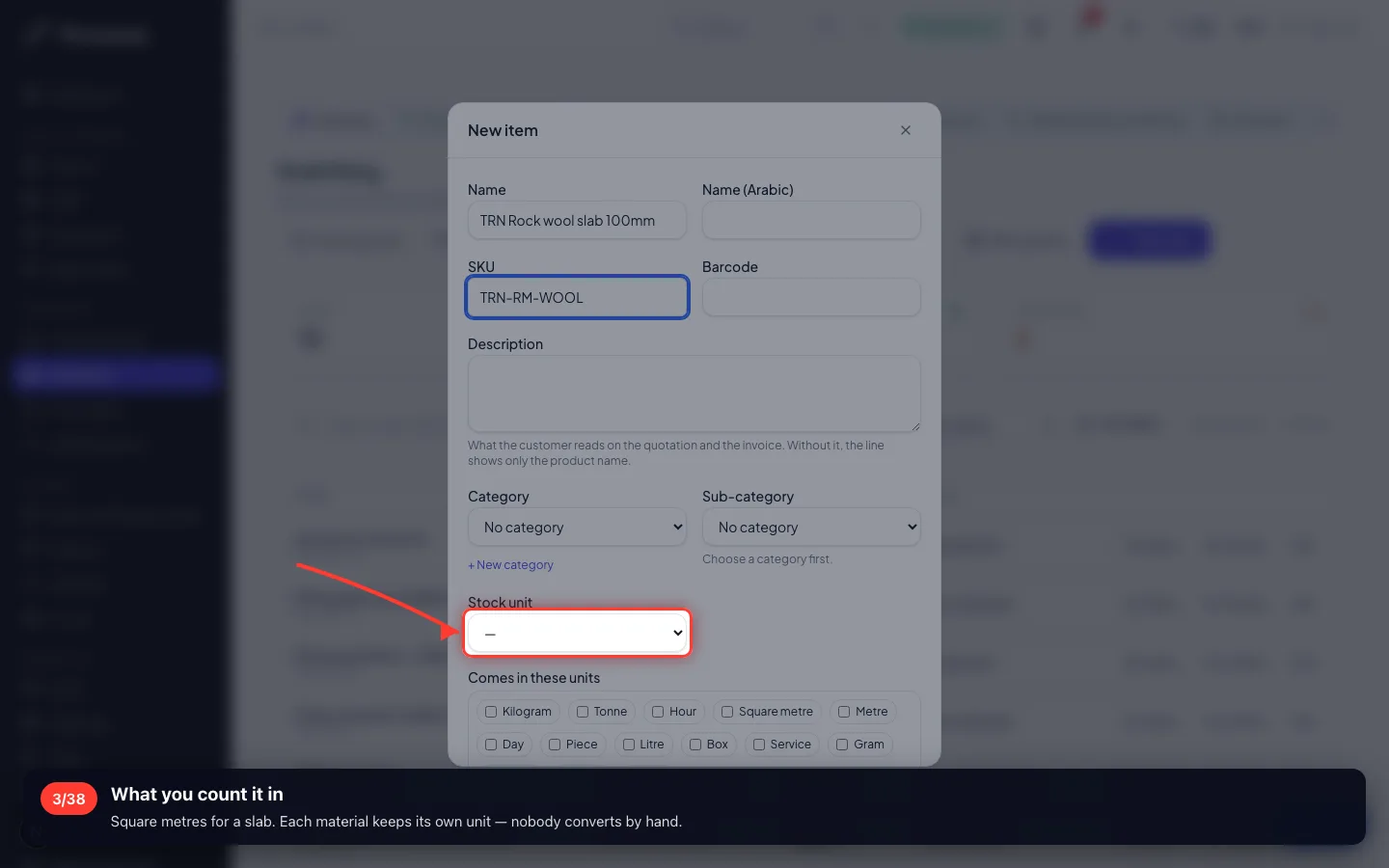
What you count it in
Square metres for a slab. Each material keeps its own unit — nobody converts by hand.
- 4
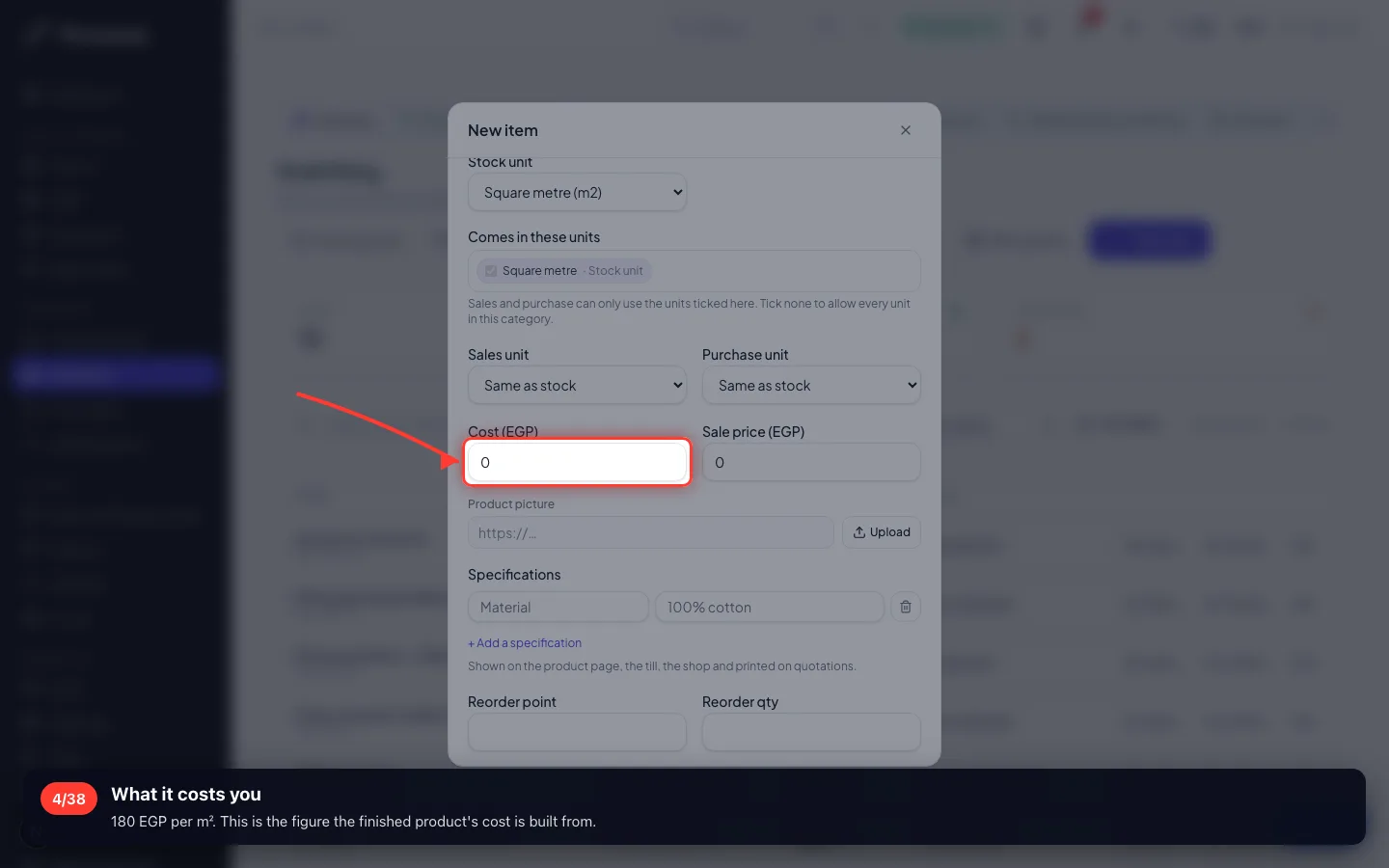
What it costs you
180 EGP per m². This is the figure the finished product's cost is built from.
- 5
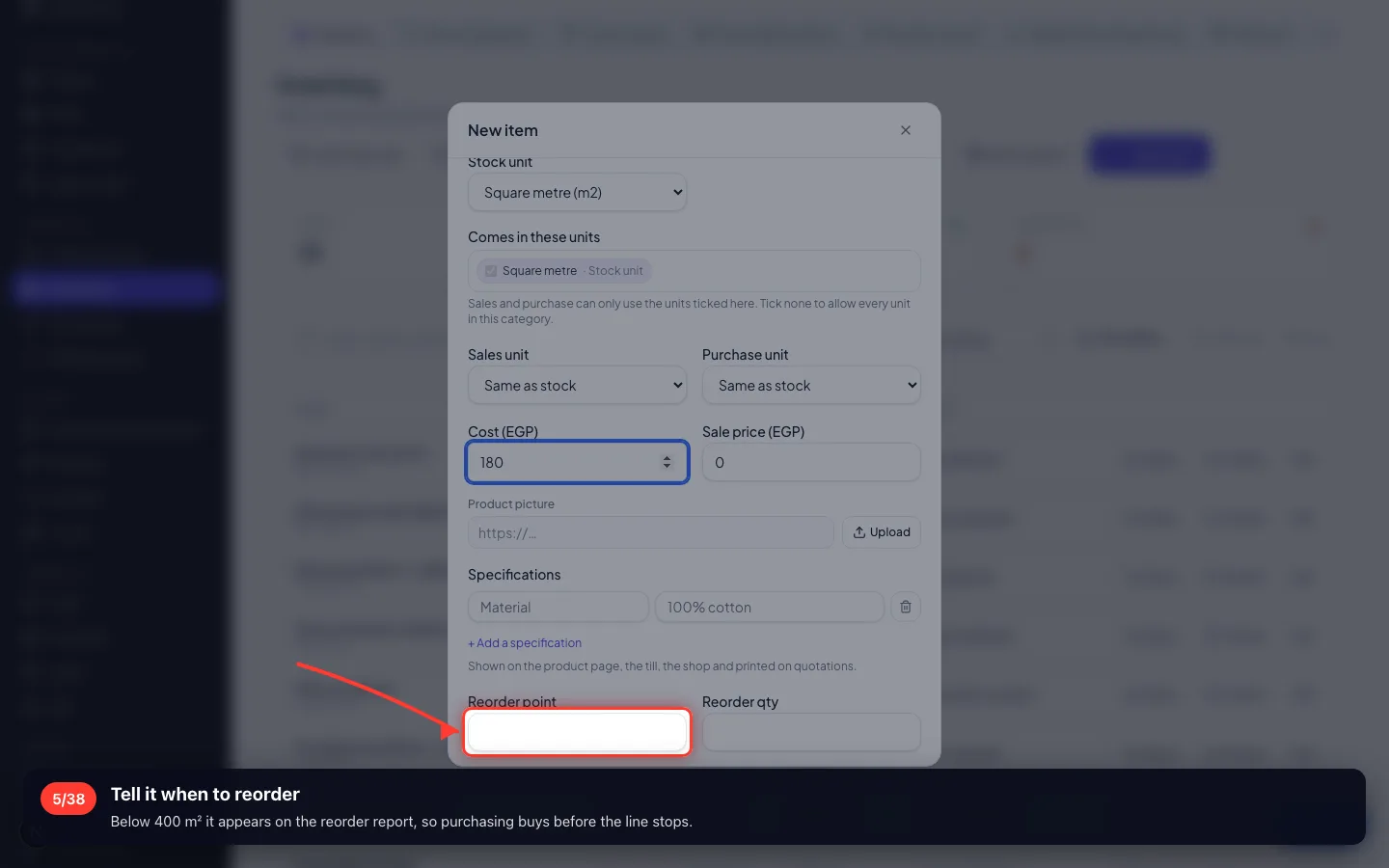
Tell it when to reorder
Below 400 m² it appears on the reorder report, so purchasing buys before the line stops.
- 6
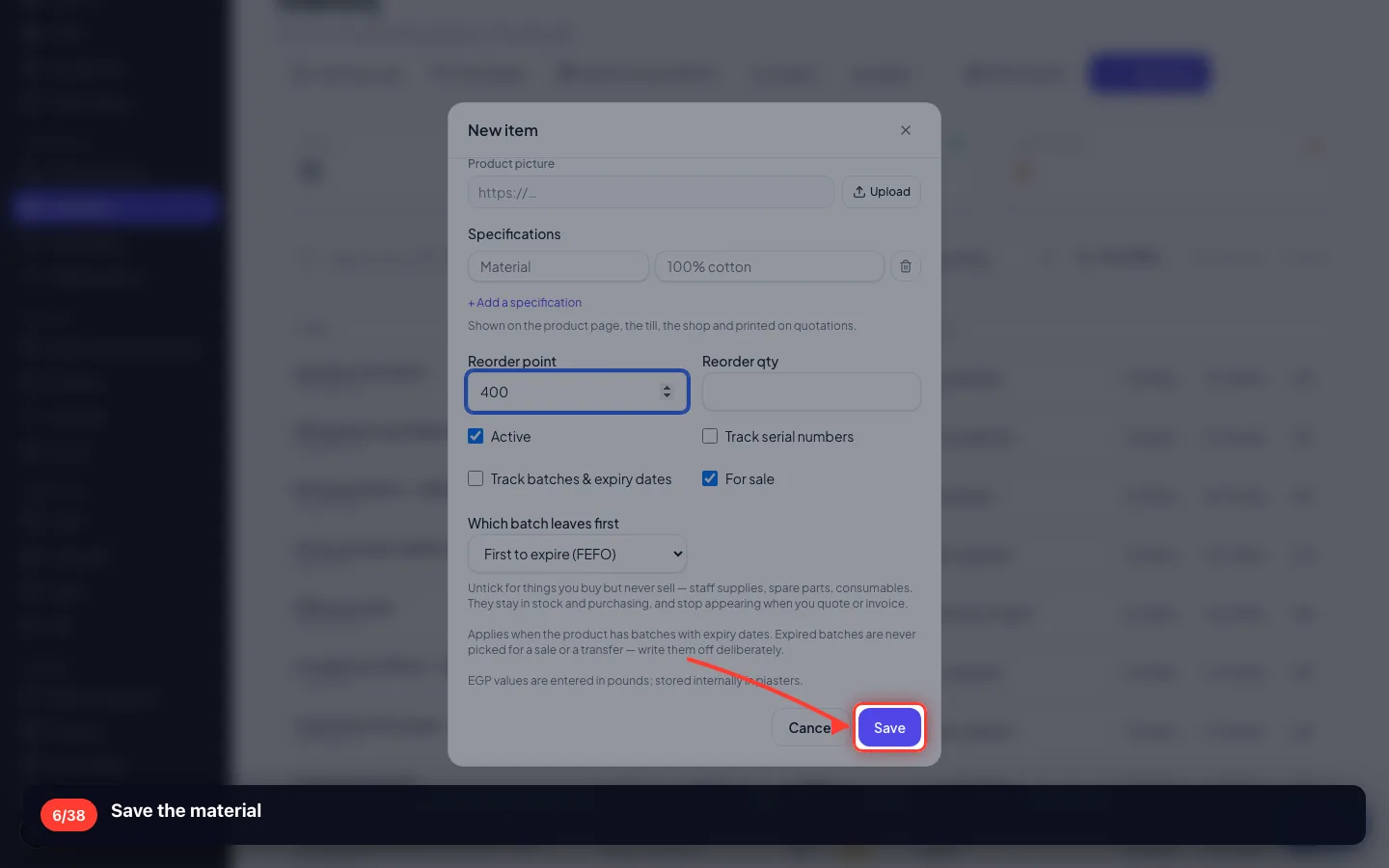
Save the material
2 · The finished product
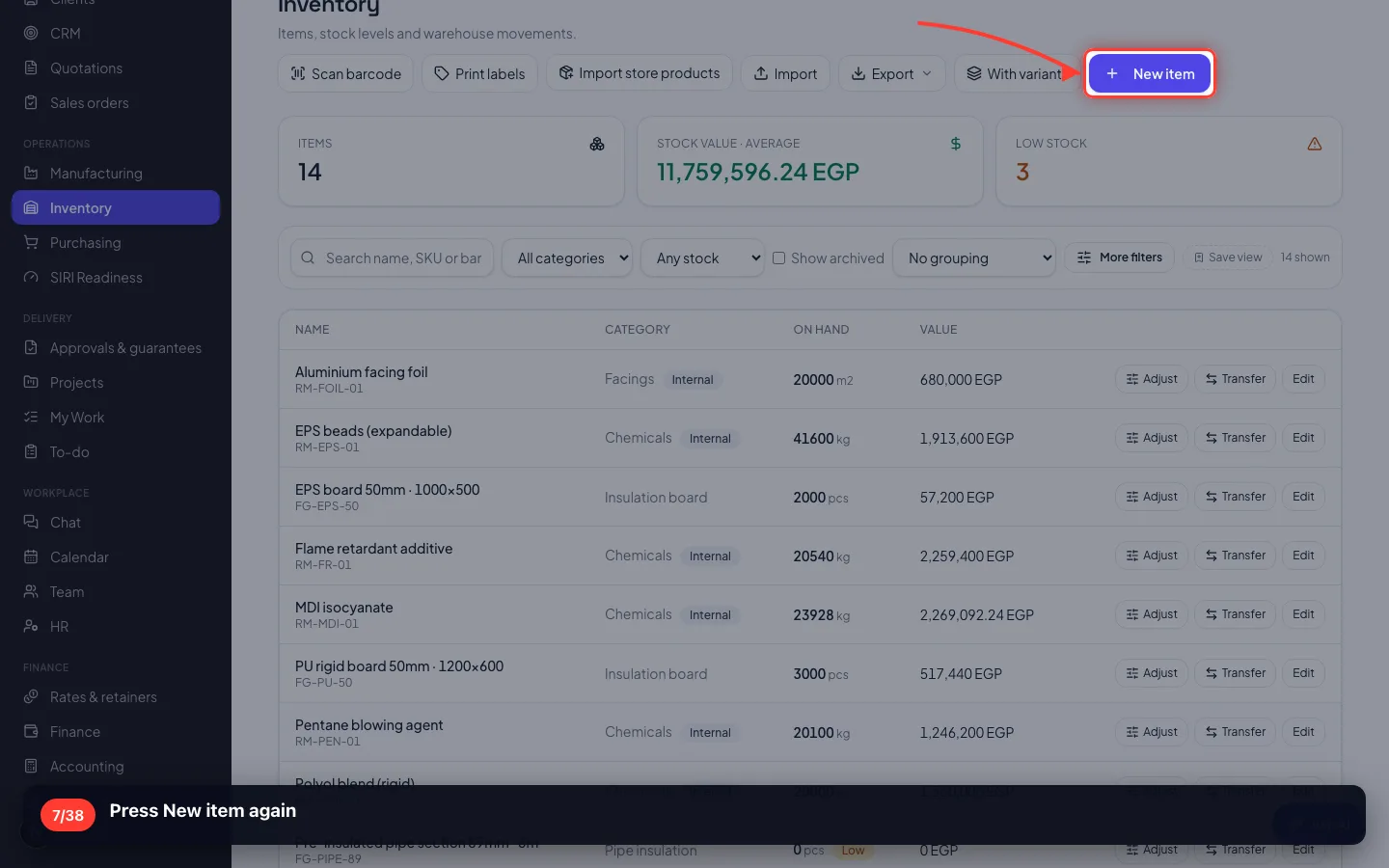
The thing you sell. Same screen — what makes it different is the recipe you give it next.
7Press New item again
- 8
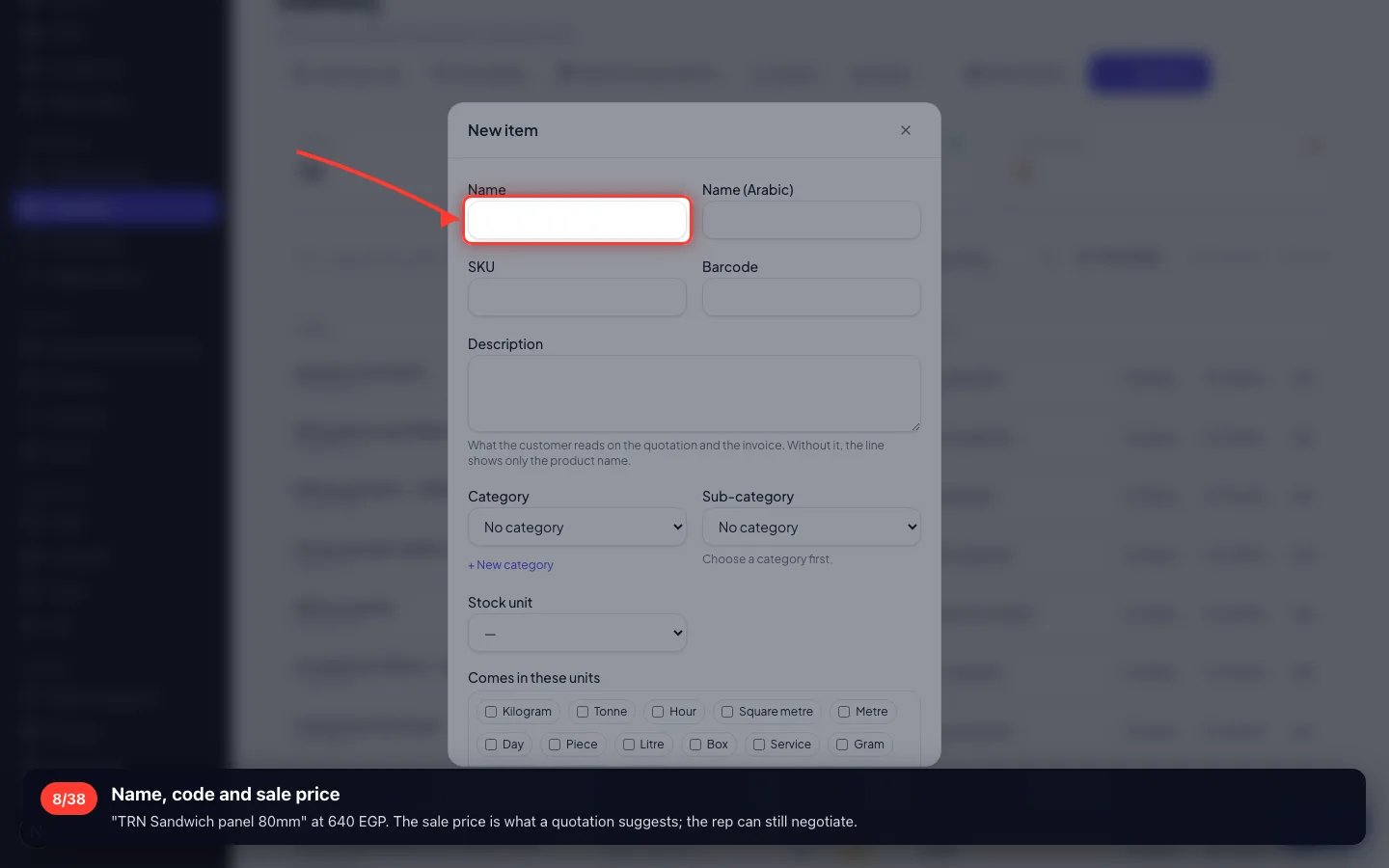
Name, code and sale price
"TRN Sandwich panel 80mm" at 640 EGP. The sale price is what a quotation suggests; the rep can still negotiate.
- 9
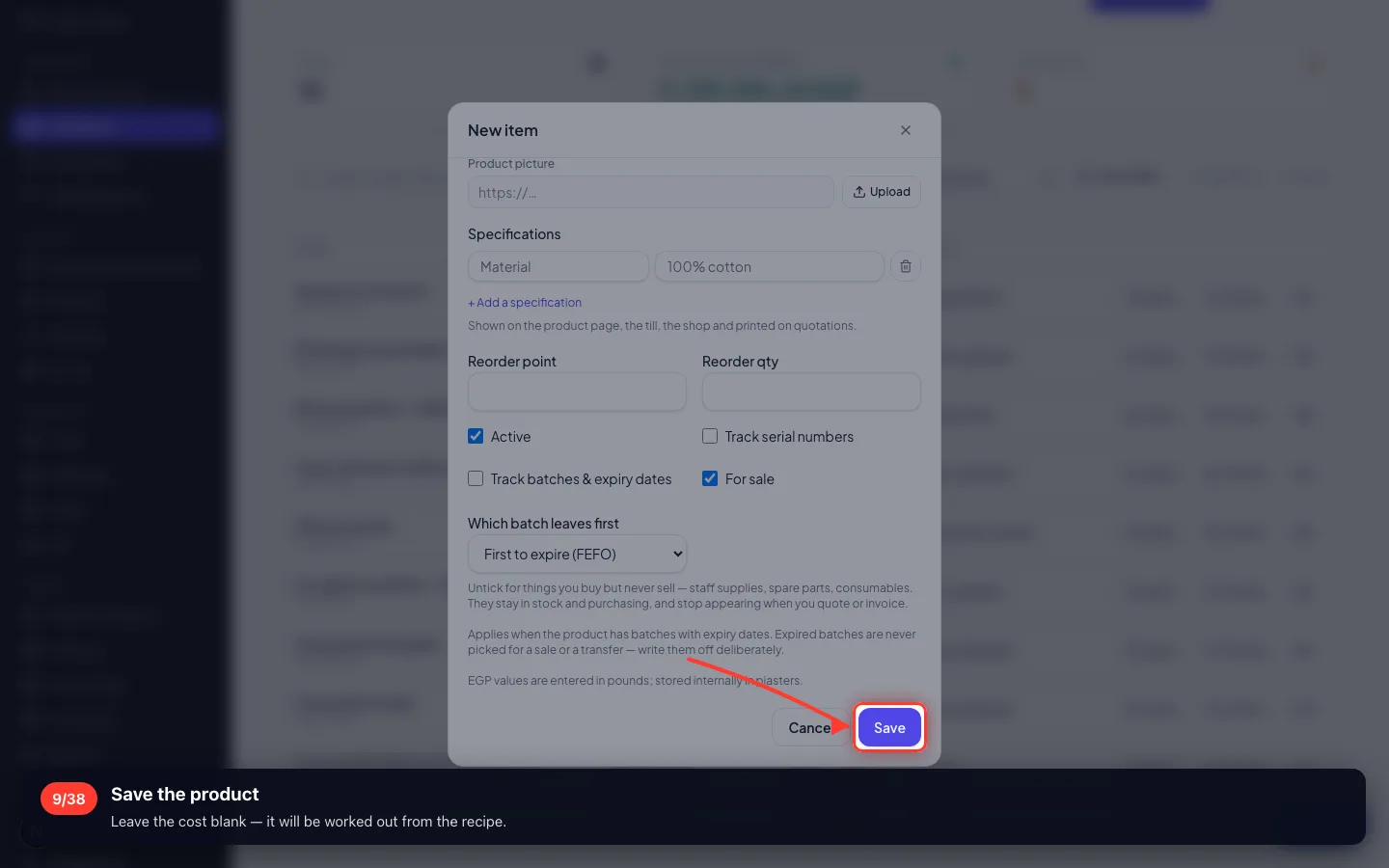
Save the product
Leave the cost blank — it will be worked out from the recipe.
3 · The recipe
What goes into ONE finished unit. This is the answer to "how do I build one product from three materials".
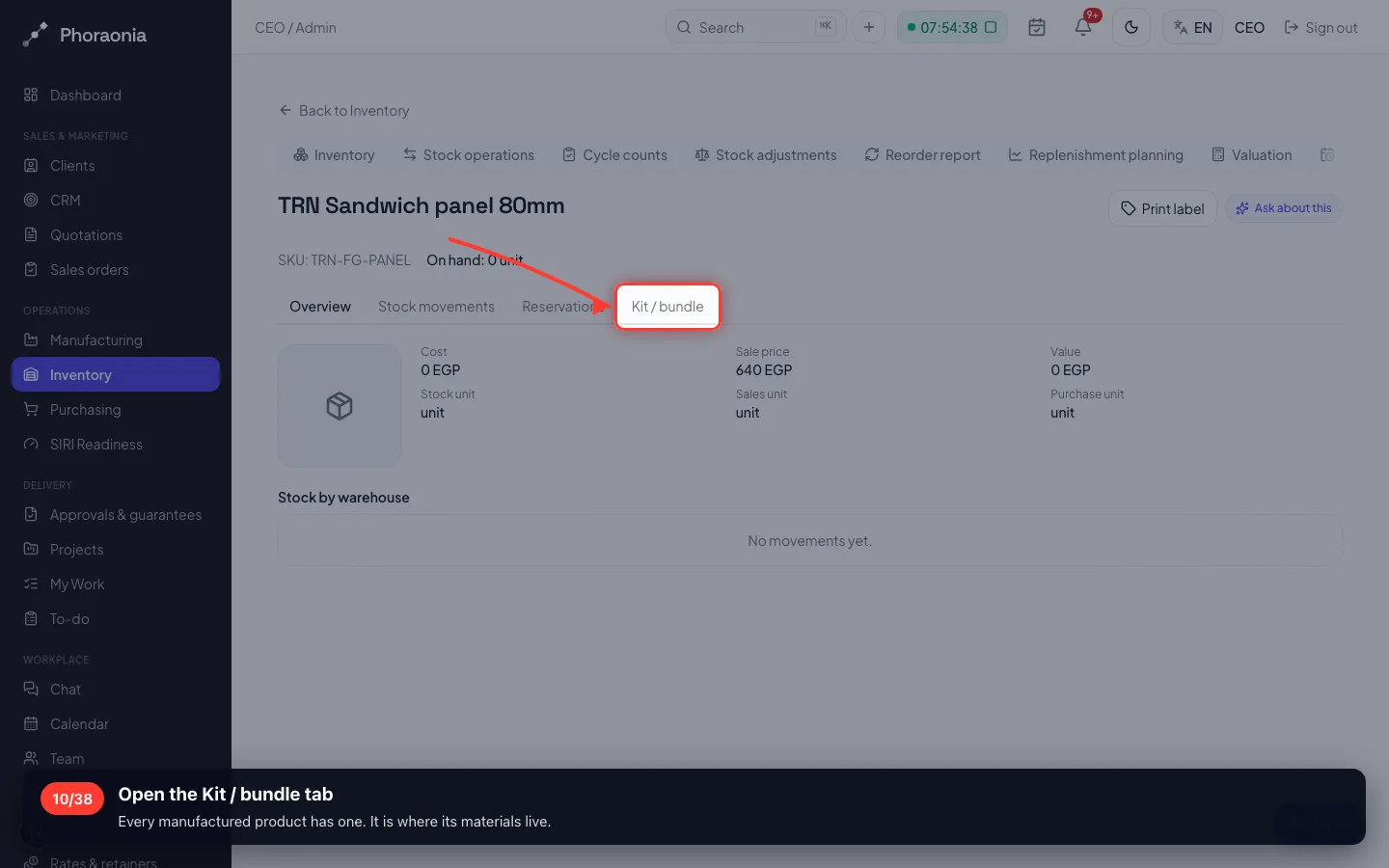
10Open the Kit / bundle tab
Every manufactured product has one. It is where its materials live.
- 11
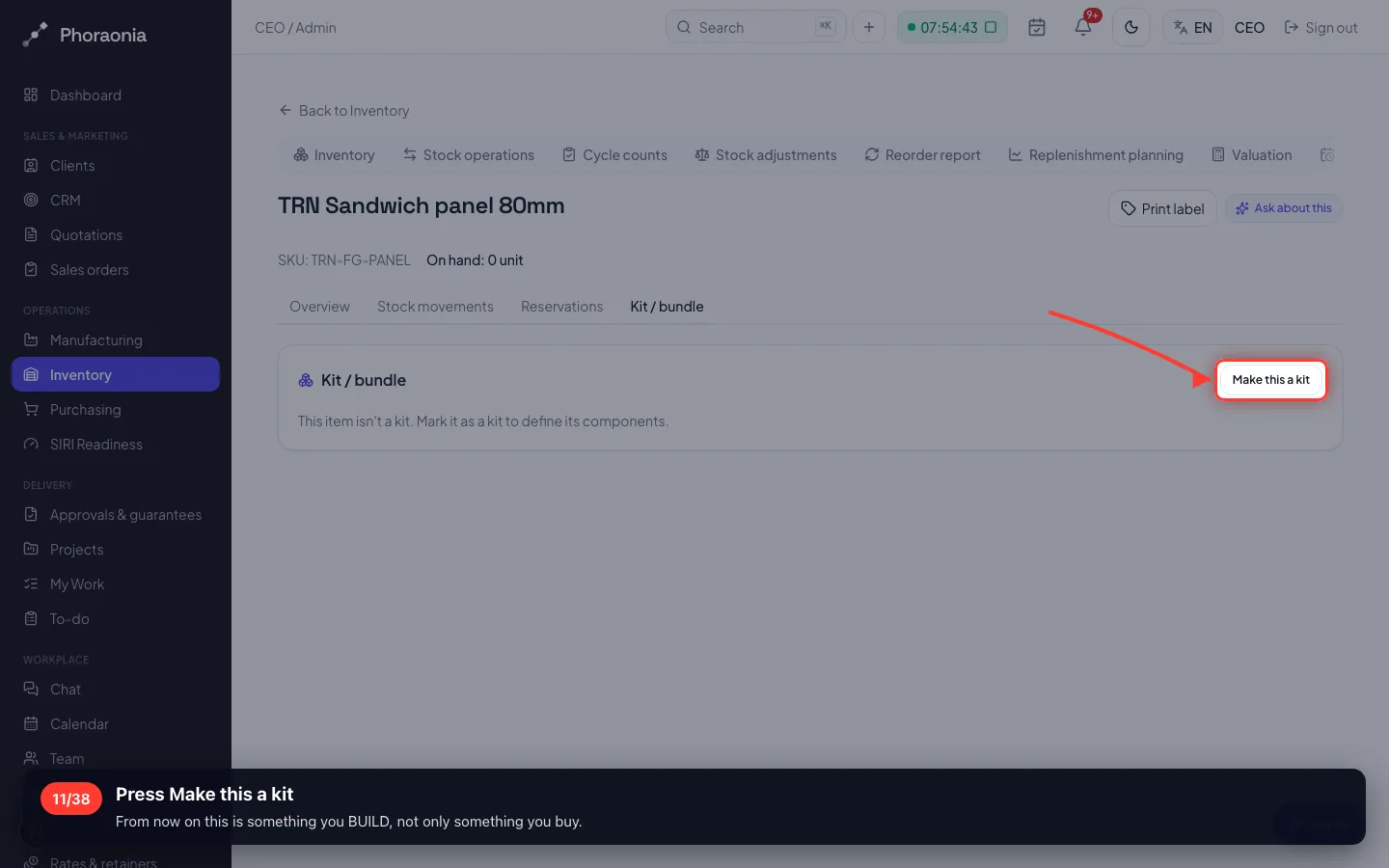
Press Make this a kit
From now on this is something you BUILD, not only something you buy.
- 12
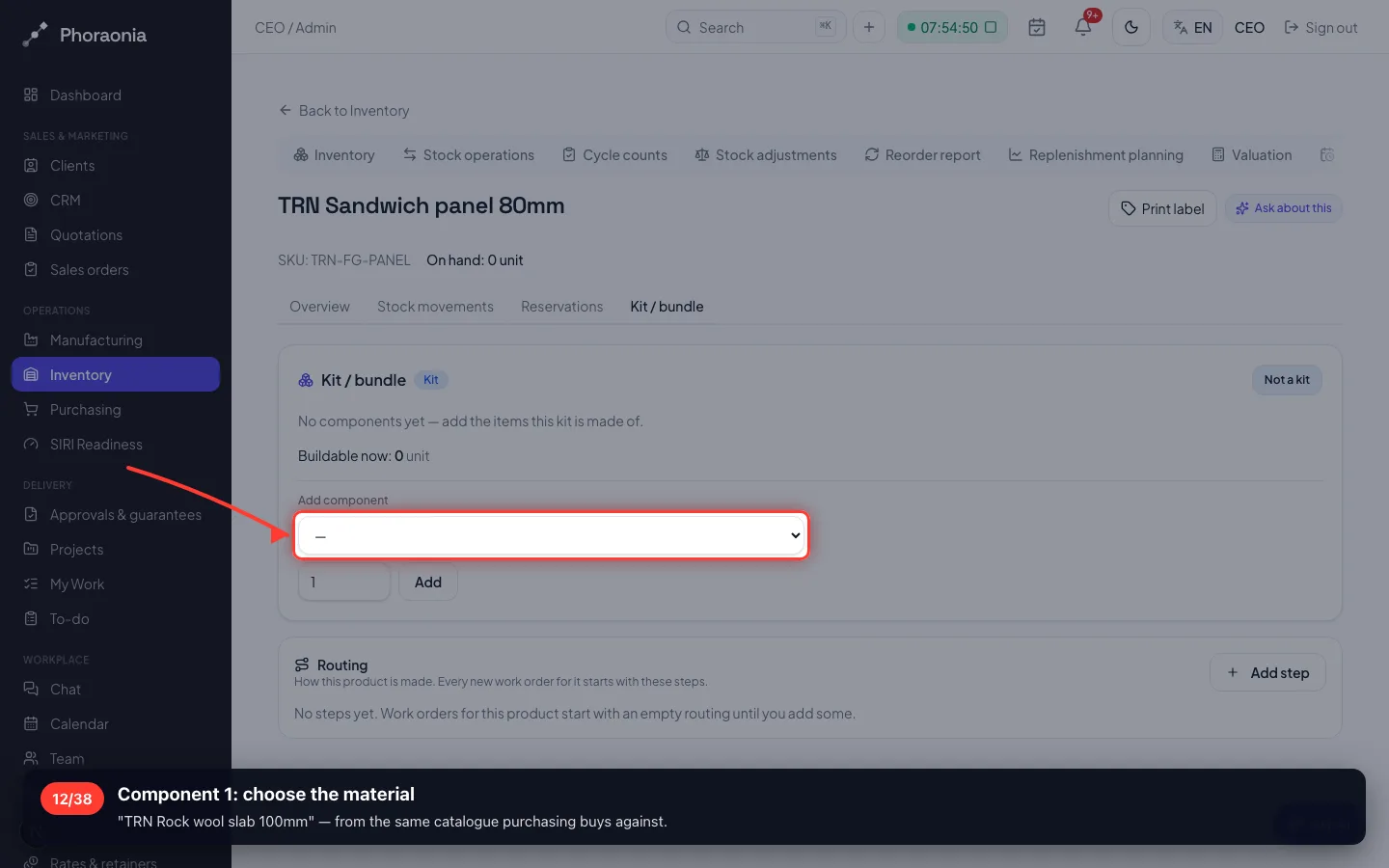
Component 1: choose the material
"TRN Rock wool slab 100mm" — from the same catalogue purchasing buys against.
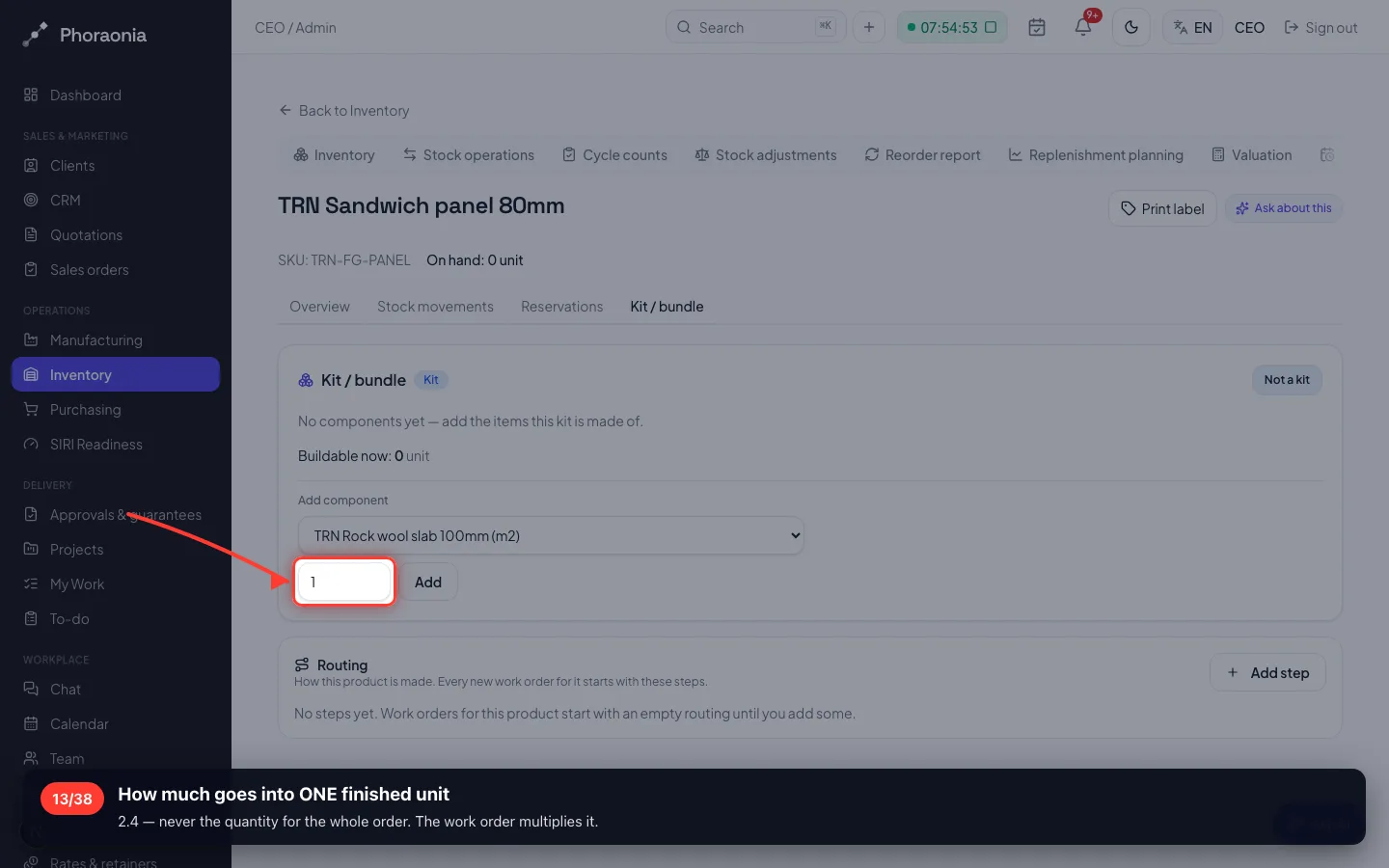
- 13
How much goes into ONE finished unit
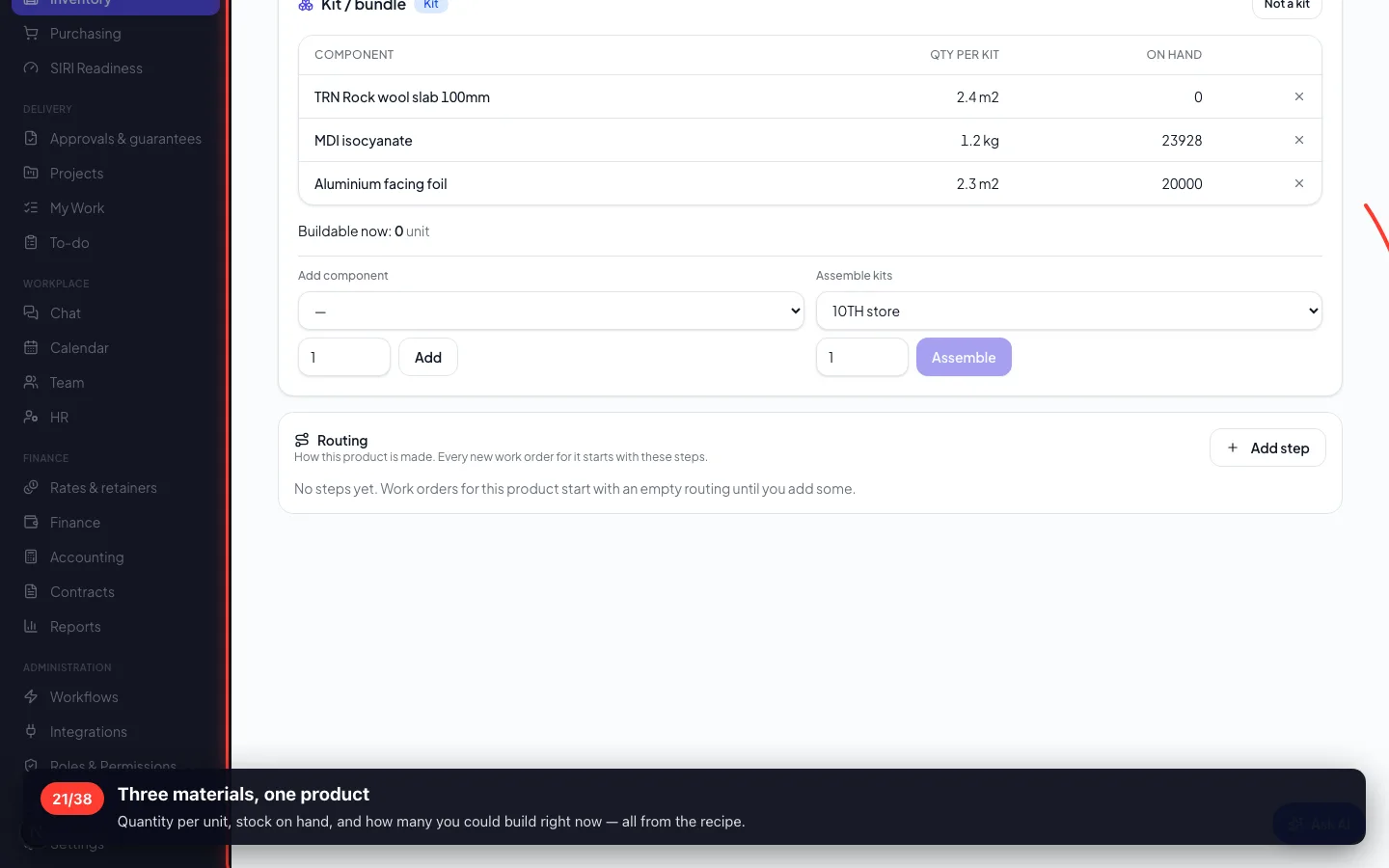
2.4 — never the quantity for the whole order. The work order multiplies it.
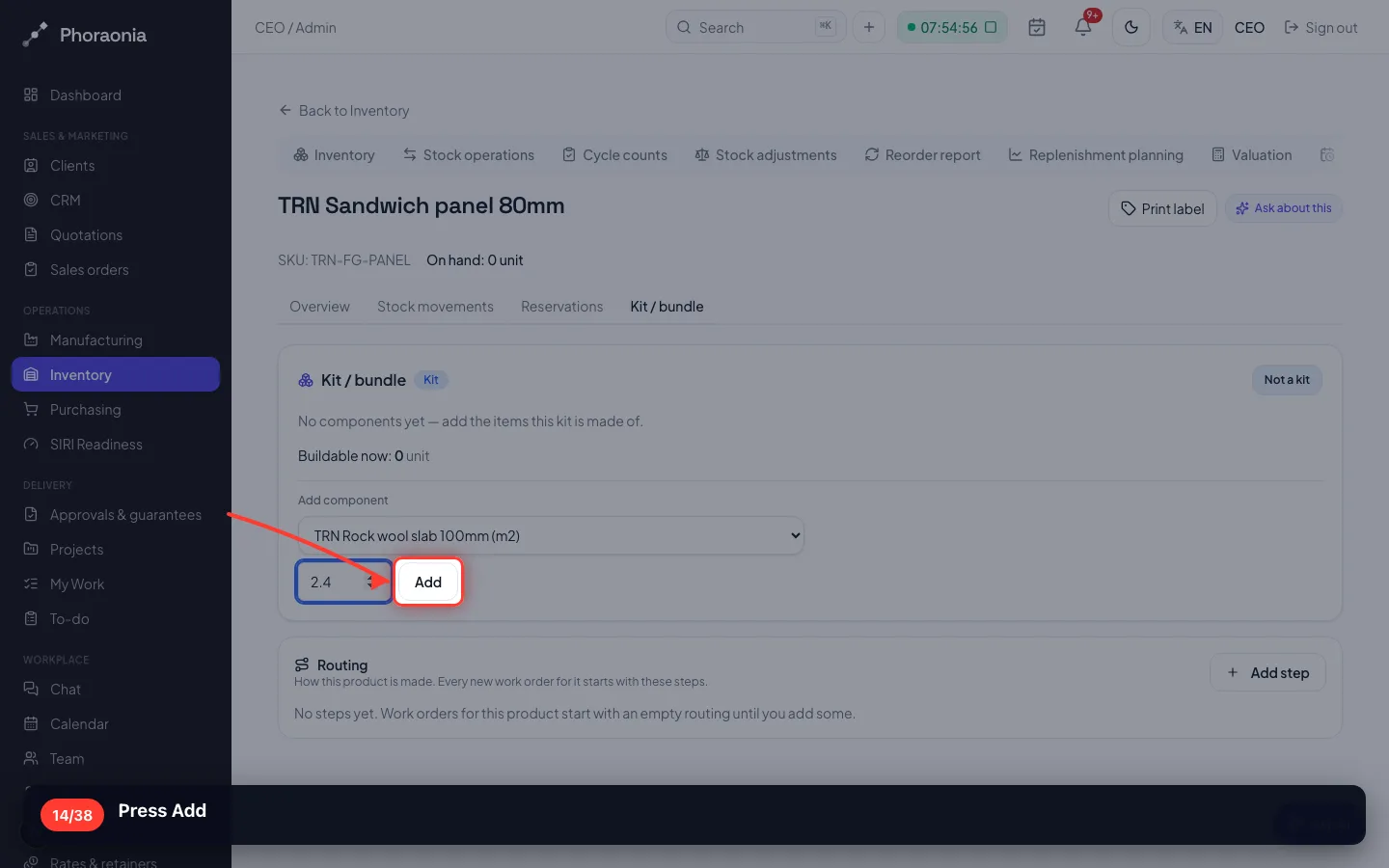
- 14
Press Add
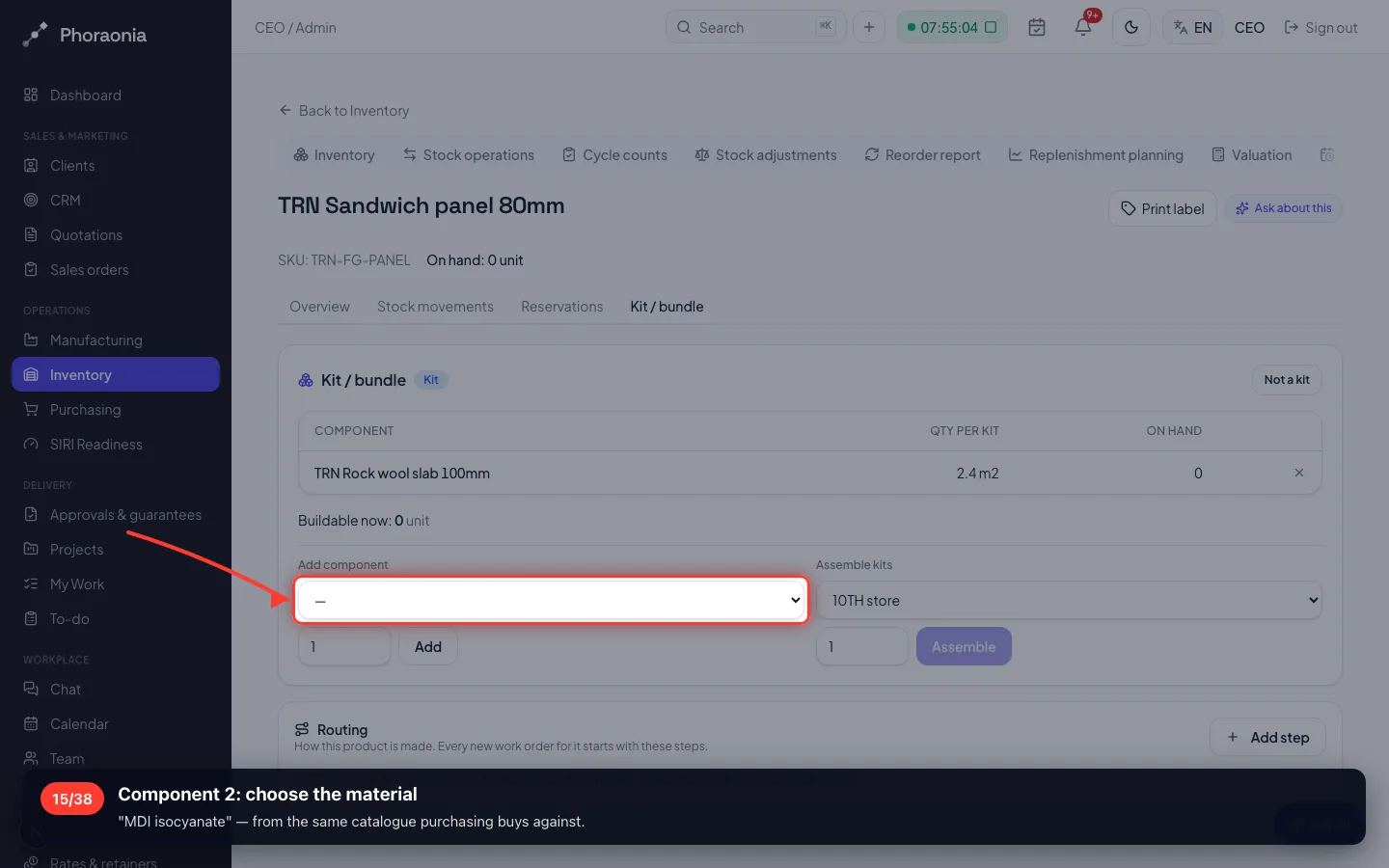
- 15
Component 2: choose the material
"MDI isocyanate" — from the same catalogue purchasing buys against.
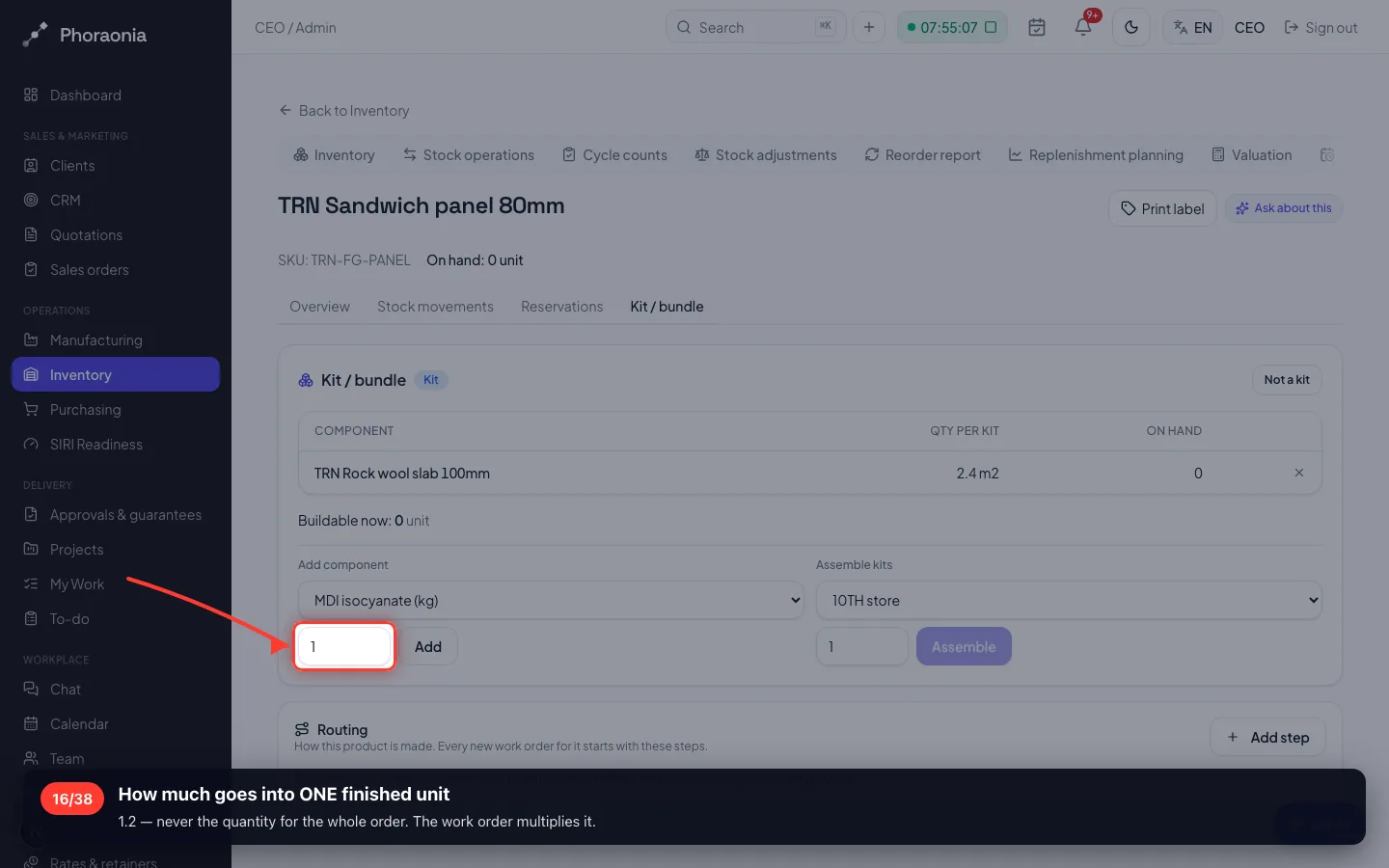
- 16
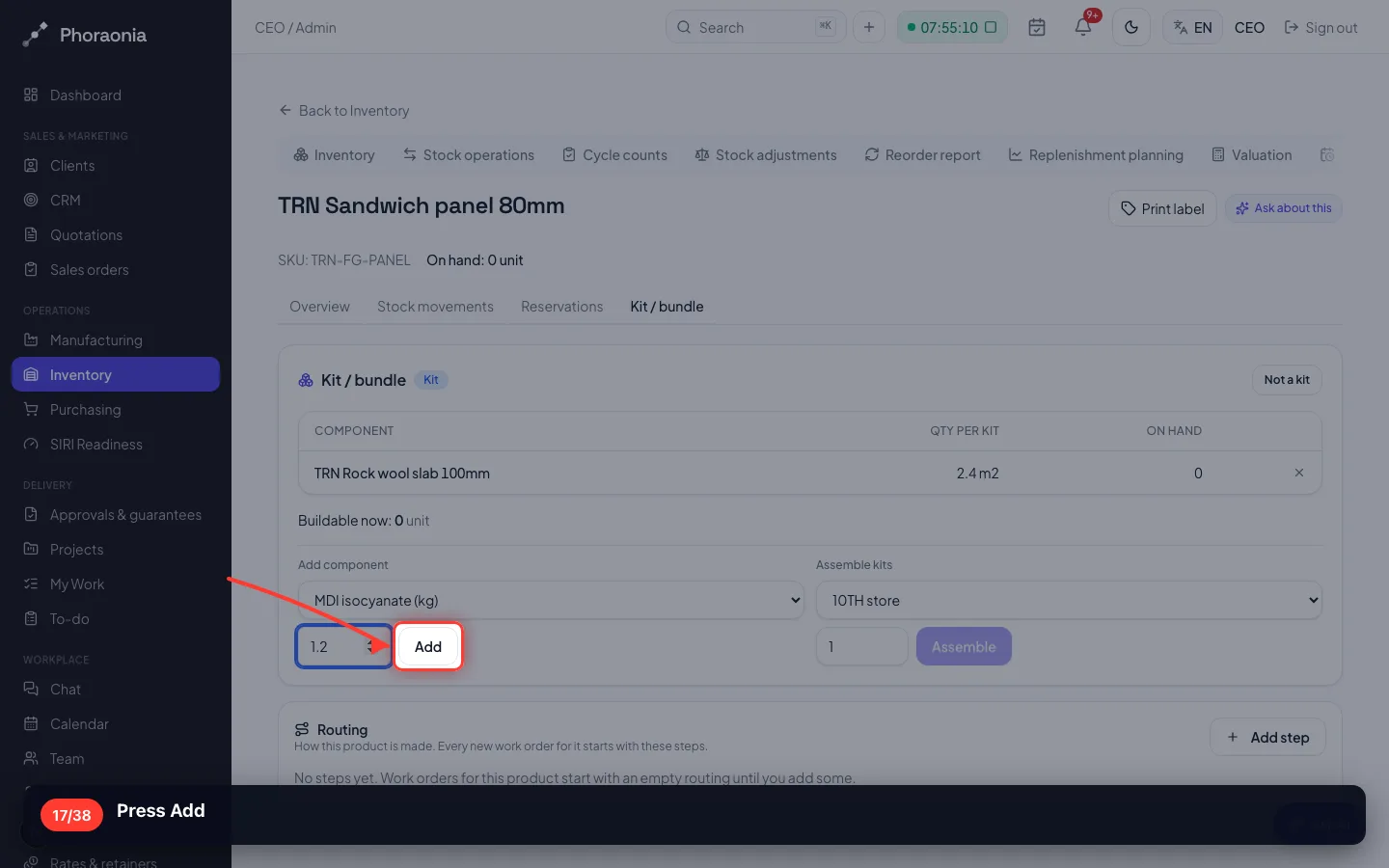
How much goes into ONE finished unit
1.2 — never the quantity for the whole order. The work order multiplies it.
- 17
Press Add
- 18
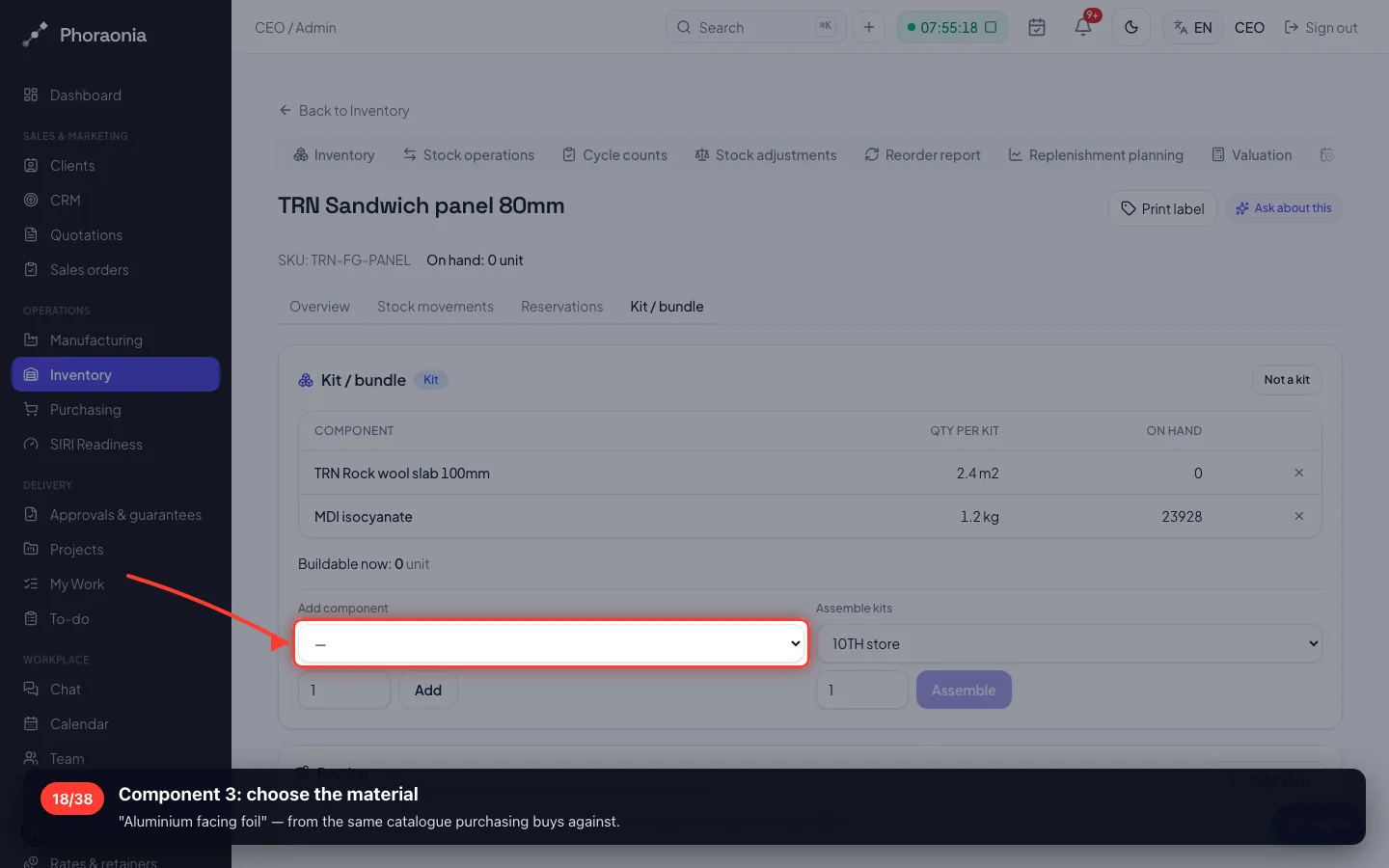
Component 3: choose the material
"Aluminium facing foil" — from the same catalogue purchasing buys against.
- 19
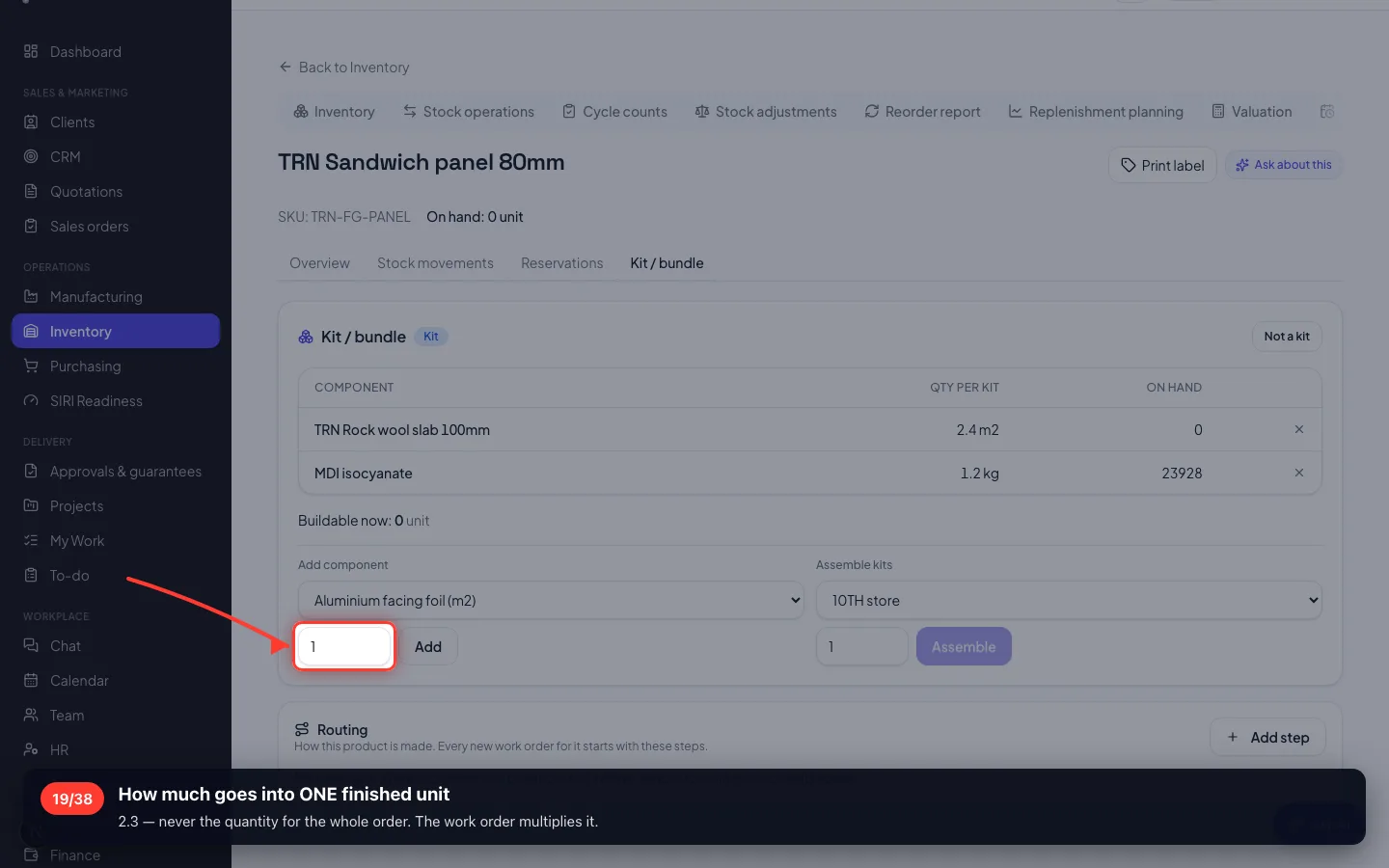
How much goes into ONE finished unit
2.3 — never the quantity for the whole order. The work order multiplies it.
- 20
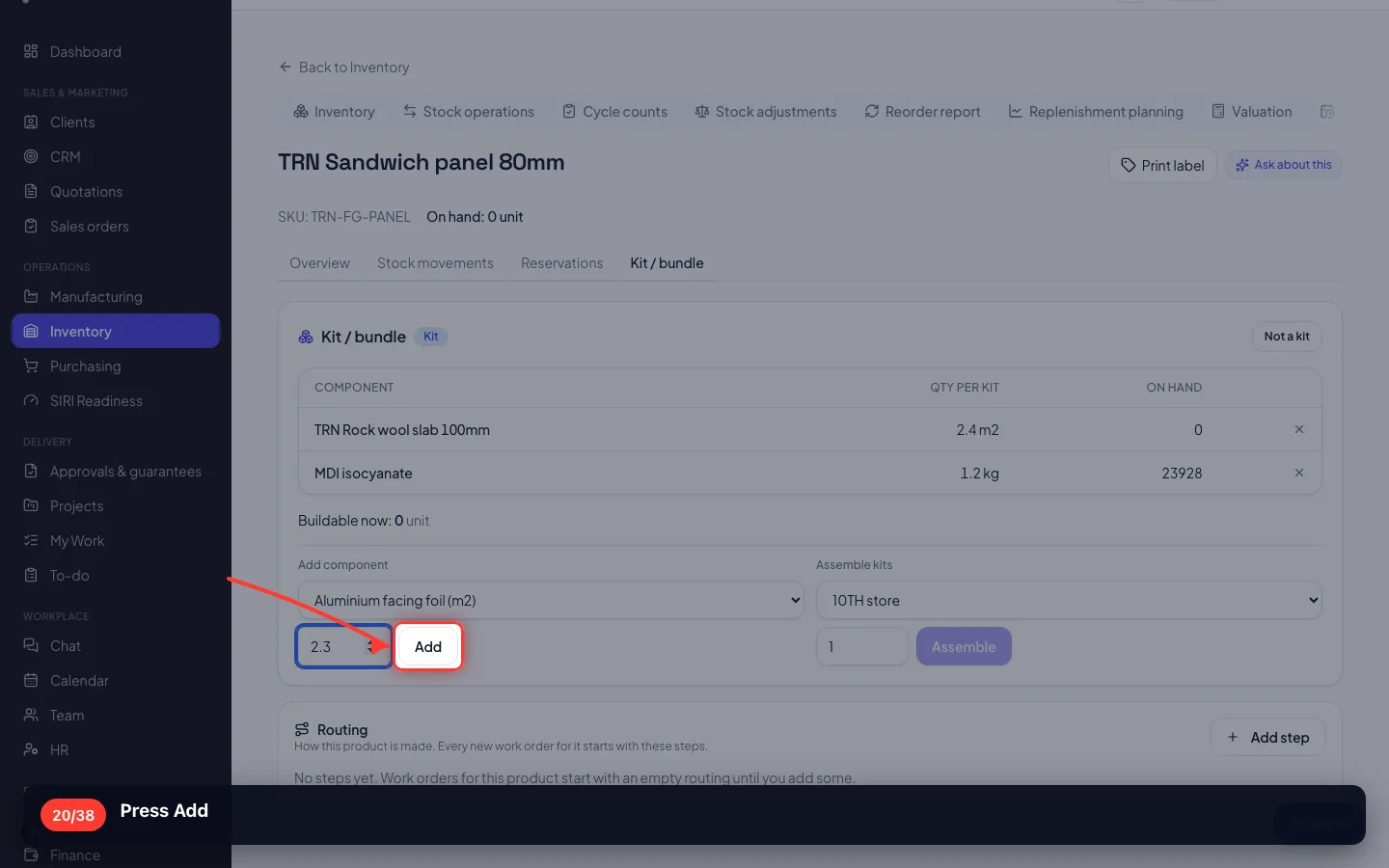
Press Add
- 21
Three materials, one product
Quantity per unit, stock on hand, and how many you could build right now — all from the recipe.
4 · How it is made
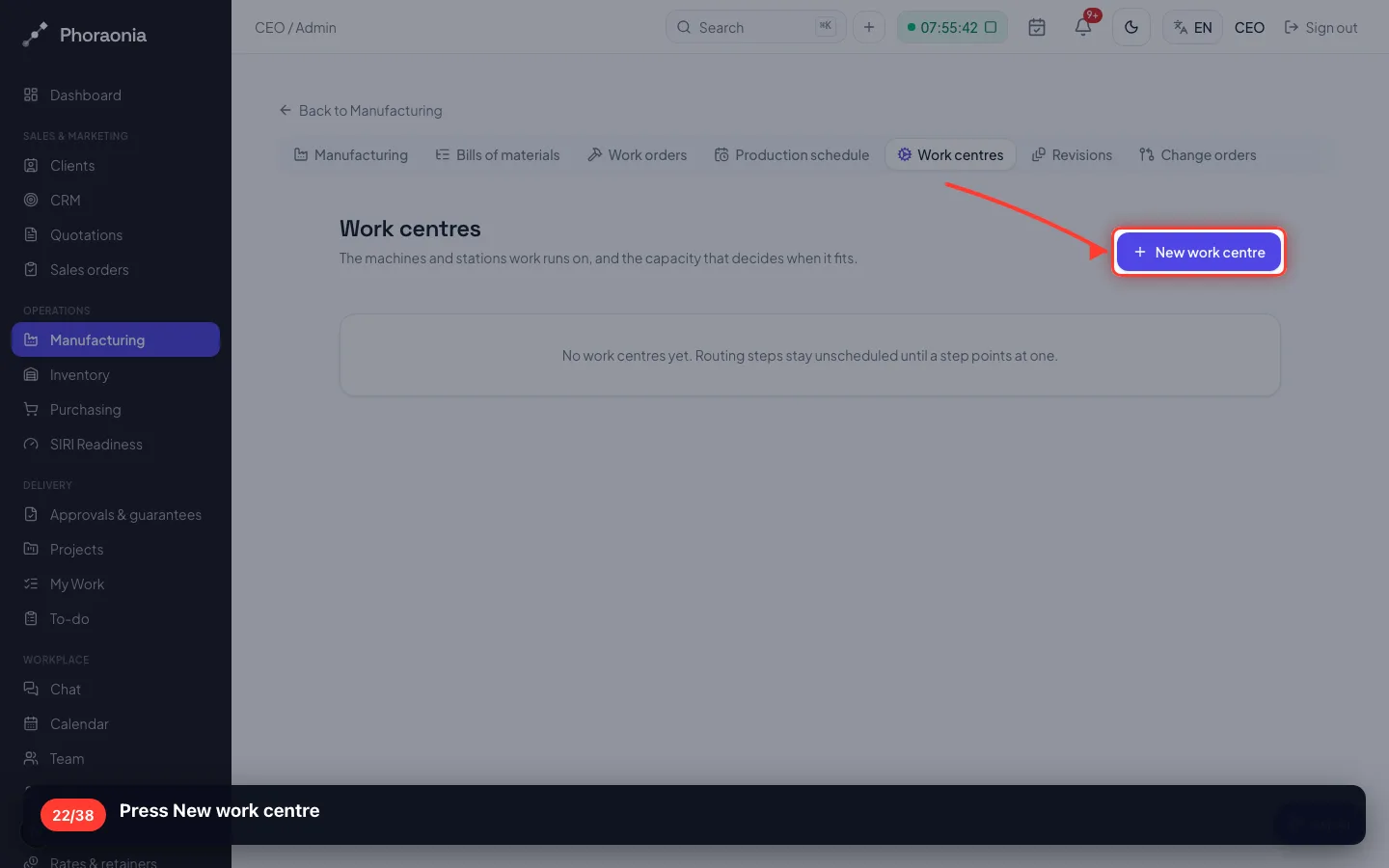
A work centre is a machine or a bench with an hourly cost. The routing is the steps a panel goes through.
22Press New work centre
- 23
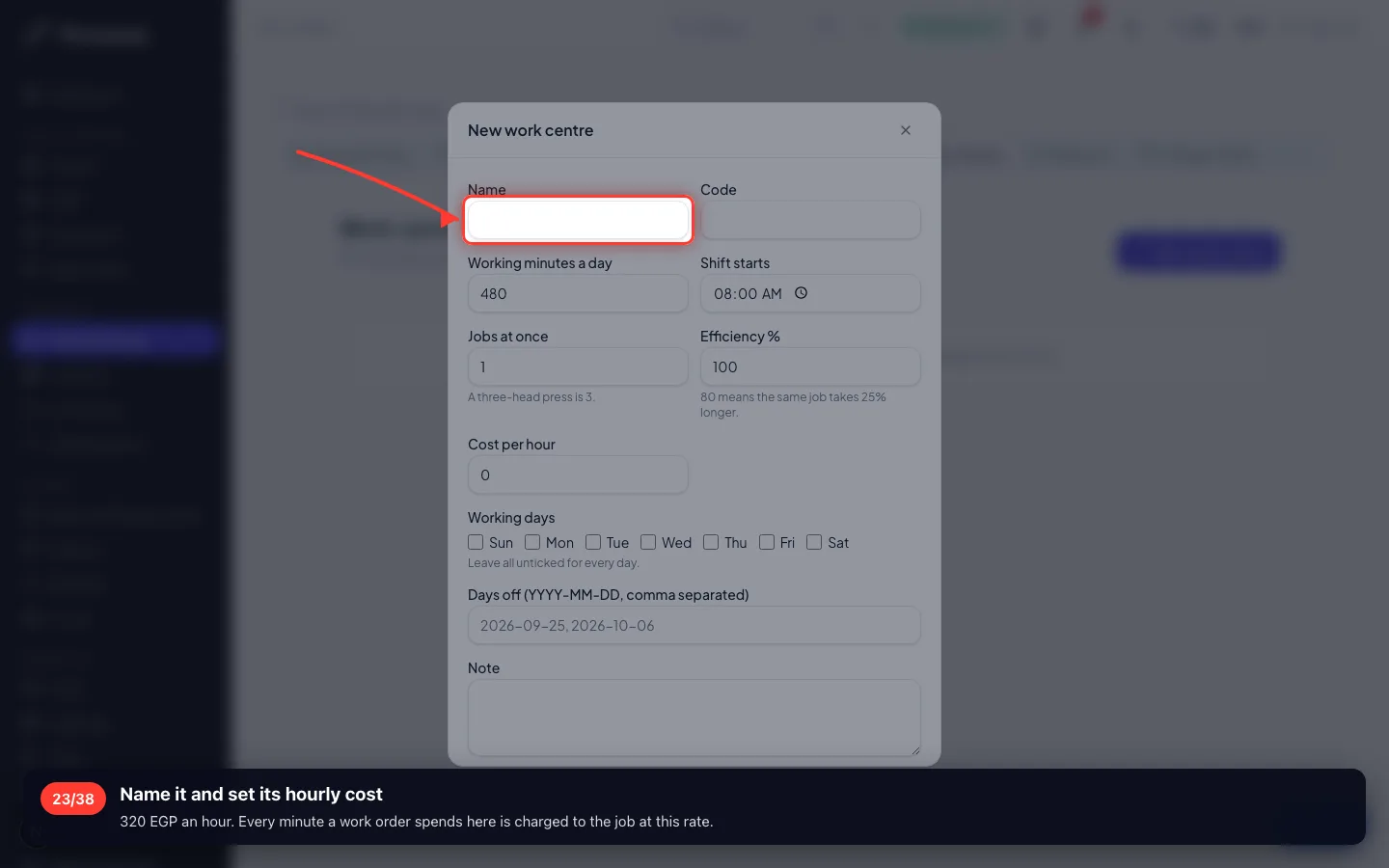
Name it and set its hourly cost
320 EGP an hour. Every minute a work order spends here is charged to the job at this rate.
- 24
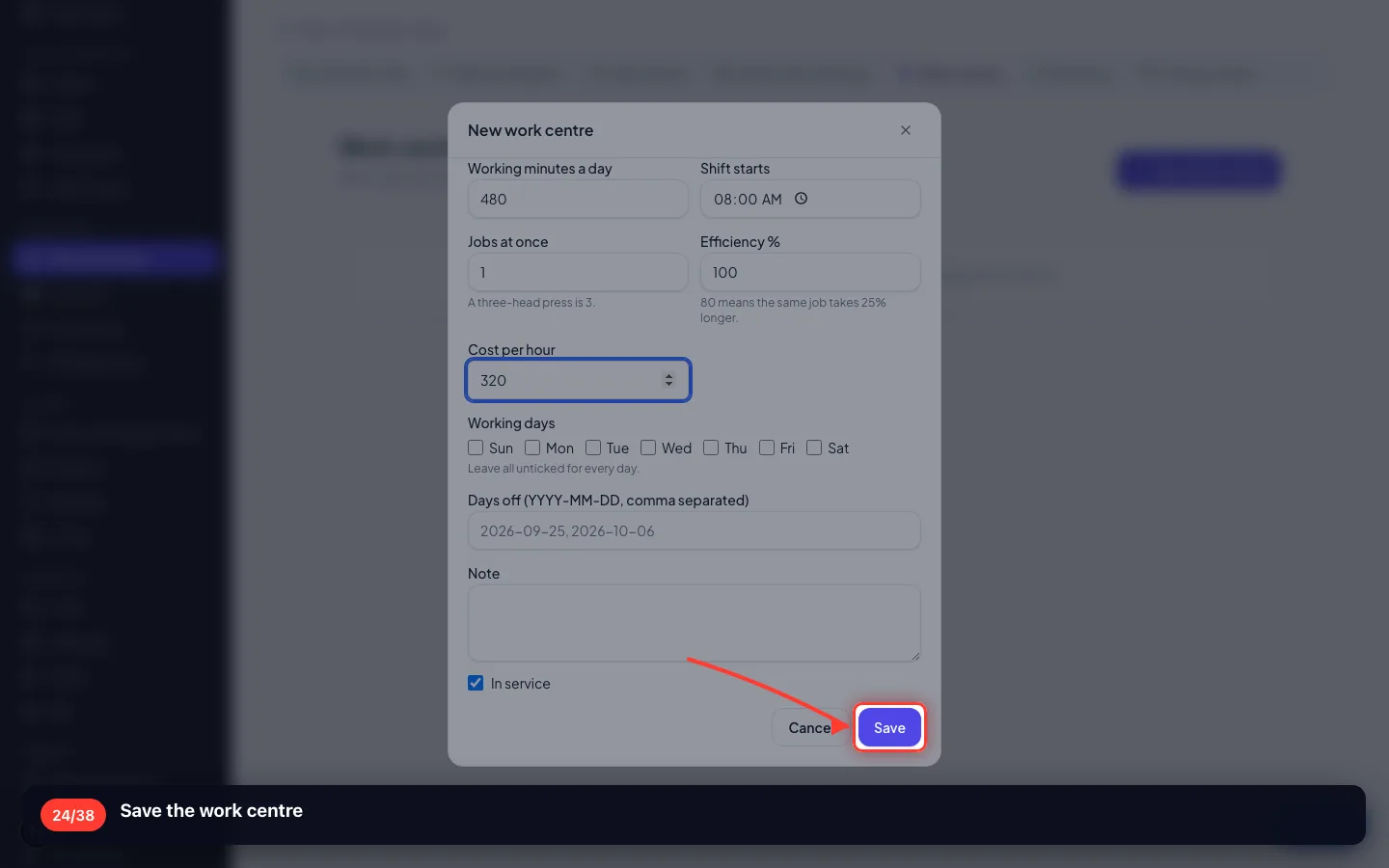
Save the work centre
- 25
Back to the product's Routing
Under the recipe there is a Routing card — the steps every work order starts with.
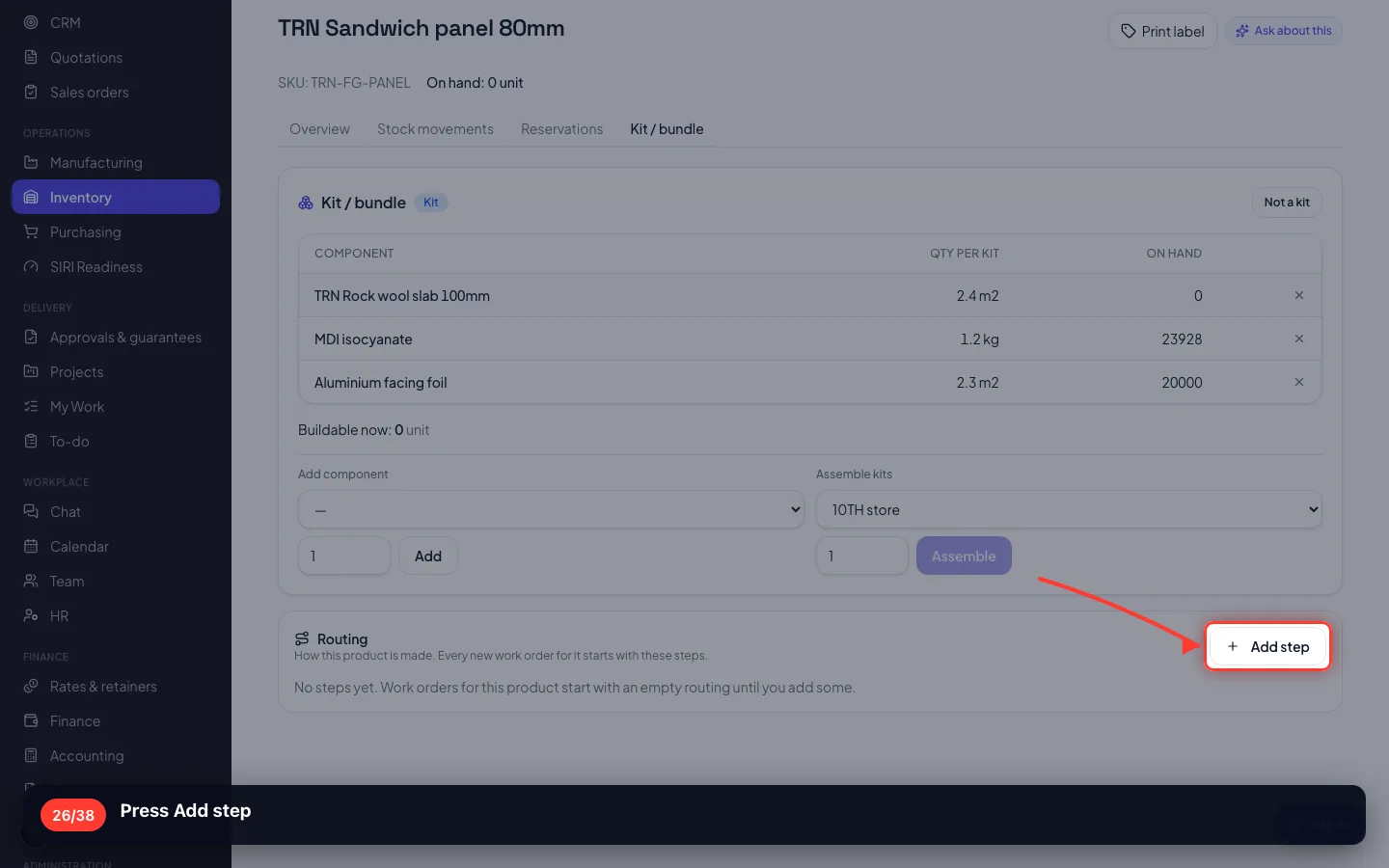
- 26
Press Add step
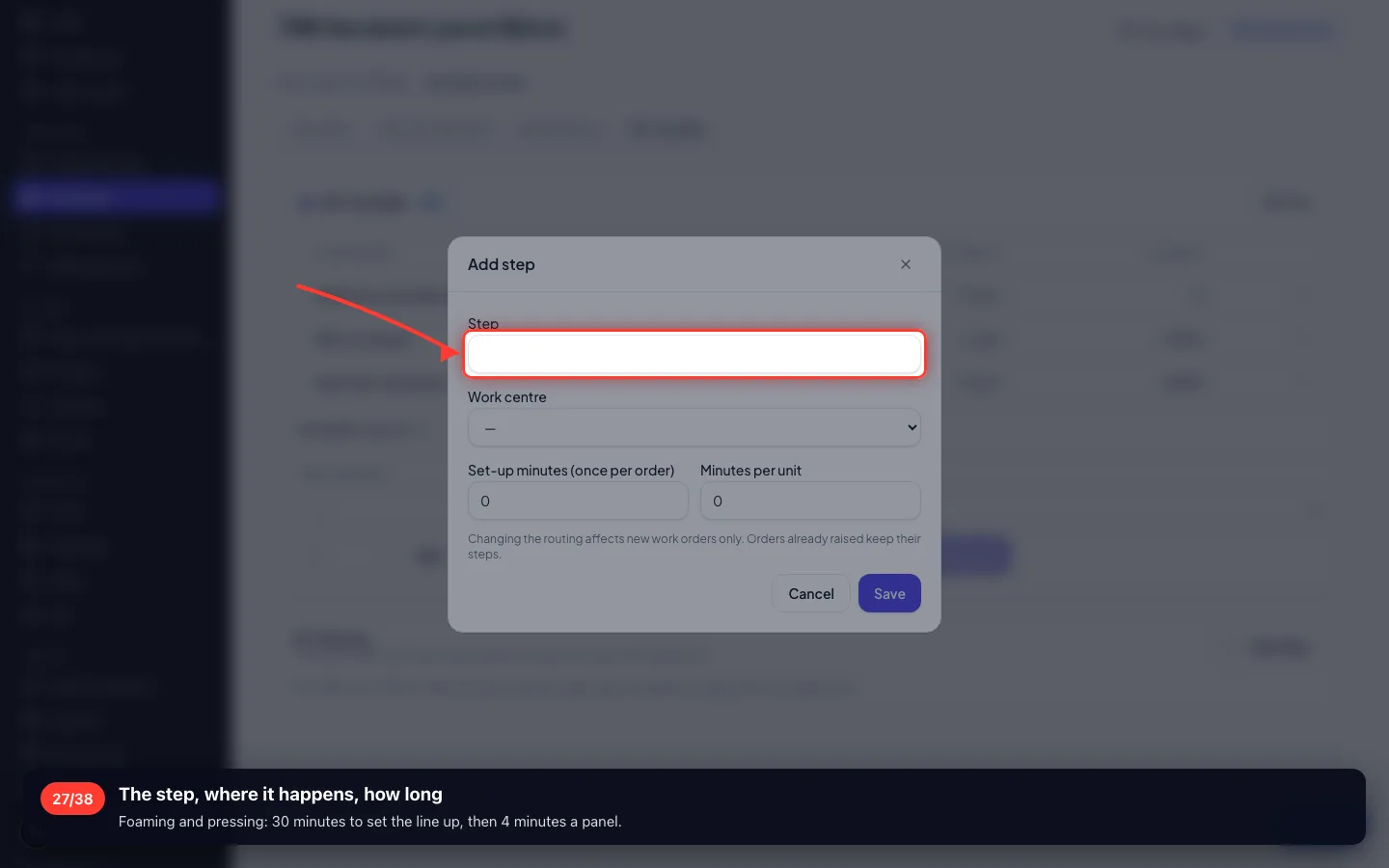
- 27
The step, where it happens, how long
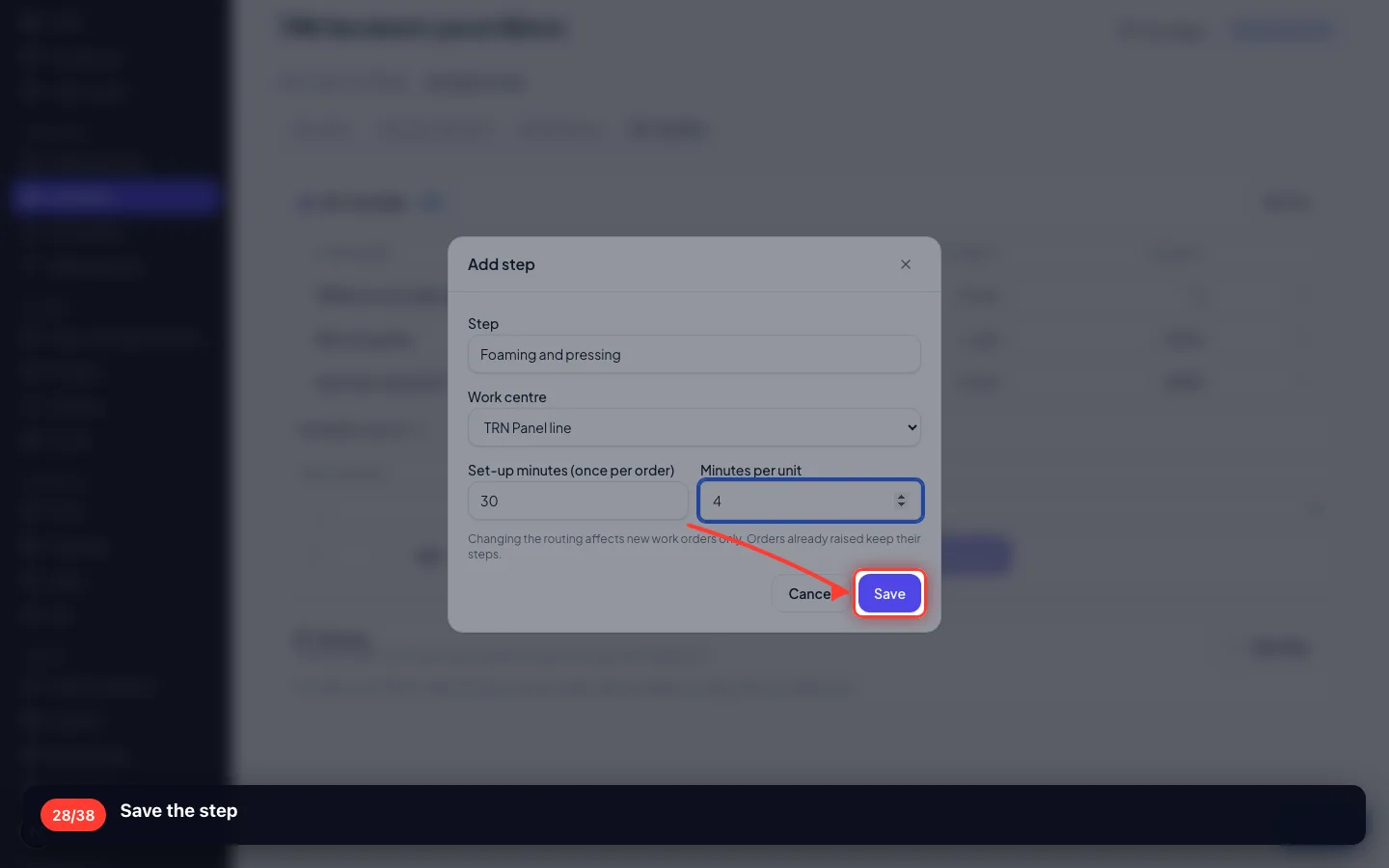
Foaming and pressing: 30 minutes to set the line up, then 4 minutes a panel.
- 28
Save the step
5 · Check it before you rely on it
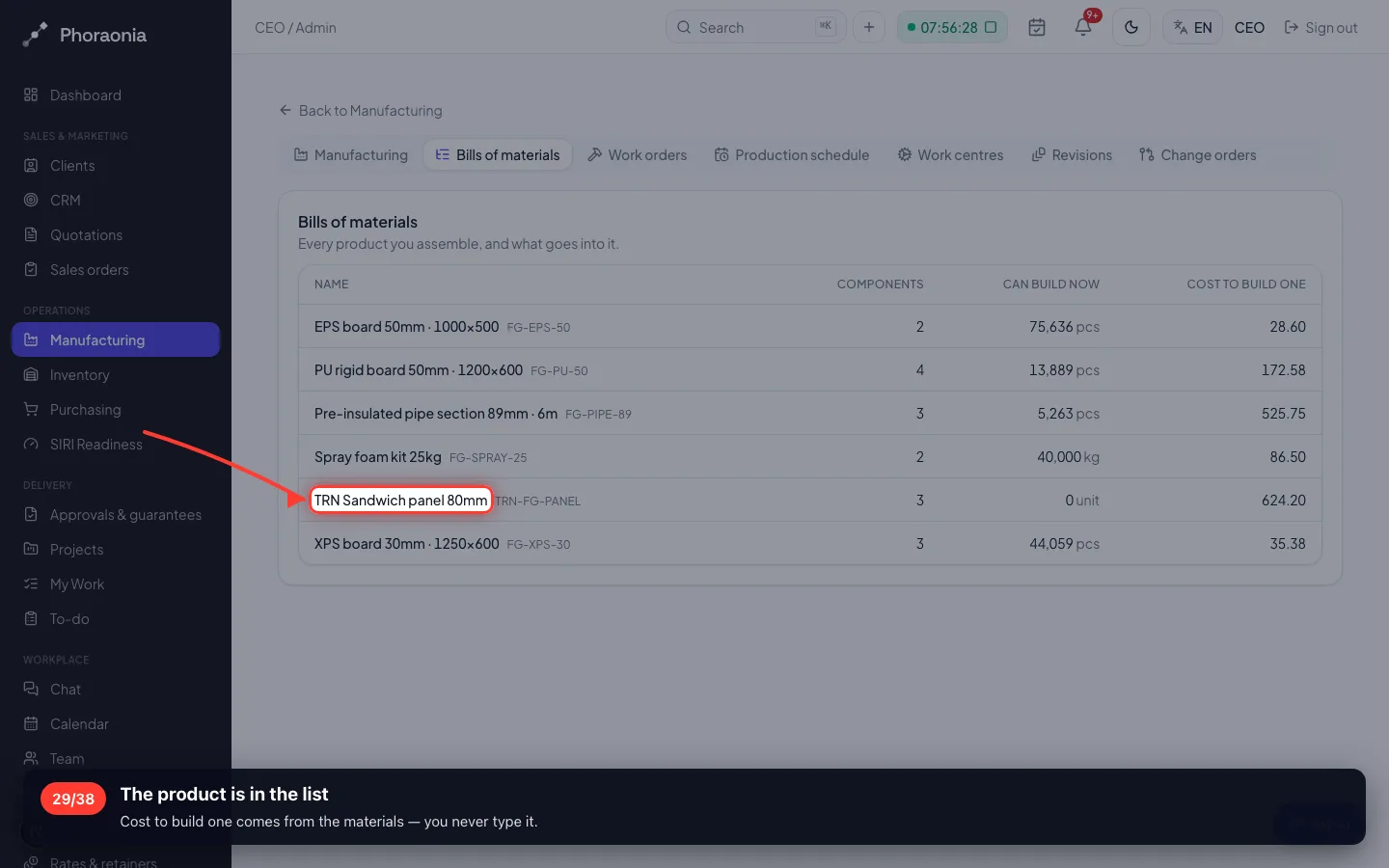
Bills of materials lists every product you make, what it costs to build one, and how many you could build now.
29The product is in the list
Cost to build one comes from the materials — you never type it.
6 · Put the new material on the shelf
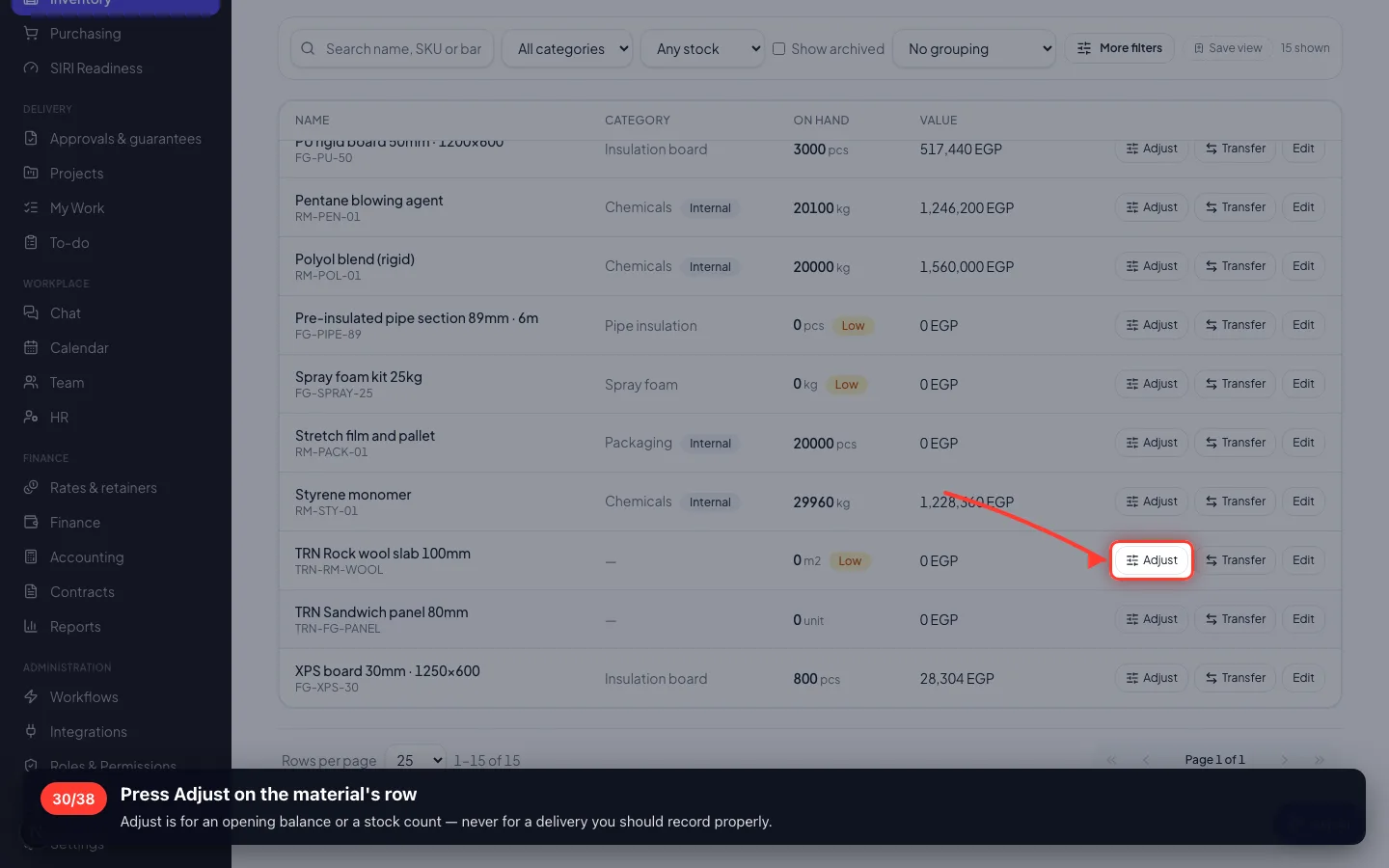
A brand-new material has no stock, so nothing can be built yet. Normally it arrives on a purchase order; the opening balance is entered once, by hand.
30Press Adjust on the material's row
Adjust is for an opening balance or a stock count — never for a delivery you should record properly.
- 31
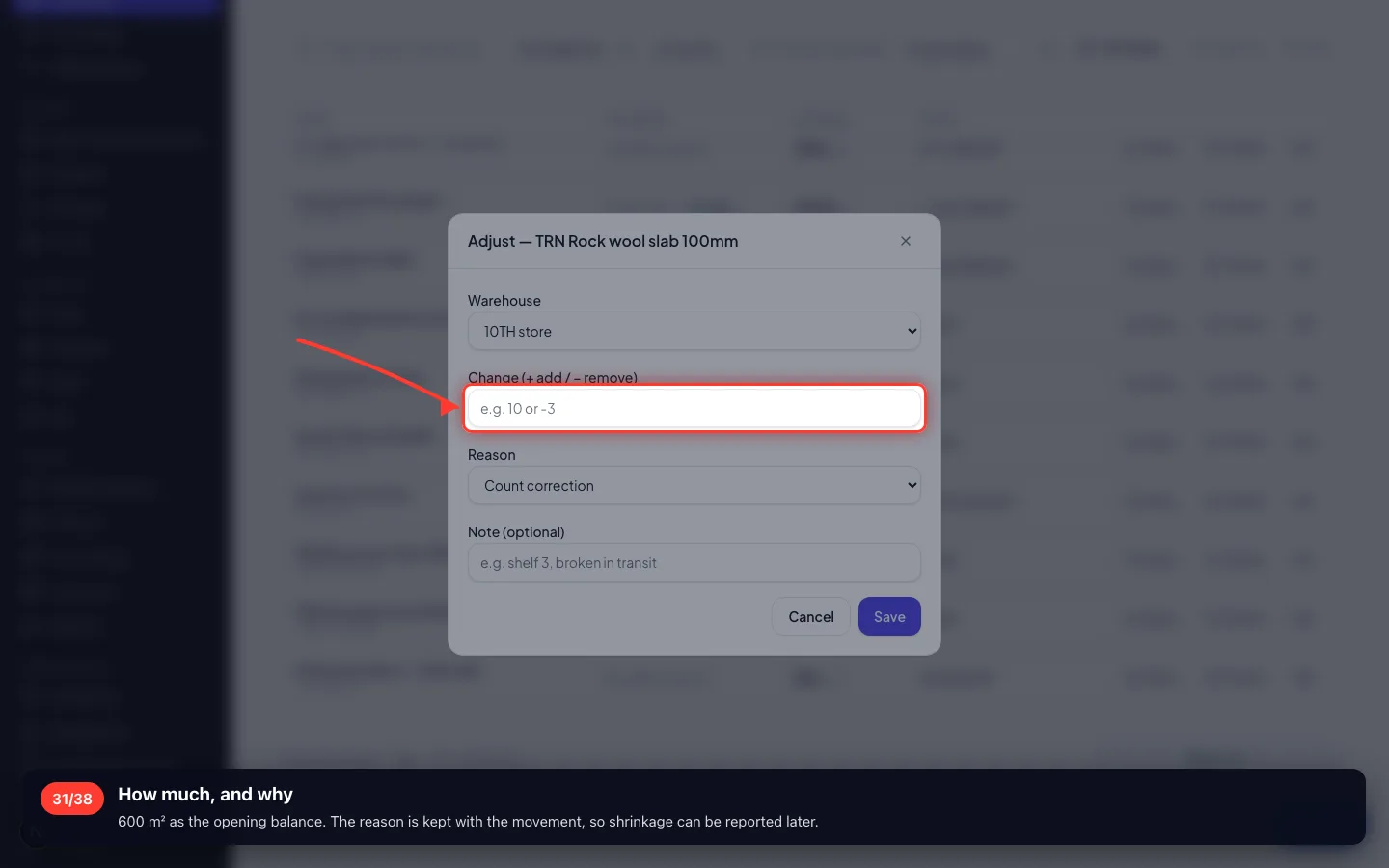
How much, and why
600 m² as the opening balance. The reason is kept with the movement, so shrinkage can be reported later.
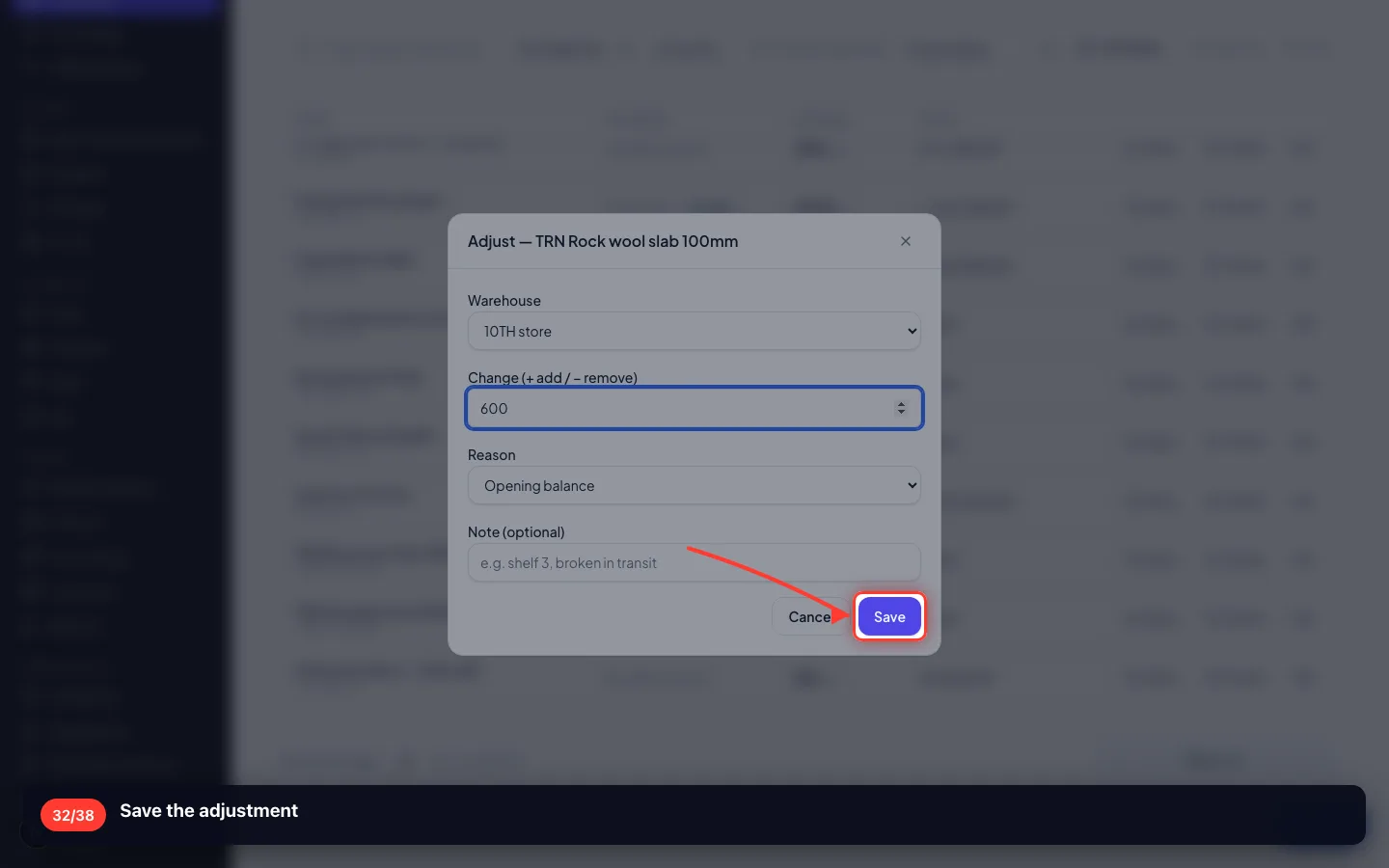
- 32
Save the adjustment
7 · Build some and watch the stock move
The proof: a work order takes the three materials out and puts finished panels in.
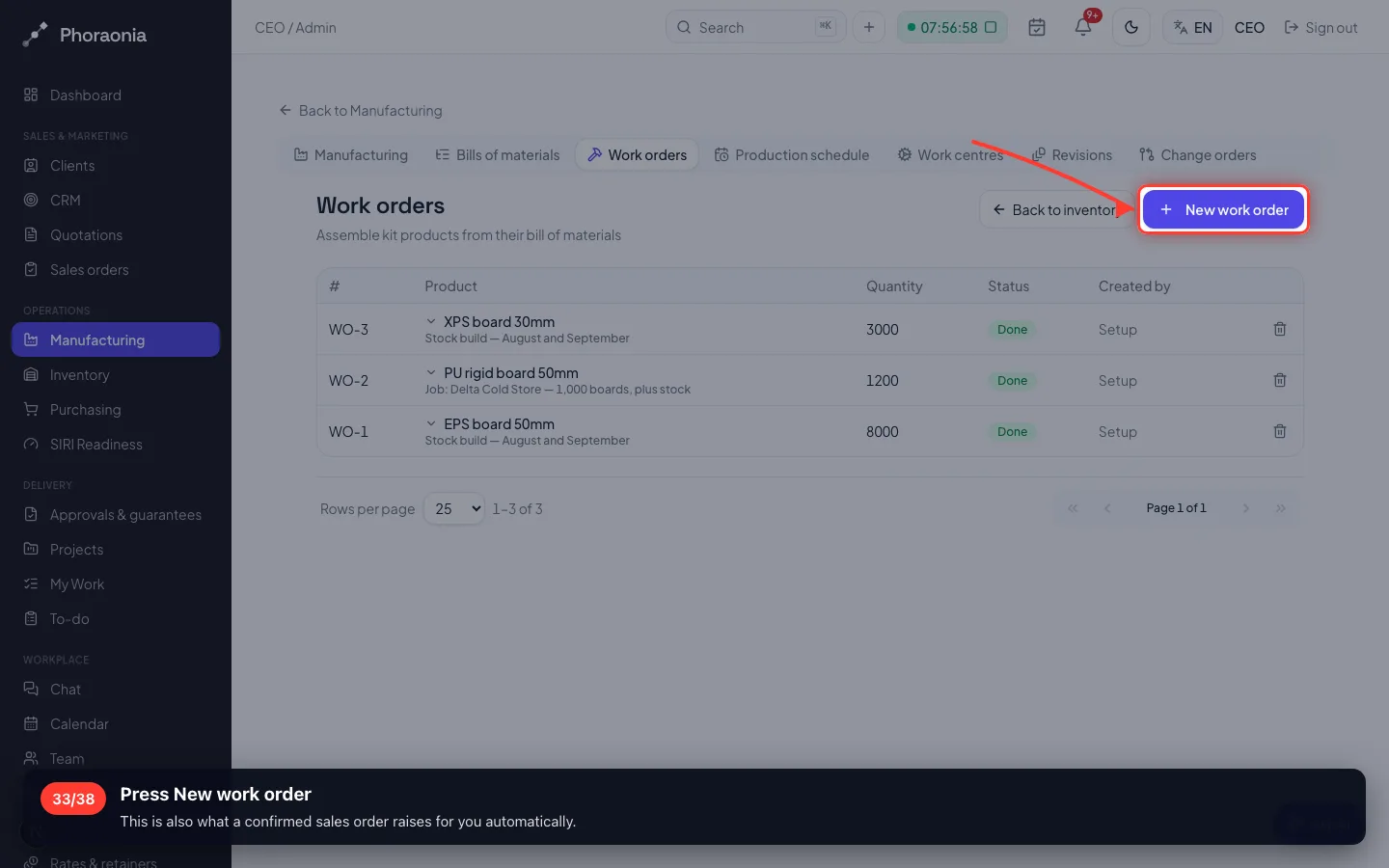
33Press New work order
This is also what a confirmed sales order raises for you automatically.
- 34
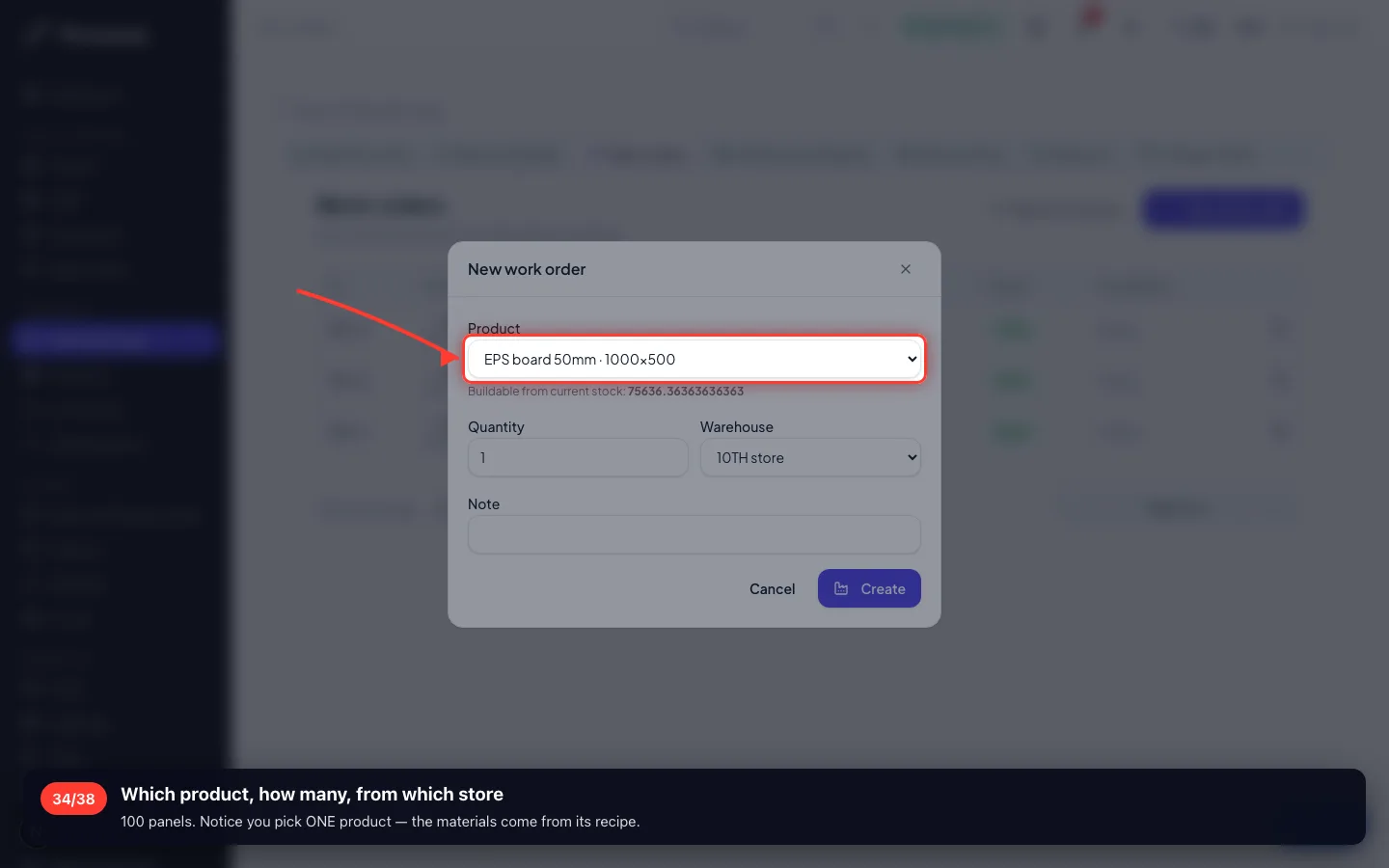
Which product, how many, from which store
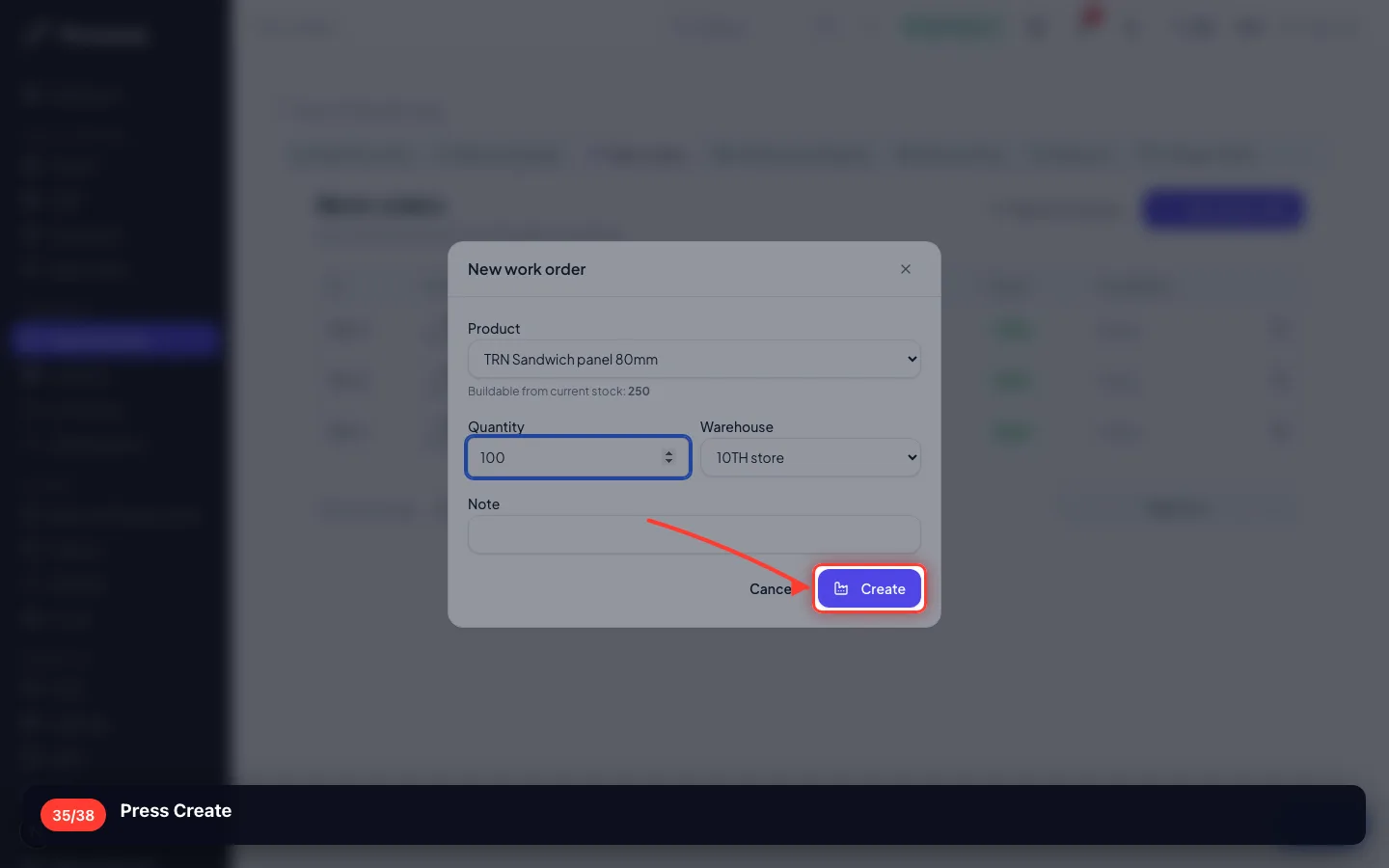
100 panels. Notice you pick ONE product — the materials come from its recipe.
- 35
Press Create
- 36
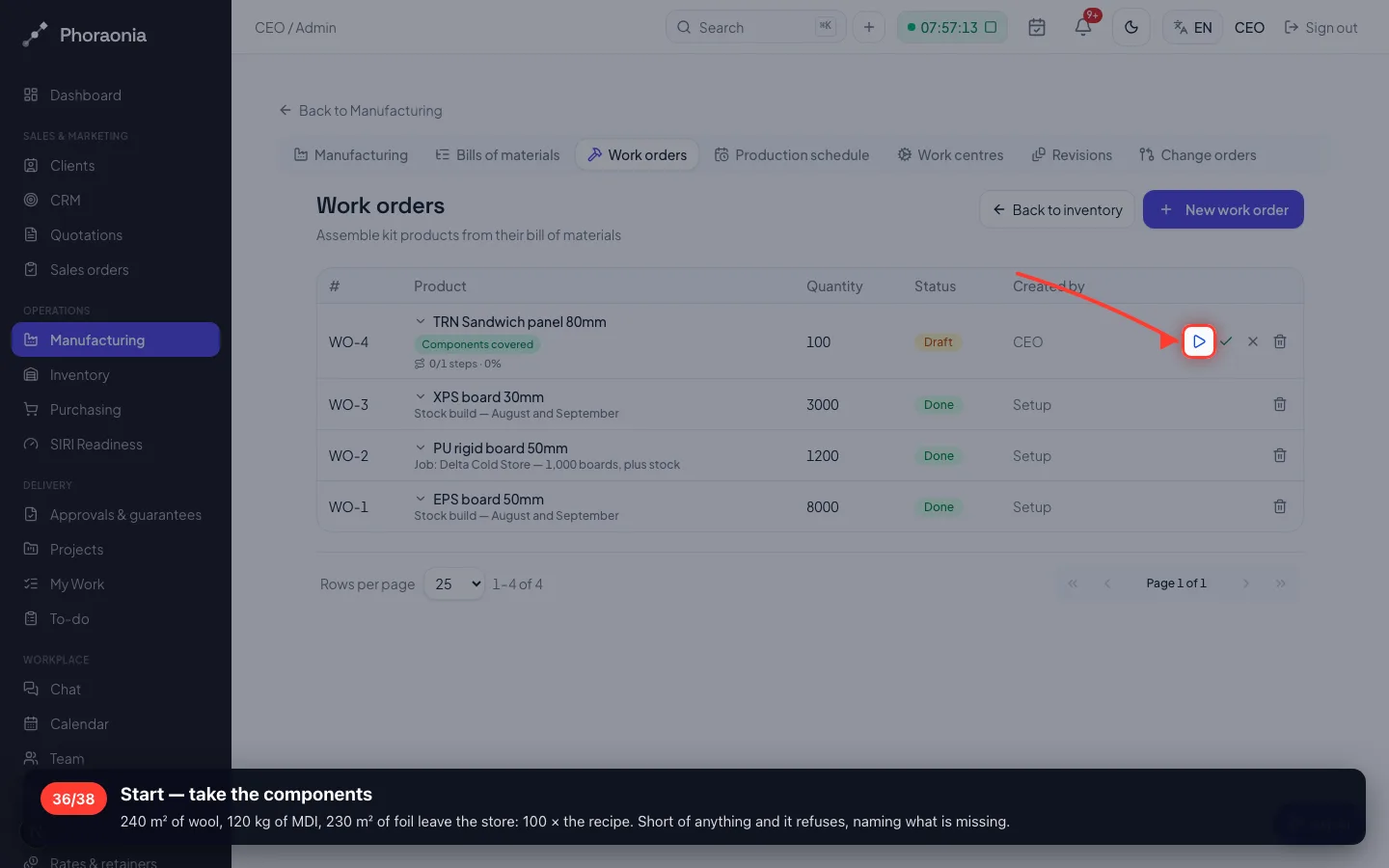
Start — take the components
240 m² of wool, 120 kg of MDI, 230 m² of foil leave the store: 100 × the recipe. Short of anything and it refuses, naming what is missing.
- 37
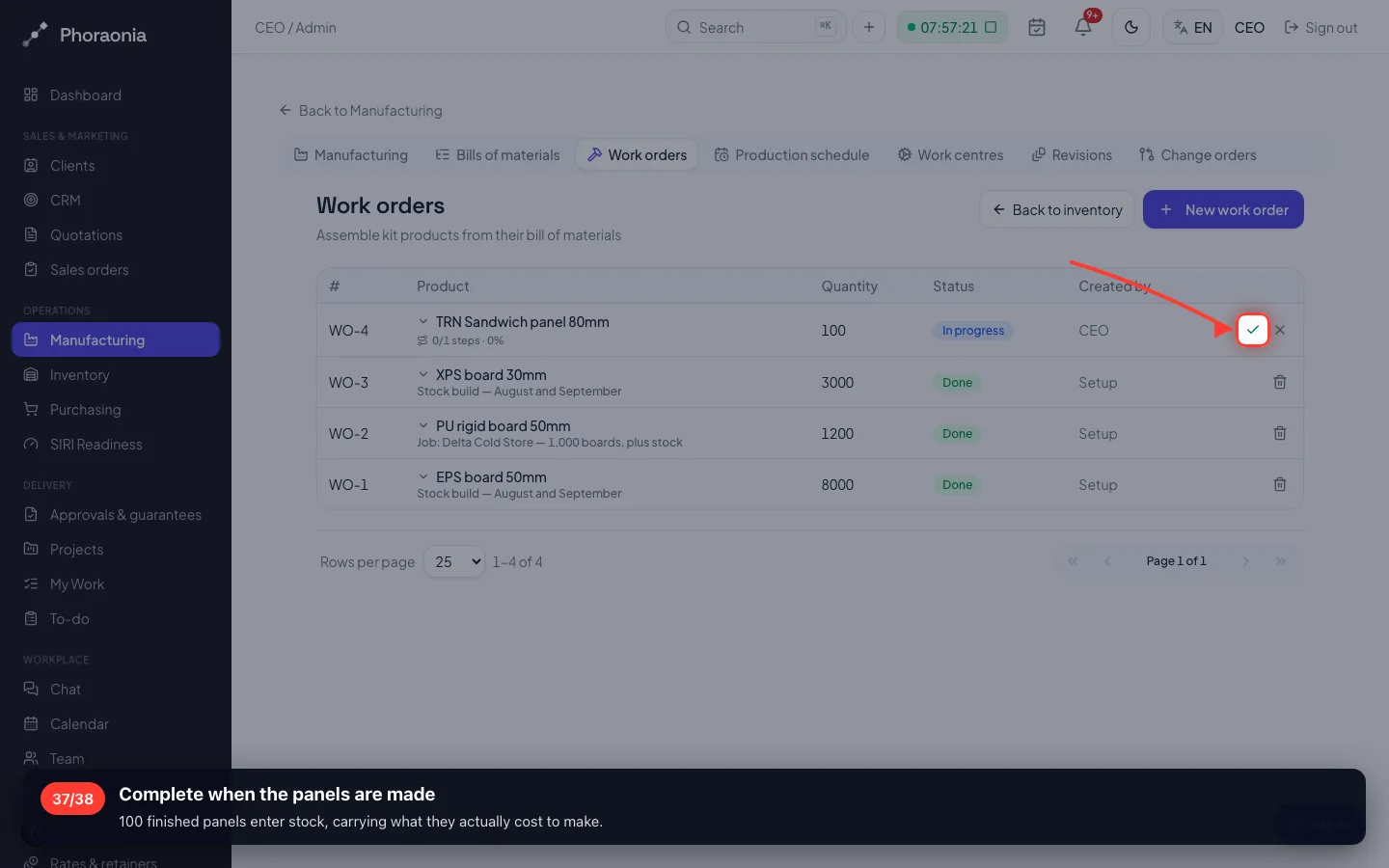
Complete when the panels are made
100 finished panels enter stock, carrying what they actually cost to make.
- 38
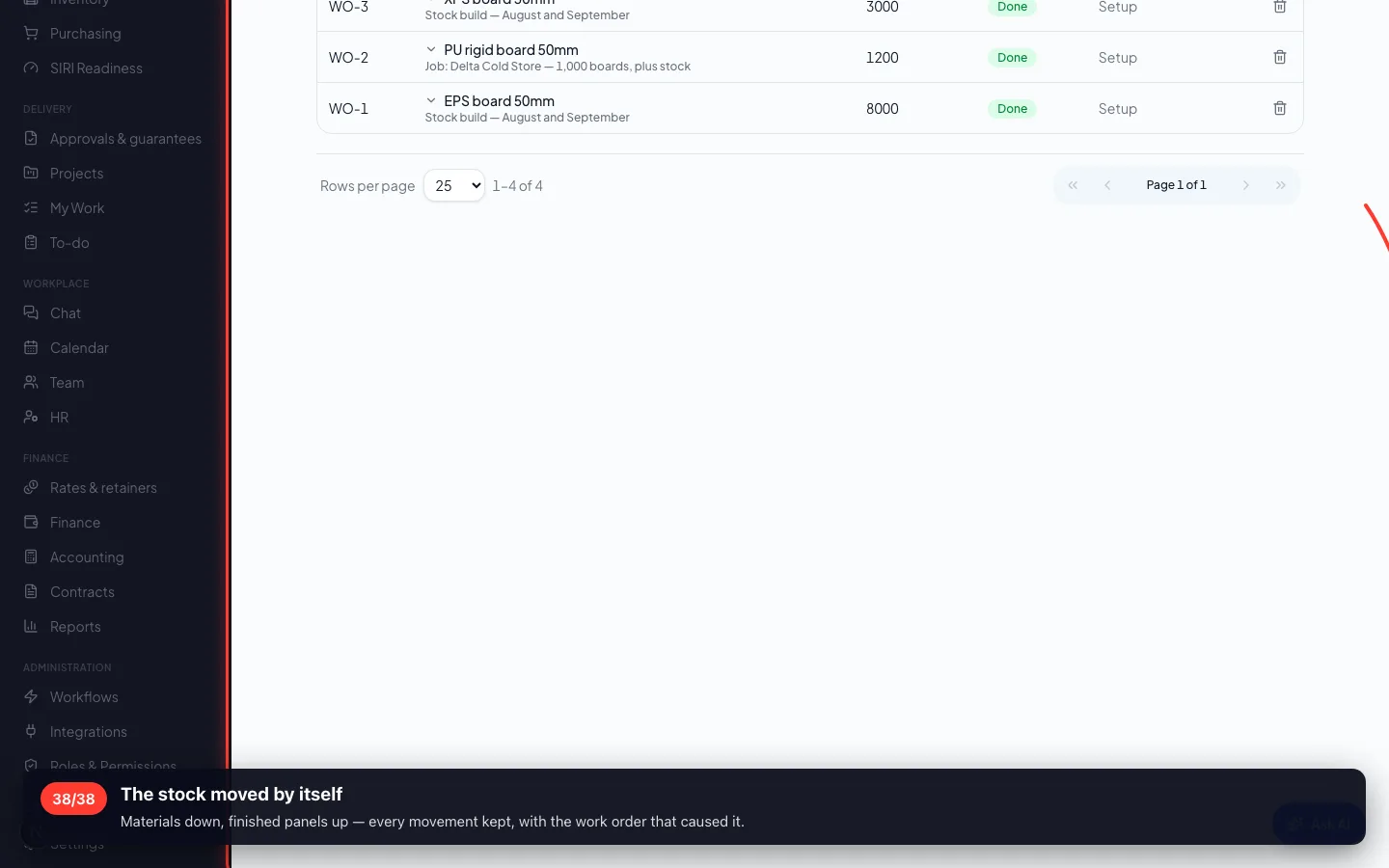
The stock moved by itself
Materials down, finished panels up — every movement kept, with the work order that caused it.
Recorded on a demo workspace. The company and the figures are invented; the screens are the real product.