The CRM module
The pipeline, what to record on an enquiry, follow-ups and meetings, web forms, automation, drip emails, and turning a lead into a client.
14 steps
The whole walkthrough, no narration — the captions are on the screen.
1 · What a lead is for
A phone call is not a record. Until an enquiry is written down, it lives in one person's memory and leaves when they do.
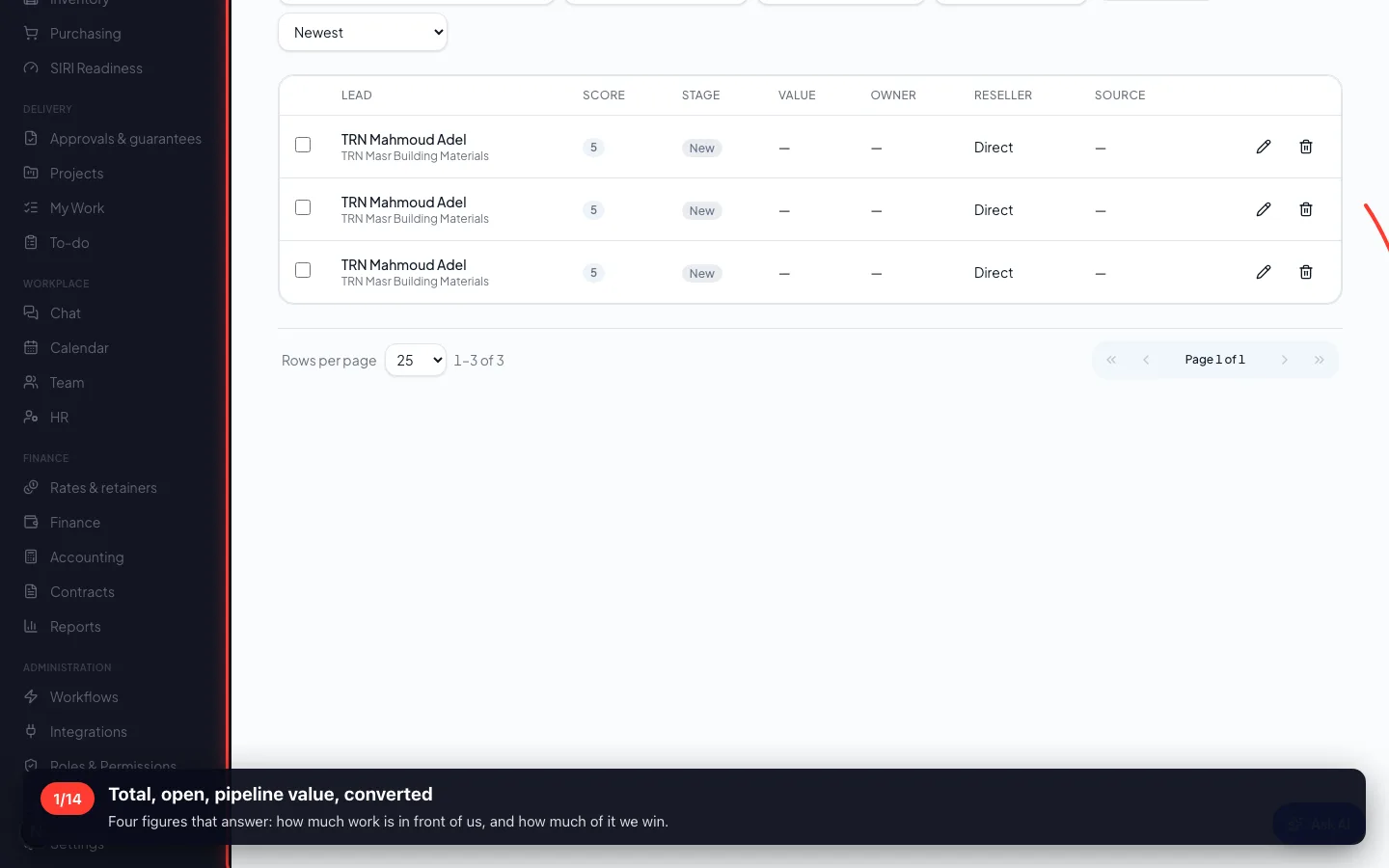
1Total, open, pipeline value, converted
Four figures that answer: how much work is in front of us, and how much of it we win.
- 2
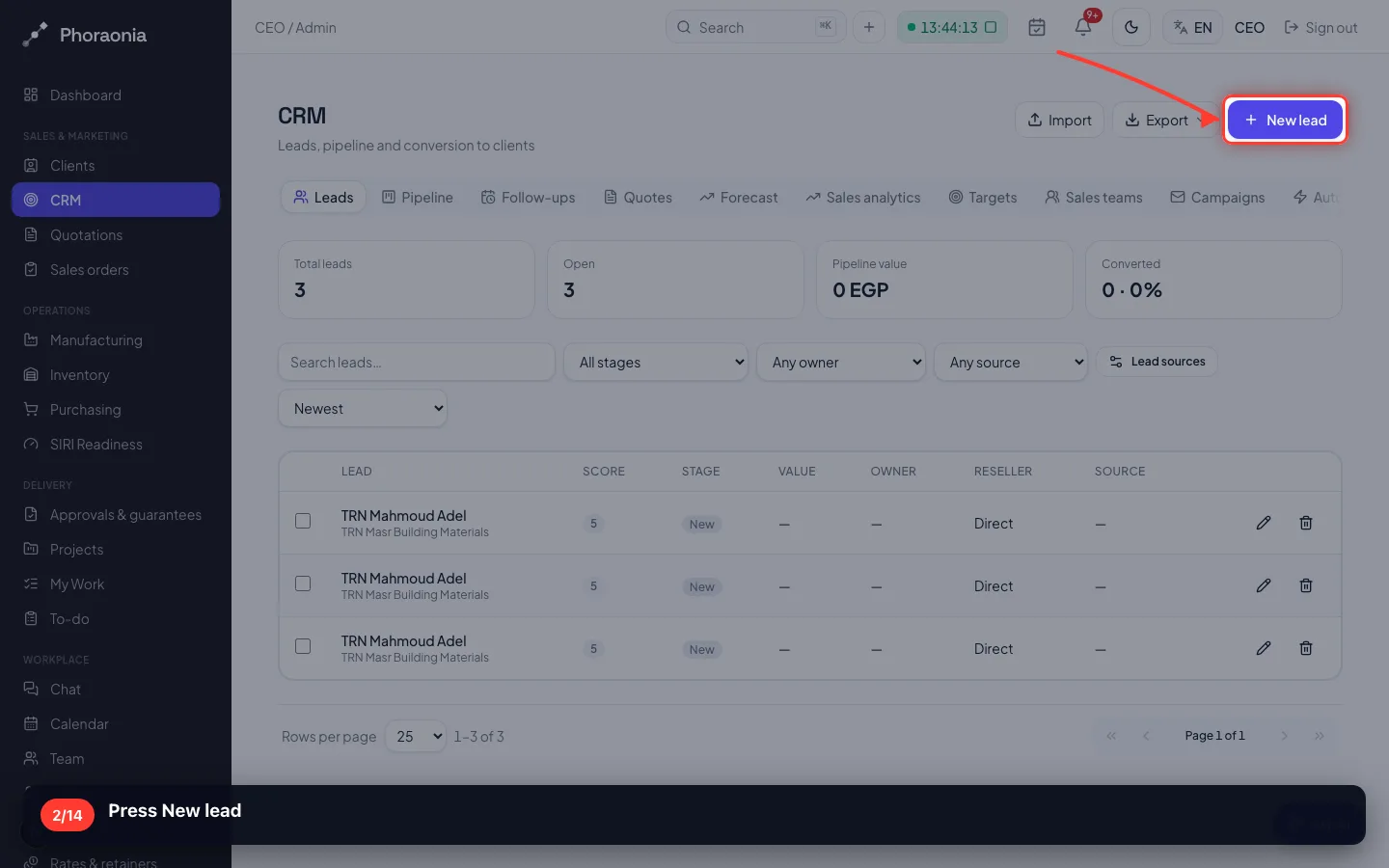
Press New lead
- 3
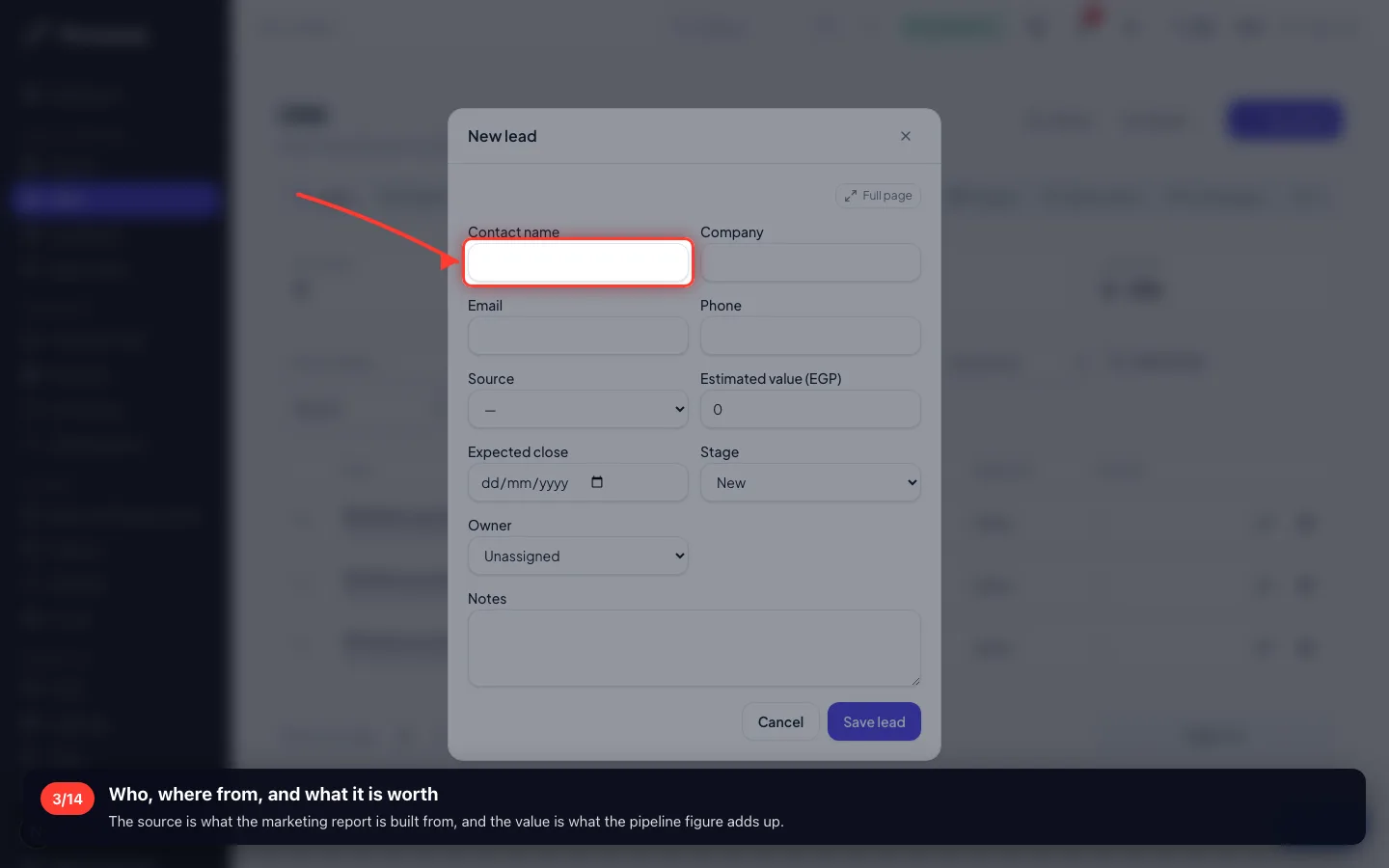
Who, where from, and what it is worth
The source is what the marketing report is built from, and the value is what the pipeline figure adds up.
- 4
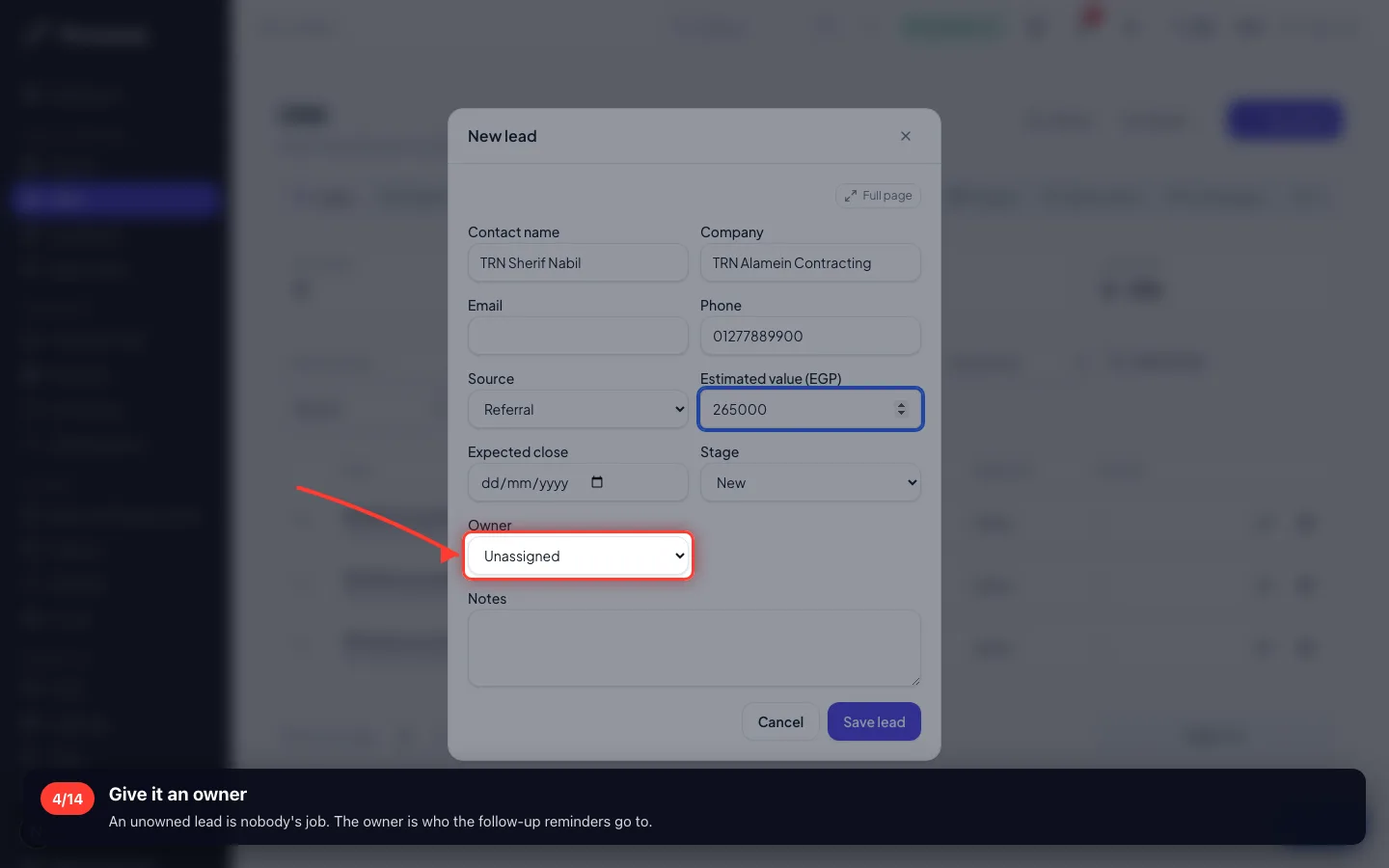
Give it an owner
An unowned lead is nobody's job. The owner is who the follow-up reminders go to.
2 · The lead's own page
Everything about one enquiry in one place: the conversation, the next step, the meetings, the emails and the offers.
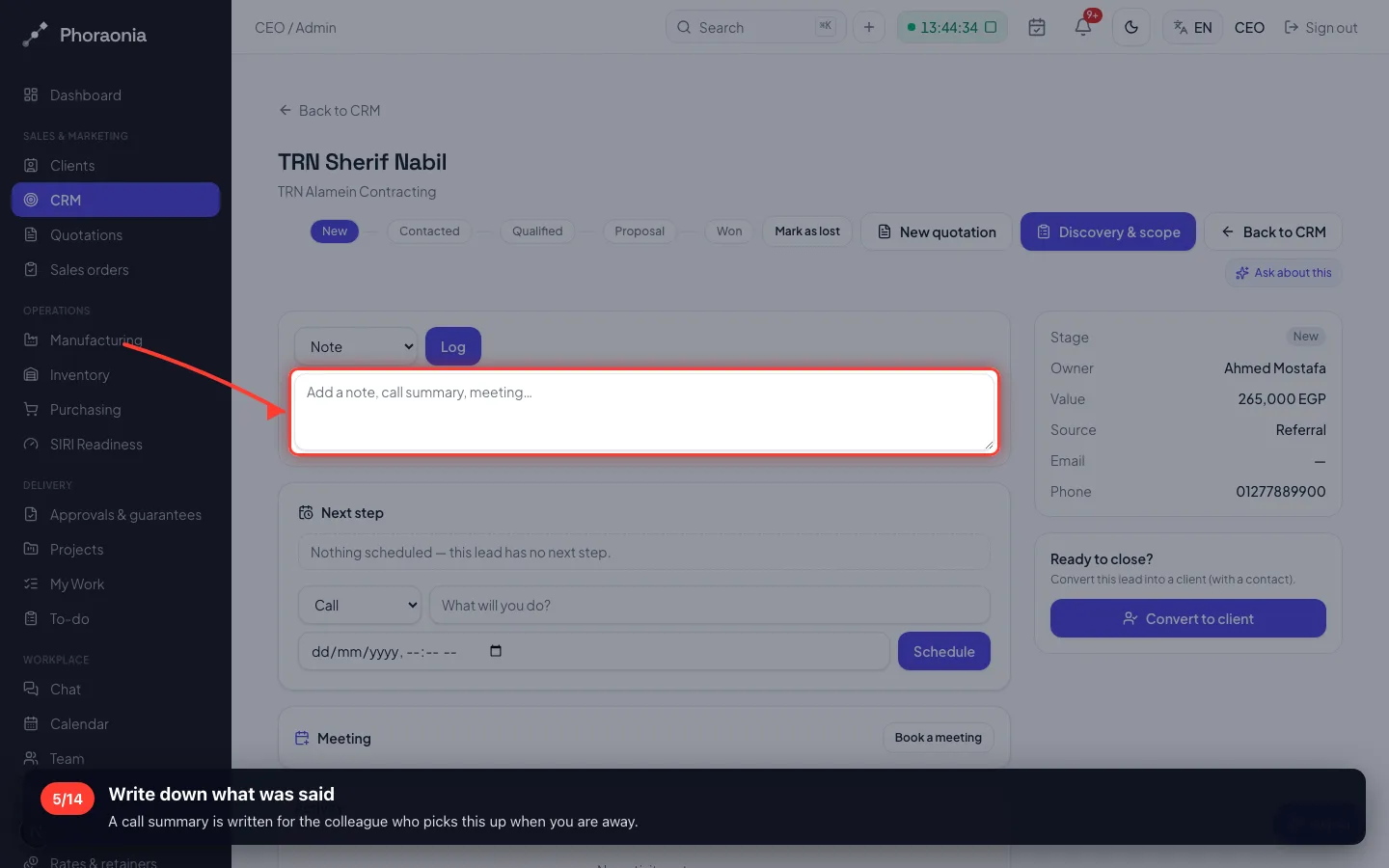
5Write down what was said
A call summary is written for the colleague who picks this up when you are away.
- 6
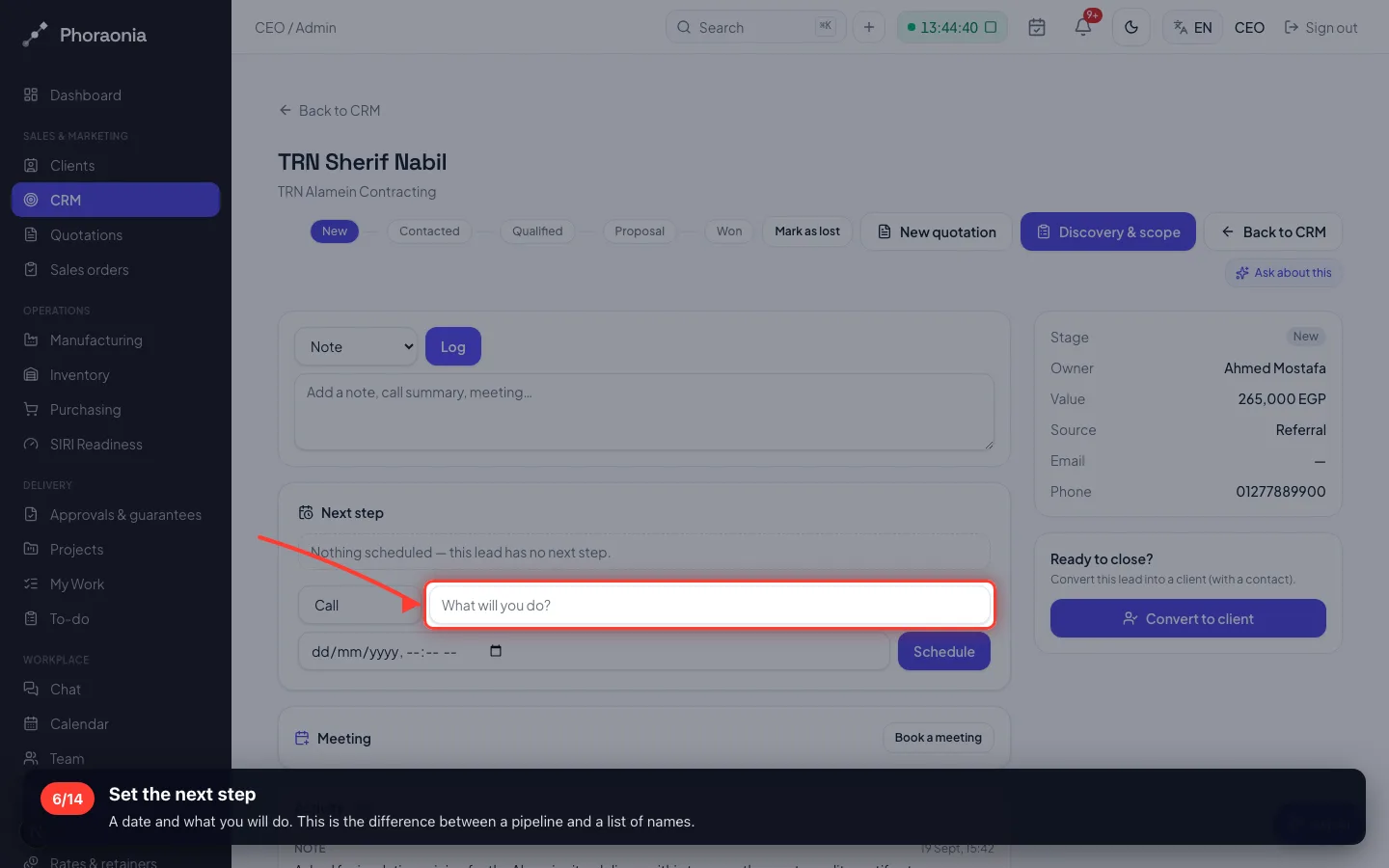
Set the next step
A date and what you will do. This is the difference between a pipeline and a list of names.
- 7
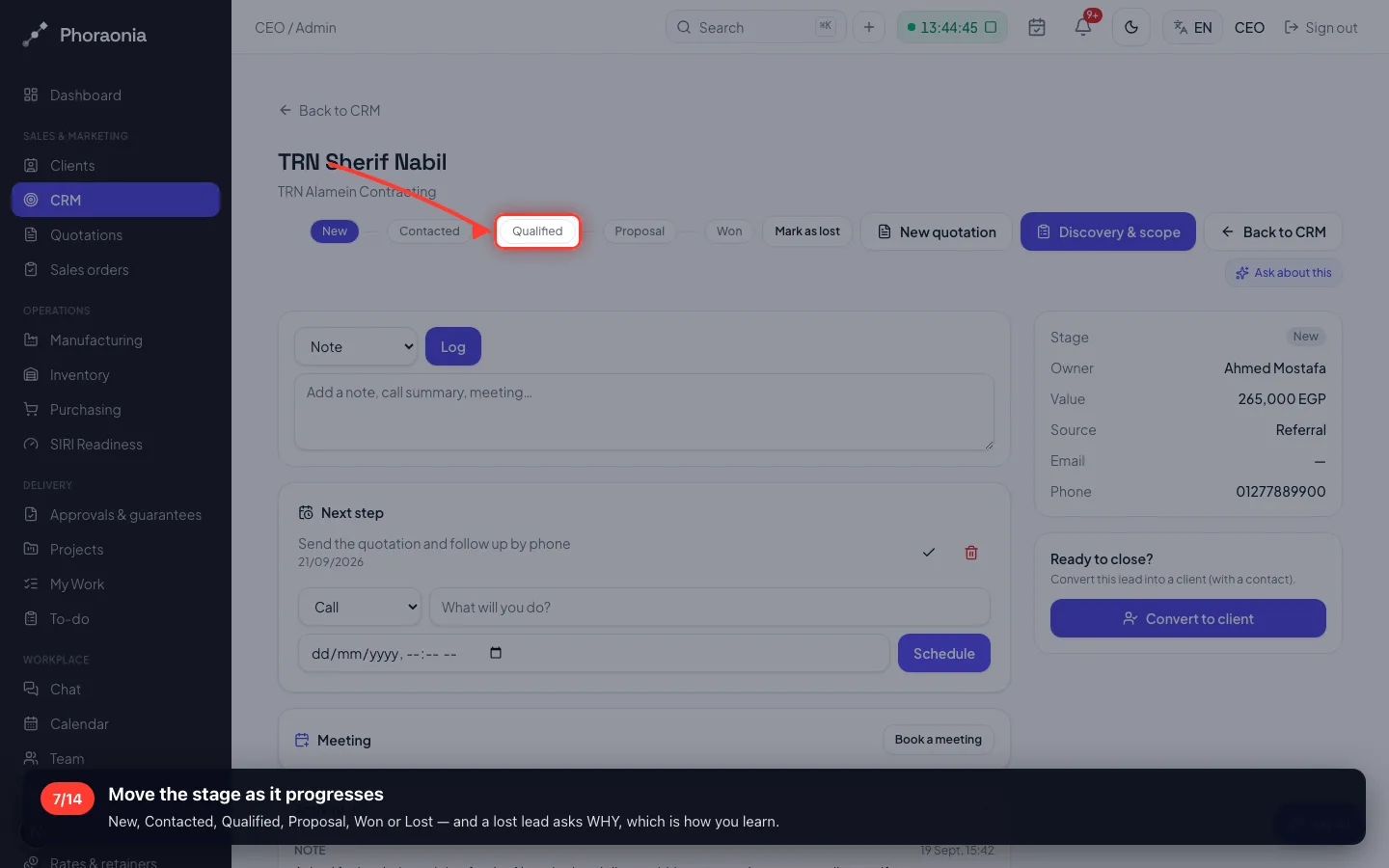
Move the stage as it progresses
New, Contacted, Qualified, Proposal, Won or Lost — and a lost lead asks WHY, which is how you learn.
- 8
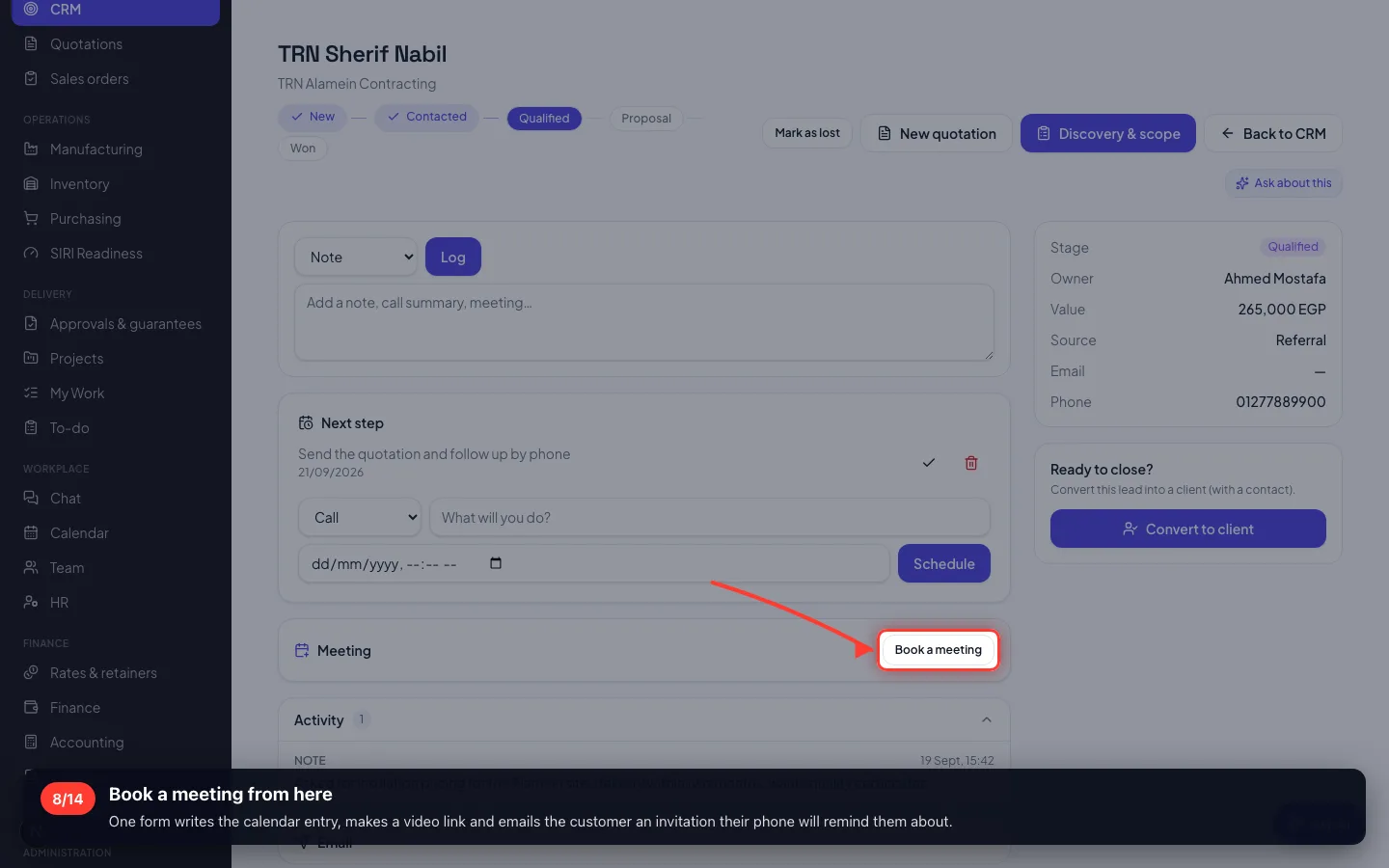
Book a meeting from here
One form writes the calendar entry, makes a video link and emails the customer an invitation their phone will remind them about.
3 · The pipeline board
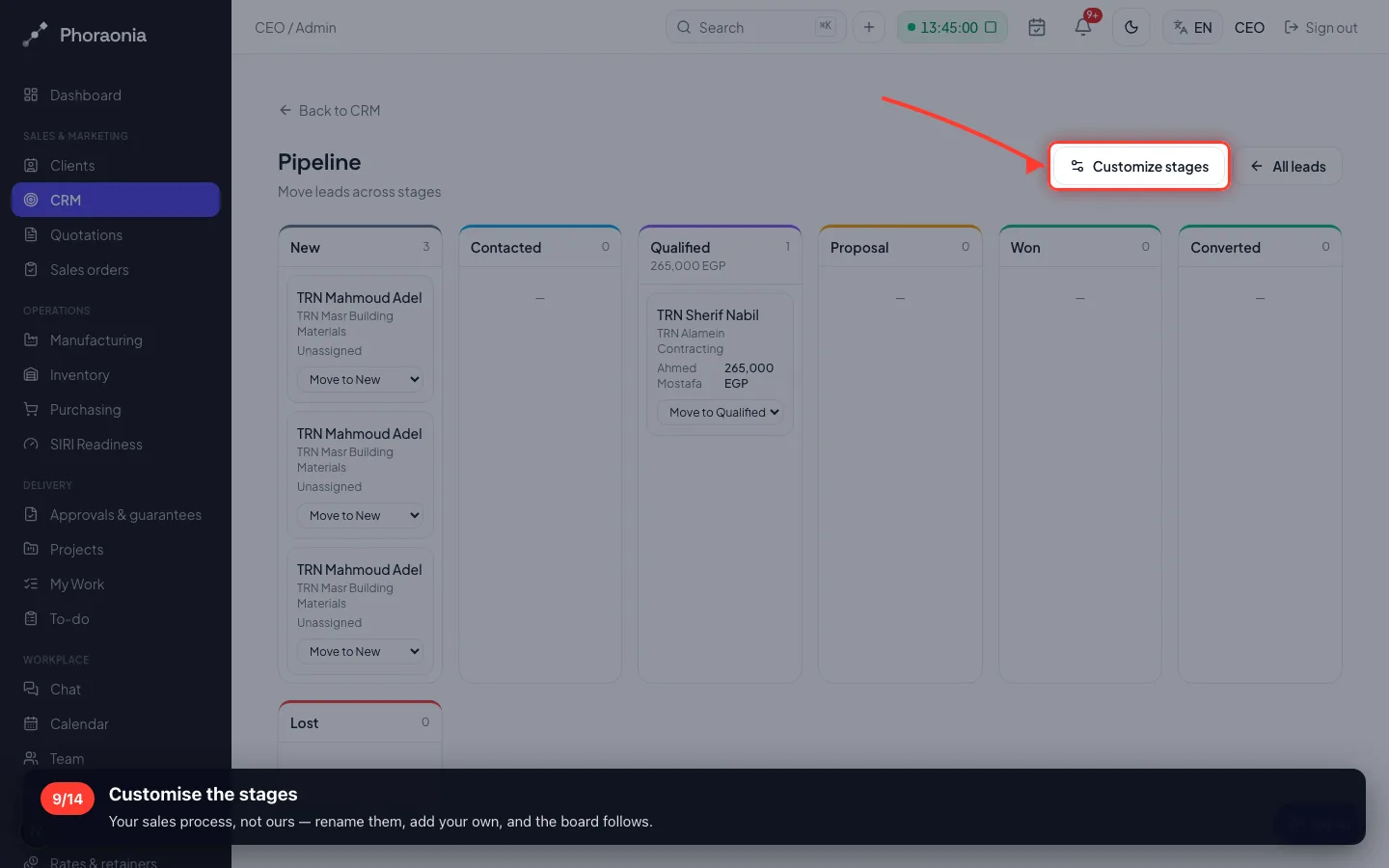
The same leads as columns. A sales manager reads this in five seconds: what is stuck, and where.
9Customise the stages
Your sales process, not ours — rename them, add your own, and the board follows.
4 · Filling the pipeline without typing
A form on your website writes straight into the pipeline, with the source already set.
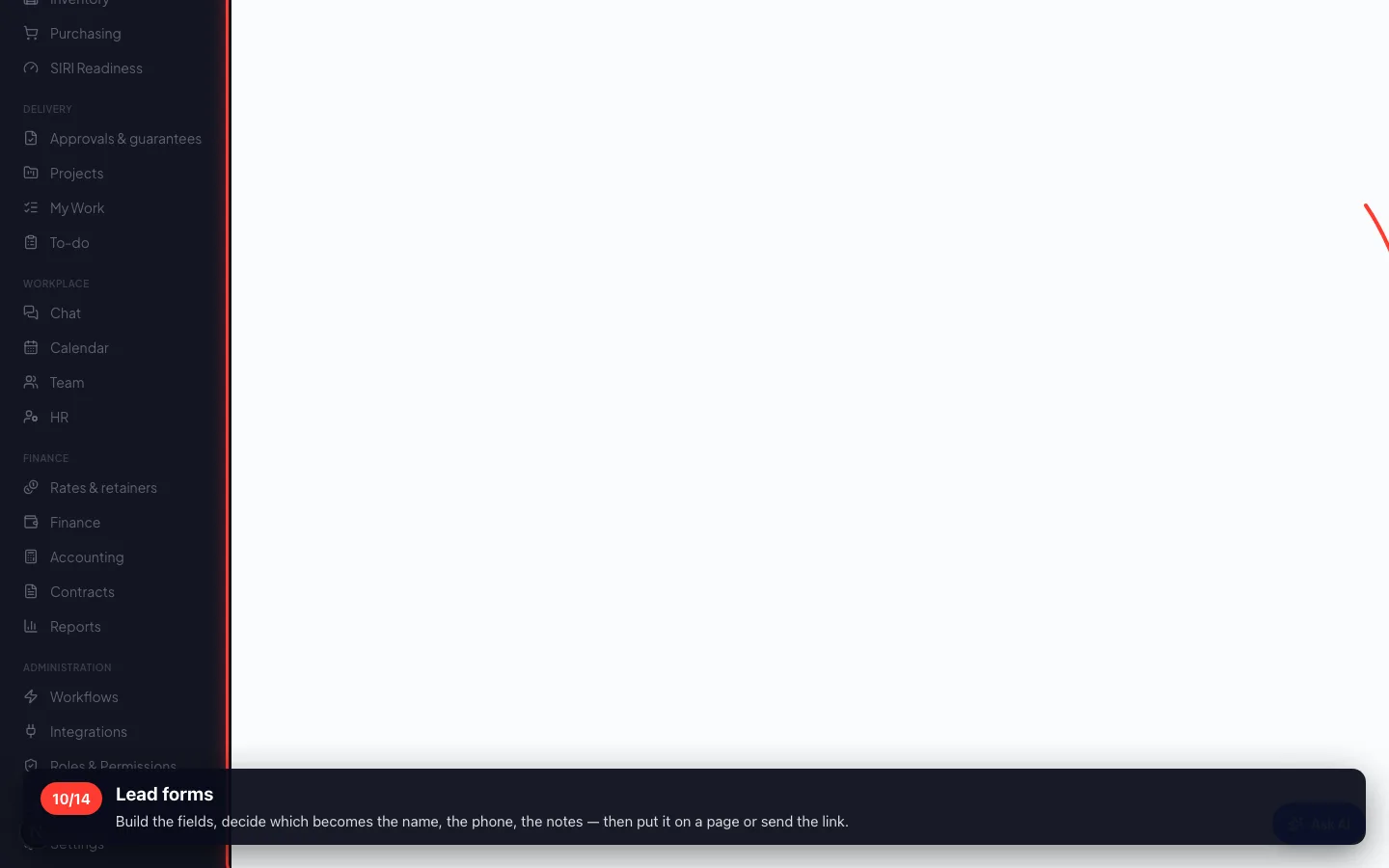
10Lead forms
Build the fields, decide which becomes the name, the phone, the notes — then put it on a page or send the link.
5 · Chasing without remembering
Two tools: rules that fire on an event, and sequences that send a planned series until the customer replies.
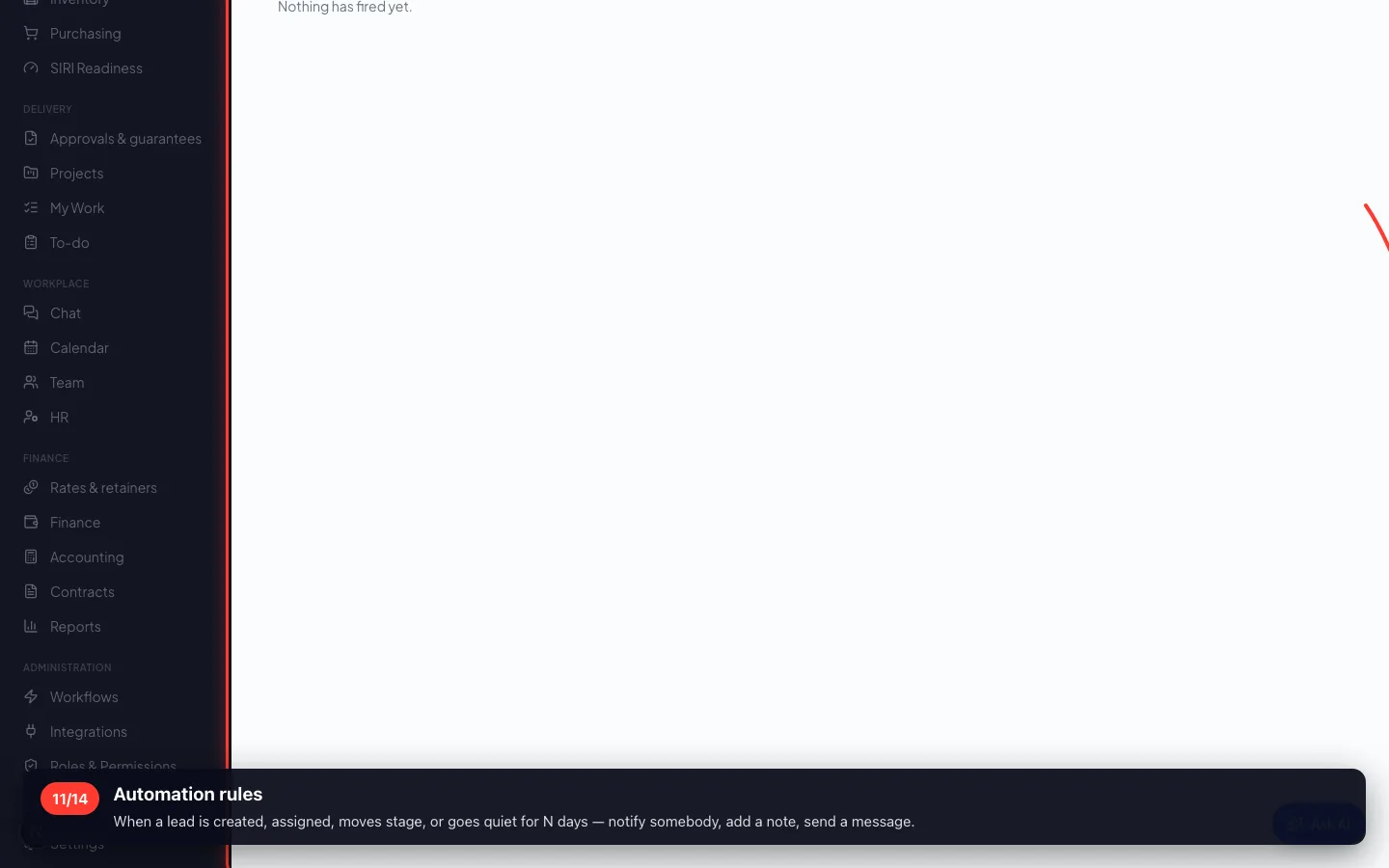
11Automation rules
When a lead is created, assigned, moves stage, or goes quiet for N days — notify somebody, add a note, send a message.
- 12
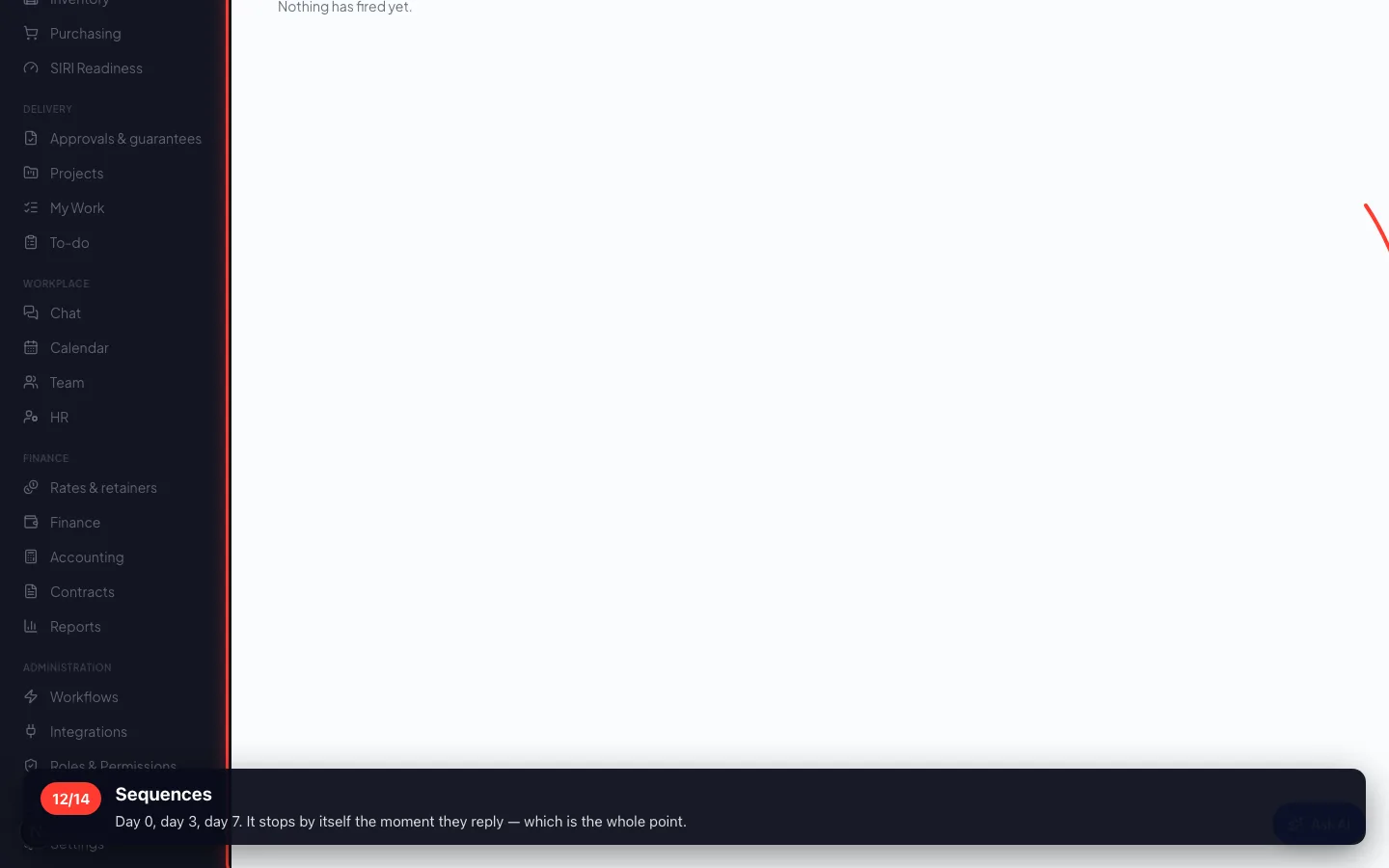
Sequences
Day 0, day 3, day 7. It stops by itself the moment they reply — which is the whole point.
6 · From lead to client
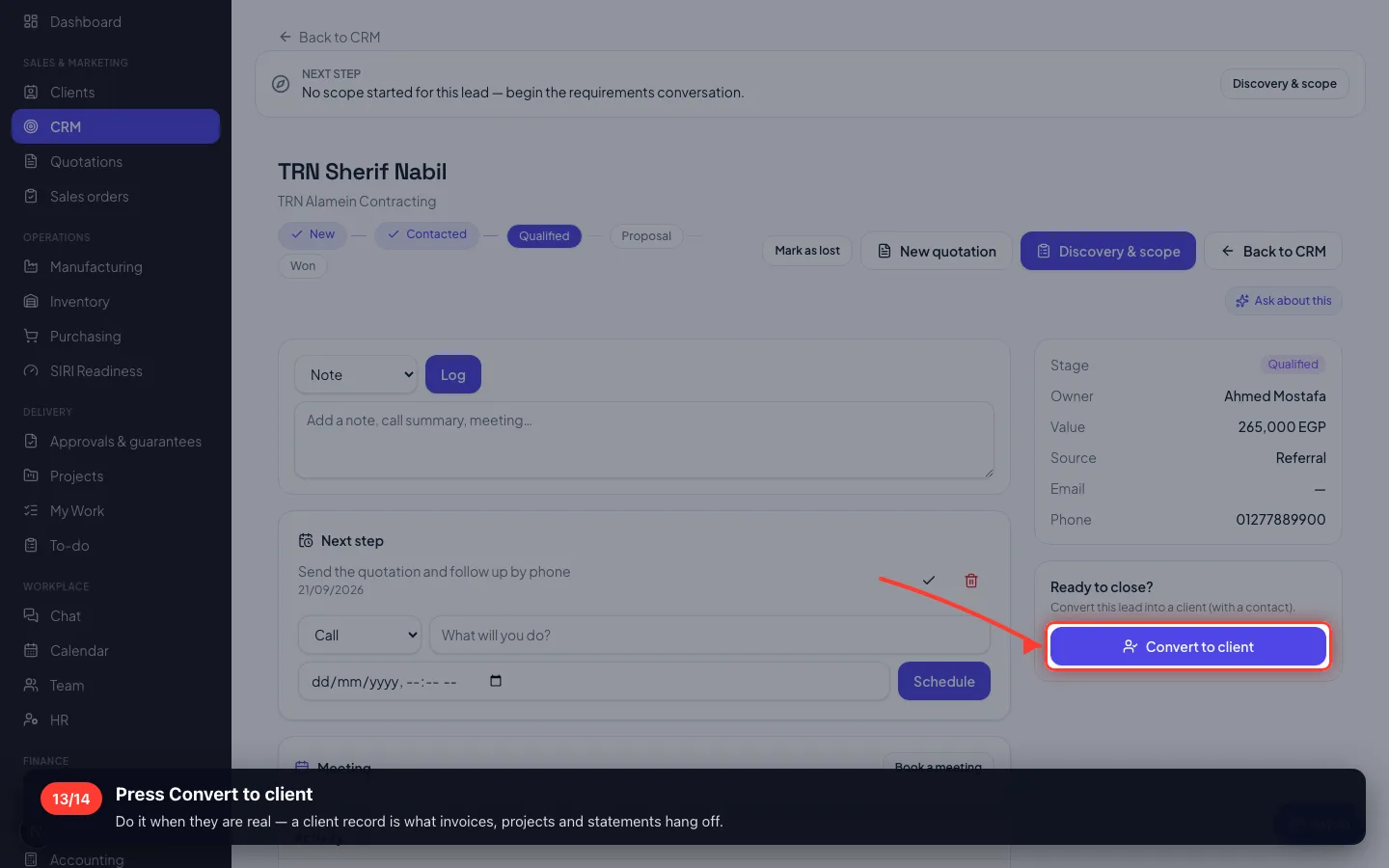
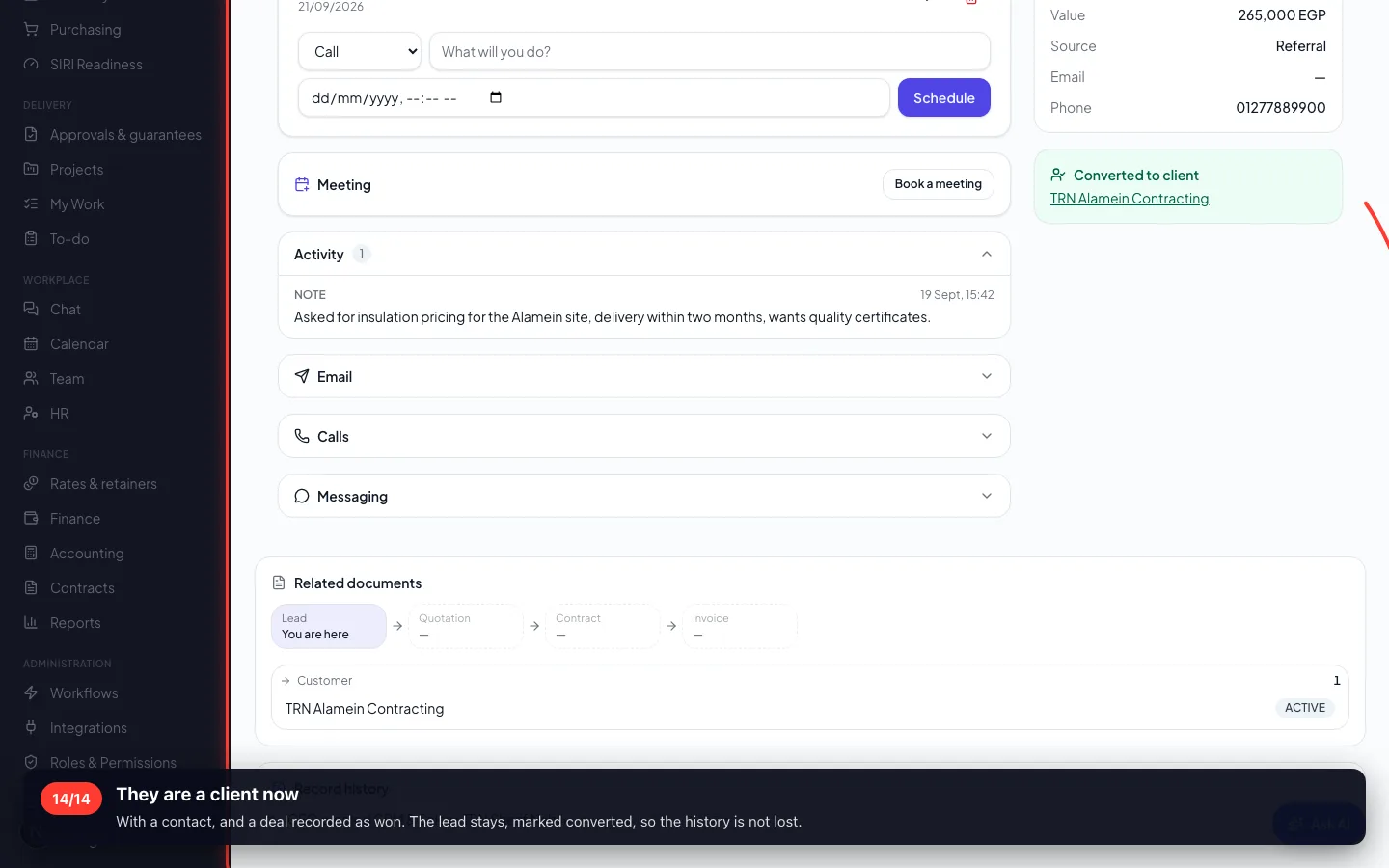
Converting creates the client and their contact, and keeps the history — the conversation does not start again from zero.
13Press Convert to client
Do it when they are real — a client record is what invoices, projects and statements hang off.
- 14
They are a client now
With a contact, and a deal recorded as won. The lead stays, marked converted, so the history is not lost.
Recorded on a demo workspace. The company and the figures are invented; the screens are the real product.