People, attendance and payroll
The team record, geofenced check-in, holidays and leave balances, the monthly summary, salaries with their history, and a payslip that explains every figure.
13 steps
The whole walkthrough, no narration — the captions are on the screen.
1 · The team
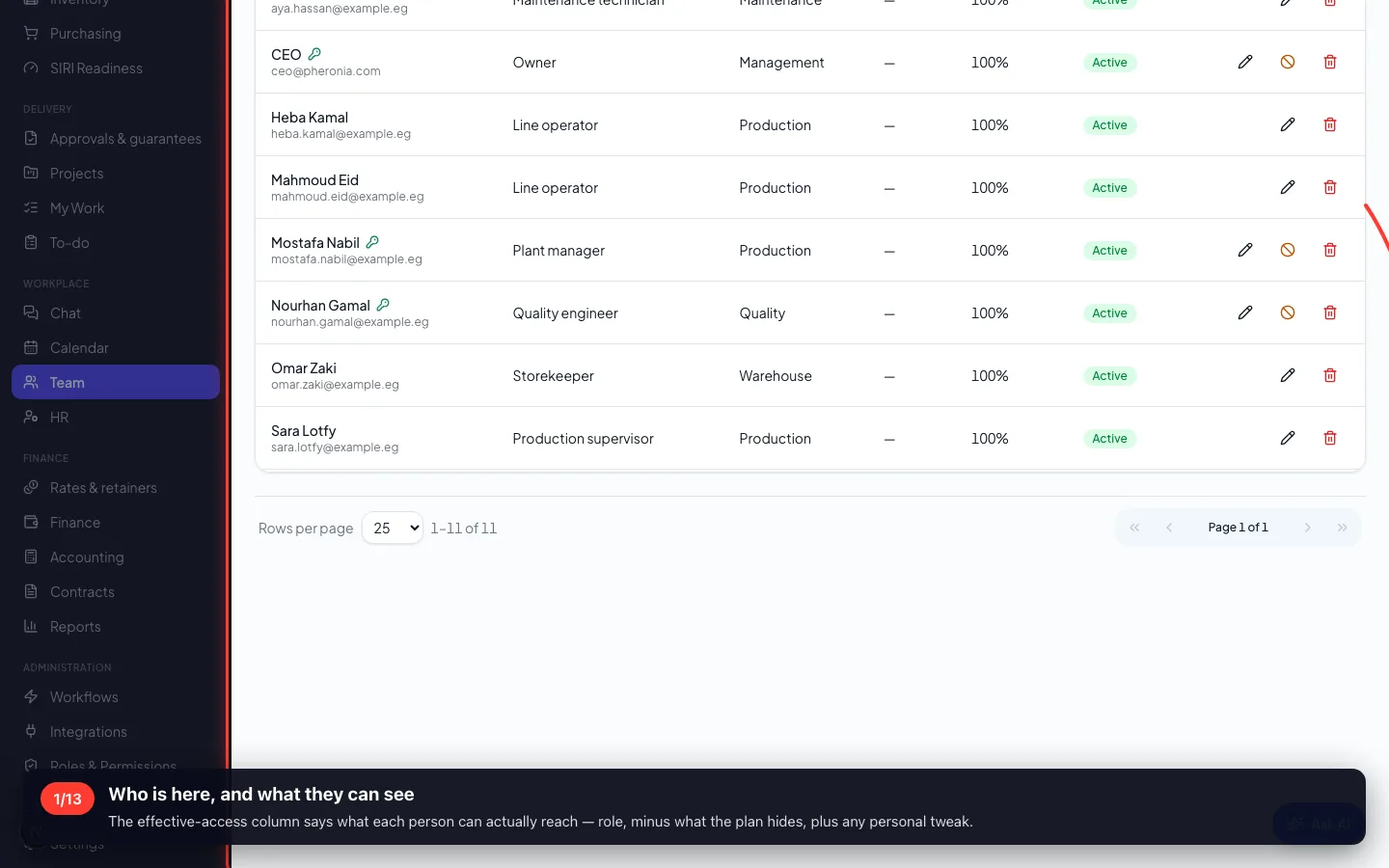
One record per person: their role, their contact details, their login, and their pay — each behind its own permission.
1Who is here, and what they can see
The effective-access column says what each person can actually reach — role, minus what the plan hides, plus any personal tweak.
- 2
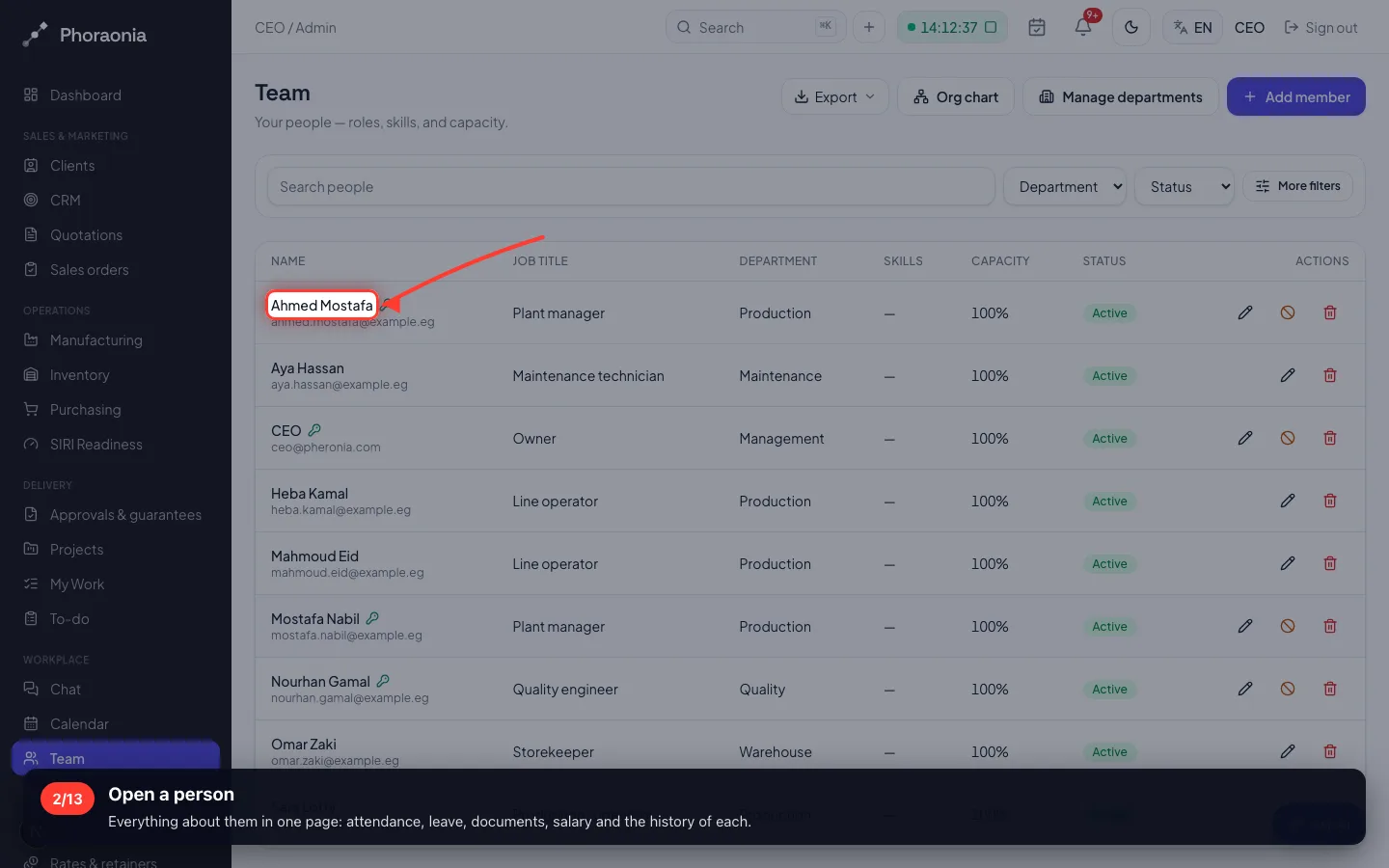
Open a person
Everything about them in one page: attendance, leave, documents, salary and the history of each.
- 3
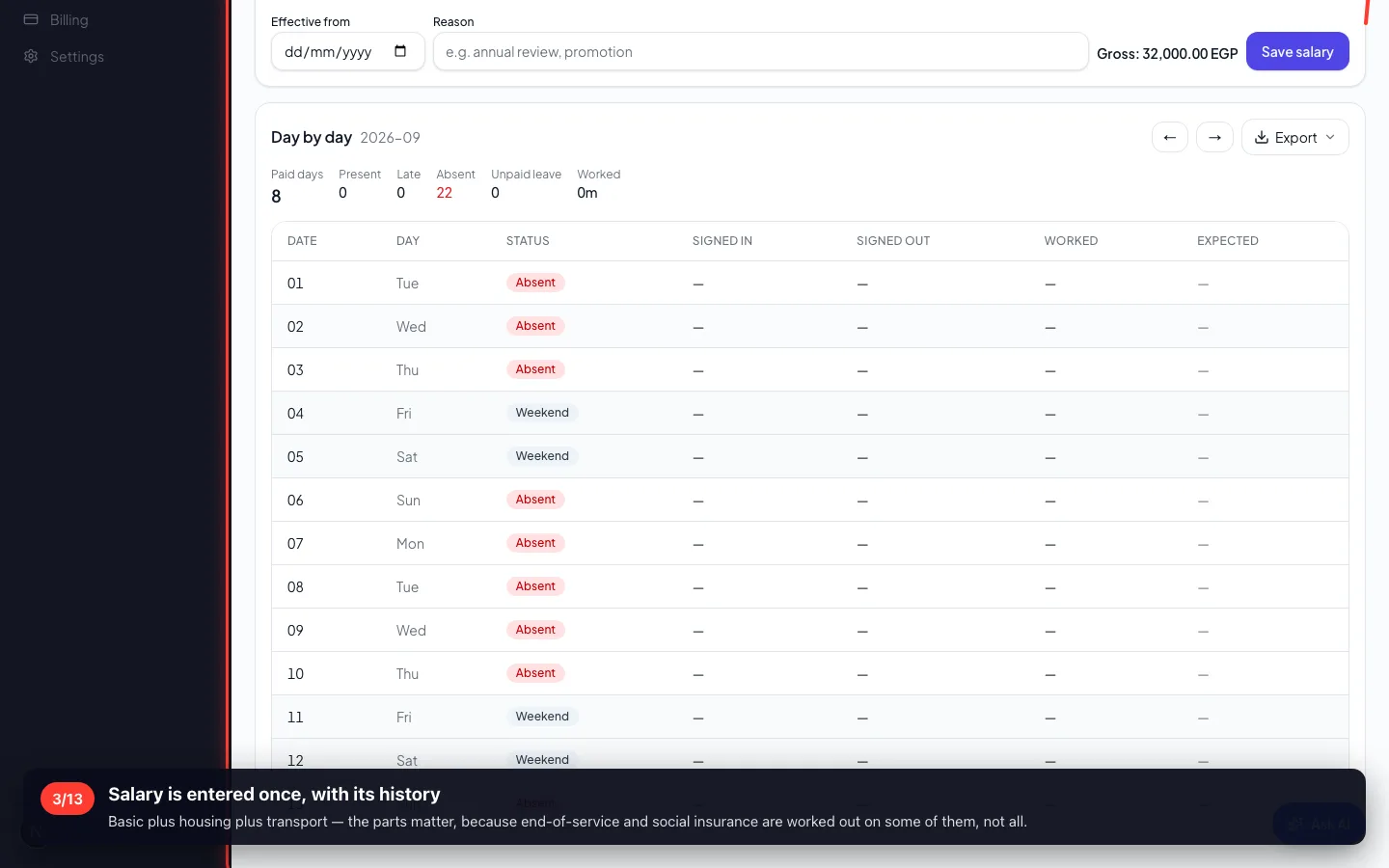
Salary is entered once, with its history
Basic plus housing plus transport — the parts matter, because end-of-service and social insurance are worked out on some of them, not all.
- 4
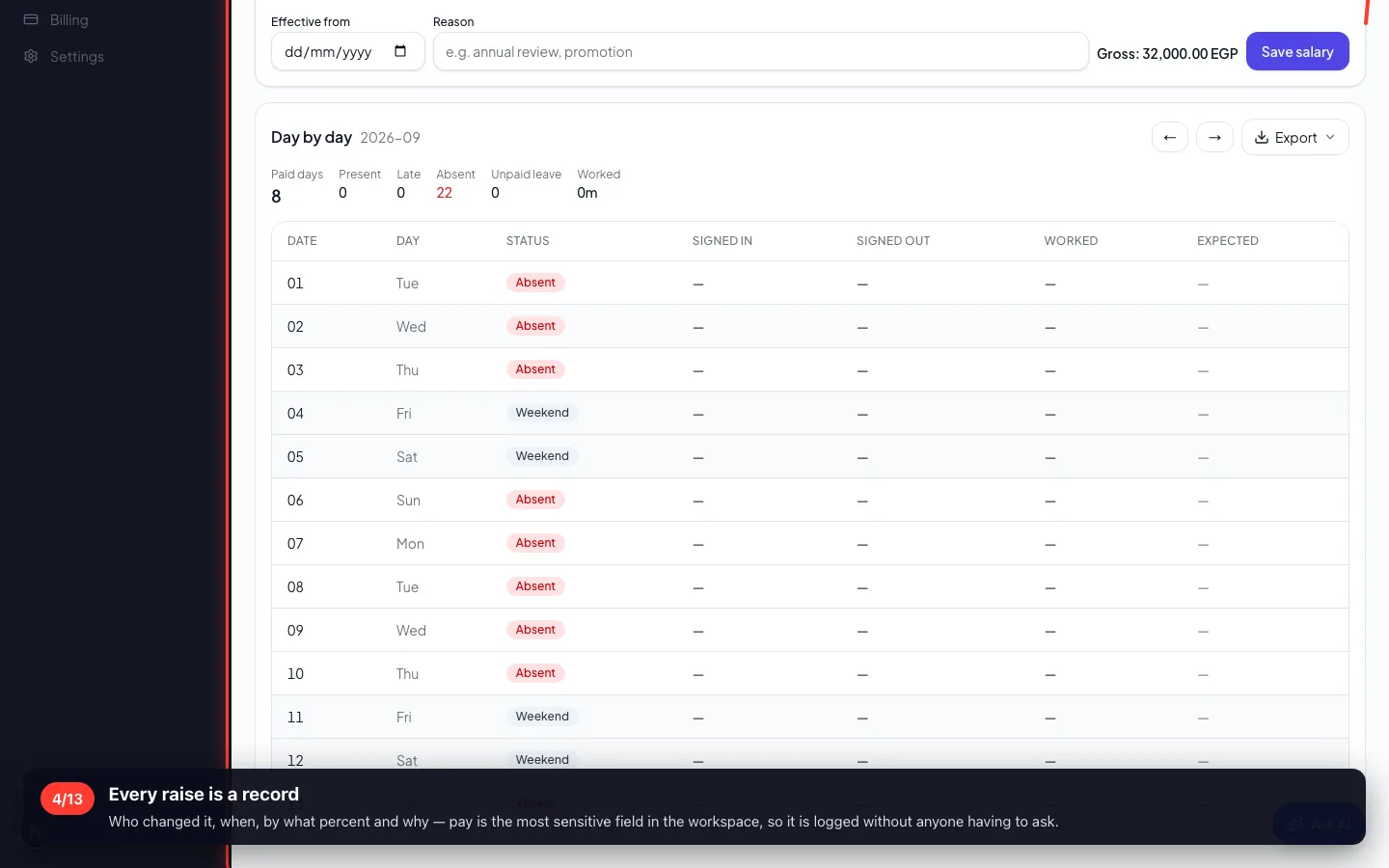
Every raise is a record
Who changed it, when, by what percent and why — pay is the most sensitive field in the workspace, so it is logged without anyone having to ask.
2 · Attendance
Check-in is on the phone, inside a 1 km circle around the workplace. Office staff can be set to 'any place', and flexible staff to hours rather than a start time.
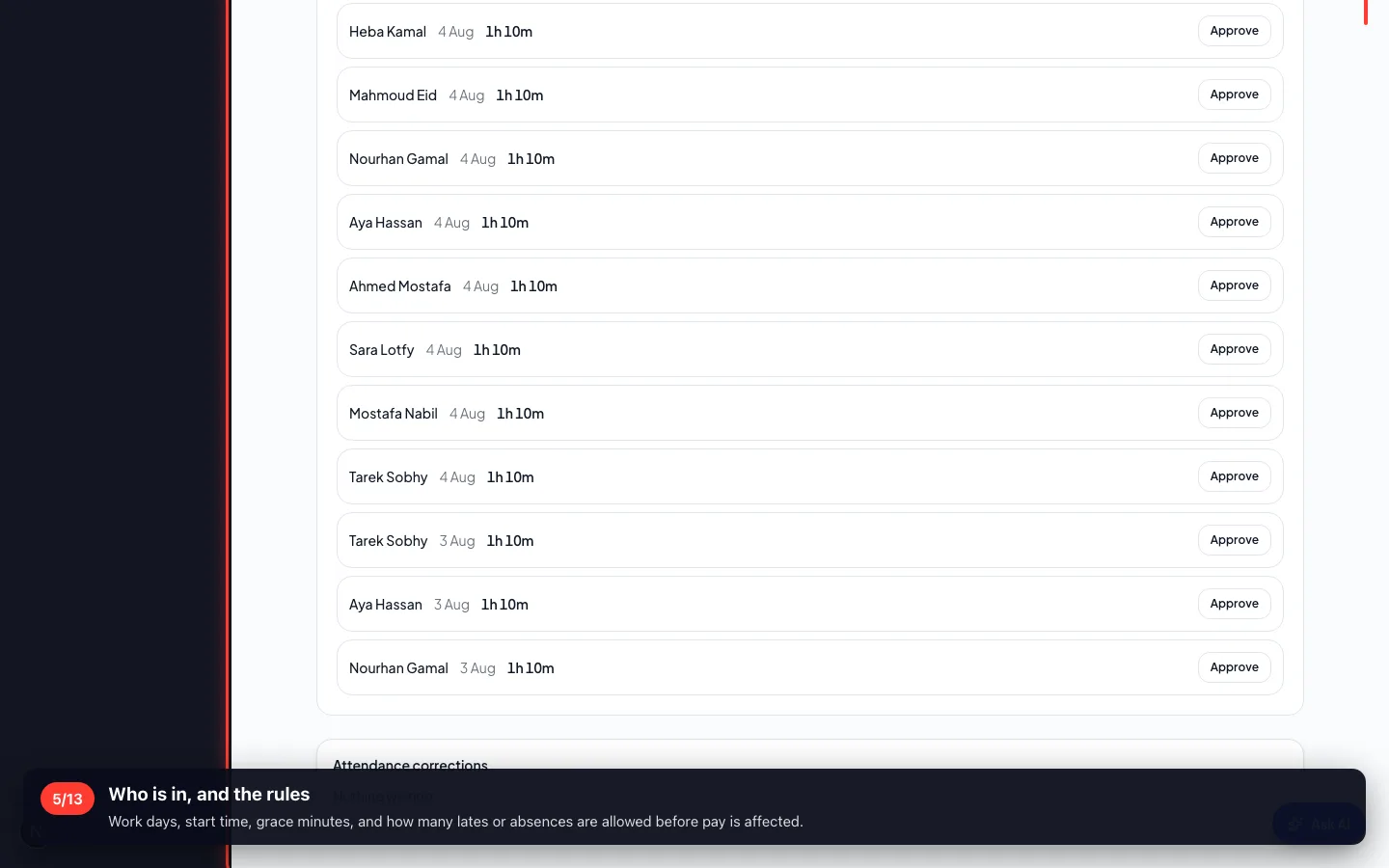
5Who is in, and the rules
Work days, start time, grace minutes, and how many lates or absences are allowed before pay is affected.
- 6
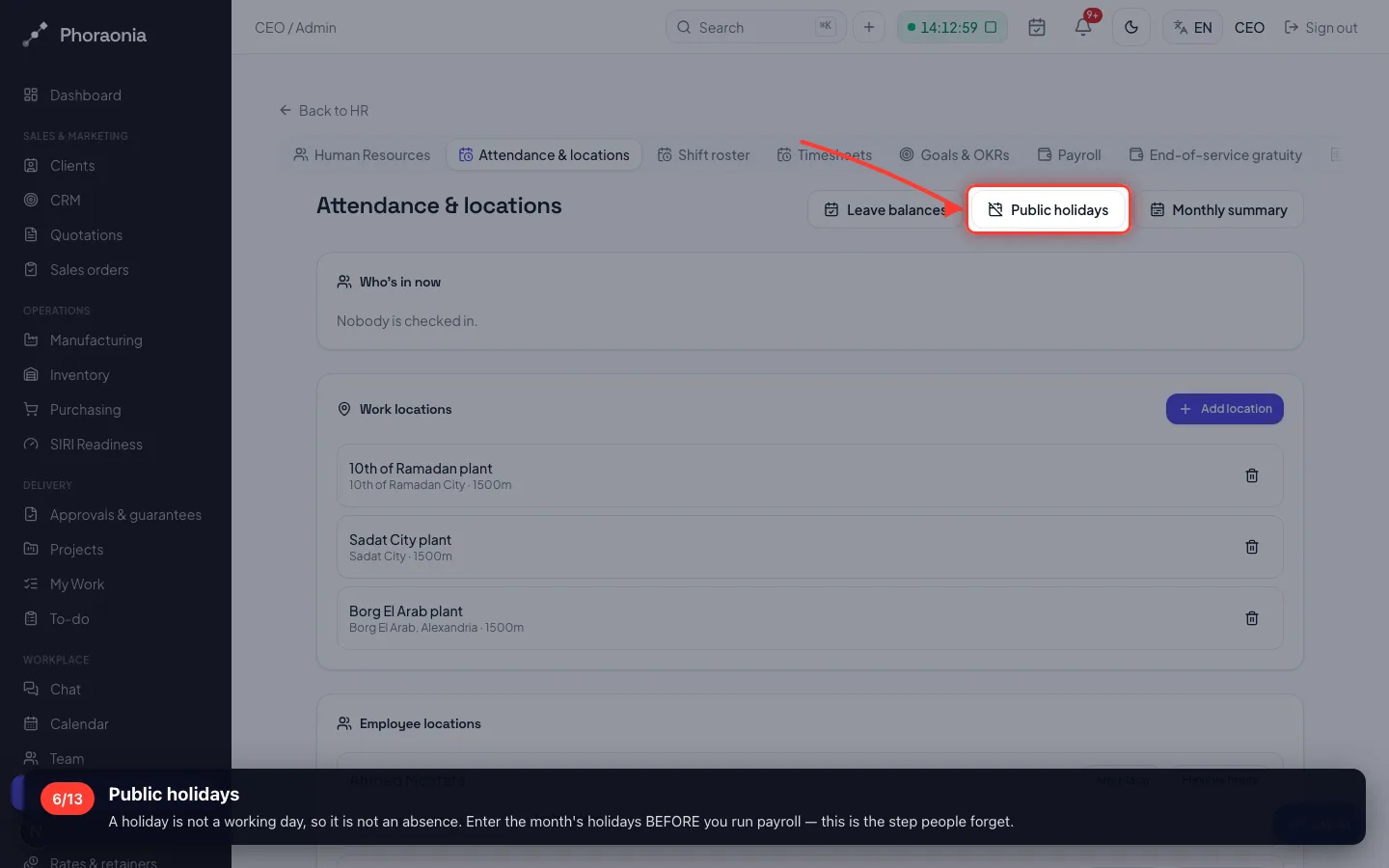
Public holidays
A holiday is not a working day, so it is not an absence. Enter the month's holidays BEFORE you run payroll — this is the step people forget.
- 7
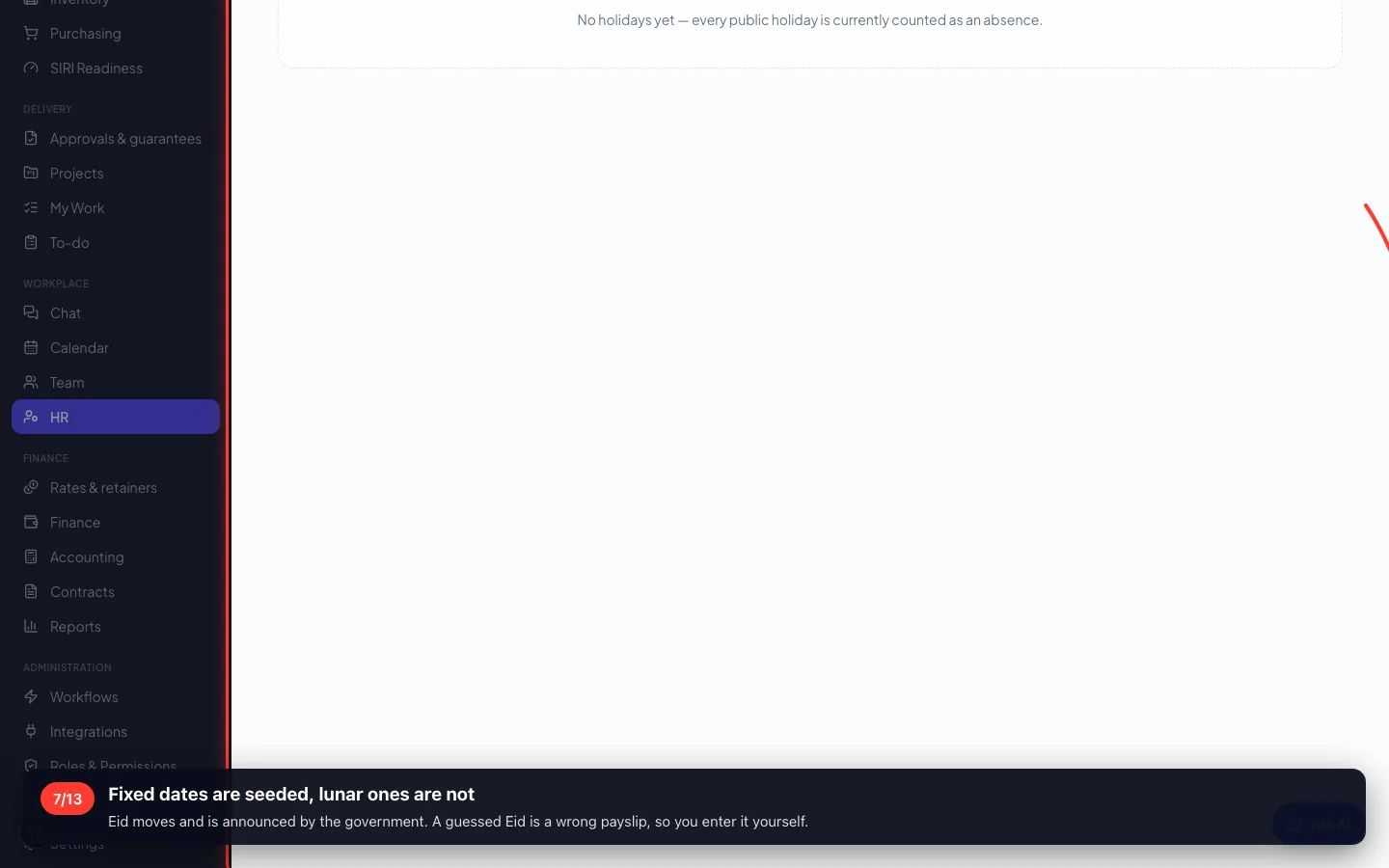
Fixed dates are seeded, lunar ones are not
Eid moves and is announced by the government. A guessed Eid is a wrong payslip, so you enter it yourself.
3 · Leave
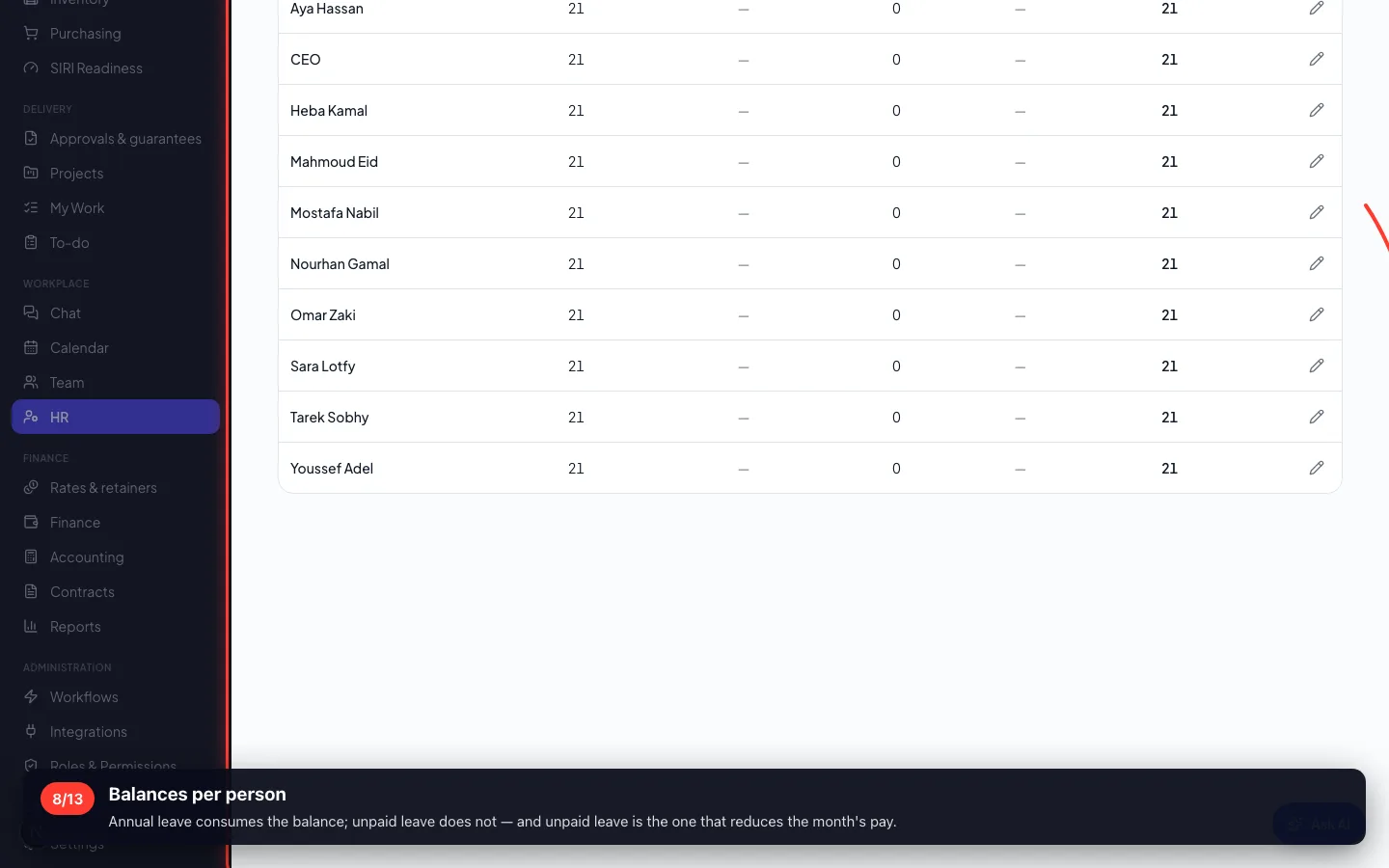
Entitlement, taken, pending and the balance — and the system refuses to over-draw, with the numbers, rather than allowing it quietly.
8Balances per person
Annual leave consumes the balance; unpaid leave does not — and unpaid leave is the one that reduces the month's pay.
4 · The monthly summary
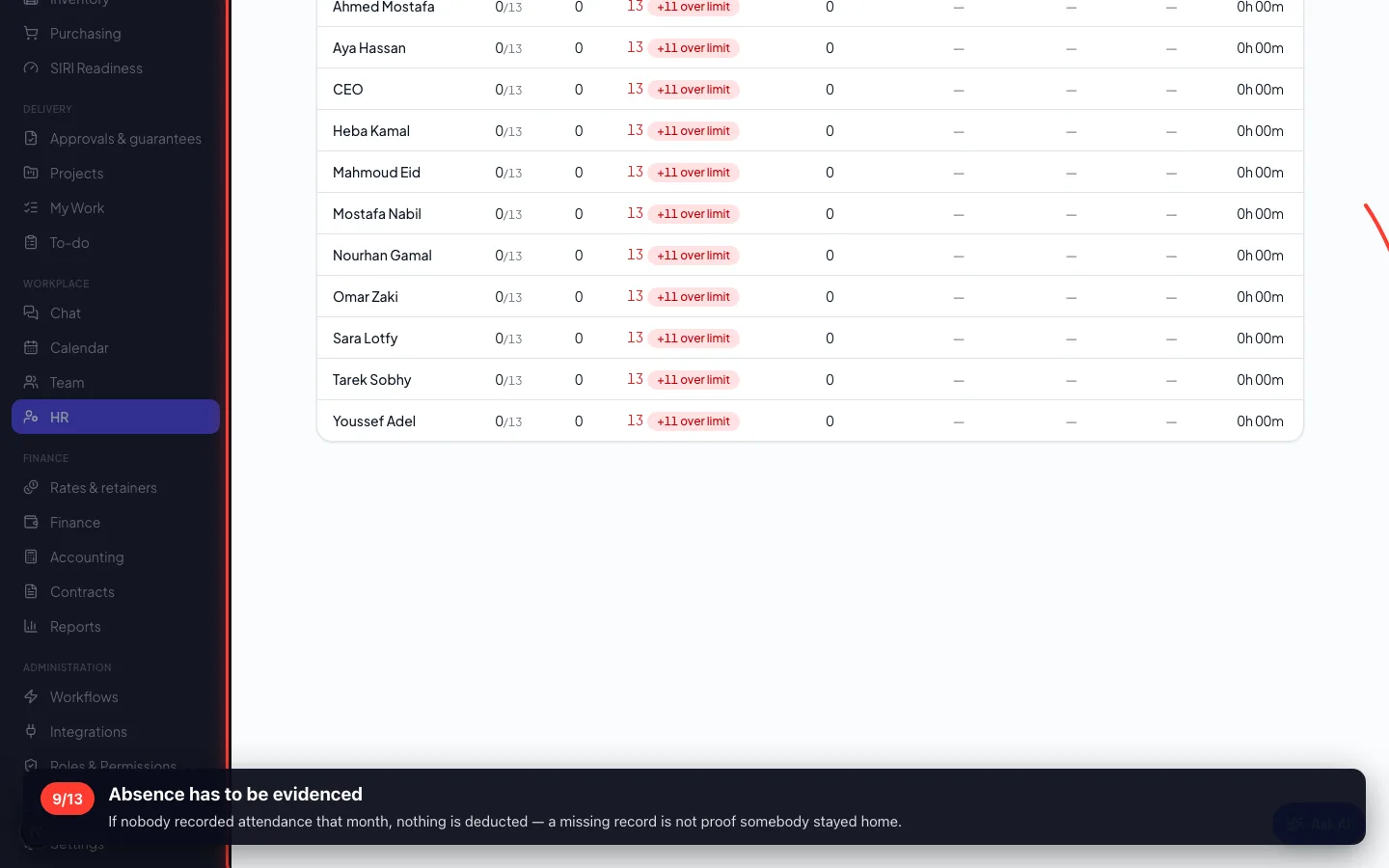
Present, late, excused and absent per person — the picture payroll is built from. Check it BEFORE you generate.
9Absence has to be evidenced
If nobody recorded attendance that month, nothing is deducted — a missing record is not proof somebody stayed home.
5 · Payroll
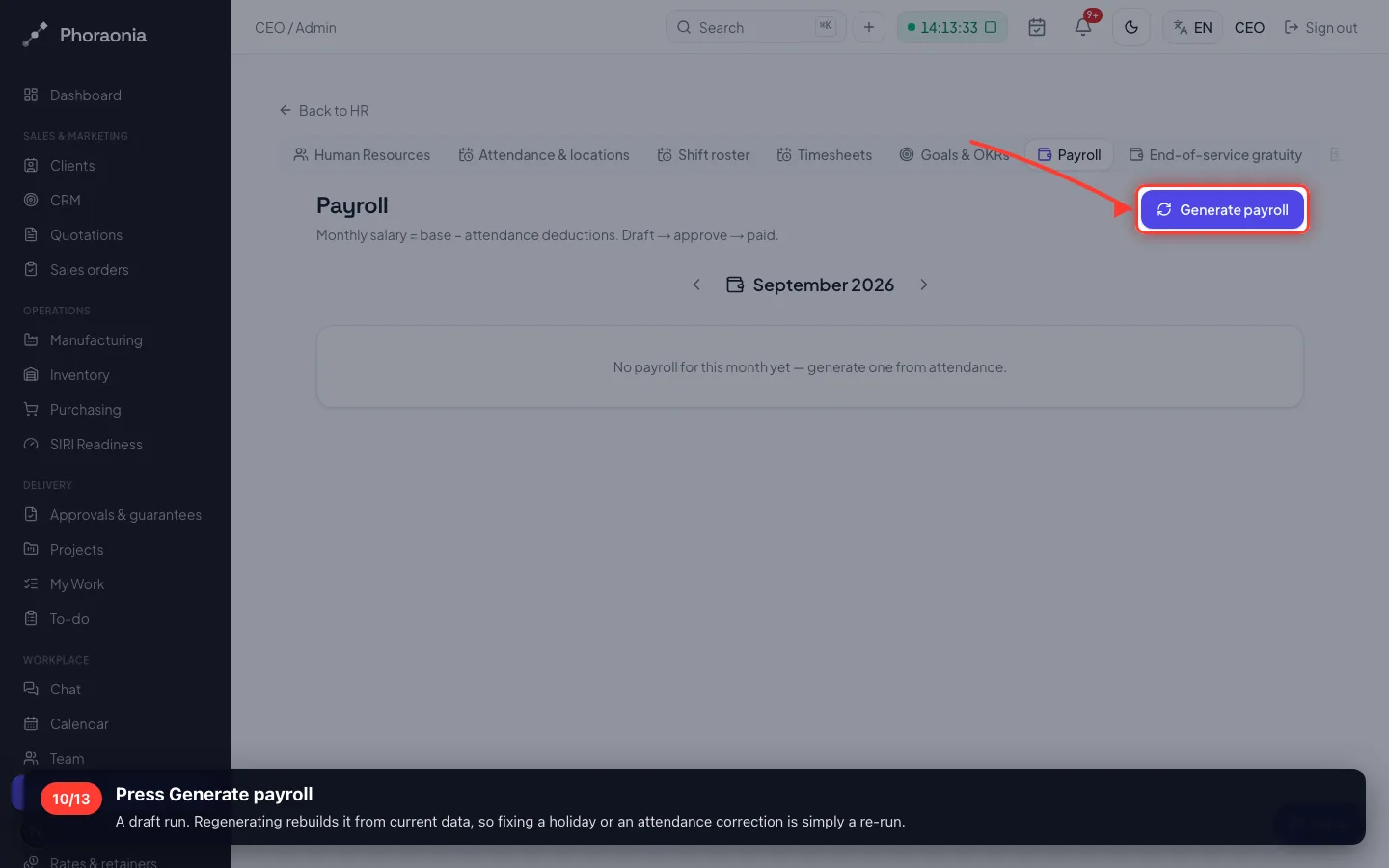
Generate the month, read every payslip, then approve — and approval locks the month.
10Press Generate payroll
A draft run. Regenerating rebuilds it from current data, so fixing a holiday or an attendance correction is simply a re-run.
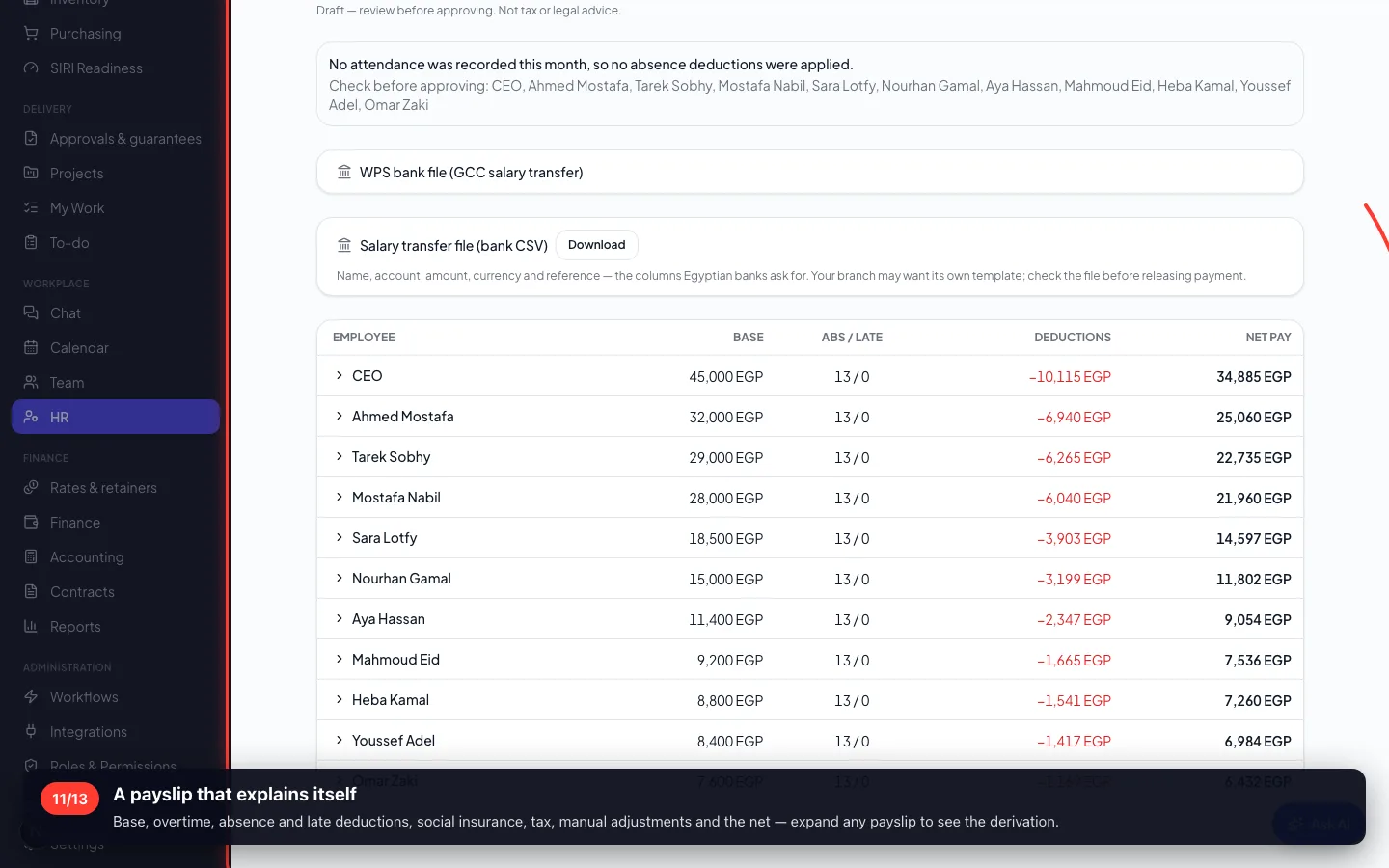
- 11
A payslip that explains itself
Base, overtime, absence and late deductions, social insurance, tax, manual adjustments and the net — expand any payslip to see the derivation.
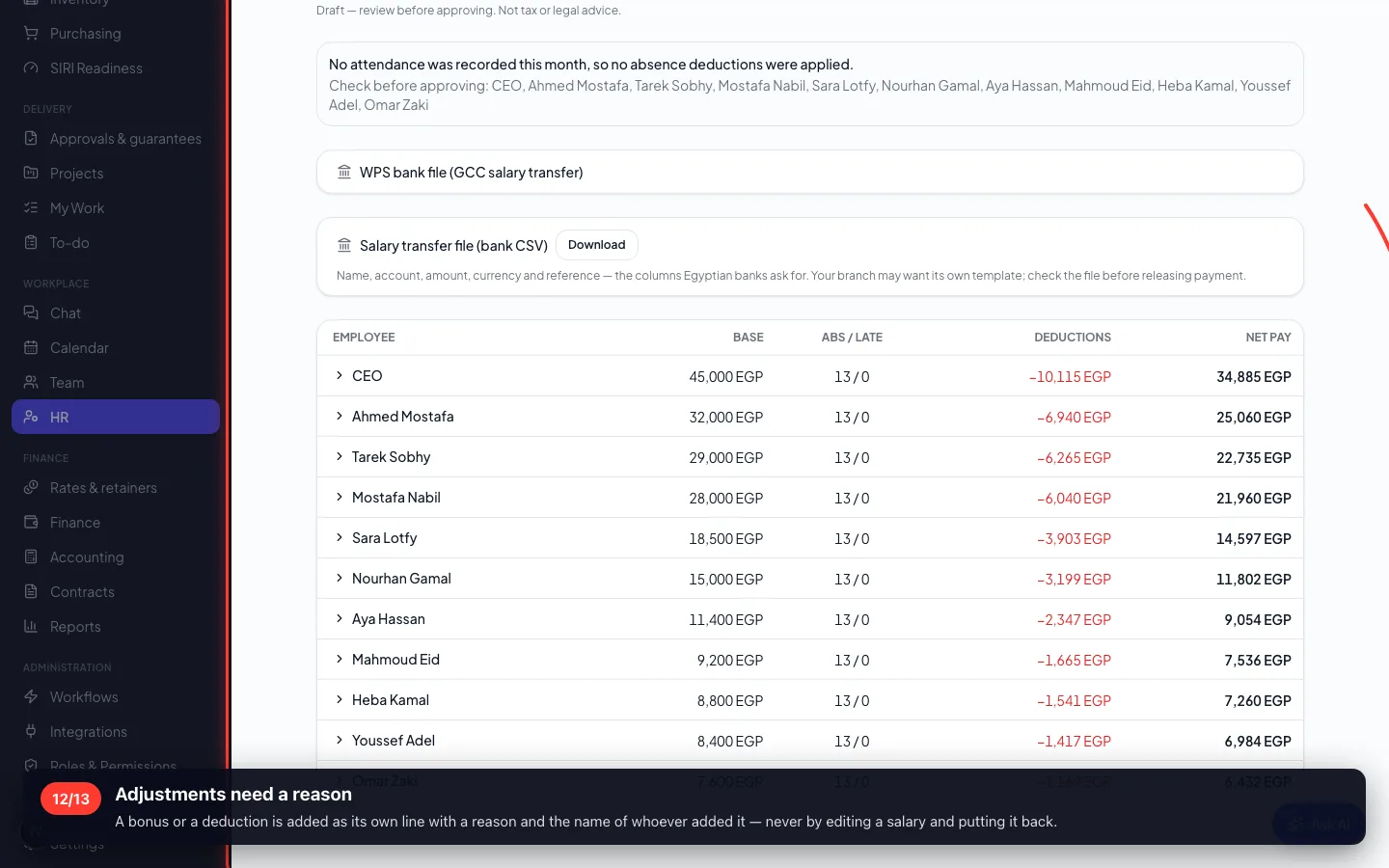
- 12
Adjustments need a reason
A bonus or a deduction is added as its own line with a reason and the name of whoever added it — never by editing a salary and putting it back.
6 · Getting the money to the bank
Export a transfer file instead of retyping twenty people into the bank's portal. Anyone with no account on file is NAMED, not silently skipped.
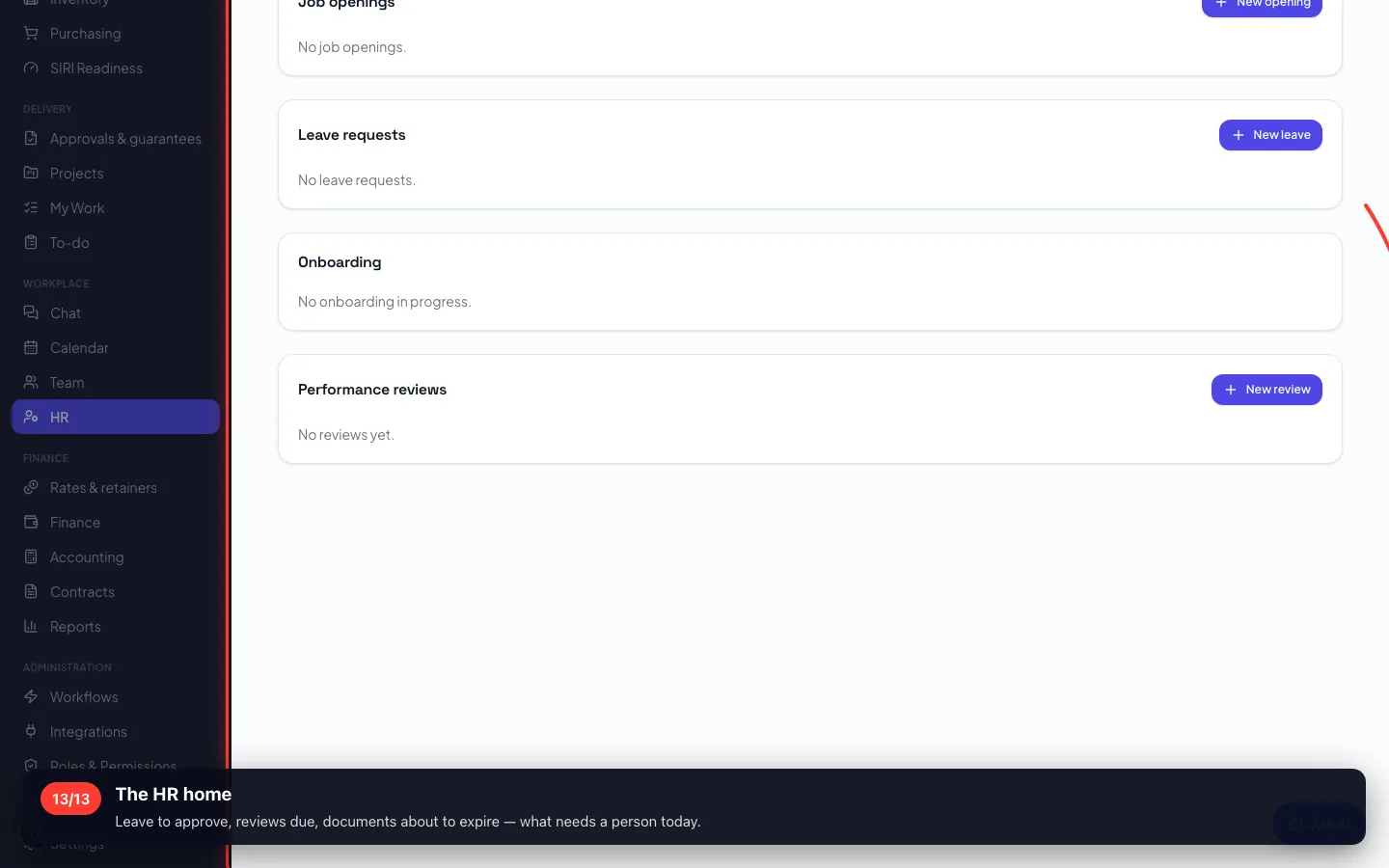
13The HR home
Leave to approve, reviews due, documents about to expire — what needs a person today.
Recorded on a demo workspace. The company and the figures are invented; the screens are the real product.