How to integrate with ZATCA's Fatoora platform: Phase 2 onboarding step by step
A plain-language walkthrough of connecting your invoicing system to ZATCA's Fatoora platform, from the portal OTP to your first cleared invoice, ahead of the Wave 25 deadline on 1 February 2027.

In short
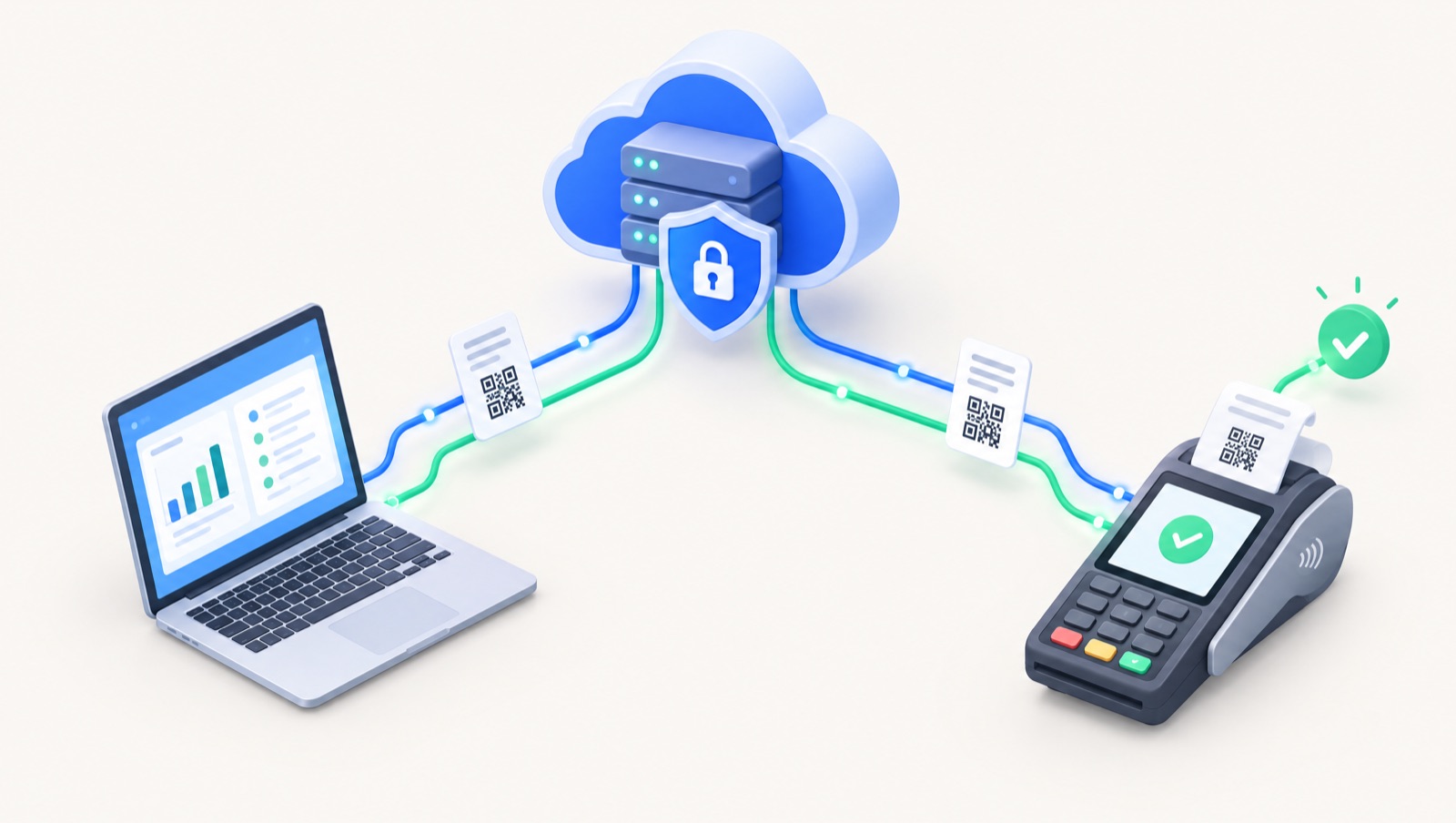
To integrate with Fatoora, log in to the Fatoora portal with your ERAD credentials, generate an OTP for each invoicing device (valid one hour), and enter it in your Phase 2-compliant software. The software sends a CSR, receives a compliance CSID, passes sample-invoice checks, then obtains a production CSID to clear B2B and report B2C invoices.
On this page
- Who needs to integrate, and by when
- Prerequisites before you start
- The onboarding flow, step by step
- Step 1: Generate an OTP in the Fatoora portal
- Step 2: Enter the OTP in your software and generate a CSR
- Step 3: Receive the compliance CSID
- Step 4: Pass the compliance checks
- Step 5: Receive the production CSID
- Step 6: Verify in live use
- Who does what: timeline table
- What changes once you are live
- Standard tax invoices (B2B): clearance
- Simplified tax invoices (B2C): reporting
- The technical elements, in plain terms
- Credit notes, outages, renewals and multiple branches
- Common rejection errors, explained
- Pre-go-live checklist
- How Dopave handles onboarding
Who needs to integrate, and by when
ZATCA's e-invoicing rollout has two phases. Phase 1 (generation) required electronic invoices from compliant software. Phase 2 (integration) adds a live connection between your invoicing system and ZATCA's Fatoora platform, a structured XML format and additional invoice fields.
Phase 2 is rolled out in waves. Under Wave 25, taxpayers whose VAT-taxable revenue exceeded SAR 187,500 in any of 2022, 2023, 2024 or 2025 must connect to Fatoora no later than 1 February 2027, according to ZATCA's announcement. ZATCA says it notifies in-scope taxpayers directly. For scope details, see our Wave 25 guide.
Prerequisites before you start
- VAT registration and ERAD access. The Fatoora portal is accessed with your ERAD credentials: your TIN or the email registered with ZATCA, plus your password. Developer Portal credentials are separate and do not work here.
- A Phase 2-compliant e-invoicing solution. ZATCA's three-step guidance starts with confirming with your solution provider that you have an integration-compliant solution. It must generate and store invoices in XML or PDF/A-3 with embedded XML, include all mandatory fields, and connect to the internet.
- A list of your invoicing units. ZATCA calls each invoice-generating instance an EGS unit (E-invoice Generation Solution). A cashier terminal, a branch POS or an ERP instance can each be a unit, and each unit is onboarded separately.
- Clean master data. Seller name, VAT number and full national address, plus VAT numbers and addresses for B2B customers. ZATCA's published warning examples include missing address elements.
The onboarding flow, step by step
Step 1: Generate an OTP in the Fatoora portal
Log in to the Fatoora portal and choose "Onboard new solution unit/device". Enter how many units you want to onboard; the portal generates one OTP per unit, which you can copy or download. Each OTP is valid for one hour, per the Fatoora Portal User Manual.
Step 2: Enter the OTP in your software and generate a CSR
Within that hour, enter the OTP in your e-invoicing software. The software creates a key pair and a Certificate Signing Request (CSR) carrying your organisation details, including your VAT number. ZATCA notes the OTP can be entered manually, which allows one or several units at once, or read automatically by a unit that accesses the portal itself, which handles one unit at a time.
Step 3: Receive the compliance CSID
ZATCA returns a compliance CSID (Cryptographic Stamp Identifier). Technically, a CSID is a digital certificate used for authentication and signing. The compliance CSID exists only for the testing stage that follows.
Step 4: Pass the compliance checks
Your software submits sample documents in XML, signed with the compliance CSID: standard and/or simplified invoices, credit notes and debit notes, matching what the unit will issue. ZATCA's Developer Portal manual states that the production CSID request returns an invalid response until these checks are complete.
Step 5: Receive the production CSID
After the checks pass, the software requests a production CSID. ZATCA's certificate authority issues it to the unit, and the unit can then submit live invoices. The certificate and a secret issued during onboarding authenticate every API call, so the secret must be stored securely.
Step 6: Verify in live use
ZATCA's final step is to verify, with your solution provider, that the solution works correctly and generates compliant invoices. Review ZATCA's responses closely during the first days.
Who does what: timeline table
| Step | Who does it | Time needed |
|---|---|---|
| Confirm VAT registration and ERAD login | You or your accountant | Minutes if access already exists |
| Choose or upgrade a Phase 2-compliant solution | You, with your software provider | Varies; start well before the deadline |
| Clean master data (addresses, VAT numbers) | Your accountant | Depends on data volume |
| Generate OTP in the Fatoora portal | You or your accountant | Minutes |
| Enter OTP, generate CSR, receive compliance CSID | Your software (you enter the OTP) | Within 1 hour of generating the OTP |
| Compliance checks with sample documents | Your software | Normally automated by the software |
| Production CSID issued | ZATCA, requested by your software | After checks pass |
| Live testing and monitoring | You, your accountant and provider | First weeks after go-live |
Only the one-hour OTP validity is a ZATCA rule; the other durations are planning guidance.
What changes once you are live
Standard tax invoices (B2B): clearance
Your software sends each standard tax invoice to Fatoora before it reaches the buyer. ZATCA validates it, applies its cryptographic stamp and QR code, and returns the cleared XML. Only then do you share it with the customer. ZATCA's detailed guidelines state that uncleared invoices are not eligible for VAT deduction. Credit and debit notes linked to standard invoices are cleared too.
Simplified tax invoices (B2C): reporting
Simplified invoices are not cleared. Your software stamps them, adds the QR code, gives the customer the invoice immediately, and reports the XML to Fatoora within 24 hours of issue.
The technical elements, in plain terms
- UBL 2.1 XML: the invoice is a structured XML file that must follow the UBL 2.1 sequence and ZATCA's XML Implementation Standard. A PDF/A-3 with the XML embedded is the human-readable version.
- Cryptographic stamp: an ECDSA digital signature applied with the unit's CSID. It shows which unit issued the invoice and that it has not been altered.
- Invoice hash chain: each invoice carries the hash of the previous invoice (field KSA-13), linking every document from a unit into a single chain.
- Invoice counter: an invoice counter value (KSA-16) that users must not be able to reset.
- QR code: a Base64, TLV-encoded code. Tags 1 to 5 hold seller name, VAT number, timestamp, total with VAT and VAT total; later tags hold the invoice hash, signature and public key, per the Security Features Implementation Standard. For B2B invoices, ZATCA generates the QR string at clearance.
Credit notes, outages, renewals and multiple branches
Credit and debit notes. You cannot edit or delete an issued e-invoice. To cancel or correct one, issue a credit or debit note that references the original invoice number(s). The note follows the type of the original: a note against a standard invoice is cleared; a note against a simplified invoice is reported.
When the API or the internet is down. ZATCA's detailed guidelines describe failure scenarios. For simplified invoices, your software should keep retrying at regular intervals; if you cannot report within 24 hours, notify ZATCA through the dedicated form on its website. For standard invoices, keep retrying and keep evidence of the attempts, such as API logs. If an uncleared invoice has to be shared during an outage, the guidelines say it is treated as a VAT invoice until the cleared version is issued once the connection returns, and it is not eligible for VAT deduction while uncleared. Several timings in that section are marked "TBC", so confirm the current procedure on zatca.gov.sa.
Renewing certificates. CSIDs expire, and ZATCA sends a reminder before expiry. Renewal mirrors onboarding: generate an OTP under "Renewing existing CSID", enter it in the unit, and the old certificate is revoked when the new one is issued. The portal's list of solutions and devices also lets you revoke a unit you no longer use.
Multiple branches and devices. Each EGS unit needs its own onboarding and certificate, and each unit keeps a single invoice sequence and hash chain. You can generate several OTPs at once when onboarding many units. Invoice numbering may differ per branch, provided each sequence is clear and continuous.
Common rejection errors, explained
ZATCA classifies each response as accepted, accepted with warnings, or rejected. Warnings are accepted for now, but ZATCA says they may become rejections in future and that continuous warnings may be investigated, so fix them promptly.
Rejection examples published by ZATCA include:
- Missing issue date or invoice type code (BT-2, BT-3).
- Issue date in the future. The date must be on or before the current date.
- Invalid VAT rate format. Rates must be numbers from 0.00 to 100.00, with up to two decimals and no % sign.
- Base quantity of zero or less (BT-149).
Published warning examples include missing seller address details, a missing item name on an invoice line, and a missing previous invoice hash.
At the API level, a 400 response means rejected (correct and resubmit), 401 points to a certificate or secret problem, and 429, 500, 503 or 504 mean the invoice was not received and should be resent. ZATCA does not allow the same document to be submitted twice.
Pre-go-live checklist
- ERAD login works and the right person has Fatoora portal access
- Every EGS unit (branch, POS, ERP instance) is listed
- Your software provider confirms Phase 2 integration support
- Seller and customer master data is complete, including national addresses and VAT numbers
- Optional dry run on the Fatoora simulation portal, a separate environment where units are onboarded independently
- Each unit holds a production CSID, not only a compliance CSID
- Clearance tested for a standard invoice, credit note and debit note
- Reporting tested for simplified invoices, with automatic retry
- Staff know the outage procedure and where ZATCA's notification form is
- Certificate expiry dates are tracked
How Dopave handles onboarding
Dopave is an Arabic-first cloud ERP for Saudi Arabia, Egypt and the Gulf. Its accounting module supports ZATCA Phase 2 e-invoicing as well as Egypt's ETA e-invoicing, and the platform also includes POS, inventory and online store modules. Whatever software you choose, it should guide you through OTP entry and device onboarding and show the clearance or reporting status of every document. Read more on our ZATCA e-invoicing page or in our guide to choosing compliant accounting software, or start a 14-day trial with no card.
Frequently asked questions
How long is the Fatoora portal OTP valid?
According to ZATCA's Fatoora Portal User Manual, each OTP is valid for one hour from generation. If it expires before you enter it in your software, generate a new one.
Do I need a separate onboarding for each branch or POS device?
Yes. Each EGS unit, such as a POS terminal or ERP instance, is onboarded separately and receives its own CSID. You can generate several OTPs at once in the portal for multiple units.
What is the difference between a compliance CSID and a production CSID?
The compliance CSID is used only to pass ZATCA's compliance checks with sample documents. The production CSID is issued after those checks pass and is the certificate used to stamp and submit live invoices.
Must simplified (B2C) invoices be cleared before giving them to the customer?
No. Simplified invoices are stamped and given to the customer immediately, then reported to Fatoora within 24 hours. Clearance before sharing applies to standard (B2B) tax invoices and their notes.
What happens if ZATCA's API is down when I issue an invoice?
ZATCA's guidelines say your software should keep retrying and you should keep evidence of attempts. If a simplified invoice cannot be reported within 24 hours, notify ZATCA through the form on its website. Confirm the current procedure on zatca.gov.sa.
Can I cancel an invoice after it has been cleared?
No. Issued e-invoices cannot be edited or deleted. To cancel or correct, issue a credit or debit note referencing the original invoice and, where needed, a new invoice.
Sources
- ZATCA: Wave 25 of e-invoicing integration (Fatoora platform) announcement
- ZATCA: Detailed Guidelines for E-Invoicing, Version 2 (May 2023)
- ZATCA: FATOORA Portal User Manual, Version 3 (May 2023)
- ZATCA: Developer Portal User Manual, Version 3 (Nov 2022)
- ZATCA: Electronic Invoice Security Features Implementation Standards, v1.2 (May 2023)
- ZATCA: Electronic Invoice XML Implementation Standard, v1.2 (May 2023)
- ZATCA: How to get ready - integrate your e-invoicing solution with Fatoora
- ZATCA Fatoora portal