ZATCA-compliant accounting software: 9 checks before you choose
ZATCA does not certify accounting software, so a vendor's "approved" badge proves little. Here are nine checks, and a scoring table, to choose a system before Wave 25.


In short
ZATCA does not certify or approve accounting software. It publishes technical requirements and a non-binding directory of solution providers, and states that listing is not an approval. Compliance is shown when your solution passes ZATCA's onboarding compliance checks and receives a production CSID. Choose software that handles Phase 2 clearance and reporting, Arabic invoices, VAT reports and in-product onboarding.
On this page
What "ZATCA-approved" actually means
Many vendors in Saudi Arabia describe their product as "ZATCA-approved" or "ZATCA-certified". The official position is narrower, and it should shape how you evaluate any accounting software.
ZATCA publishes a Solution Providers Directory listing providers that met its qualification criteria for Phase 1 (generation) and/or Phase 2 (integration). The directory itself states that the list "is not considered as an approval by ZATCA" of the providers' solutions. ZATCA's e-invoicing FAQ on whether listed providers are certified gives the same answer: the list helps taxpayers find providers, and it is not a certification.
ZATCA has also said that taxpayers are not limited to listed providers. What counts is whether the solution you actually use meets the e-invoicing requirements.
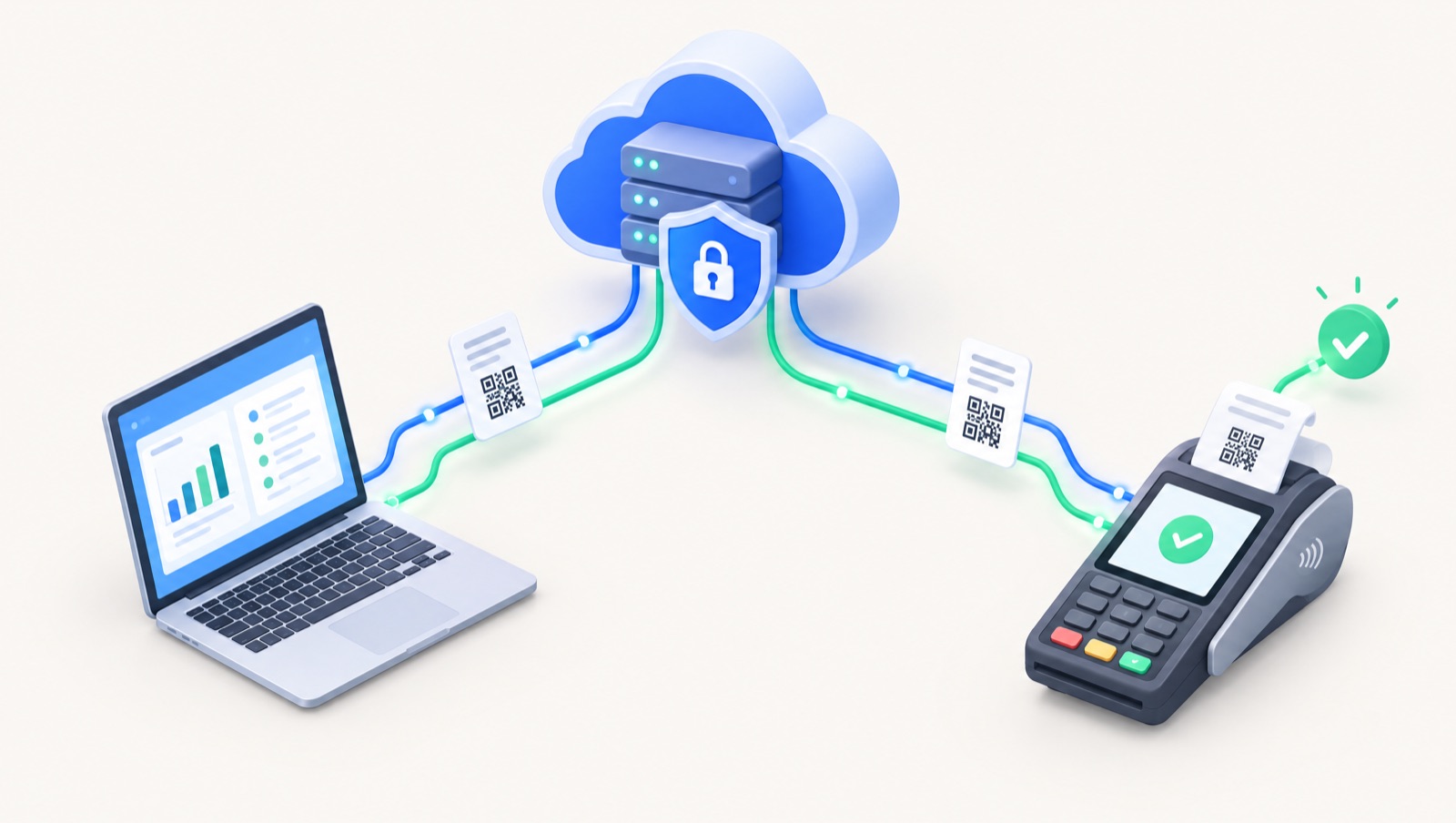
So what does compliance look like in practice? In Phase 2, each e-invoicing solution unit is onboarded to the FATOORA platform. The taxpayer generates a one-time password (OTP) on the FATOORA portal, the solution submits a certificate signing request, passes ZATCA's compliance checks, and then receives a production cryptographic stamp identifier (CSID), as described in the FATOORA portal user manual. That onboarding, done for your VAT number on your account, is the real test. A badge on a vendor's website is not.
Practical takeaway: do not ask a vendor "Are you approved?" Ask "Show me your product completing onboarding and clearing a test invoice, first in the sandbox and then in production."
Why the timing matters: Wave 25
ZATCA announced Wave 25 on 24 July 2026. It covers taxpayers whose VAT-subject revenue exceeded SAR 187,500 in any of 2022, 2023, 2024 or 2025. They must integrate their e-invoicing solutions with the FATOORA platform no later than 1 February 2027. Our Wave 25 guide covers scope and notification in more detail.
For many small businesses, this is the first time a software choice has a legal deadline attached. Switching after go-live is possible, but it costs more: a new onboarding, new staff training and data migration in the middle of a VAT period.
The 9 checks before you choose
- Phase 2 integration, end to end. The software must generate invoices in UBL 2.1 XML, apply the cryptographic stamp, produce the QR code and connect to FATOORA by API. According to ZATCA's detailed e-invoicing guidelines, standard tax invoices (usually B2B) must be cleared in real time before you share them with the buyer, and simplified tax invoices (usually B2C) must be reported within 24 hours of generation. Test both flows, plus credit and debit notes.
- Onboarding handled inside the product. You should be able to paste the OTP from the FATOORA portal into the software and let it handle the signing request, compliance checks and production CSID without a developer. Ask how CSID renewal works and what happens when you add a branch or a POS terminal. Our FATOORA integration steps explain the sequence.
- Arabic invoices and a real Arabic interface. Under Article 53 of the VAT Implementing Regulations, invoices must be in Arabic; other languages can appear alongside. Beyond the invoice, check that the interface works properly right-to-left: reports, print layouts, search and Arabic customer names. An English system with an Arabic invoice template often breaks at the edges.
- VAT returns and audit-ready reports. Issuing invoices is half the job. The system should produce the figures you need for your VAT return, output and input VAT reports, and a clear audit trail. ZATCA's guidelines prohibit editing or deleting issued invoices (corrections go through credit or debit notes) and require user activity logs that cannot be altered. Ask the vendor to show both.
- Data hosting, archiving and backups. ZATCA allows electronic invoices to be stored on a server in the Kingdom or in the cloud, in line with VAT law and the related regulations. Ask where data is hosted, how XML invoices are archived for the legal retention period, how often backups run, and how you would retrieve archived invoices for an auditor.
- One system for POS, store and inventory. Every sales channel that issues invoices must comply: counter POS, online store and field sales. If each channel uses a different tool joined by connectors, every connection is a place where invoice numbers, VAT amounts or stock levels can drift. Prefer one platform where sales, inventory and accounting share the same records.
- Payroll compliance, if you need it. If you plan to run payroll in the same system, check support for GOSI contributions and the Wage Protection System (WPS) file. If payroll stays with a separate provider, check how payroll journals reach the general ledger.
- Total cost, not the licence price. Add up the subscription, implementation, data migration, training, per-user fees, extra branches or POS devices, and any paid e-invoicing add-ons. A low monthly price with paid onboarding and per-device fees can cost more over three years than a higher all-inclusive plan.
- Arabic support, onboarding time and a clean exit. Ask who answers support tickets, in which language, during which hours, and how long a typical go-live takes. Then ask about leaving: can you export customers, items, invoices (including XML) and ledgers in standard formats? Software you cannot leave is a risk, however good it looks today.
Scoring table you can copy
Score each vendor from 0 to 2 on every row. Anything below 2 on the first two rows should end the conversation if you are in Wave 25.
| Criterion | Why it matters | Question to ask the vendor | Red flag |
|---|---|---|---|
| Phase 2 integration | Mandatory for in-scope taxpayers | "Show clearance of a B2B invoice and reporting of a B2C invoice." | Only Phase 1 QR codes, or "integration coming soon" |
| In-product onboarding | Avoids developer cost and delay | "Can I enter the FATOORA OTP myself? How are CSIDs renewed?" | Onboarding available only as a paid project |
| Arabic invoice and interface | Article 53 requires Arabic invoices | "Show an Arabic invoice and an Arabic report in RTL." | Arabic only on the invoice template |
| VAT reports and audit trail | Returns and audits depend on it | "Which VAT reports exist? Can an issued invoice be edited?" | Issued invoices can be edited or deleted |
| Hosting and backups | Archiving remains your responsibility | "Where is data hosted? How do I retrieve archived XML?" | No clear answer on location or backups |
| POS, store, inventory | Every channel must issue compliant invoices | "Do POS and online orders post to the same ledger?" | Separate tools joined by manual imports |
| Payroll (GOSI, WPS) | Avoids a second system for HR | "Do you calculate GOSI and generate a WPS file?" | Payroll kept in spreadsheets |
| Total cost | Price pages often hide add-ons | "What will year one cost with our users and branches?" | No written quote for e-invoicing fees |
| Support and exit | Go-live speed and future flexibility | "Who supports us in Arabic? Can we export everything, including XML?" | No export, or export only for a fee |
How to run the comparison in two weeks
- Days 1 to 3: confirm your Wave 25 status and list every invoicing point: branches, POS terminals, online store and sales staff.
- Days 4 to 7: shortlist three vendors and send them the table above in writing.
- Days 8 to 12: run a trial with your own data. Issue test invoices and credit notes, and pull a VAT report.
- Days 13 to 14: score each vendor, calculate year-one cost and decide.
Keep the written answers. A claim made in a demo should hold up in the trial.
Where Dopave fits
Dopave is an Arabic-first cloud ERP built for Saudi Arabia, Egypt and the Gulf. Its accounting module includes ZATCA Phase 2 e-invoicing, and Egypt ETA e-invoicing for companies that operate in both markets. The same platform covers CRM, inventory, POS, an online store, manufacturing, and HR and payroll with GOSI and WPS. An AI copilot can create invoices, leads and tasks from Arabic or English text or voice.
Like any vendor, Dopave should be tested against the nine checks rather than taken on trust. There is a Free plan for up to 3 members and a 14-day trial with no card required, which is enough time to run the scoring table on your own data. To see how Dopave lines up against other options, use our comparison pages.
Next step
Review the Dopave accounting software features, then start a free trial and run the nine checks before you commit to any system.
Frequently asked questions
Does ZATCA approve or certify accounting software?
No. ZATCA publishes a directory of solution providers that met its qualification criteria, but states that the list is not an approval or certification of their solutions. Compliance depends on the solution you use meeting the e-invoicing requirements and passing onboarding compliance checks.
Is my business in Wave 25?
Wave 25 covers taxpayers whose VAT-subject revenue exceeded SAR 187,500 in any of 2022, 2023, 2024 or 2025. They must integrate with the FATOORA platform no later than 1 February 2027, according to ZATCA's announcement of 24 July 2026.
Can I use accounting software that is not on ZATCA's list?
Yes. ZATCA has stated that taxpayers are not limited to listed providers and are considered compliant as long as the solution they use meets the e-invoicing requirements.
What is a CSID and who gets it?
A cryptographic stamp identifier (CSID) is issued by ZATCA to each onboarded e-invoicing solution unit. The taxpayer generates an OTP on the FATOORA portal, the solution passes compliance checks, and ZATCA then issues the production CSID used to stamp invoices.
Do invoices have to be in Arabic?
Yes. Under Article 53 of the VAT Implementing Regulations, invoices must be in Arabic. Other languages can appear on the same invoice alongside the Arabic text.
Is Dopave approved by ZATCA?
ZATCA does not approve software, so no vendor should describe itself that way. Dopave includes ZATCA Phase 2 e-invoicing, and you can verify onboarding, clearance and reporting yourself during the 14-day trial.
Sources
- ZATCA – Wave 25 of E-invoicing (news, 24 July 2026)
- ZATCA – E-Invoicing Solution Providers Directory
- ZATCA FAQ – Are the listed/qualified providers certified by ZATCA?
- ZATCA – Detailed Guidelines for E-Invoicing (v2, May 2023)
- ZATCA – FATOORA Portal User Manual
- ZATCA – Developer Portal User Manual (sandbox and compliance toolbox)