Egypt's e-invoicing system (ETA): how to register step by step in 2026
A step-by-step guide to registering for the Egyptian Tax Authority's e-invoicing system, from the e-seal certificate and portal sign-up to item coding, ERP integration and the mistakes that get documents rejected.


In short
To register for Egypt's e-invoicing system, first obtain an e-seal certificate carrying your tax registration number from a licensed provider. Then self-register at profile.eta.gov.eg on a Windows PC, invite an admin delegate, register GS1 or EGS item codes, and issue signed documents through the ETA portal or an ERP connected by API.
On this page
- Who must use the e-invoice system
- E-invoice vs e-receipt
- What you need before you start
- Document checklist
- Electronic signature providers
- How to register: step by step
- Steps 3 and 4: self-registration on the portal
- Step 5: item coding
- Steps 6 and 7: portal or ERP
- Issuing, validation and corrections
- Common mistakes
- Penalties
- What to ask your software provider
- Where Dopave fits
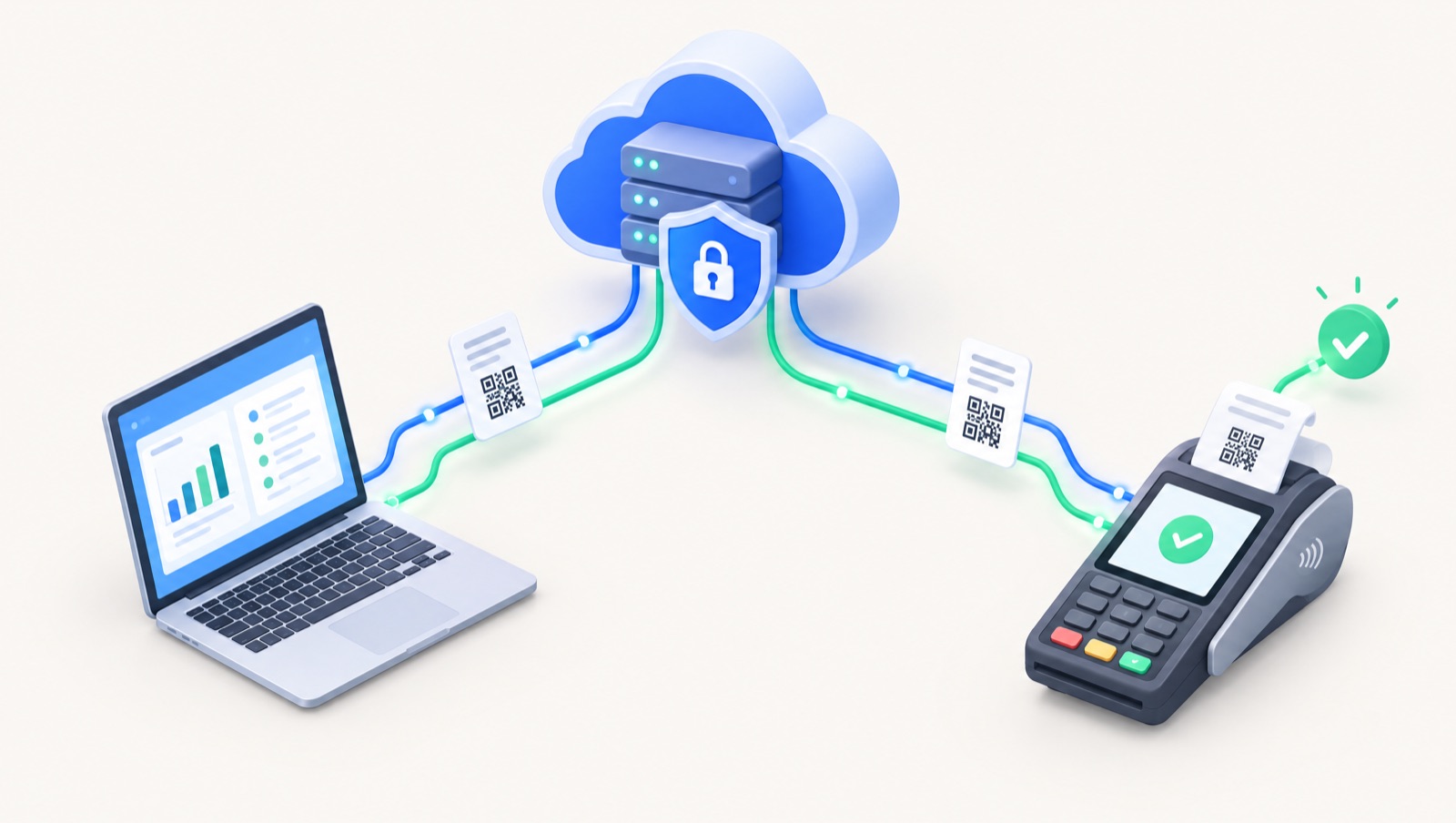
Egypt's e-invoicing system is run by the Egyptian Tax Authority (ETA). Every B2B invoice, credit note and debit note goes through the ETA in a structured format, carries the issuer's electronic signature, and is checked before it counts. This guide walks Egyptian company owners and accountants through registration in the order it actually happens, with the documents you need, typical timings, and the mistakes that most often get documents rejected.
Who must use the e-invoice system
The obligation was introduced in phases. The ETA's page of obligation decisions lists them one by one. It starts with Decision 386 of 2020, which covered 134 companies in the first phase, and Decision 518 of 2020, which covered 347 companies in the second. Later decisions in 2021 and 2022 added further phases, the medium taxpayers centre, major liberal professions, companies registered in Cairo, Giza and Qalyubia (Decision 208 of 2022), and an eighth phase (Decision 323 of 2022).
Each decision names a specific group of taxpayers, so the safest way to confirm your status is the ETA's own e-invoice obligation inquiry. Search it with your tax registration number. Industry summaries describe the mandate as now covering practically all VAT-registered businesses. If you are VAT-registered and sell to other businesses, plan as if you are in scope and use the inquiry tool to confirm.
E-invoice vs e-receipt
The e-invoice (الفاتورة الإلكترونية) covers business-to-business sales and sales to government entities. The e-receipt (الإيصال الإلكتروني) is a separate ETA system for sales to consumers at the point of sale, with its own obligation decisions and its own inquiry page. Many retailers need both. Our guide to the Egyptian e-receipt and POS requirements covers the B2C side.
What you need before you start
Registration has one hard prerequisite: an electronic signature certificate (e-seal) that carries your company's tax registration number. The ETA's self-registration guide says you must already hold it before you open the sign-up page.
Document checklist
According to the ETA's list of documents for an e-seal certificate, the company's responsible manager or legal representative signs the certificate application (contract) at the provider. Their signature must be authenticated by the company's bank, or a signed authorisation must be provided. Bring originals for inspection plus copies of:
- the official commercial register extract, or the establishment/publication decision
- the tax card
- the investment or companies gazette, or the company contract
- the responsible manager's ID
You will also need:
- a Windows computer, because the ETA states the self-registration process works only on Windows
- a company notification email and mobile number you can access, for one-time passwords
- the national ID, name and login email of the person who will be your admin delegate
- a list of every product and service you invoice, for coding
Electronic signature providers
The ETA publishes a list of e-signature providers. Besides the government certification authority at the Ministry of Finance towers in Nasr City, it names Egypt Trust, MCDR (Misr for Central Clearing, Depository and Registry), Fixed Misr and El-Delta Electronic Systems. ITIDA, which licenses providers under Law 15 of 2004, lists the same four companies. The certificate can sit on a USB token, which suits low volumes, or on a hardware security module (HSM) that your ERP uses for automated signing at higher volumes.
How to register: step by step
The table summarises the full journey. Times are typical guidance, not ETA commitments.
| Step | Who does it | What you need | Typical time |
|---|---|---|---|
| 1. Confirm your obligation | Owner or accountant | Tax registration number | Same day |
| 2. Obtain e-seal certificate and token | Legal representative | Documents in the checklist above | A few working days |
| 3. Self-register the company on the portal | Legal representative or accountant | Token, PIN, Windows PC, email and mobile | Under an hour |
| 4. Admin delegate accepts invitation | Appointed admin | National ID, login email | Same day |
| 5. Register item codes (GS1 or EGS) | Accountant with operations | Product list mapped to GPC | Days to weeks (EGS needs ETA approval) |
| 6. Choose portal or ERP issuing | Owner and accountant | Invoice volume, current software | Same day |
| 7. Register your ERP system, get API credentials | Admin delegate | ERP name and details | Same day |
| 8. Test in pre-production | Software provider | Pre-production profile and credentials | One to four weeks |
| 9. Go live and monitor | Accountant | Signed documents, daily review of status | Ongoing |
Steps 3 and 4: self-registration on the portal
The ETA's self-registration guide sets out these steps:
- Go to
https://profile.eta.gov.eg/signUpon a Windows machine. - Enter your company registration number, read the terms and privacy policy, and accept them.
- Click Continue and Sign. The ITIDA Web Sign Client opens. Install it first if prompted.
- Select your digital signature certificate, review the data to be signed, and click Sign Now once.
- Enter the token PIN and wait about ten seconds while the signature is processed.
- On the Taxpayer Information screen, choose a notification language and enter the company notification email and mobile. These are for notifications, not logins.
- Enter the one-time passwords sent to the email and mobile. The ETA notes that email OTPs can take 5 to 7 minutes.
- Invite your first admin delegate with their national ID, first and last name and login email, then click Finish & Send Invitation.
- The admin delegate opens the emailed link and completes their own registration.
Step 5: item coding
Every line on an e-invoice must carry an item code that the ETA recognises. There are two routes, explained on the ETA's coding page:
- GS1 codes: global barcodes you may already use, registered on the portal against each product.
- EGS codes: your own internal codes, in the format
EG-TaxpayerID-InternalCode. According to the SDK, each EGS code must sit under a level-4 GPC (Global Product Classification) code. Each request is reviewed by ETA staff, and the code can only be used after approval.
Start coding early. It is usually the longest step, and an invoice line with an unapproved code will be rejected.
Steps 6 and 7: portal or ERP
You can issue documents in two ways:
- The invoicing portal (invoicing.eta.gov.eg), entering invoices by hand. The ETA's portal request form is submitted to your tax office. In it, the taxpayer declares that they have no ERP system and issue no more than 200 invoices a month. If either condition stops being true, the taxpayer must issue through an ERP.
- An ERP or accounting system connected by API. According to the ETA's SDK getting-started guide, the admin registers one or more ERP or POS systems in the portal and receives API access credentials (a client ID and client secret), which are configured in the software. The system then signs each document with the e-seal certificate and submits it.
Issuing, validation and corrections
Supported document types include invoices, credit notes and debit notes, plus export versions of each. When a document is submitted, the ETA runs validators on its structure, core fields, signature, taxpayer details, referenced documents and codes. A document comes back valid or invalid. The buyer's national ID becomes mandatory above an amount threshold that the ETA sets.
Once a valid document is accepted, the buyer can see it in their own portal account. Two time-limited actions are available:
- Cancellation by the issuer. Per the SDK, the window starts at submission, varies by document type, and is set by the ETA. After it closes, you correct the invoice by issuing a credit note.
- Rejection by the buyer, which is allowed once and only within a limited period. The issuer can decline a rejection, and the buyer can decline a cancellation, also within limited periods.
The SDK does not publish a fixed number of days. Your software reads the current windows from the ETA, so check them in the portal rather than relying on figures quoted online.
Common mistakes
- Item codes that are missing, unapproved or mapped to the wrong product. This is the most frequent cause of invalid documents.
- The wrong activity code. Each document carries the issuer's activity type from the ETA's code table, and it must match your registered activity.
- Unsigned or wrongly signed submissions. Expired certificates, a token left unplugged on a server, or a certificate that does not match the tax registration number.
- Using the portal past its limits. If you have an ERP or issue more than 200 invoices a month, the portal declaration no longer holds.
- Resubmitting without checking. The ETA's integration guidance warns that resubmissions are flagged as duplicates.
- Ignoring buyer rejections until the decline window has passed.
Penalties
The ETA's site warns taxpayers to register with the e-invoice or e-receipt system to avoid legal accountability, and the Unified Tax Procedures Law No. 206 of 2020 provides the legal basis and the penalties. We do not quote amounts here. Confirm the current penalties with the ETA (hotline 16395) or your tax adviser.
What to ask your software provider
- Do you integrate directly with the ETA e-invoicing API, including credit and debit notes and export documents?
- How do you handle signing: USB token, HSM, or both? What happens when the token is disconnected?
- Do you show each document's status (valid, invalid, cancelled, rejected) and the ETA's rejection reason?
- How do you manage GS1 and EGS codes, and the activity code per document?
- Will you test in pre-production with us before go-live, and who supports us afterwards?
- Do you also support the e-receipt system if we sell to consumers?
Our list of the best accounting software in Egypt compares options against these questions.
Where Dopave fits
Dopave is an Arabic-first cloud ERP for Saudi Arabia, Egypt and the Gulf. Its accounting module includes Egypt ETA e-invoicing alongside CRM, inventory, POS, HR and payroll, and other modules, with an AI copilot that accepts Arabic or English text or voice. Software does not replace the registration steps above: you still need your own e-seal certificate, portal profile and approved item codes. See Dopave's Egypt e-invoicing page for how the integration works, or start a 14-day trial with no card. A Free plan is available for up to 3 members.
Frequently asked questions
Is e-invoicing mandatory for my company in Egypt?
The ETA introduced the obligation in phases through decisions from 386 of 2020 to 323 of 2022, each naming a group of taxpayers. Check your tax registration number in the ETA's e-invoice obligation inquiry tool. If you are VAT-registered and sell to businesses, plan as if you are in scope.
What do I need before registering on the ETA portal?
An e-seal certificate that carries your company's tax registration number, issued by a licensed e-signature provider, plus a Windows computer, a company email and mobile for one-time passwords, and the details of the person who will be your admin delegate.
Which companies issue the electronic signature token?
The ETA's published list names the government certification authority at the Ministry of Finance plus Egypt Trust, MCDR, Fixed Misr and El-Delta Electronic Systems. ITIDA, the licensing body, lists the same four companies.
Can I issue e-invoices on the portal without an ERP?
Yes, if you have no ERP system and issue no more than 200 invoices a month. You submit the ETA's portal request form to your tax office. If either condition changes, you must issue through an ERP connected to the ETA API.
What is the difference between GS1 and EGS codes?
GS1 codes are global barcodes registered on the portal. EGS codes are your own internal codes in the format EG-TaxpayerID-InternalCode, linked to a level-4 GPC code. EGS codes need ETA approval before you can use them on documents.
How long do I have to cancel an e-invoice?
The ETA sets the cancellation window per document type, starting at submission, and does not publish a fixed figure in its SDK. Check the current window in the portal. After it closes, you correct the invoice by issuing a credit note.
Sources
- ETA: E-invoice services (official guide index)
- ETA: E-invoice obligation decisions (386/2020 to 323/2022)
- ETA: Inquiry on taxpayers under e-invoice obligation decisions
- ETA: Inquiry on taxpayers under e-receipt obligation decisions
- ETA: Steps for self-registering on the e-invoicing portal (PDF)
- ETA: Required documents for an e-seal certificate (PDF)
- ETA: E-signature service providers and contacts (PDF)
- ETA: Request form for issuing invoices through the portal (PDF)
- ETA: Item coding (GS1 / EGS)
- ETA eInvoicing SDK: Getting started
- ETA eInvoicing SDK: Create EGS code usage
- ETA eInvoicing SDK: Document validation rules
- ETA eInvoicing SDK: Cancel document
- ETA eInvoicing SDK: Reject document
- ITIDA: E-signature and licensed providers